

Scribus
About Scribus
Word processors pretend to do page layout the way kitchen knives pretend to be screwdrivers, badly, and only until something slips. Real layout, the brochure with bleeds, the magazine with linked columns, the poster headed to an actual printing press, belongs to desktop publishing software, a category dominated by expensive professional suites and, standing across from them, Scribus. It’s a full open-source page layout program with the credentials that matter at the print shop, CMYK color, ICC color management, spot colors, and press-ready PDF/X export with bleeds and crop marks, the file a commercial printer accepts without a lecture.
That last capability defines the audience better than any feature tour. The moment a project’s destination is professional printing rather than an office printer, the requirements jump a category, and this program is where people land when they meet that jump without a software budget.
Frames, masters, and the grammar of layout
Layout in Scribus speaks the professional grammar. Pages are built from frames, text frames, image frames, shapes, placed and layered precisely, and text flows through linked frames across columns and pages, reflowing as edits arrive upstream.
Master pages carry the recurring skeleton, headers, page numbers, margins, so a forty-page newsletter stays consistent by construction rather than vigilance, and paragraph and character styles do the same for typography, one change propagating through every headline it governs.
The working assumption is the professional one, writing happens elsewhere, layout happens here. Text arrives from a word processor, typically drafted in something like LibreOffice, and this program shapes it, which is exactly how the commercial studios divide the same labor.
People who fight that division, drafting long text inside layout frames, meet the program at its clumsiest, and the Story Editor detour for text edits remains its most dated ritual.
Print credentials, spelled out
The prepress features deserve their plain-language translation, because they’re the reason this software exists. CMYK means colors are defined in the ink language presses actually print, not the screen language monitors display. ICC management keeps those colors predictable from screen to proof to press. Spot colors handle the brand-exact inks.
And PDF/X export packages the whole document to the standard print shops demand, fonts embedded, bleeds included, crop marks drawn, with a separations preview showing exactly what each ink plate will carry.
For anyone who has had a print job rejected, or worse, printed wrong, that list reads like a peace treaty. Community newsletters, event posters, zines, wedding stationery, and self-published books all travel this road, and the file this program produces at the end of it is indistinguishable to the press from one made by the expensive suites.
The unexpected talents
Two capabilities surprise newcomers. First, interactive PDF forms, text fields, checkboxes, buttons, with JavaScript behavior, are built here, making this one of the few free tools that produces truly fillable, scriptable PDF documents. Organizations quietly use it for exactly that and nothing else.
Second, automation. A Python scripting engine drives the whole application, generating catalogs from data, batch-placing images, imposing repetitive layouts, which converts the program from a canvas into a small publishing machine for anyone willing to script it.
The wider pipeline assembles just as naturally. Vector art arrives from Inkscape, logos and diagrams flowing in as clean SVG.
Photos come prepared from GIMP, and with that the classic open-source publishing trio takes shape, each tool holding its own corner.
The honest frictions
The complaint list is stable and better known in advance. The text engine trails the commercial standard, editing long passages in-frame is sluggish and the Story Editor workaround feels like the relic it is. Tables are serviceable for simple grids and painful past them.
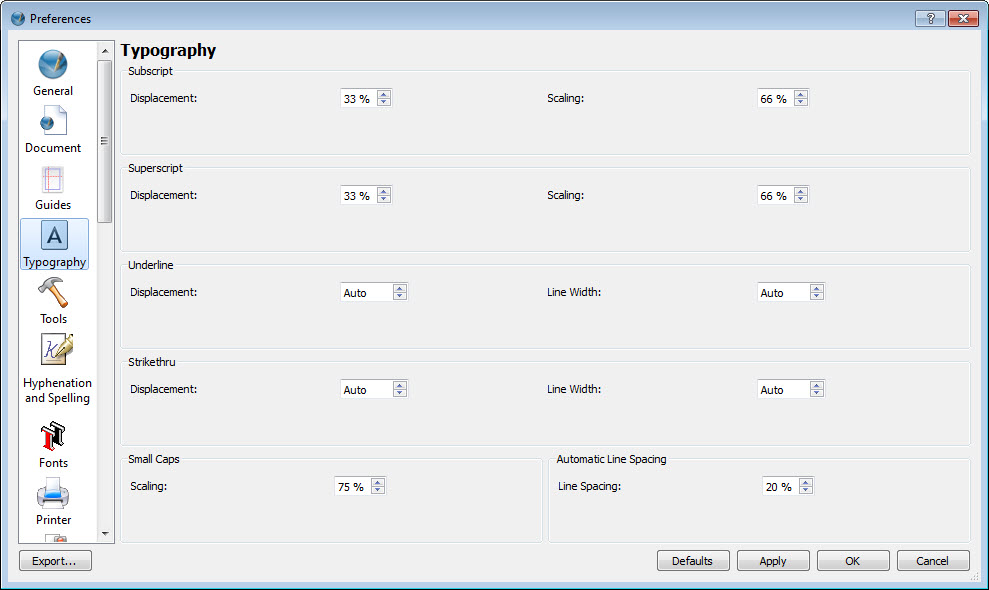
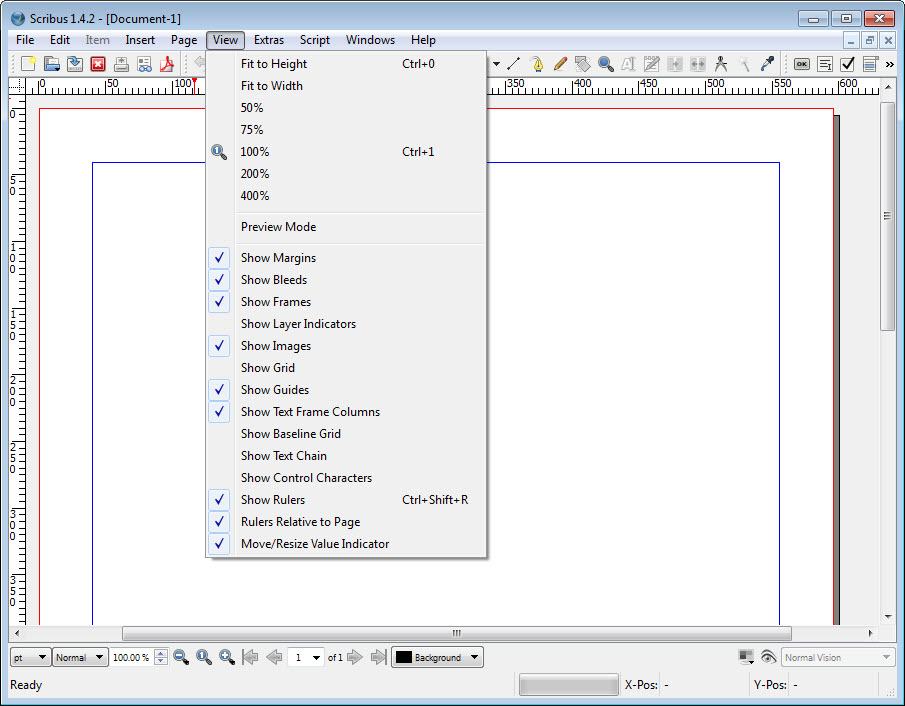
The interface is functional, dense, and visually behind the times, and native import of word-processor formats runs through open formats rather than accepting everything directly. None of these block the destination, press-ready output, and all of them tax the journey.
The learning curve deserves its own honesty. Desktop publishing has real concepts, frames, styles, color spaces, bleeds, and this program teaches none of them gently. The consolation is that they’re the industry’s concepts, learned once and portable everywhere, which makes time spent here a stranger-than-expected investment in professional literacy.
Conclusion
Scribus is for the person whose document has a printing press in its future. The club publishing its newsletter, the organizer with a poster run, the zine maker, the self-publisher, and the office that needs one proper fillable PDF form are all its people. For them, it delivers the prepress credentials that actually matter, and the frames-and-styles literacy it teaches transfers everywhere in publishing.
Writers should stay in their word processors, and anyone laying out daily under deadline pressure will feel the text engine’s age. For everyone printing on purpose and on a budget, this remains the category’s standing open-source answer, creaky rituals and all.
Pros & Cons
- Press-ready PDF/X export with CMYK, bleeds, crop marks, and separations
- Frame-based layout with master pages and full style systems
- ICC color management keeps print colors predictable
- Builds interactive, scriptable PDF forms
- Python scripting automates catalogs and repetitive layouts
- Pairs naturally with open-source vector and image editors
- Text editing in frames is sluggish, with the dated Story Editor detour
- Tables remain weak beyond simple grids
- Dense, dated interface with a steep conceptual ramp
- Word-processor documents import through open formats, not directly
Frequently asked questions
Yes, that's the program's core competence. PDF/X export with embedded fonts, CMYK color, bleeds, and crop marks produces exactly the press-ready file commercial printers require.
No, and it doesn't try to be. Draft text in a word processor and import it for layout, the same division of labor professional studios use. Long-form writing inside frames is its weakest experience.
Word processors flow text down pages. This program places frames precisely on pages, flows text between them, manages print color spaces, and exports to press standards, the job called desktop publishing.
Yes, including text fields, checkboxes, and buttons with JavaScript behavior, which makes it one of the few free tools producing professional interactive PDFs.
Screens show RGB light and presses print CMYK ink. Working in CMYK with ICC color management, both supported here, is the discipline that keeps the two aligned, along with proofing before large runs.


