

BitComet
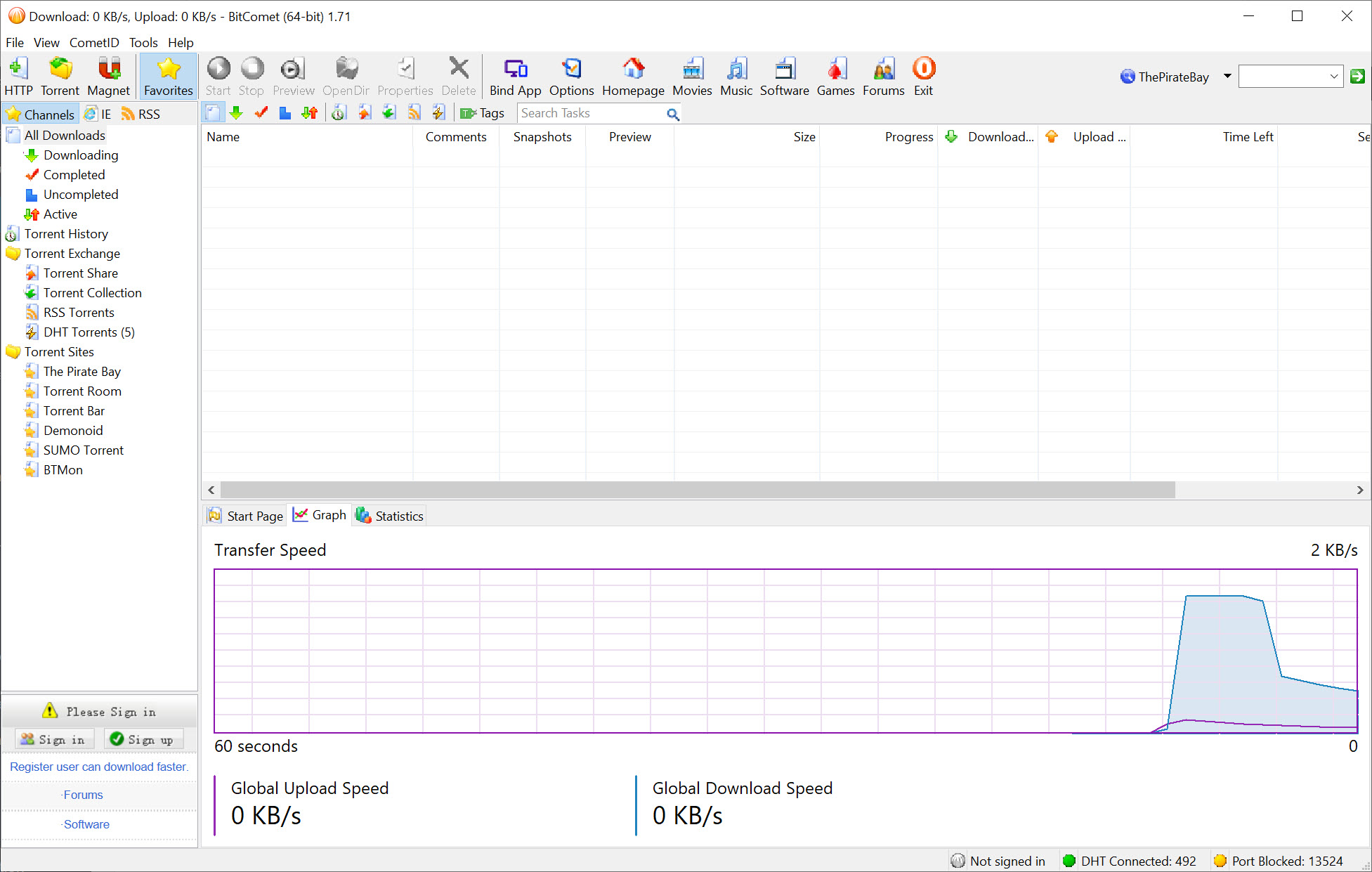
About BitComet
Every torrent user knows the graveyard, those files stuck at 97% that will never finish because the last seeder vanished months ago. BitComet built its reputation on an answer to exactly that problem.
Its long-term seeding system lets you pull the missing pieces from other users of the client who completed the file long ago and moved on, a quiet secondary network that regularly revives downloads other programs have given up for dead.
Beyond that signature trick, this is a full-service download manager rather than a pure torrent client. HTTP and FTP downloads run through the same window with multi-connection acceleration, and torrents can even borrow bandwidth from web sources of the same file, blending protocols into a single faster transfer.
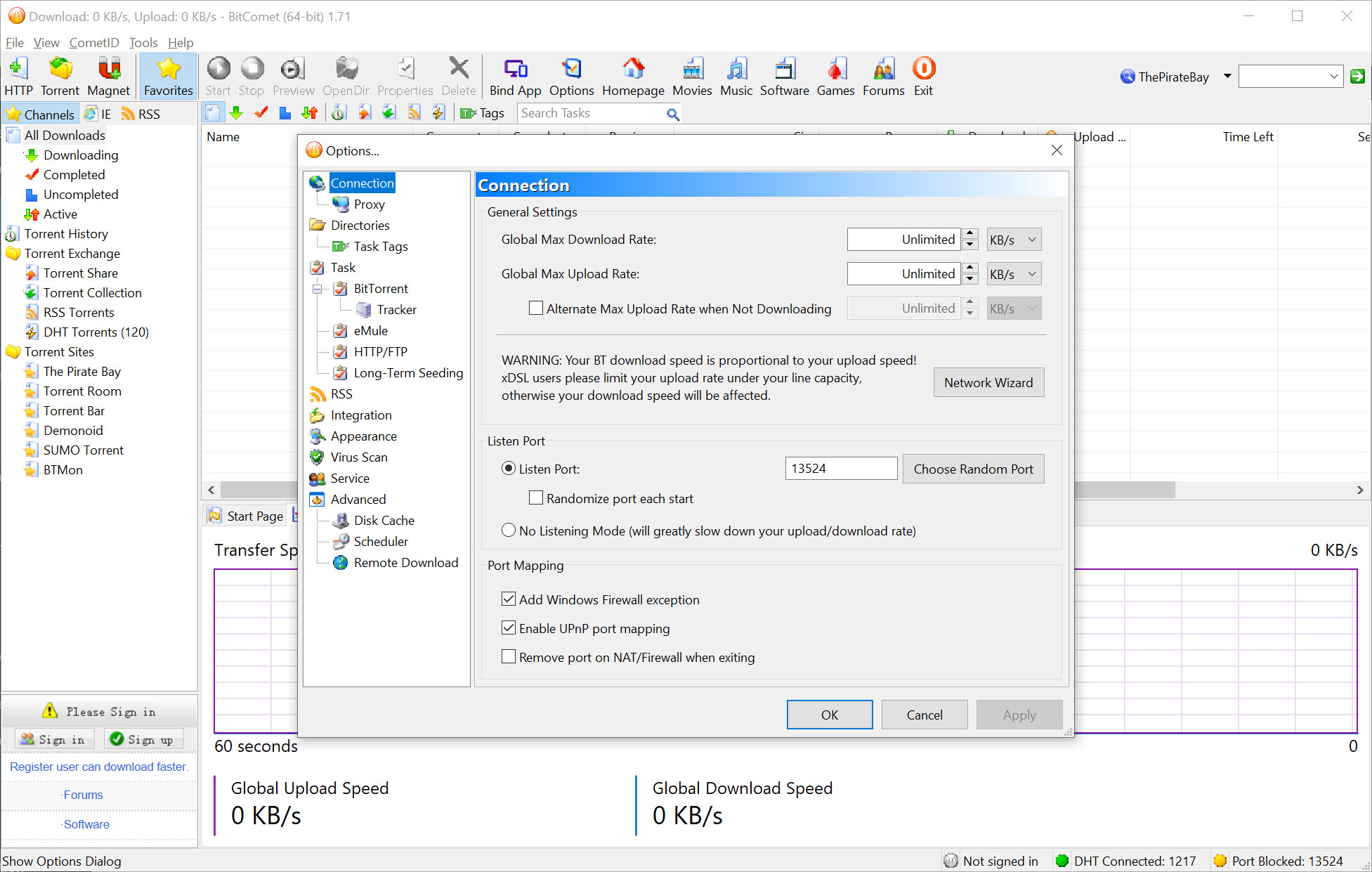
The rest of the toolbox reads like a checklist of everything the protocol has grown over the years. Magnet links, DHT for trackerless torrents, peer exchange, protocol encryption, automatic port mapping through UPnP, IP filtering, and a proper torrent maker for publishing your own files are all present.
Little in the torrent world happens that this client can’t participate in.
Long-term seeding, the graveyard shift
The mechanics deserve a plain explanation, because they’re the reason to pick this client. Ordinary torrents, whether opened here or in qBittorrent, live and die by their active seeders. Long-term seeding adds a second population, users of this software who finished the download in the past and left a background allowance for sharing it.
When your download stalls at some cruel percentage, those reserves fill the gaps. On popular content you’ll barely notice the system exists, but on an old, half-dead torrent it can be the difference between completion tonight and never.
The obvious catch is symmetry, since the reserves exist only because the client donates a slice of your upstream to the same pool. The allowance is adjustable, and the trade is fair in spirit, but people who account for every kilobyte of upload should know the arrangement exists and where the setting lives.
Pieces, previews, and a kinder hard drive
BitComet ranks among the more download-order-aware clients. It fetches the first and last chunks of video files early, which makes the built-in preview actually usable, letting you confirm a file is what it claims to be after a few percent rather than after an hour. The align-to-piece-boundary option and selective file downloads round out the practical controls, familiar territory for anyone coming from a stats-heavy client like Tixati, and per-task bandwidth limits plus a scheduler keep the client polite on a shared connection.
The intelligent disk cache is the feature nobody sees and every drive appreciates. Torrent traffic is a storm of small scattered writes, hard on spinning disks and wasteful of an SSD’s write endurance.
The cache batches those operations in memory and commits them in orderly chunks, reducing wear in a way you only appreciate years later, when the drive is still healthy. The cache size adapts to available memory on its own, though the settings expose it for anyone who wants manual control.
Queues, trackers, and the daily routine
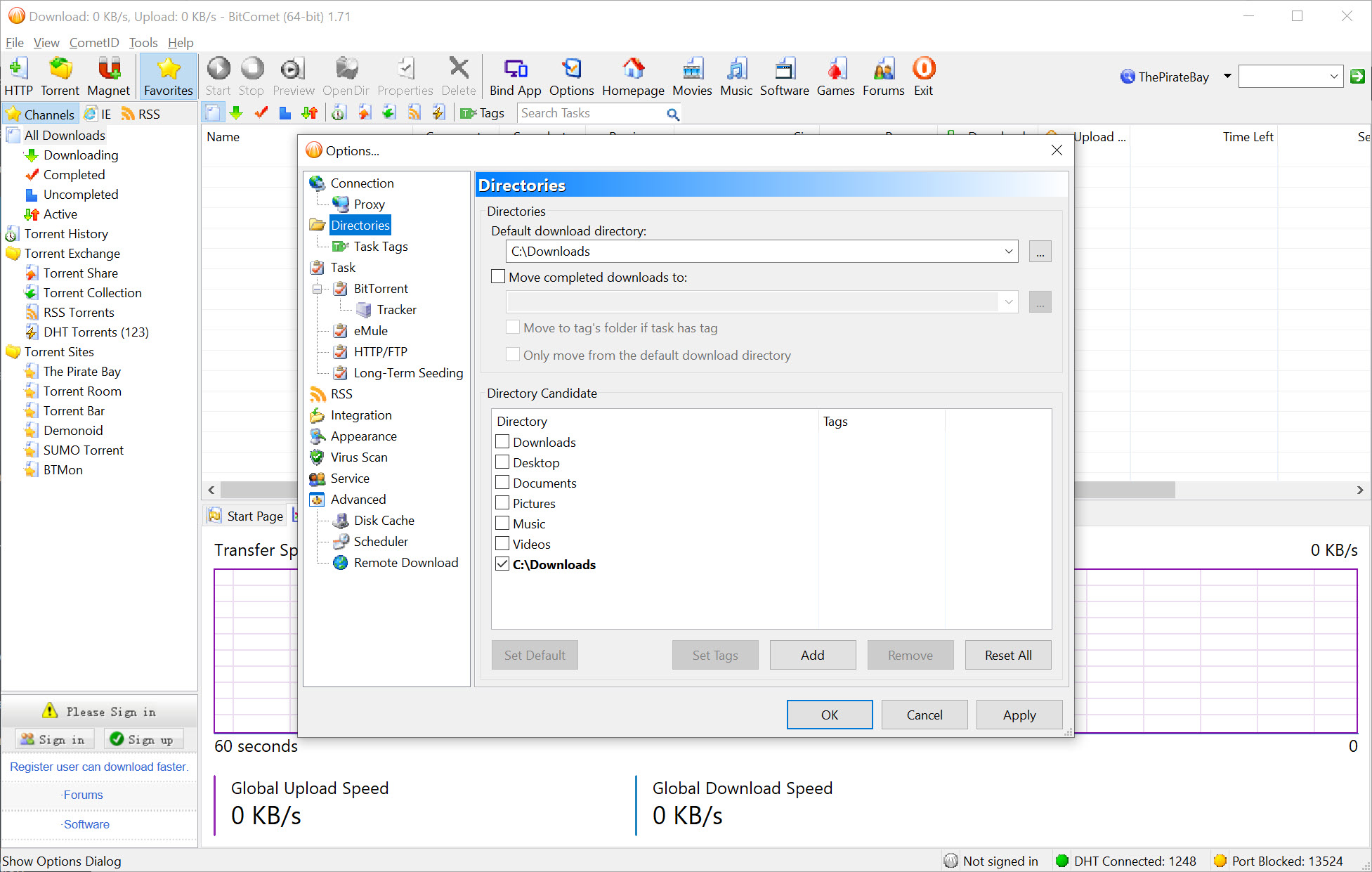
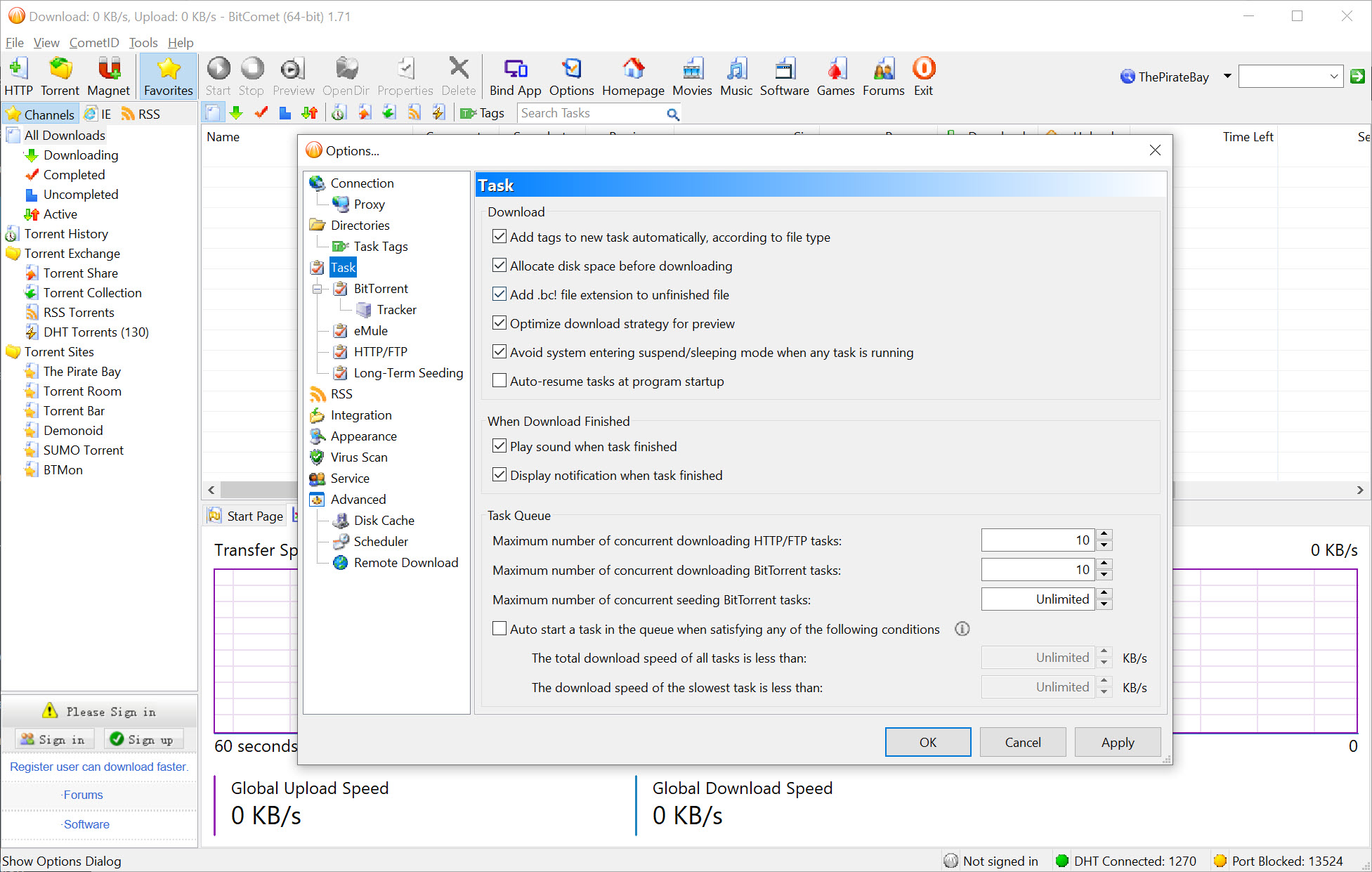
Day-to-day management holds up as well. Downloads organize into categories with their own destination folders, so films, music, and software sort themselves on arrival. Queue rules decide how many tasks run at once and what happens when one finishes, seeding targets can stop a task automatically at a chosen share ratio, and the scheduler throttles everything during the hours you actually use the connection.
Tracker handling shows the client’s age in a good way. Tracker lists are editable per task, failures are reported with actual error messages instead of a mute red icon, and the summary pane exposes more per-peer detail (client type, progress, transfer direction, encryption status) than most modern minimalist clients bother to show. When a torrent misbehaves, the information needed to understand why is on screen rather than hidden.
A word on the acceleration tier the client advertises. A premium option routes downloads through high-bandwidth relay servers for extra speed on weak swarms. It exists, it works within its limits, and the free experience does not depend on it in any way, so treat the banner as ignorable rather than as a gate.
One window for torrents, web downloads, and more
The download manager side pulls HTTP and FTP jobs into the same queue, splitting them into parallel connections the way dedicated accelerators do. It’s convenient rather than revolutionary, one program watching your whole download life instead of two. An optional plugin even extends reach into the eD2k network, the old file-sharing world that still hosts material nothing else carries, though enabling it is strictly for those who know why they want it.
Now the honest ledger. The interface is dense in an old-fashioned way, panes and tabs and statistics everywhere, closer to Tixati than to minimalist rivals. Advertising occupies a corner of the window, mild by the standards of uTorrent but present. And one consequence matters more than both. Many private trackers ban this client outright, a policy rooted in old disputes about how it reported statistics.
Fair or not today, if private communities are your torrenting home, check their whitelist before installing, because the ban lists persist.
Public torrenting is unaffected, and that’s where the long-term seeding shines anyway. A lean, plugin-based alternative remains the safer pick for tracker compatibility.
Conclusion
BitComet is the archaeologist’s torrent client. If your downloads lean toward the old, the rare, and the barely seeded, long-term seeding is a concrete advantage no mainstream rival offers, and the disk cache plus preview features make daily use comfortable despite the busy interface.
Members of private tracker communities should look elsewhere purely for compatibility, and minimalists will find the window exhausting. For the public-torrent user chasing hard-to-find files, though, this remains the specialist that finishes what others can’t.
Pros & Cons
- Long-term seeding revives stalled torrents that other clients abandon
- First-and-last-piece priority makes video previews usable early
- Intelligent disk cache reduces wear on hard drives and SSDs
- HTTP and FTP downloads with multi-connection acceleration in the same queue
- Per-task limits, scheduling, and selective file downloads
- Optional plugin reaches the eD2k network for rare material
- Banned by many private trackers regardless of current behavior
- Advertising present in the free client
- Dense, dated interface with statistics overload
- Long-term seeding quietly consumes upload allowance by default
Frequently asked questions
A secondary sharing pool made of users who already completed a file. When normal seeders disappear, your download draws the missing pieces from that pool, which is how nearly dead torrents still finish.
Yes. The client prioritizes the first and last pieces of video files, so the built-in preview can confirm content quality after only a small percentage has arrived.
Old disputes over how the client reported transfer statistics left it on many permanent ban lists. Public torrenting works normally, but private community members should verify their tracker's client whitelist first.
Yes, HTTP and FTP downloads join the same queue with multi-connection acceleration, and torrents can combine peer and web sources of the same file for extra speed.
Yes, the built-in torrent maker packages any file or folder, lets you define tracker lists and piece size, and can start seeding the result immediately, which covers publishing needs without another tool.
An intelligent cache collects the scattered small reads and writes of torrent traffic in memory and commits them in larger orderly batches, cutting mechanical wear and SSD write load.


