

ChanSort
About ChanSort
ChanSort rearranges a television’s channel list on a computer instead of with a remote. Export the list from the TV to a USB stick, open the file here, and every channel appears in a table that can be dragged into order, renumbered by typing, renamed, deleted, marked as a favourite, locked behind the parental code or hidden from zapping. Save, put the stick back in the television and import, and the new order is live. The job that takes an evening with the remote after a retune takes ten minutes at a desk, and the result can be reapplied after the next one.
That last part is the feature people stay for. A finished list acts as a reference, and a freshly scanned list, full of channels in the order the tuner happened to find them, can be reordered to match it in one step, even across different models and brands. ChanSort reads the formats used by Samsung, LG, Sony, Panasonic, Philips, Hisense, Toshiba, TCL, Grundig, Loewe, Sharp and a long tail of smaller brands, plus the channel file of an open-source video recorder project.
It supports satellite, cable, terrestrial and IP channel lists where the television exports them, and it works on a copy of the file, so the original stays on the stick as a fallback.
Getting the list off the television and back on
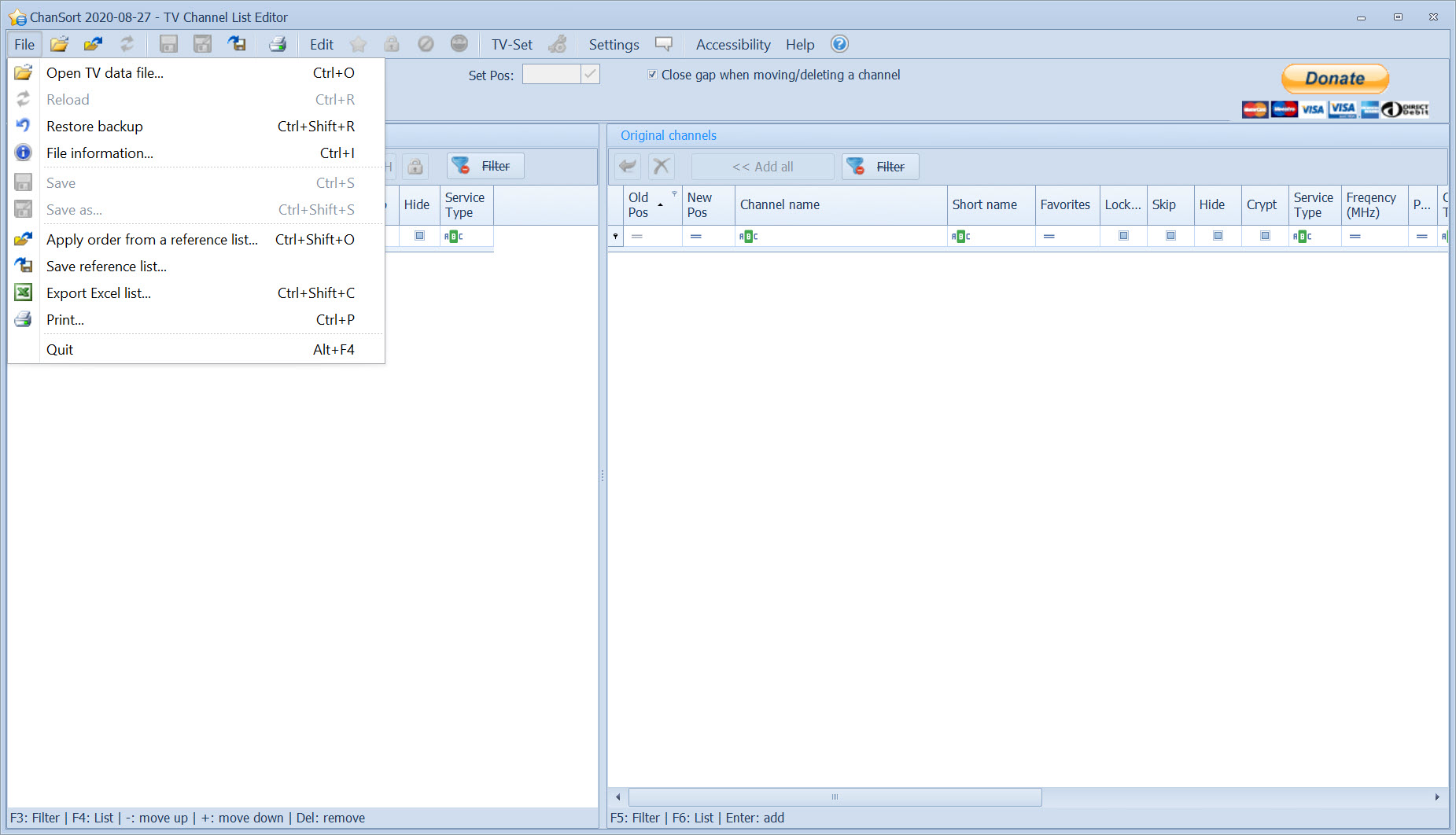
Most televisions export the list ChanSort needs through a menu, often under channel settings or a hidden service menu, writing a file to a USB stick formatted as FAT32. The file’s name and format depend on the brand, and the program recognises them on opening. Some LG models expose the export only through a hotel-mode or service remote sequence, and the program’s documentation lists the key presses model by model, which saves the search that otherwise eats the first hour.
Importing follows the same path in reverse, and a few firmware builds are known to misbehave with imported lists, which the program warns about when it recognises one. The practical rule is to keep the untouched export on the stick, since a television that rejects a modified list accepts the original, and a bad import is undone by importing the backup.
The list is a copy throughout, and nothing touches the television until you choose to import.
Reordering and flagging channels
The ChanSort table shows the channel number and name, the frequency, and the technical identifiers that distinguish two channels with the same name. Drag channels to new positions, type a number into the number column to move a channel there, or select a block and shift it with the arrow buttons.
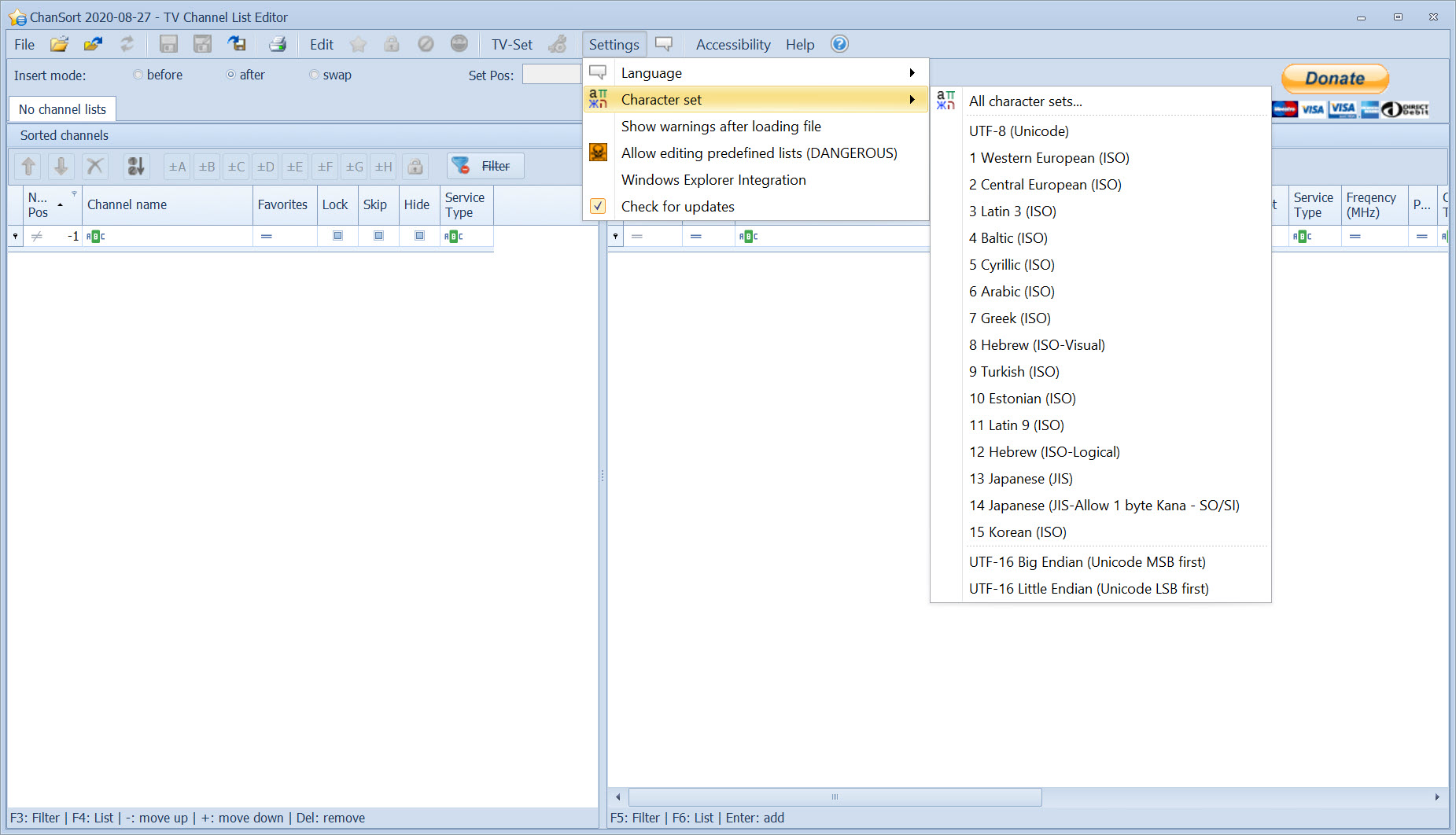
Multi-selection applies any change to many channels at once, so every shopping channel can be deleted in one pass or every regional variant pushed to the end of the list. Names can be edited, including in Cyrillic, Greek and other alphabets, and anyone also managing a Samsung set’s firmware will keep a Samsung device utility beside this for that separate job.
Favourites lists are managed per channel, with as many lists as the television supports, and the parental lock, the skip flag that hides a channel when zapping and the hidden flag that removes it from the guide are checkboxes in the row. A side-by-side view shows the sorted list next to the complete original, like a playlist beside a library, so unplaced channels are visible until they are assigned or deleted.
The table filters by name to find one channel among hundreds.
Reference lists across retunes and televisions
A saved list, or any television’s own data file, can be loaded into ChanSort as a reference, and the current list is reordered to match it by channel name and identifiers. After a retune that scrambled everything, the reference restores the old order with the new channels appended at the end for sorting by hand. A second television, even from a different maker, can be given the same order by using the first one’s file as the reference, which is how a household keeps the living room and the bedroom in step.
Matching is by name and transponder data, so a channel that changed its name since the reference was saved lands among the unassigned and needs placing manually. For anyone who manages several sets, or who retunes often as satellite packages shuffle, this feature is the difference between a chore and a click. Reference lists save as small files and can be shared, so a well-sorted list for a region’s satellite package circulates among owners of the same hardware.
Brand quirks and the supported list
ChanSort format support varies by brand and by model year, and the supported list in the program’s documentation is the thing to check before relying on it. Samsung lists are well covered across most series, LG across most generations with a caveat on some webOS firmware, Panasonic and Toshiba through their database files, and Sony, Philips, Hisense and TCL through their own formats. Newer televisions that keep the channel list only in the cloud, with no local export, are outside what the program can reach, and that group is growing among the latest ranges.
Some lists are partial, with satellite channels supported but cable or terrestrial still missing for a particular model, and the documentation marks those. Editing database-based lists needs a system component installed, which the program prompts for. For an LG set, LG Bridge handles the firmware and connection side while this handles the channels.
Where it asks care
Getting the list out of the television and into ChanSort is the hard part, and it varies enough that a model not in the documentation may need forum research. Firmware bugs on a few sets make any imported list unstable, modified or not, and the program’s warnings should be heeded.
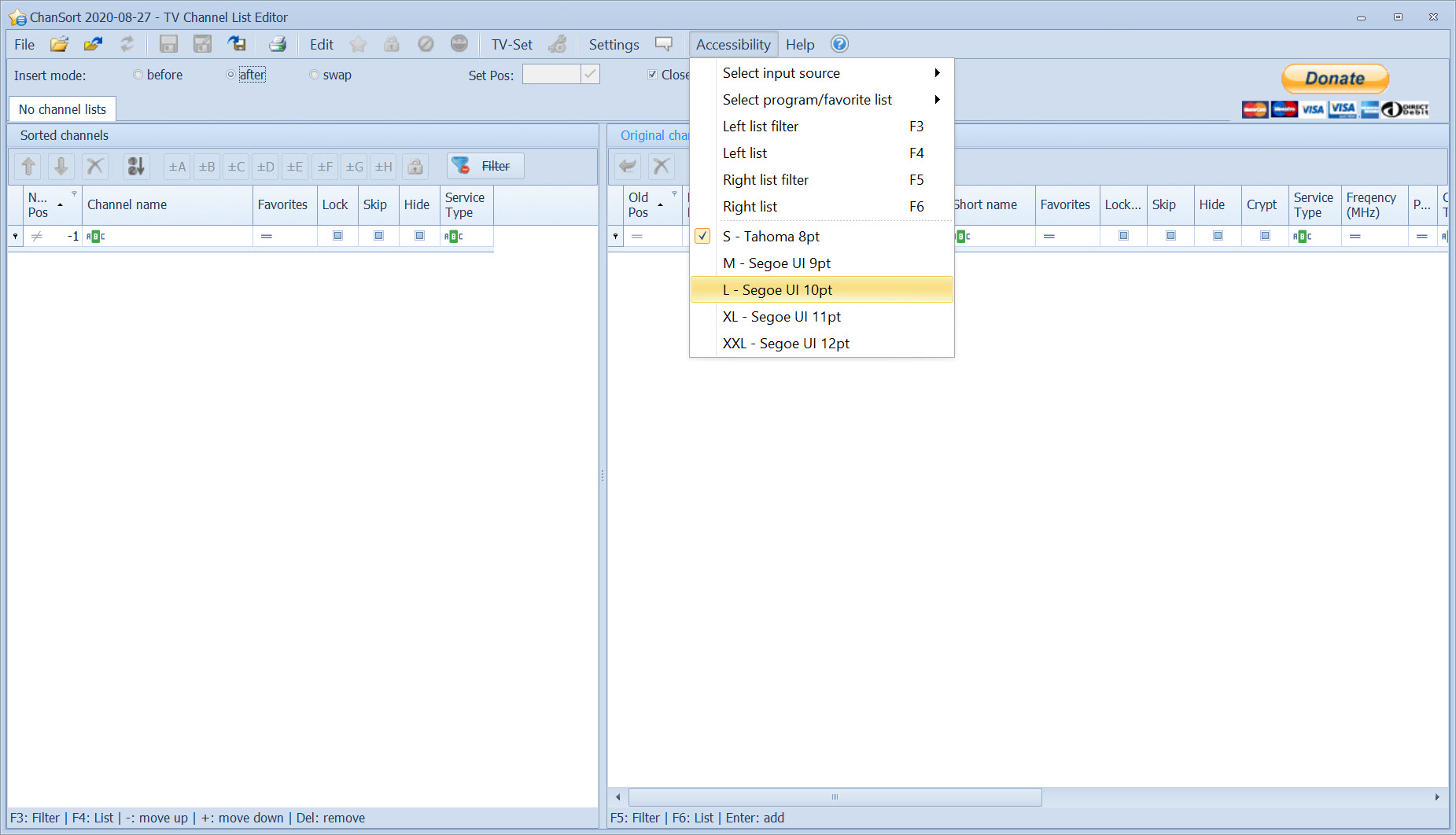
The interface is a dense table that assumes you know what a transponder is, and it is translated into a handful of languages including Romanian. For the content that arrives through a media centre rather than a tuner, Kodi has its own channel management, and this tool stays with the broadcast side.
Conclusion
ChanSort suits anyone who has rebuilt a channel list with a remote and refuses to do it again, from a household with several televisions to a satellite viewer whose packages shuffle every few months. The table editing, the bulk changes and above all the reference lists turn the worst part of owning a television into a saved file and a USB stick.
It is limited by what the television will export, and the newest cloud-based sets leave it nothing to work with. Check the supported list, keep the original export safe, and the next retune becomes a ten-minute job rather than a lost evening.
Pros & Cons
- Reorders a television's channel list on a computer and imports it back by USB
- Reference lists restore an order after a retune or copy it to another set, even across brands
- Multi-selection edits or deletes many channels at once, with renaming and flags included
- Favourites and parental lock, plus skip and hide flags, managed per channel
- Supports Samsung, LG, Sony, Panasonic, Philips, Hisense and many smaller brands
- Works on a copy, with the original export kept as a fallback
- Exporting the list from some televisions needs hidden menus or service remotes
- Some firmware builds misbehave with any imported list
- Cloud-only channel lists on the newest sets cannot be edited
- Dense interface that assumes technical vocabulary
Frequently asked questions
Export it from the television to a FAT32 USB stick through the channel or service menu, then open the file on the computer. The documentation lists the menu path for each brand.
Yes. Load your saved list or an earlier export as a reference and the new list is reordered to match, with new channels appended for manual sorting.
Yes. One set's list can serve as the reference for another, even from a different maker, so both share the same order.
A few firmware builds reject or destabilise imported lists. Re-import the untouched original from the stick and check the documentation for your model's known issues.


