

UMPlayer
About UMPlayer
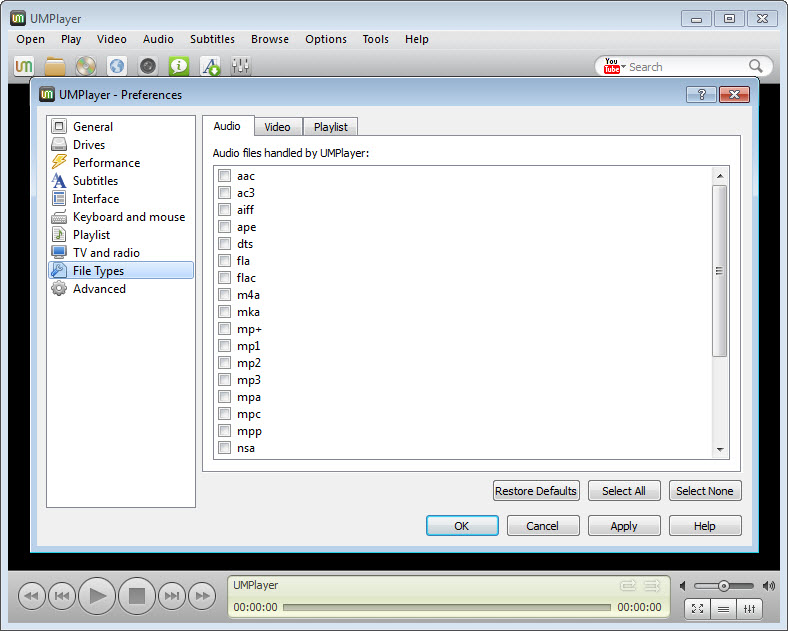
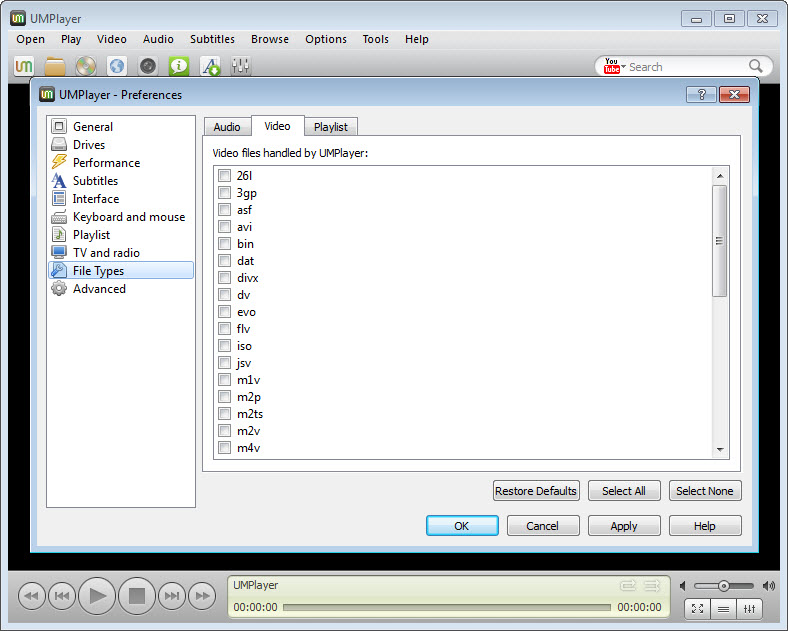
UMPlayer opens almost any video you throw at it. No codec pack, no hunting for a missing decoder. Drop a file on the window and it plays, whether that is an everyday MP4, an old RealMedia clip from a forgotten hard drive, or a download that never quite finished. The MPlayer engine underneath knows more than two hundred formats on its own, and this program wraps it in a friendlier window than MPlayer ever had. A skinnable interface. A playlist. An equaliser, a subtitle finder, and a search box that once pulled videos straight from the web.
Here is the catch, and it is a big one. UMPlayer stopped being developed long ago. The MPlayer build inside it never moved again. The web search that was its selling point broke when the video sites changed and nobody fixed it. The site it came from is gone. What survives is the part that cannot rot, playing files you already have, and it still does that well.
The sections below sort the living features from the dead ones, because this is a program where that distinction is the whole review.
Playing local files, which still works
Start with what works. The bundled codecs cover the formats people actually own, MP4, MKV, AVI, MOV, and a long tail of older containers that newer players have quietly dropped. Nothing has to be installed alongside, where a weaker player would send you to a codec pack first. Open a half-watched film and it resumes at the right second, with the audio track and subtitles you had chosen. That memory is per file, and it is thorough.
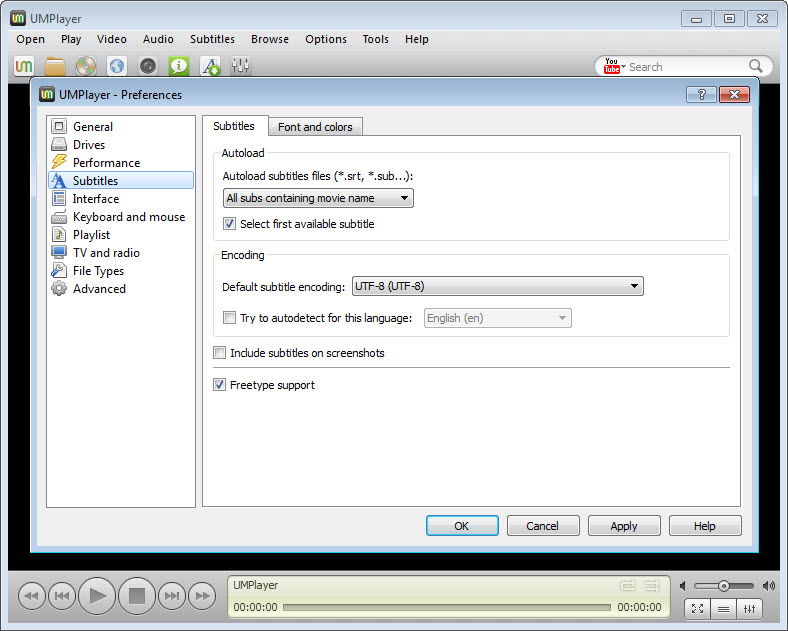
Subtitle files sitting beside a video load on their own. If they drift, a delay control nudges them back. You can grab a screenshot of any frame, slow the playback down, speed it up, and fiddle with the aspect ratio and zoom. There is an equaliser for sound and another for picture.
Because the engine is MPlayer, playback is stable on the files it handles, which is why a player this old will sometimes open a stubborn clip that a shiny new one refuses.
The subtitle search, which half works
Subtitles are the feature that still half-works. A search dialog queries the OpenSubtitles database for the film playing and offers a match to download. Useful, when it connects. Whether it does depends on the service, since OpenSubtitles changed how outside programs reach it, and an old client like this one may be turned away where a maintained player is let in.
When the connection goes through, the subtitles download, load, and line up with the delay controls if the timing is off. When it does not, the fallback is the old way: fetch a subtitle file yourself and drop it beside the video, which the player then picks up automatically. For a subtitle file that needs more than a timing nudge, a subtitle editor is the tool, and the player will show whatever it saves. For the same MPlayer lineage kept alive and current, with a subtitle search that still connects, SMPlayer is the direct descendant and the one to install instead.
The web search that no longer works
This is the feature that sold the program, and now it does nothing. A UMPlayer search box sat in the main window and pulled videos from the big video site, played them inside the player, and could even record them to disk. Clever, while it lasted. It worked by having MPlayer read the site’s streams directly, so the moment the site changed how those streams were served, the search went dark. With no development since, it never came back.
The SHOUTcast radio search is in the same state, a listing that no longer returns what it used to. Treat both as absent. Anyone who wants web video in a desktop player today needs a maintained tool, since the whole approach these features used is long obsolete. Local playback is the reason to open it.
Skins and the interface
The default UMPlayer look was always plain, and the answer was skins. The program supports CSS-based themes that restyle the whole window, and a set ships with it, including dark ones that are far easier on the eyes than the bare default. The on-screen control bar that appears over the video is one of the better ones from its time. The layout is simple enough to learn in a minute.
That is the sum of the interface. There is no library, no tagging, no casting to a television, nothing a modern player has grown. Only a window, a playlist and a skin. For the same engine with a per-file memory as thorough as this one’s, but kept current, the descendant is again the better pick.
For the widest format support in an active player, VLC Media Player carries its own decoders the way this one does and is still being improved.
Where it stops
The headline is the abandonment. Years without an update mean an old MPlayer with none of the hardware decoding, newer codecs or security fixes a current player has. A modern high-bitrate file may stutter here where a new player sails through. The program should not touch the network either, which its dead online features no longer do anyway. The web and radio search are gone. The subtitle search is a coin toss, and fixing a broken subtitle file yourself means Subtitle Edit rather than anything in here. The interface is a period piece.
So what is it still good for? Three things, honestly. Old and odd formats, the RealMedia clips, the DivX-era AVIs and the damaged or incomplete downloads that newer players refuse, which the old MPlayer build still chews through. Old computers, since it runs on hardware and system versions that a current player will no longer install on. And a machine with no network at all, where its dead online features do not matter and its local playback is all that is asked.
Outside those three cases, the player it forked from does everything this one did and is still alive, which is the honest recommendation.
Conclusion
UMPlayer suits someone who already has it installed and wants to play a folder of local video files, which it still does cleanly on an engine that opens almost anything. The per-file memory, the skins and the built-in codecs were a pleasant package in their day. The playback itself has not aged the way the rest of the program has.
It is abandoned, its online features are dead, and its subtitle search is a gamble. For anything beyond opening a local file on a machine where it already lives, the player it forked from is current, does the same job, and is the one to install instead.
Features & benefits
Pros & Cons
- Plays over two hundred audio and video formats with no codec pack
- Remembers position, audio track, subtitle and settings for every file
- Loads a subtitle file beside the video automatically, with delay adjustment
- Audio and video equalisers, speed control and frame screenshots
- CSS skins that restyle the window, with dark themes included
- Stable MPlayer playback that opens clips newer players refuse
- Abandoned long ago, with a frozen MPlayer engine
- The YouTube and SHOUTcast search no longer works
- Subtitle search is unreliable since the service changed
- No hardware decoding, library, casting or modern features
Frequently asked questions
No. It read the site's streams directly, which broke when the site changed, and with no development since it was never fixed. The radio search is in the same state.
Yes. It carries over two hundred built-in codecs through the MPlayer engine, so it opens almost any audio or video file on its own.
No. Development stopped long ago and the original site has gone. Local playback still works, but nothing has been updated.
SMPlayer, the maintained player UMPlayer was forked from. It does everything this one did on the same engine and is still developed.


