

Seafile
About Seafile
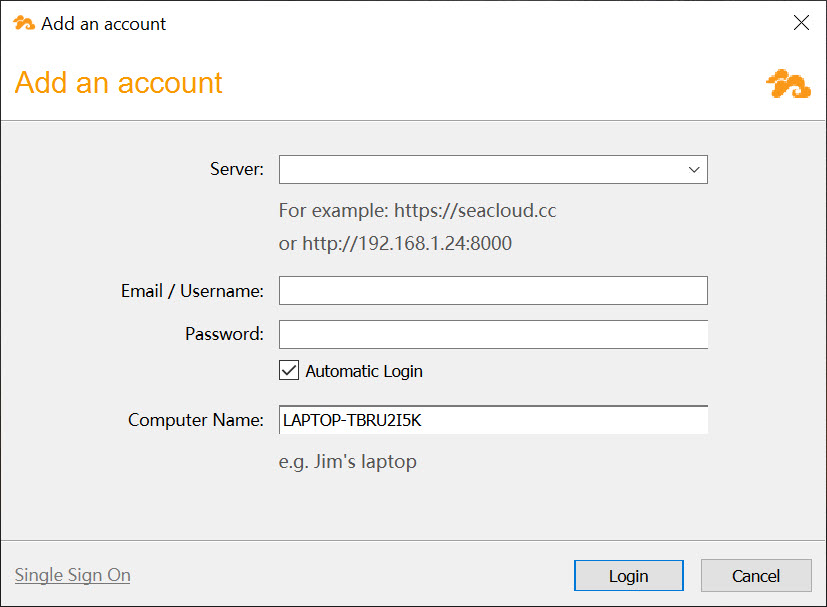
Cloud storage usually means an account on someone else’s infrastructure, a monthly quota, and quiet questions about who can look at your data. Seafile flips that arrangement. It is a file sync platform you run yourself, a server component on your own hardware or a rented machine, and a desktop client that keeps folders on your computer mirrored to it.
The experience feels like Dropbox, the automatic syncing, the sharing links, the version history, except the storage sits where you decide and the ceiling is whatever disk you attach.
What sets Seafile apart inside the self-hosted crowd is speed. The sync engine is built in C, splits files into blocks, and transfers only the pieces that changed, which makes it noticeably quicker than most rivals, especially on folders with thousands of small files where other clients grind.
Libraries instead of one big folder
Files organize into libraries, separate top-level containers that behave independently. One library for photos, one for work projects, one for the family’s shared documents. Each library keeps its own version history, its own sharing permissions, and, importantly, its own sync decision, so the client on a small laptop can carry the projects library and skip the 300 GB photo archive entirely.
This selective model beats the everything-or-nothing folder some services push, and it changes how you think about structure. Sharing works per library or per subfolder, with download links, upload links for receiving files from others, passwords, and expiry dates.
Version history means a file overwritten on Tuesday is recoverable on Friday, and whole-library snapshots roll back a mass mistake, say a sync gone wrong that touched hundreds of files.
Why the sync feels faster than the big names
Block-level transfer is the technical heart of Seafile. When a 2 GB file changes slightly, only the changed blocks travel, not the whole file again. Identical blocks are stored once, so ten copies of the same attachment across libraries barely count against disk space.
In practice, the difference shows most in two scenarios, huge files that get edited repeatedly, and directories full of tiny files, source code, RAW photo sidecars, game modding folders, where per-file overhead kills other sync tools.
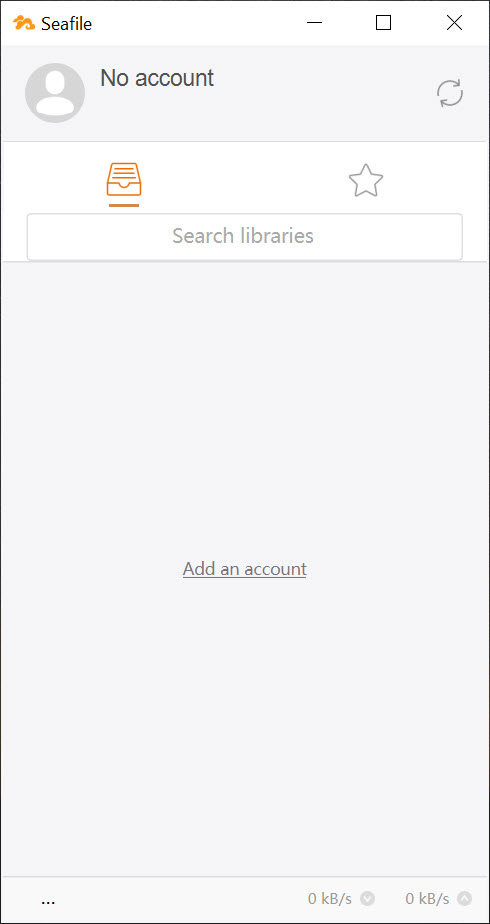
The client itself stays out of the way, a tray icon, transfer progress, and a conflict policy that never silently overwrites. When two machines edit the same file offline, both versions survive, one renamed with the conflicting machine’s mark, and you merge by hand. Less magical than automatic merging, far less dangerous too.
SeaDrive, the drive letter that saves your disk
Alongside the sync client there is SeaDrive, which mounts the entire server as a virtual drive. Files appear immediately, occupy no local space, and download on first open, with recently used ones cached for offline access. For a laptop with a 256 GB drive facing a 4 TB server, this is the only sane way to see everything without storing anything.
The two clients suit different habits. Full sync for the folders you work in daily and need offline without thinking, SeaDrive for the archive you dip into occasionally. Running both at once is common and works fine.
Encryption the server cannot undo
Any library can be created as encrypted, and the design is stricter than the usual checkbox. The password never leaves your machine, encryption and decryption happen in the client, and the server stores only ciphertext it cannot read. An administrator, a data center technician, or an intruder on the server sees scrambled blocks. There is a downside, encrypted libraries lose server-side search and file previews, and a forgotten password means the data is gone, no reset, no recovery.
For people who sync to storage they do not fully trust, this competes with wrapping a regular cloud folder in Cryptomator, with the difference that here encryption is native to the platform rather than layered on top.
What about Nextcloud, and where are the limits?
The comparison everyone researching self-hosting eventually makes. Nextcloud is a full workspace, calendars, contacts, office editing, video calls, an app store of extensions. Seafile is a file platform and stops there, deliberately, and in exchange its sync is faster and its server lighter. Choose by appetite, an all-in-one suite or one job done sharply.
Two honest caveats before committing. The server stores data in its own chunked format, not as plain files on disk, so you cannot browse your documents directly on the server’s filesystem, everything goes through the platform or its export tools. And running your own server means owning updates and backups yourself, a responsibility no polished client removes.
People who want synchronization without any server at all should look at Resilio Sync for peer-to-peer transfers or FreeFileSync for scheduled local mirroring, both simpler arrangements with fewer moving parts.
Conclusion
Seafile rewards the people willing to host their own storage with the fastest sync in that world and a clean, focused feature set, libraries, snapshots, a virtual drive, and encryption that actually excludes the server operator. Photographers with huge archives, developers with sprawling small-file trees, and small teams that want company data on company hardware all fit the profile.
Anyone allergic to server maintenance should stay with a hosted service and accept its terms. Everyone else gets something rare here, cloud convenience with the physical drive humming within reach.
Pros & Cons
- Block-based sync engine transfers only changed data and handles small files quickly
- Libraries allow separate sharing, history, and sync choices per collection
- SeaDrive exposes the whole server as a virtual drive without local storage
- Client-side encrypted libraries keep the server blind to their contents
- Version history and snapshots recover overwritten or mass-damaged files
- Requires running and maintaining your own server component
- Data lives in a chunked internal format, not browsable directly on the server disk
- Encrypted libraries give up search and previews, with no password recovery
- File-focused platform, no calendars, office suite, or app ecosystem
Frequently asked questions
Yes, the desktop client connects to a server you or someone you trust operates. That server can be a machine at home, a small board in a closet, or a rented instance, and the client works the same against any of them.
A library is an independent top-level container with its own version history, sharing settings, and sync state. You sync the libraries you need on each device and ignore the rest.
The sync client keeps full local copies of chosen libraries for offline work. SeaDrive shows everything on the server as a virtual drive and downloads files only when you open them.
No. The password stays on your device and decryption happens in the client, so the server holds only unreadable blocks. The trade-off is that losing the password loses the data permanently.


