

EXP Soundboard
About EXP Soundboard
EXP Soundboard plays sound clips on demand, triggered by keyboard shortcuts, and pushes them anywhere you want them heard, including into your microphone feed so the people in your voice chat hear the clip as if it came from you.
That second part is the whole reason soundboards exist. Anyone can play an air horn through their own speakers. The trick is making your entire squad hear it mid-match, perfectly timed, without touching a mouse, and that’s the job this tool was built for.
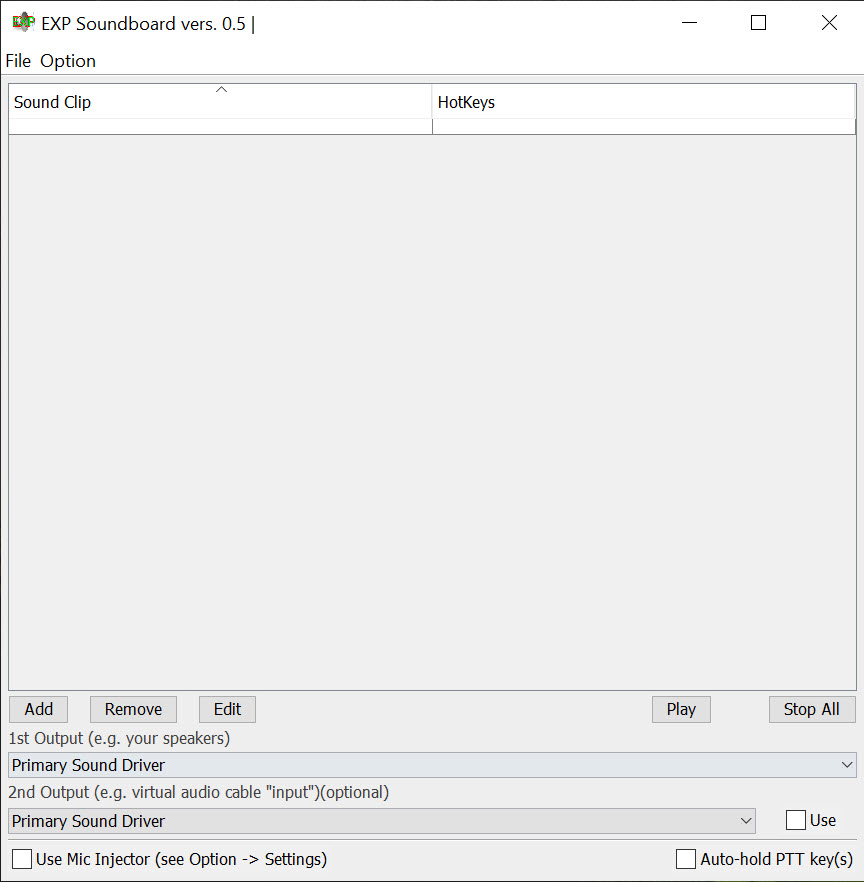
The design is bare and functional. You load your clips into a list, assign each one a hotkey or key combination, and from that point the sounds fire globally, no matter which window has focus. EXP Soundboard supports MP3 and WAV files, and it plays through two output devices at the same time, which is the feature that makes the microphone trick work.
One output goes to your headphones so you hear the clip. The other goes to a virtual audio device that voice applications read as your mic. Both fire together, and the timing stays tight.
It’s a small tool with a single idea, executed without clutter. There’s no clip store, no accounts, no overlay trying to sell you sound packs. You bring your own audio files, wire up the outputs once, and it does its job quietly from then on.
Hotkeys that work everywhere
The heart of daily use is the hotkey system, and EXP Soundboard gets the essentials right. Keys register globally, so a clip fires while you’re fullscreen in a game, typing in a browser, or anywhere else.
Combinations work too, which matters once your list grows past what single keys can hold. Twenty clips on bare number keys is chaos waiting to happen. Twenty clips on modifier combinations stays out of the way of everything else you type.
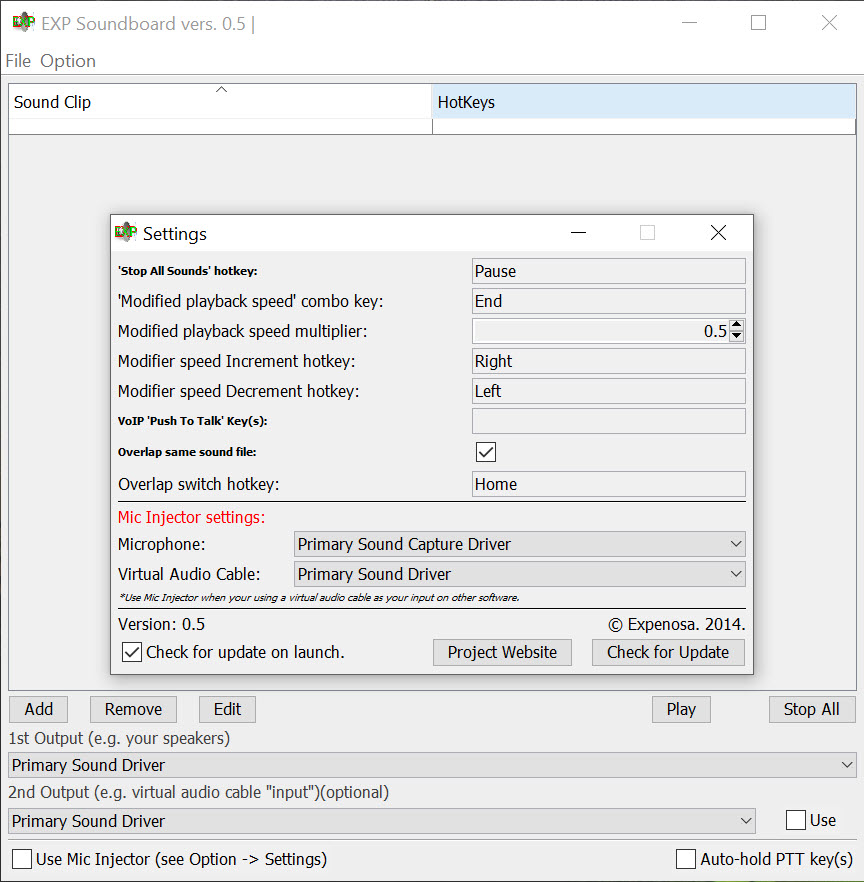
There’s a panic button as well, a dedicated stop-all hotkey that kills every playing sound instantly. Anyone who has fired a three-minute clip by accident in a serious voice call understands why this single key might be the most important one in the entire program. Press it, silence, dignity partially restored.
The dual output trick, explained
Here’s where a soundboard earns or loses its keep, so it’s worth spelling out. Voice chat applications listen to one input, your microphone. For your friends to hear a clip, the sound has to arrive on that input, not your speakers.
The standard solution is a virtual audio cable, a driver that creates a fake output device wired to a fake input device. EXP Soundboard plays into that fake output, the voice app listens to the fake input, and your clips ride the same channel as your voice.
Because the tool supports two simultaneous outputs, you point the first at your real headphones and the second at the virtual cable. You hear what your friends hear, at the same moment, which saves you from the classic soundboard embarrassment of triggering clips you can’t monitor. Getting the routing right takes ten minutes the first time and zero thought afterward.
The clips land in Discord or any other voice app that lets you pick an input device, and pairing the setup with something like Clownfish Voice Changer on the same chain covers the full prank toolkit.
Push-to-talk without the finger gymnastics
One small feature deserves its own mention because it solves a genuinely annoying problem. If your voice chat uses push-to-talk, a soundboard clip goes nowhere unless the talk key is held down while it plays, and holding a key through a thirty-second clip while also playing a game is miserable. EXP Soundboard can hold a designated push-to-talk key for you automatically whenever a clip is playing, releasing it when the sound ends.
It’s the kind of detail that separates a tool built by someone who actually uses soundboards from one built off a feature checklist. Without it, half your clips get swallowed by the talk gate. With it, everything just arrives.
The limits you should know about
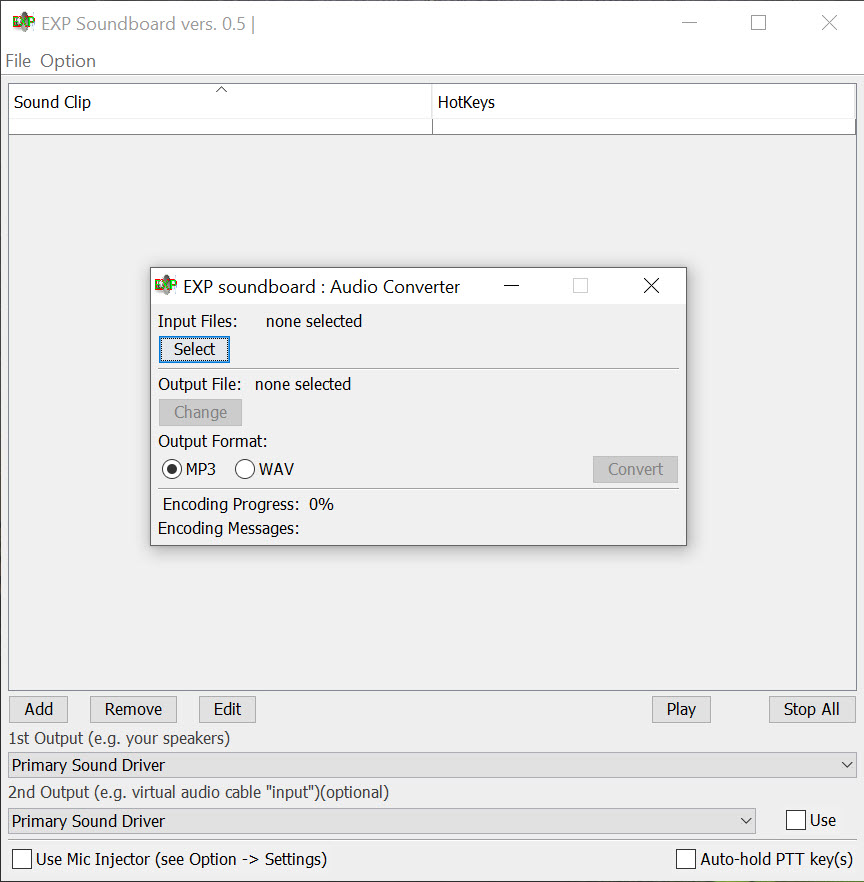
The narrow format support is the first one. MP3 and WAV are it, so a clip collection full of other formats needs converting first, and a quick pass through Audacity handles both the conversion and the trimming your clips probably need anyway.
Second, the tool runs on a runtime that has to be installed separately, so the first launch on a fresh machine involves one extra download before anything works, a small speed bump but a real one.
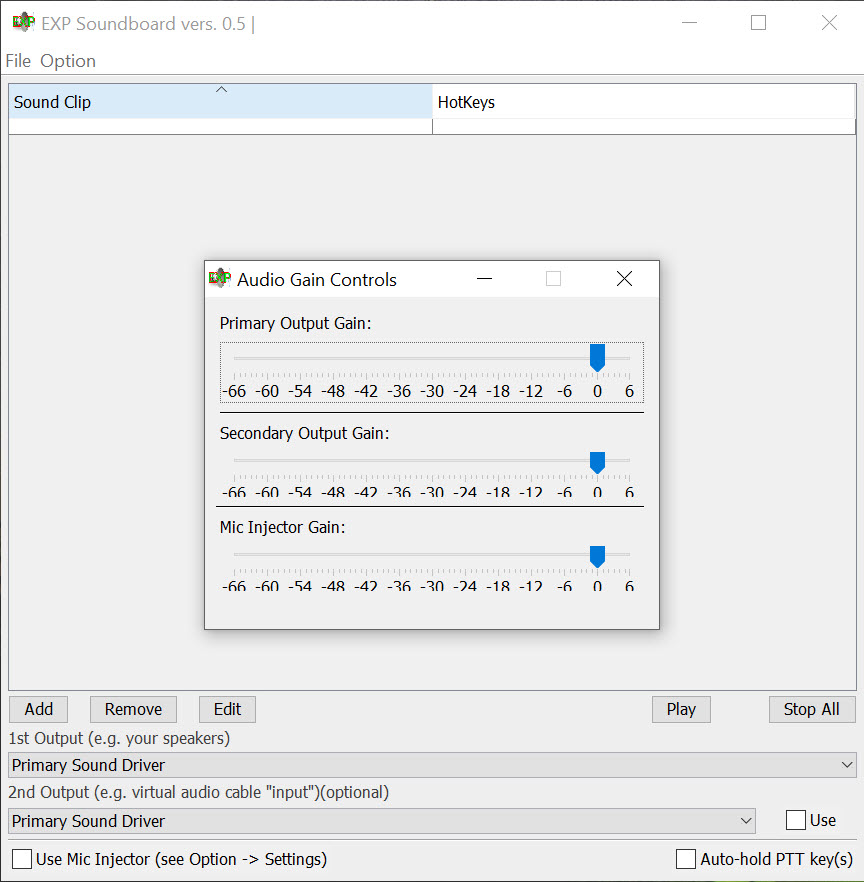
Third, and worth saying plainly, development has gone quiet, so the rough edges that exist are the rough edges you keep. The interface looks like a utility from another era, window scaling can be quirky on dense displays, and there’s no clip editing inside the app at all, no trimming, no volume per clip, no fades. It plays files and presses keys. Everything about preparing those files happens elsewhere.
For a tool this focused, that trade might be exactly what you want, or a dealbreaker, and you’ll know which within five minutes.
Conclusion
For the specific job of firing sound clips into games and voice chats with keyboard shortcuts, EXP Soundboard covers the essentials with surprising thoughtfulness, from the dual outputs that make mic injection painless to the push-to-talk holding that most rivals forget. The natural user is the Discord regular or streamer who wants a no-cost soundboard built from their own clips and doesn’t need anything fancy around it.
Go in knowing its shape. Clips get prepared elsewhere, formats are limited to two, and the tool itself is frozen in a plain, slightly creaky form.
But the core loop of press key, hear sound, friends hear sound works reliably, and for a great many people that loop is the entire assignment.
Pros & Cons
- Global hotkeys and key combinations fire clips from inside any application
- Dual simultaneous outputs make microphone injection straightforward with a virtual cable
- Automatic push-to-talk holding keeps clips from being swallowed by the talk gate
- Stop-all hotkey instantly kills every playing sound
- No accounts, stores, or bundled clutter, just your own clips and shortcuts
- Only MP3 and WAV files play, so other formats need converting first
- Needs a separately installed runtime before the first launch
- No built-in clip editing, per-clip volume, or fades
- Dated interface with quirks that no longer receive fixes
Frequently asked questions
Install a virtual audio cable driver, set the soundboard's second output to that cable, then pick the cable as your microphone in the voice application. Your clips then travel the same route as your voice, and the first output lets you hear them too.
MP3 and WAV only. Clips in any other format need converting before the soundboard will load them, which any audio editor handles quickly along with trimming the clips to the length you actually want.
Yes, and better than most. It can automatically hold your designated push-to-talk key for the duration of any clip, then release it, so sounds come through without you pinning a key down manually mid-game.
They do. Hotkeys register globally regardless of which window has focus, and key combinations are supported, so a large clip library can live on modifier combos without colliding with your game's own bindings.
Yes. EXP Soundboard has a dedicated stop-all hotkey that silences everything currently playing the moment you press it, which is exactly the key you'll want mapped somewhere easy to reach.


