

Finale Notepad
About Finale Notepad
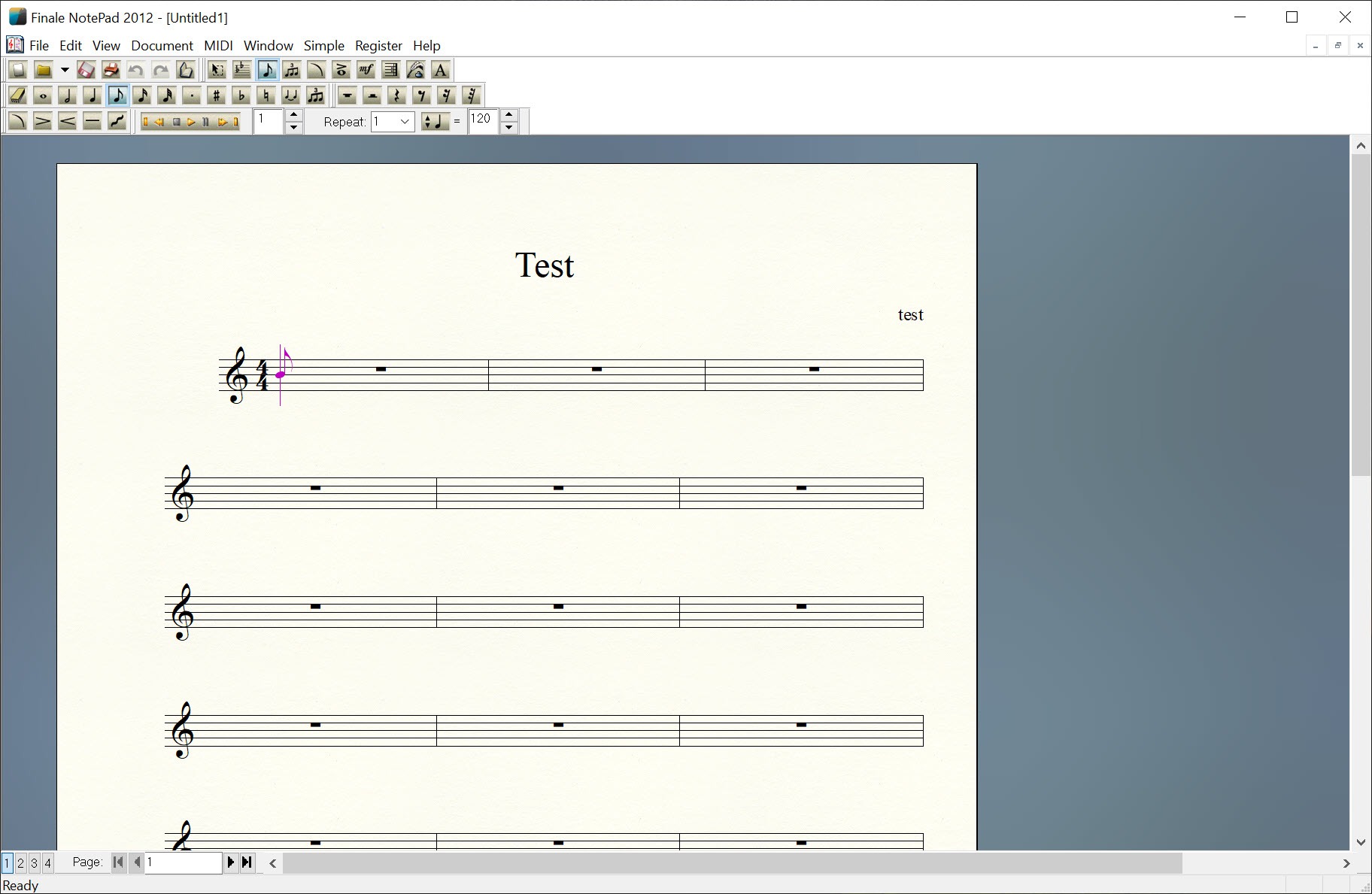
Finale Notepad writes music notation onto a page. Choose an ensemble from a setup wizard, pick a key and a time signature, and a score of up to eight staves appears ready for notes. Click a pitch on the staff with a duration selected, or play it on a MIDI keyboard, and the note lands correctly spelled and spaced.
Add lyrics under a vocal line and chord symbols above a guitar part, then dynamics and articulations from a palette, then print a page that looks like it came from a publisher. Playback through a built-in synthesizer lets you hear what you wrote.
It is the entry-level member of a family that includes a professional engraving program, and the two share a file format and a look, so a lead sheet started here opens in the full application when it outgrows the limits. Those limits are deliberate and firm.
Eight staves, no part extraction, a single entry method and modest control over layout. Within them, Finale Notepad produces output that reads as real engraved music, and that is the reason people used it for choir parts, worship songs and classroom exercises rather than reaching for a heavier tool. Know before anything else that the whole product line has been discontinued, with no updates, no new registrations and no testing against future system releases.
What is installed keeps working on the machine it is on, and the files it opens remain the reason to keep it around.
Entering notes with Simple Entry
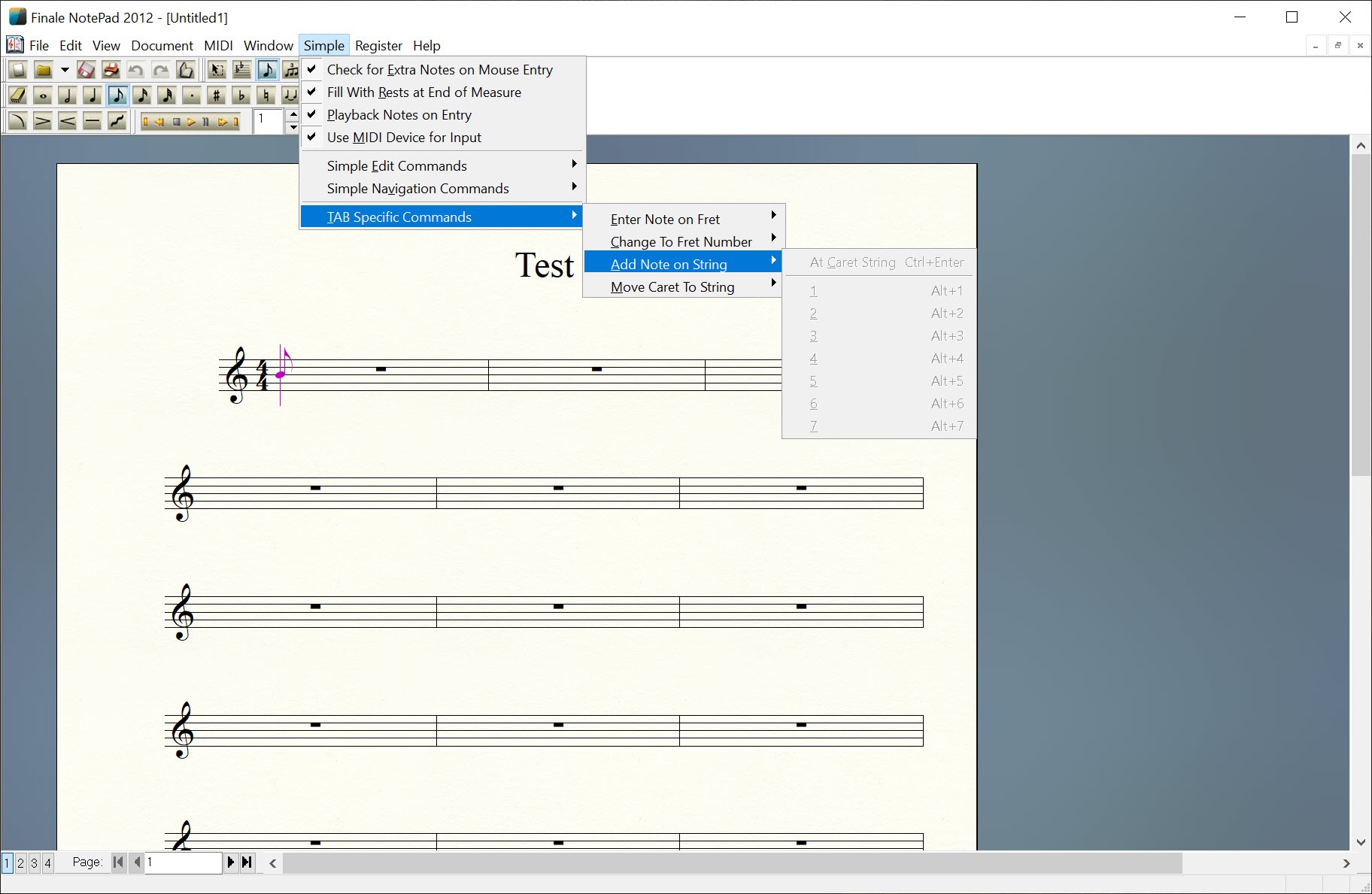
Note entry in Finale Notepad uses a single method, called Simple Entry, where a duration is chosen from a palette or a number key and a click on the staff places a note of that length at that pitch. Arrow keys nudge pitch, the plus and minus keys add accidentals, and a MIDI keyboard can supply pitches while the number keys supply durations, which is faster than clicking once the habit forms. Ties and dots, tuplets and rests are all reachable from the same palette.
The faster entry method the full application offers, where you type pitches and durations in a stream, is not here, and neither is real-time recording from a keyboard. For a four-part hymn or a melody with chords that is no loss. For a piano sonata it is slow going, and that is where the eight-staff ceiling starts to feel less like the boundary than the entry speed does.
Lyrics, chord symbols and markings
In Finale Notepad, lyrics attach syllable by syllable to notes, with hyphens and extension lines handled automatically as you type, and multiple verses stack beneath the melody. Chord symbols type in as text and render in the proper notation with the right sharps and flats, and can be shown with guitar fretboard diagrams.
Dynamics, hairpins, slurs, articulations, tempo marks and rehearsal letters come from a set of palettes, placed by clicking near the note they belong to.
Text blocks for the title and composer, and a copyright line, fill in from the setup wizard and can be edited afterwards. What you cannot do is design a page.
Margins, staff spacing and system breaks follow the program’s judgement with only coarse adjustment available, so a chart that needs a specific layout for a stand or a hymnal is beyond it.
Playback and hearing the score
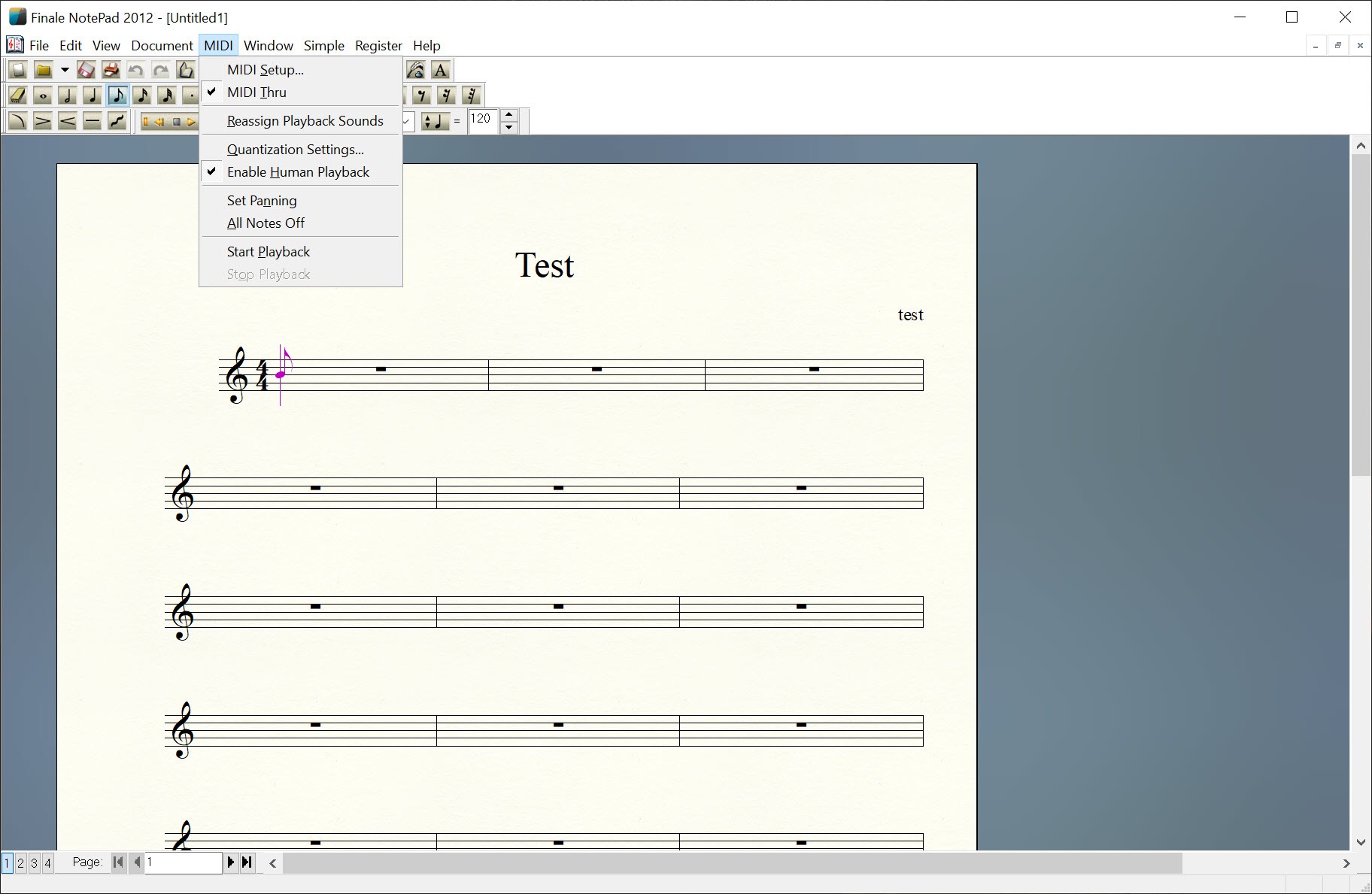
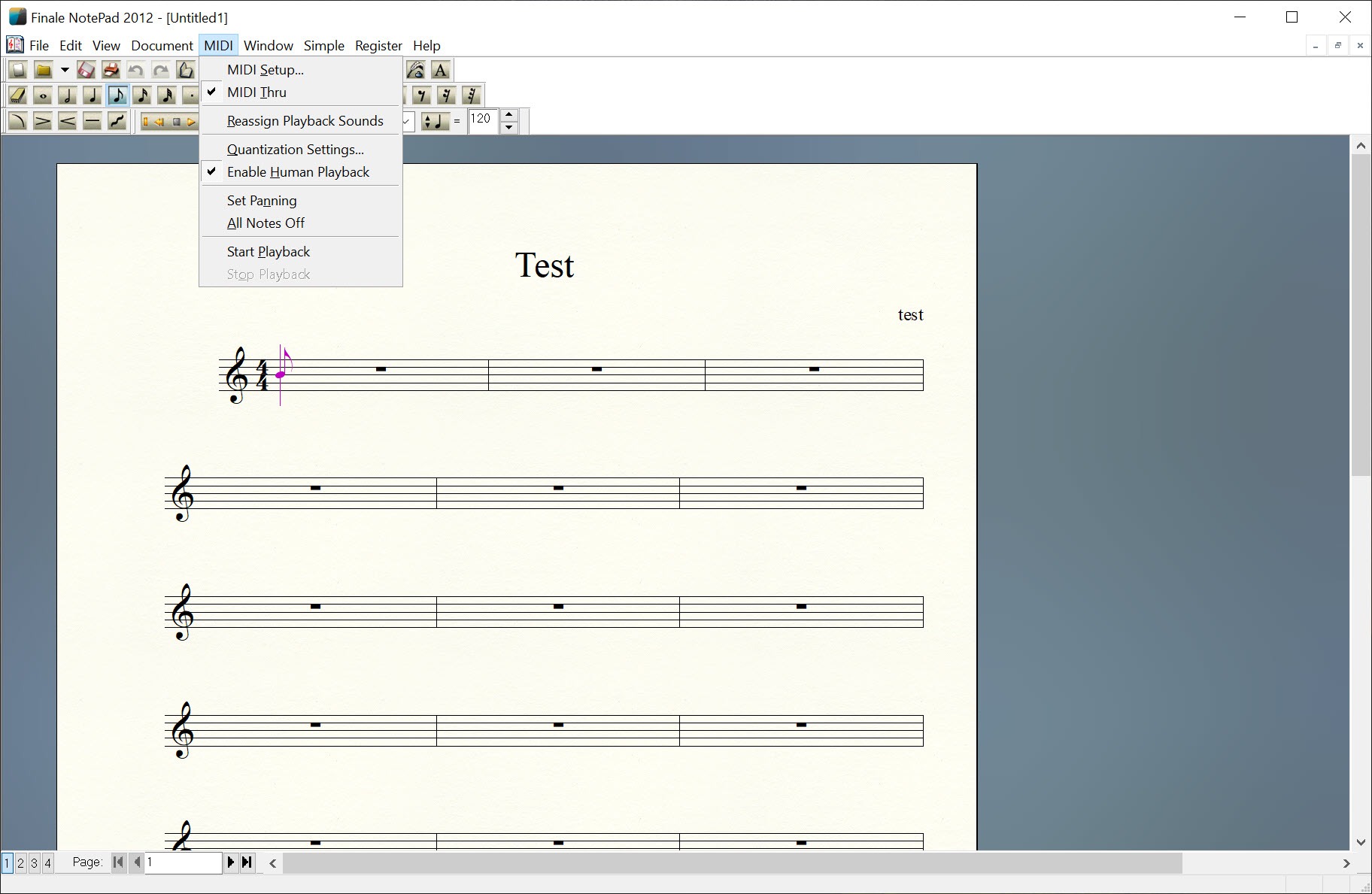
A built-in software synthesizer plays the score with instrument sounds chosen from the setup wizard, following dynamics and tempo marks. Playback starts from any measure and loops on a selection, which is enough to check a voicing or catch a wrong note. The sounds are serviceable and the point is proofreading rather than performance.
For a realistic rendering, the score has to leave through MusicXML or MIDI and be played elsewhere, and anyone wanting a piano part rendered properly will feed the MIDI to a modelled piano instrument instead.
Opening the family’s own files
Finale Notepad opens its own .mus and .musx files and exports MusicXML, the interchange format every notation program reads. That export is now its most important feature. Years of scores written in the family’s format cannot be opened by other programs directly, but they can be opened here and saved as MusicXML, then imported into whatever comes next with notes and rhythms, lyrics, and most markings intact and only layout to tidy.
MIDI files import and export as well, though MIDI carries pitch and timing and drops everything else, which is enough for a piano learning app that plays MIDI and useless for anyone who needs the lyrics.
MusicXML as the way out
For someone with a folder of old .mus files and no other way in, Finale Notepad is the bridge. It reads files from the full application, within the eight-staff limit for new work but generally opening larger existing scores for viewing and export, and the conversion is the workflow the whole community adopted when development stopped.
Transcribing a recording into notation is a different job, and an audio-to-score transcription tool produces MusicXML that opens here for cleanup.
Conclusion
Finale Notepad suits anyone who needs a clean lead sheet, a hymn, a choir part or a classroom worksheet and wants it to look properly engraved without learning a professional tool. Within eight staves and its single entry method, the output is hard to fault, and the palettes cover every marking small ensemble music needs.
Its second life is as a converter. Anyone holding scores in the family’s format who needs them in another program has, in this application, the one tool that opens those files and writes MusicXML. That job alone justifies keeping it installed, and it is the reason to grab it while the installer still runs on your machine.
Pros & Cons
- Engraved-quality output from a simple click-to-place entry method
- Lyrics and chord symbols with fretboards, plus dynamics and articulations, from palettes
- Opens the family's .mus and .musx files and exports MusicXML
- Built-in playback from any measure with looping
- Shares a file format with the professional application
- Eight-staff limit and no part extraction
- Only Simple Entry, with no fast typed entry or real-time recording
- Little control over page layout, margins or spacing
- Discontinued, with no updates or new registrations
Frequently asked questions
Eight for new scores. Larger existing files from the full application generally open for viewing and export.
Yes. Open the .mus or .musx file and export to MusicXML, which every current notation program imports with the notes and lyrics preserved and most markings intact.
Yes, on the machine where it is already installed. It receives no updates and is not tested against future system releases.
Pitches can be entered from a keyboard while durations come from the number keys, but there is no real-time recording of a performance.


