

KaraFun Player

About KaraFun Player
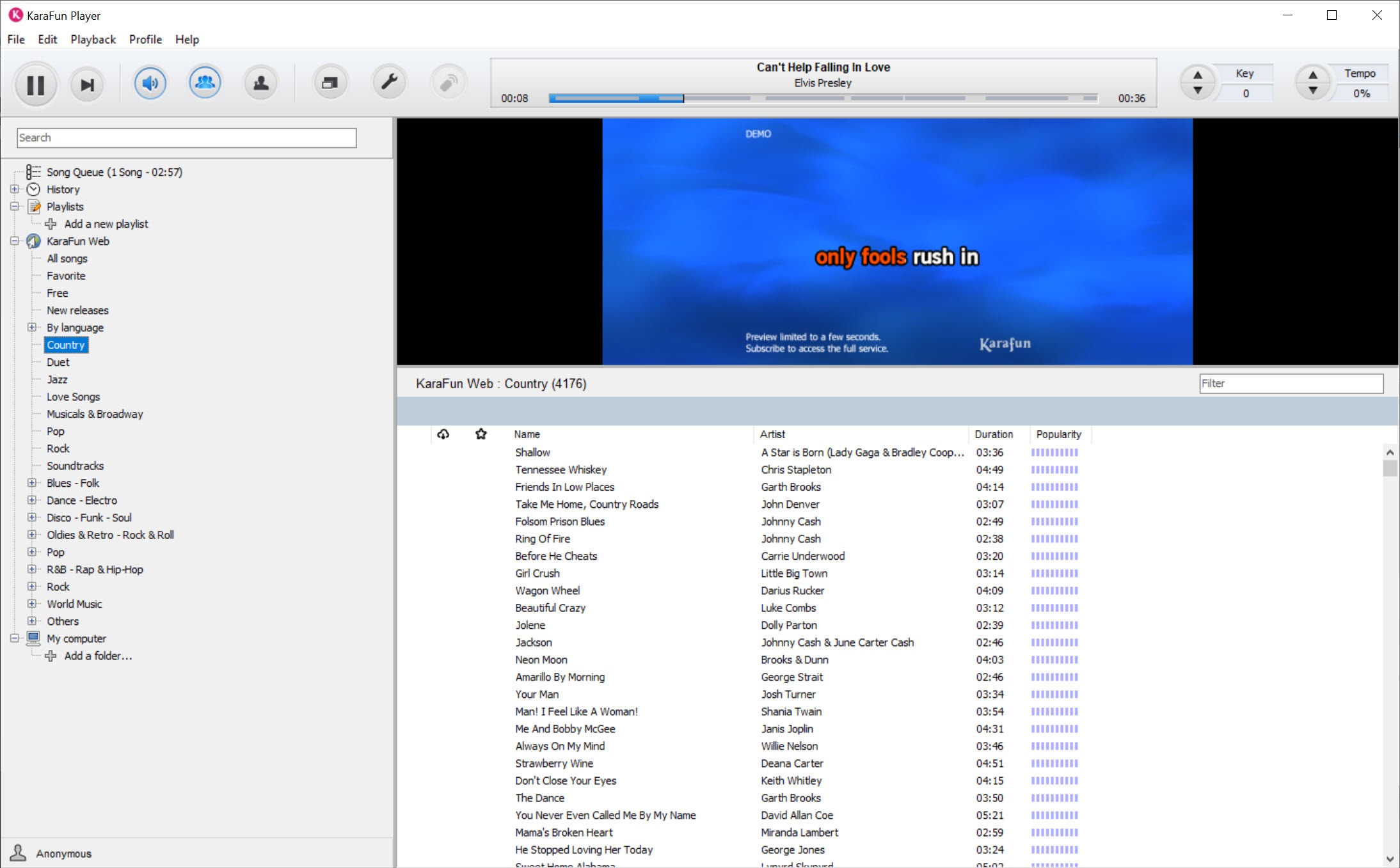
KaraFun Player turns a computer into a karaoke machine. Pick a song, and the words scroll across the screen with the current line highlighted in time with the music, while the backing track plays without the original singer.
You change the key if the song sits too high or too low. You slow it down if the verse is a mouthful. The lyrics go to a television or projector while the controls stay on the laptop. It plays from two places. One is an online catalogue of tens of thousands of tracks with new ones added each month. The other is a folder of karaoke files you already own.
That second half is the part people forget. The player handles the common karaoke formats. CD+G files with their MP3 play, as do KAR and MIDI files, MPEG video karaoke, LRC lyric files and the program’s own KFN format, alongside ordinary audio and video. A collection built up from discs and downloads plays here without touching the catalogue. KaraFun Player is therefore two tools in one window, a front end for an online service and a general karaoke player for local files.
The sections below cover how it plays songs, what you can change, how to put the lyrics on a big screen, and the sound problems that catch almost everyone on the first night.
Playing a song, from the catalogue or from your own files
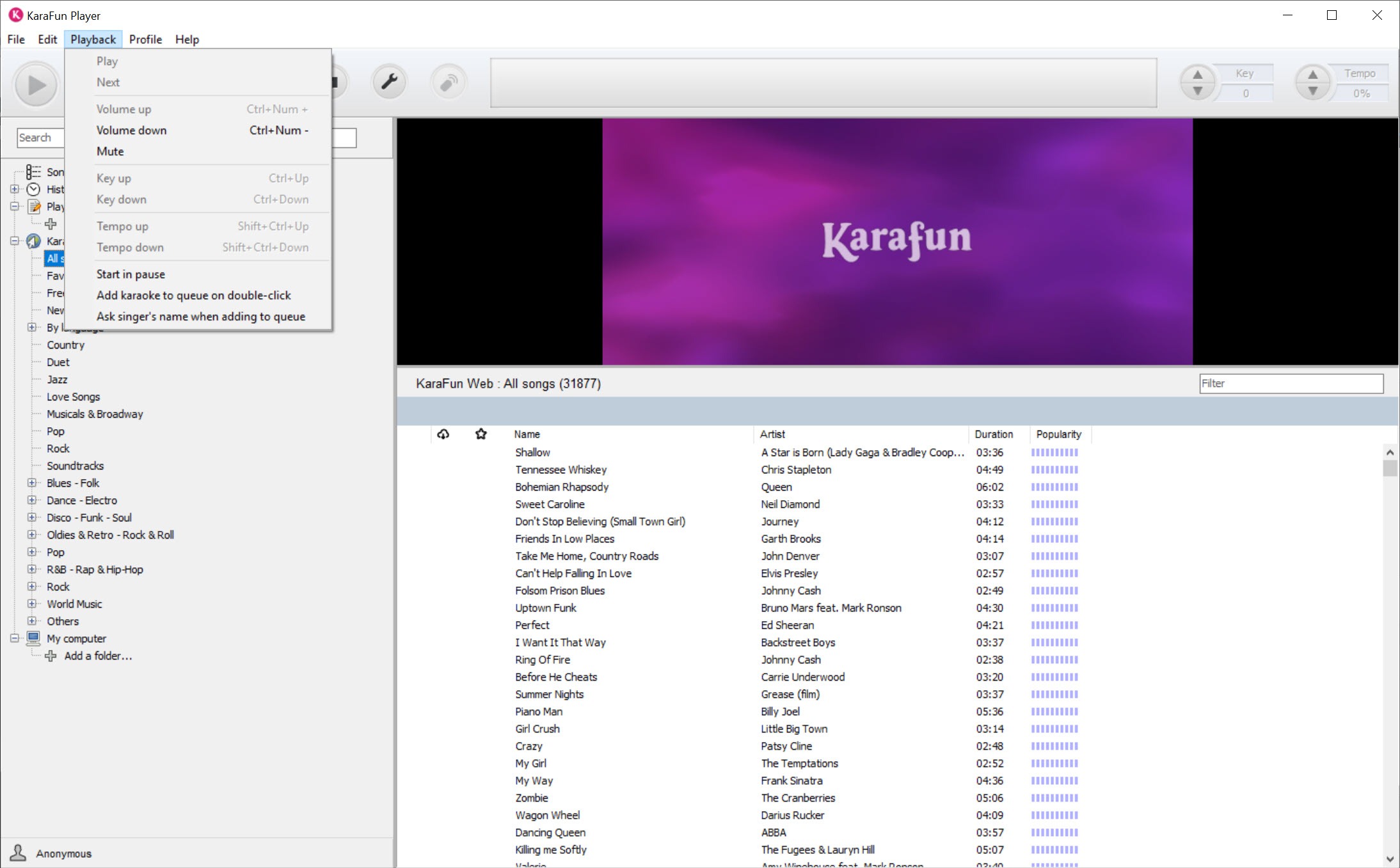
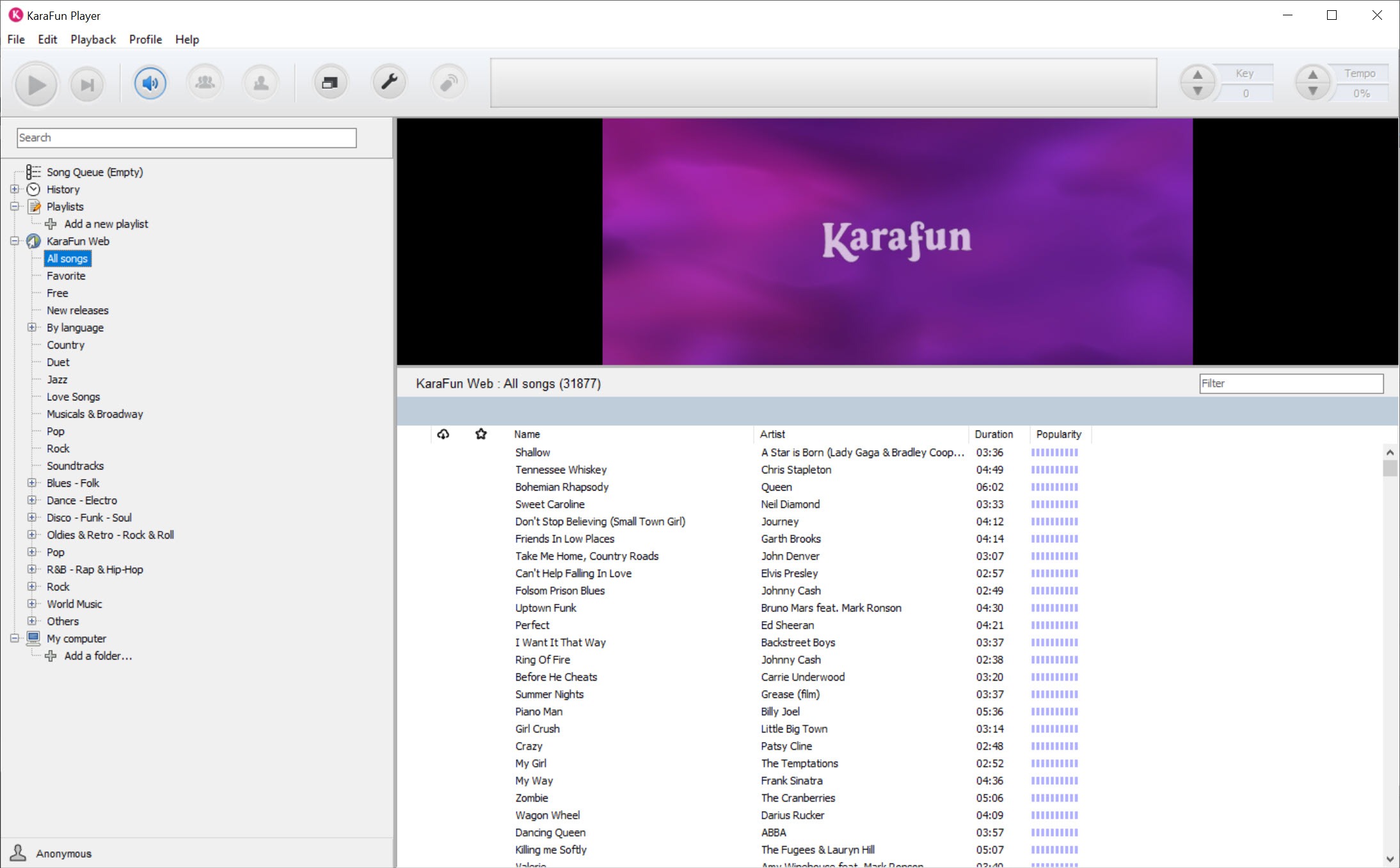
Search the KaraFun Player catalogue by title or artist, or browse by genre from the sidebar, and a song starts as soon as you click it. Add more and they join a queue, so the evening runs without anyone touching the computer. Favourites and history sit in the same sidebar as the songs you have saved for offline use. For files on your own disk, drag them into a playlist, or import a whole folder at once.
Each song in the catalogue is produced for karaoke. The words are timed to the line, the arrangement is a clean backing track and a few songs carry a short intro that gives the singer a cue.
Local files vary, since a good commercial disc rip behaves like a catalogue song and a badly timed fan file does not. The player cannot repair a lyric file that was synced badly.
Changing the key and the tempo
Two KaraFun Player controls rescue most singers. The key control shifts the whole song up or down in steps until it suits your voice, and the tempo control slows or speeds it without changing the pitch. A song too fast in the verse becomes manageable at ninety percent.
On catalogue songs, faders handle the vocal parts separately. Bring up a faint lead vocal as a guide while you learn the tune, then drop it to nothing when you are ready. Backing vocals and duet parts have their own faders too.
Local files get volume controls for the vocals and the guide where the file has them. What the player cannot do is take the original singer out of an ordinary recording, so a normal song file stays a normal song file.
For turning a stereo track into a rough backing track, an audio editor with vocal reduction does a passable job, with some damage to the sound.
Putting the lyrics on a television
For a party the lyrics from KaraFun Player have to be on the big screen while the host runs the queue on the laptop. The player has a dual display option for exactly that. Connect the television or projector, set the system to extend the desktop, click the dual screen icon and drag the lyrics window onto the second screen. Controls stay on the laptop, and the audience sees only the words and a background animation.
A full-screen mode takes the lyrics over completely, and the text size, the highlight style and the animated backgrounds can be changed. For a karaoke night where guests add their own songs from a phone, that queue matters, and the player stays out of the way once it is running.
For a similar player built around a karaoke playlist creator, Kanto Player handles local files without needing an online service.
Sound and microphones on the first night
The two failures that spoil the first evening with KaraFun Player are silence and a missing voice. If there is no sound at all, check the output device in the audio preferences and make sure the volume sliders are up, both in the player and in the system. A quirk to remember is that a MIDI file can have its volume stuck at zero, which silences everything until you play another file and reset it.
The other is not hearing your own voice through the speakers. Microphone handling in a desktop player is basic. It can monitor a microphone and add effects, but compatibility with every microphone is not guaranteed, and the maker itself suggests a separate mixing board for anything serious.
For routing a microphone through the computer with proper control, a virtual audio mixer gives you a real mixer on the screen, and a plain external mixer or an audio interface does it in hardware. Leave a short delay in the plan and keep the microphone away from the speakers.
Offline use, and where the player stops
Songs from the KaraFun Player catalogue can be saved for offline use, one playlist at a time or in bulk, so a party in a venue with no connection still works. The sync is large if you take the whole catalogue and can freeze on a slow disk, so sync a playlist and test it before the night. Local files never needed the connection.
KaraFun Player does not edit songs and does not remove vocals. A firewall can block the online part until you allow it, and a long session on an older computer can use more processor than you expect. For people who want only local files with no account, a lighter player is quicker to set up.
For a living-room karaoke night with a catalogue behind it, this one is the polished choice.
Conclusion
KaraFun Player suits home karaoke nights and small parties, from a family with a television and a laptop to a host with a library of discs. The key and tempo controls, the dual display and the queue do the work, and the player handles both the catalogue and your own files.
It is not an editor, it cannot lift vocals from a normal song, and microphones deserve proper hardware. Test the sound and the second screen before guests arrive, sync the playlist for offline use, and keep the laptop plugged in.
Pros & Cons
- Plays a large online catalogue and local CD+G, KAR, MIDI, KFN, LRC and MPEG karaoke files
- Key and tempo controls that rescue any singer
- Separate vocal and backing vocal faders on catalogue songs
- Dual display puts lyrics on a television or projector while the controls stay on the laptop
- Queue and favourites with offline sync for parties
- Cannot remove the original singer from an ordinary recording
- Microphone handling is basic, so serious use needs a mixer
- The online catalogue is a separate service that needs an account
- Offline sync of a large catalogue is slow and can freeze
Frequently asked questions
Yes. It plays CD+G with MP3, KAR and MIDI, MPEG karaoke, LRC and its own KFN format, plus ordinary audio and video, without the catalogue.
Connect the screen, extend the desktop, click the dual screen icon and drag the lyrics window onto the second screen.
Check the output device in the audio preferences and the volume in both the player and the system. A MIDI file with its volume stuck at zero can silence everything, so try another file.
Microphone support is basic and not guaranteed for every model. Check the input and use a mixer for reliable monitoring.


