

True Key
About True Key
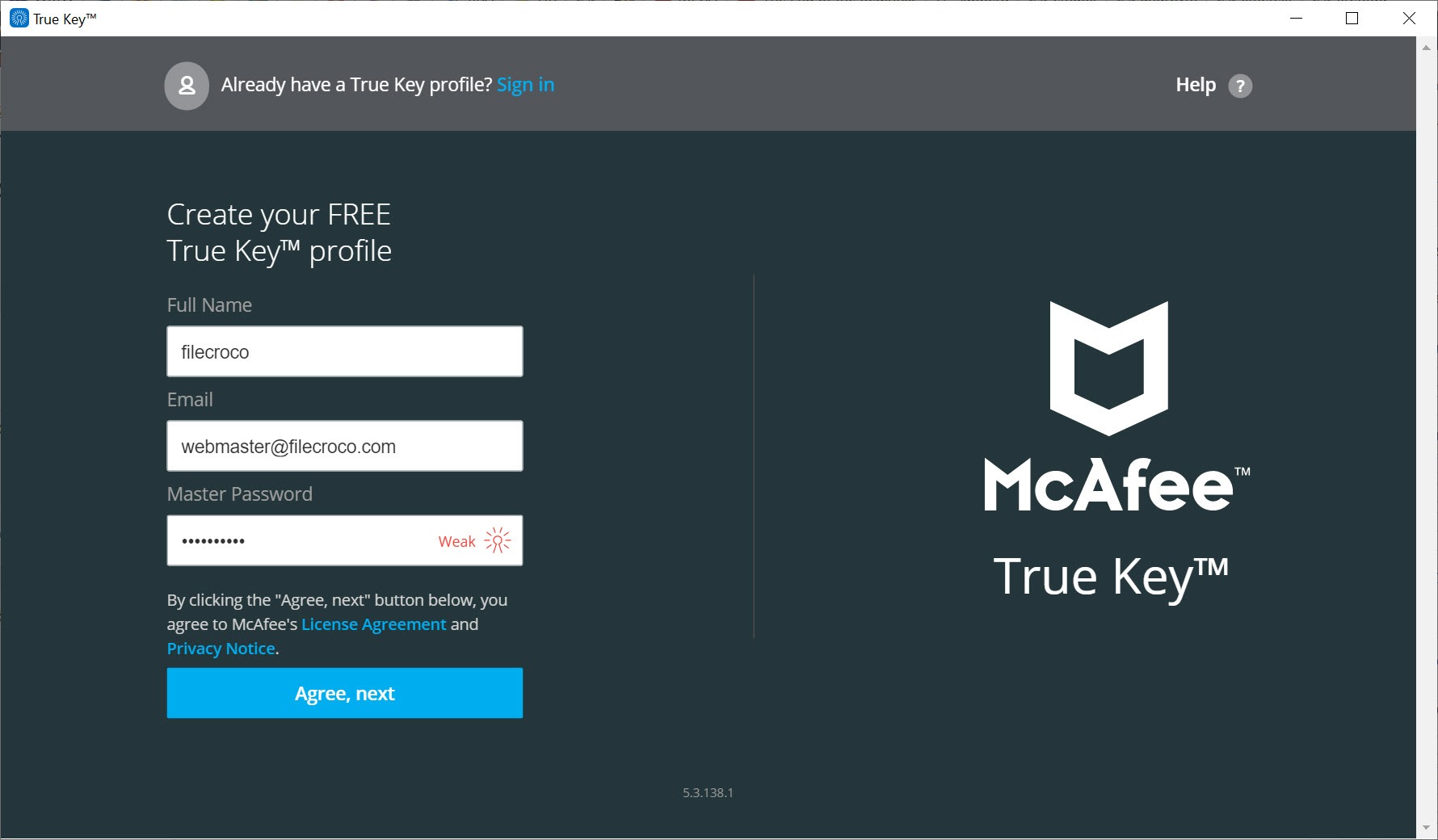
True Key is a password manager built around signing in without typing a master password every time. It stores your logins in an encrypted online vault and fills them in on websites. You unlock that vault with your face through the webcam, a fingerprint reader, or a second device such as your phone. The master password still exists, but it becomes the fallback rather than the daily routine.
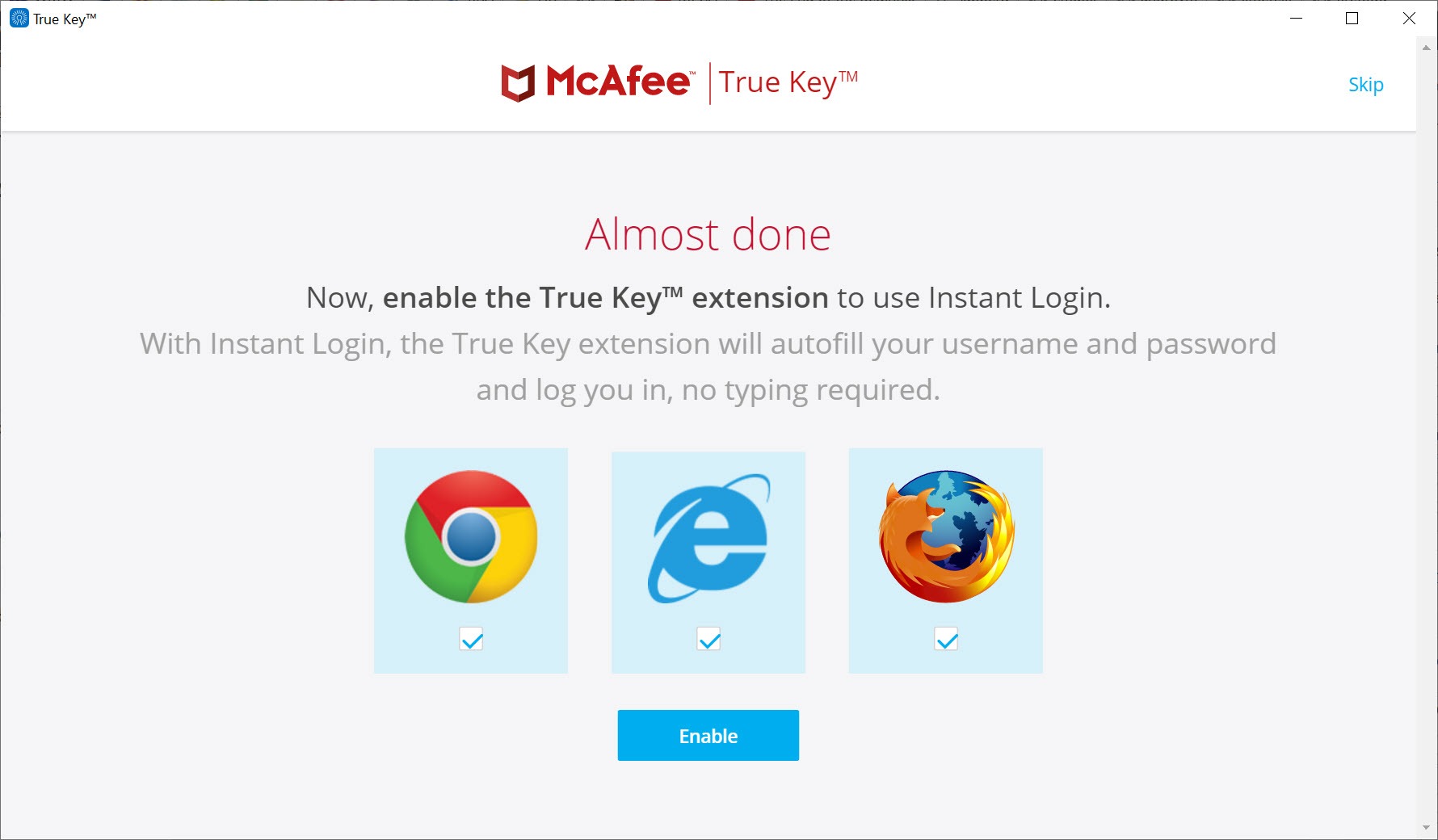
On a PC, most of the real work happens through its browser extension. The desktop component handles setup and the vault view, while the extension saves new logins as you sign in and fills them on return visits.
Both sync with the same online profile, so a password saved on the laptop shows up on the phone.
Unlocking with your face, a fingerprint or your phone
The headline idea is multi-factor unlocking that does not feel like a chore. True Key lets you stack several factors on one profile. Face recognition uses the webcam, fingerprint unlock works with a compatible reader, and second-device approval sends a prompt to your phone. A trusted device setting recognises machines you use daily, and email verification adds one more option.
The more factors you add, the stronger the profile becomes, and you choose which combination unlocks the vault on each device. The master password is never stored by the service, which also means nobody can recover it for you.
Write it down somewhere secure before you rely on biometrics, because a new PC without your face enrolled will ask for it.
Saving and filling logins
Once the extension is active, signing in to a site triggers an offer to save the login. On the next visit, the fields fill in automatically, and the vault view lists all saved sites so you can open any of them with one click and be signed in straight away. A password generator creates long random passwords when you register or change one.
Beyond logins, a wallet section holds secure notes and payment cards, along with other personal data. Wallet items are for storage and copying, though, since they are not filled into forms automatically.
If you would rather keep everything offline in a local file you control, KeePass takes the opposite approach to this cloud vault.
What it lacks next to modern managers
The feature set of True Key has barely moved in a long time, and it shows. There is no password health audit to flag weak or reused passwords, no secure sharing with family or colleagues, and no alerts when a saved account appears in a data breach. Two-factor codes for websites are not stored either, so you need a separate desktop authenticator for those.
Importing is the most common complaint. Reviewers and users report that CSV imports from other managers often detect no items at all, which means moving an existing collection may come down to entering logins by hand. Exporting works better.
The vault can be saved as a plain CSV file, which is the route most people use when they move on.
Who still gets value from it
So who is it for today? Mostly people who already keep a vault in True Key, often because it came bundled with their security suite, and who are happy with face or fingerprint unlocking and basic autofill. For them, it keeps doing the everyday job without fuss.
For new users choosing a password manager from scratch, the missing audit and sharing features weigh heavily, and the unreliable import makes switching in painful. Anyone leaving should export the CSV file, import it into the new manager, then delete the plain-text export immediately, since it holds every password unencrypted.
A local, open-source vault such as Password Safe is one option that keeps everything on your own disk.
Conclusion
True Key suits people who want password autofill with face or fingerprint unlocking and little else, especially those who already have a vault there. The multi-factor options remain pleasant to use, and syncing across devices works quietly in the background.
Its development has stalled, though, and the gaps are hard to ignore next to modern managers. New users are better served elsewhere, while existing users should at least know how to export their vault before they need to.
Pros & Cons
- Unlocks with face recognition, fingerprint or phone approval instead of typing
- Several factors can be combined on one profile
- Autofill and auto-save work smoothly through the browser extension
- Vault syncs across computers and phones
- Exports the whole vault to CSV for moving elsewhere
- No password audit, sharing or breach monitoring
- CSV import from other managers frequently fails
- Wallet items cannot be filled into forms automatically
- The forgotten master password cannot be recovered
Frequently asked questions
Yes. Face recognition through the webcam, a fingerprint reader, a second device or a trusted device can each unlock the vault, depending on which factors you set up.
Export the vault as a CSV file from the settings, import it into the new password manager, then delete the CSV file right away because it is not encrypted.
It cannot be recovered, because the service never stores it. Keep a written copy somewhere secure, especially before relying only on biometric unlocking.


