

fmedia
About fmedia
fmedia plays and records audio, and converts it, from one small executable, and it does all three with almost no load on the processor. Drop a file onto it and it plays, showing a progress line in a console window and nothing else. Open the graphical window and you get a tabbed playlist with a tray icon and hotkeys, and a record button. Call it from the command line and it becomes a scriptable engine that turns a folder of lossless files into MP3s, captures a microphone or records whatever the computer is currently playing, with every option as a switch. The three faces share one core, and the core is the point.
It reads the common lossy and lossless formats, MP3, Vorbis, Opus, AAC and ALAC inside MP4 and Matroska containers, FLAC, APE, WavPack and WAV, plus playlists and cue sheets, and it writes MP3, Vorbis, Opus, AAC, FLAC and WAV. The decoders and encoders are built in, so nothing else needs installing.
fmedia is the sort of tool that lives on a laptop because it barely touches the battery, and in a batch script because it never asks a question. Updates to it have stopped, so what is here is what there is, and the sections below are honest about where that shows.
Playing music without a library
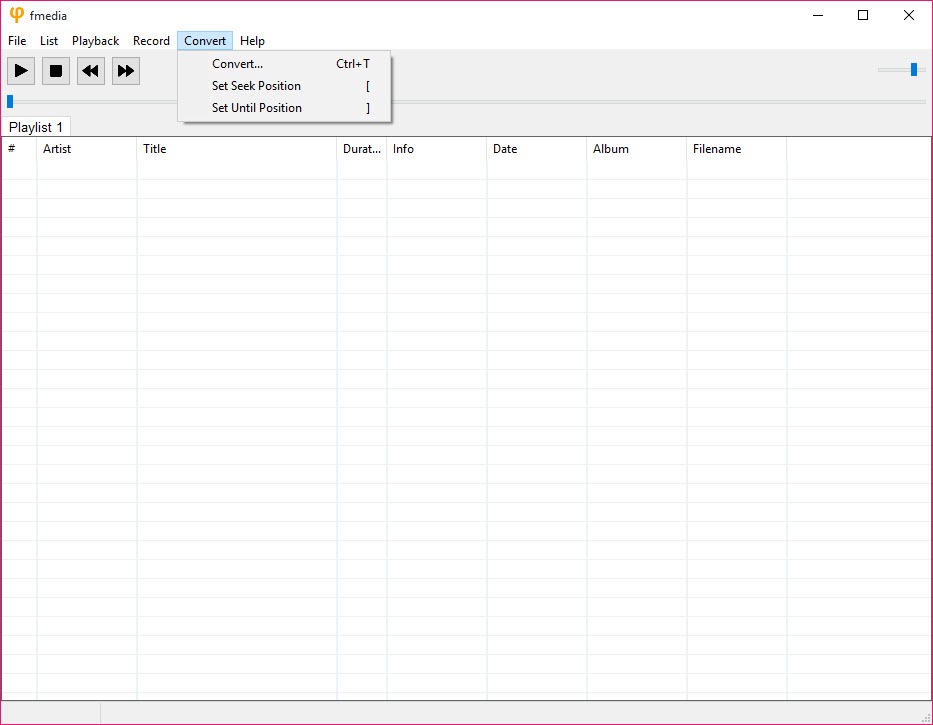
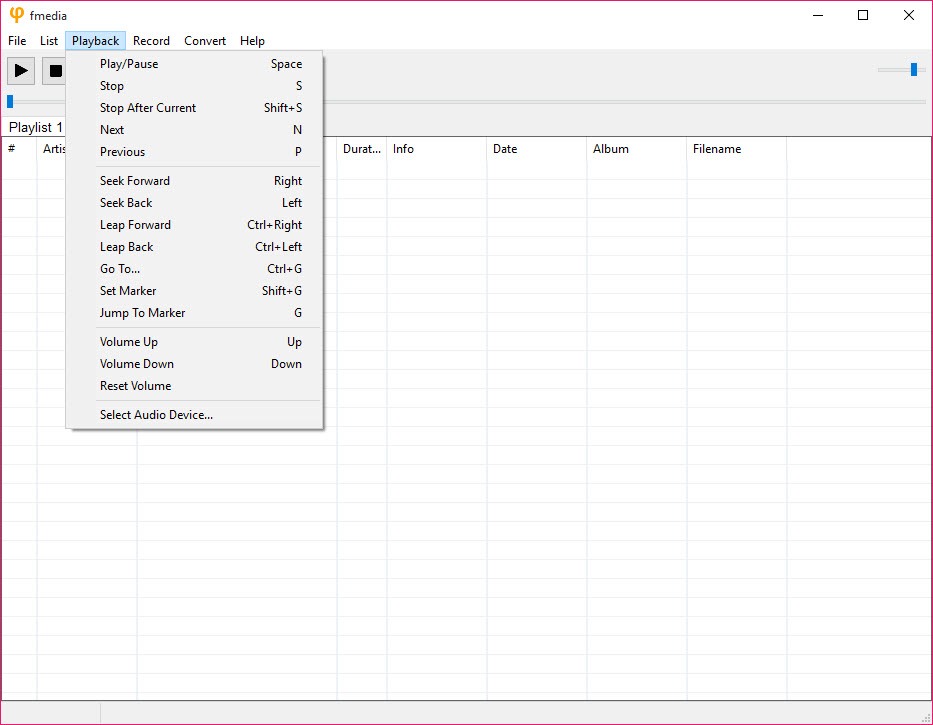
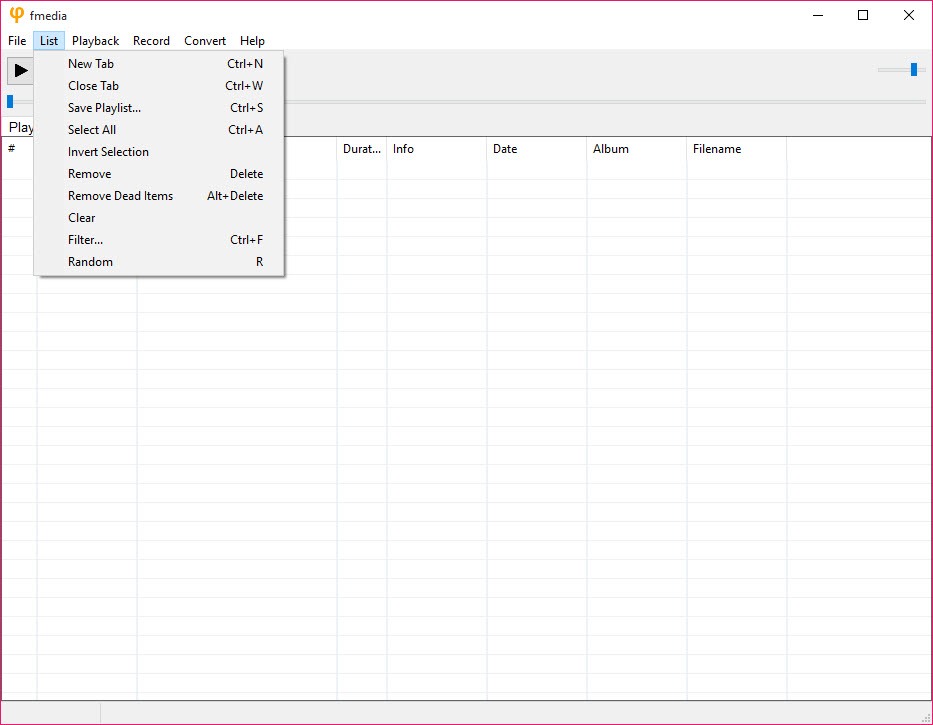
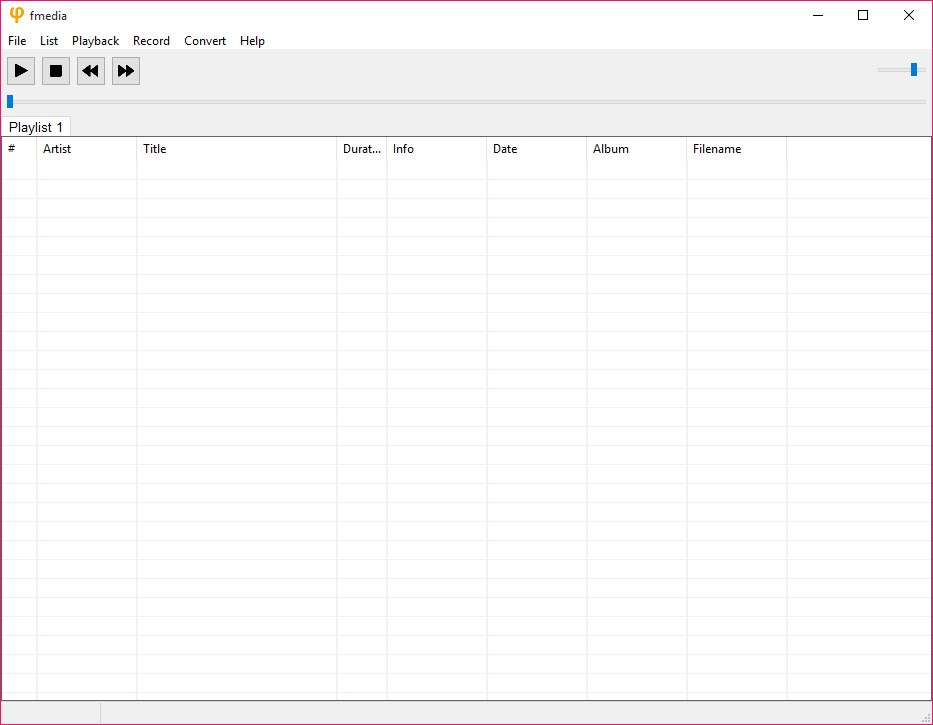
The fmedia graphical window is a playlist in tabs, with the usual transport controls, a filter box that narrows a long list as you type, a volume slider and a tray icon that controls playback when the window is hidden. Several playlists stay open as tabs, which suits an album in one and a radio stream in another. Global hotkeys run playback commands from any program, and media information for the current track is a click away. Cue sheets split a single large file into tracks, and internet streams play from an address.
There is no library, no tagging and no album art. Point it at folders or files and it plays them, which is enough for people who keep their music in folders already and far too little for anyone who wants a catalogue. For a collection with artwork and smart playlists, foobar2000 is the fuller tool in the same frugal tradition, and the two can share a machine without conflict.
Recording from a microphone or from the speakers
Recording is where fmedia earns a place beyond playback. The record menu captures from any input device, with the sample format and encoder chosen before starting, and it writes straight to a compressed file rather than to a huge WAV that has to be converted afterwards. A stop-after timer ends a recording unattended, and the tray icon shows when recording is active.
Loopback recording captures whatever the computer is playing, through the system’s audio interface, so a stream, a call or a game’s sound lands in a file without a cable or a virtual device. That mode is the reason many people found the tool, since it does with one switch what otherwise needs a software audio mixer routing a bus to a recorder.
The capture device can be chosen by number, and the whole thing runs from the command line for a script that records a radio show every morning.
Converting, and the stream copy trick
Conversion in fmedia takes any input the tool can read and writes it as MP3, Vorbis, Opus, AAC, FLAC or WAV, with the encoder’s quality or bitrate as a setting and sample rate conversion through a high-quality resampler when the target needs it. In the window, select tracks and press the convert shortcut. On the command line, give an input pattern and an output name template, and a whole folder converts with the original tags carried across.
Stream copy pulls an audio track out of a container without re-encoding it, so the Opus audio inside a web video becomes an Opus file with no loss and no time spent decoding. A dynamic normaliser evens out levels across a batch. For a converter with a graphical queue and disc ripping, fre:ac is friendlier, and this tool is faster to script.
The command line and piping
The console is where the fmedia design shows. Every feature is a switch, so a single line plays a stream, records the microphone to an Opus file, prints a file’s tags or converts a directory. Input can come from standard input and output can go to standard output, which means it slots into a pipeline between other programs, feeding audio to or from something else without a temporary file. Peak levels can be printed for a file, and a track’s metadata dumped as text.
That makes it a dependable engine for automation. A hotkey tool can start a recording, a scheduler can run a nightly conversion, and a script can process everything a microphone produces.
Anyone who already reaches for FFmpeg for this kind of job will find the switches here shorter and the scope narrower, audio only and nothing else.
Where it falls short
The fmedia graphical interface is spare to the point of looking unfinished, with plain controls and no visual polish, and some of its settings live in a text configuration file rather than in dialogs. Video is not played, only the audio inside video containers. Tagging, library management and album art are absent by design. And development has stopped, so a format that arrives later or a bug that surfaces now will not be addressed.
For everyday listening with a modern interface, AIMP covers playback far more comfortably, and this tool remains the one you call from a script.
Conclusion
fmedia suits people who want a small, fast audio engine they can drive from a script as easily as from a window, and anyone who needs to record the computer’s own sound or a microphone straight to a compressed file without fuss. The loopback recording, the stream copy and the pipe-friendly command line are the reasons it stays installed on machines that have other players. Podcasters capturing a call, archivists ripping audio out of old video files and anyone with a radio show to record at 6am will find their one job already covered.
It is the wrong choice as a main listening application for anyone who wants a library, and it will not grow any further. Keep it for recording and for batch jobs, learn three or four switches, and it does them with less fuss than anything larger. The console window that looks like an afterthought is the whole appeal once the script is written.
Pros & Cons
- Plays and records audio and converts it, from one small executable with built-in codecs
- Loopback recording captures whatever the computer is playing
- Writes compressed formats directly while recording
- Stream copy extracts audio from containers without re-encoding
- Every feature available as a command-line switch with pipe support
- Very low processor and memory use
- No library, tagging or album art
- Spare interface with some settings in a text file
- Audio only, with no video playback
- No longer updated
Frequently asked questions
Yes. Loopback mode captures the system's output directly, so streams and calls, or a game's audio, record to a file without extra hardware or a virtual device.
No. The decoders and encoders for MP3, Vorbis, Opus, AAC, FLAC and the rest are built in.
Yes. Give it an input pattern and an output name template, and every matching file converts with its tags carried across.
No. It plays files and folders you point it at, with playlists and cue sheets, but has no catalogue, tagging or artwork.


