

NSIS
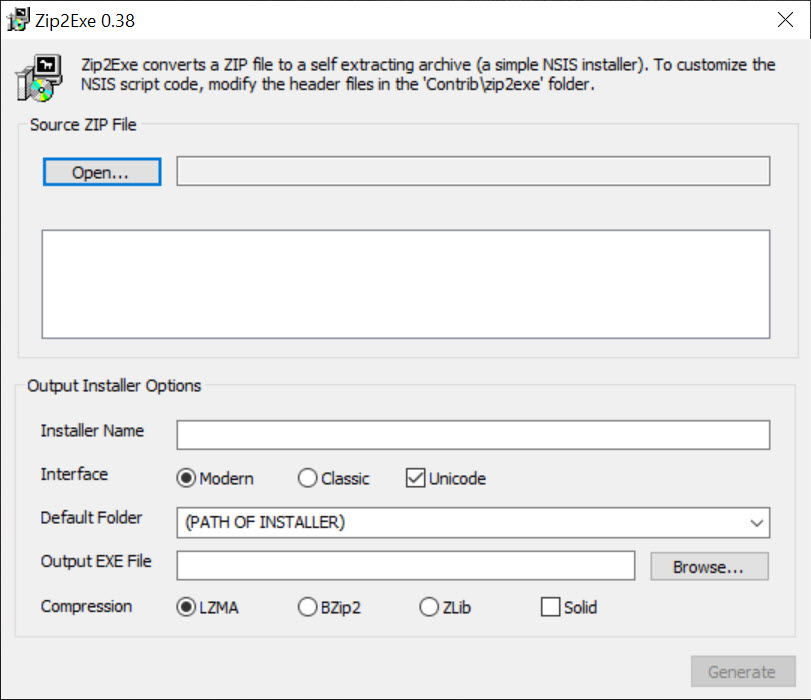
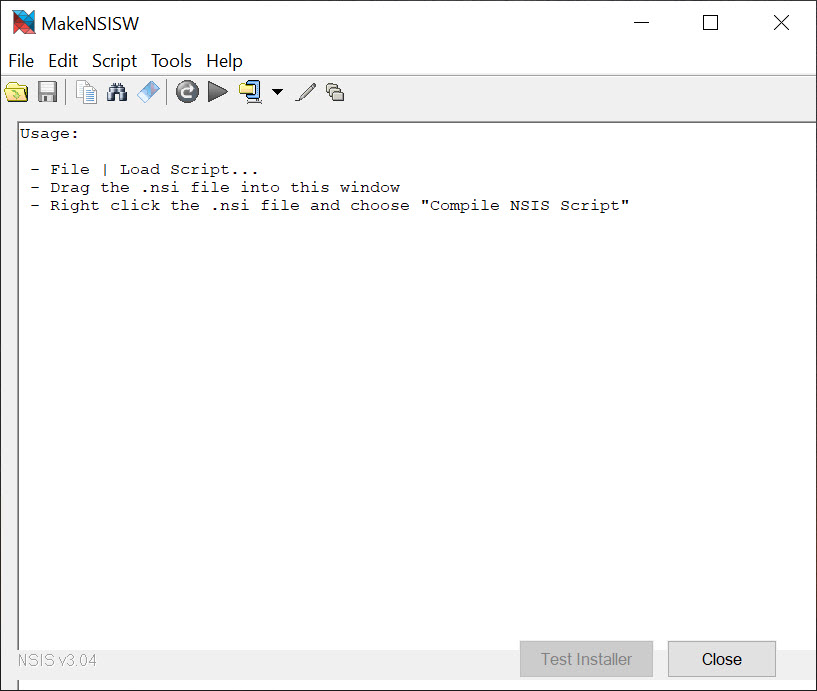
About NSIS
NSIS builds the setup program that installs your software. You write a script describing what goes where, which registry keys to set, what shortcuts to create and which wizard pages to show, then compile it, and out comes a single executable that a user double-clicks.
The installer it produces carries your files compressed inside it, unpacks them on the target machine, writes an uninstaller that reverses the job, and adds around 34 kilobytes of its own weight to do all of that. For a download that travels over the internet, that number is why so many well-known programs ship this way.
The word scriptable is the whole design. Rather than filling in a form that lists files and keys, you write logic. If the user already has a component, skip it. If a service is running, stop it first. Ask a question on a custom page and act on the answer.
The script language has variables, functions, string handling and control flow, and the compiled installer runs it in a small virtual machine of its own, so anything the language can express, the installer can do.
NSIS trades the drag-and-drop convenience of the commercial builders for that flexibility.
The script, and what it can reach
An NSIS script declares the installer’s name and output file, then defines sections, each a bundle of files and actions that maps to a checkbox in the component chooser. Inside a section the commands do the everyday installer work. Copy files with overwrite rules, create folders and registry keys, edit INI files, change environment variables, register DLLs, create shortcuts, and run other programs with or without waiting for them. Files on the target can be searched and modified, dialogs found by title and sent messages, and a reboot scheduled if a file was in use.
Functions and macros keep a long script manageable, and the compiler catches syntax errors before anything is built. A silent mode runs the installer with no interface, taking a command-line switch, which is what corporate deployment and a batch installer that detects silent switches rely on.
The uninstaller is generated from the same script, with its own section describing what to remove, so install and remove stay in step.
Wizard pages, Modern UI and custom dialogs
NSIS installers get a wizard by default, with the classic look or the Modern UI that most people recognise, a welcome page, a licence agreement, component selection and the install directory, then progress and a finish page. Each page is optional and the order is yours. The component page presents sections as a tree, with install types such as Minimal, Typical and Full selecting groups at once, and a description for each highlighted component.
Beyond the standard pages, custom dialogs are built from controls you describe, text fields, dropdowns and the usual buttons, and their values flow back into the script. Every visual element can be replaced, from icons and header images to the text on every button.
The result can look like nothing the tool ships, which is why its installers range from spartan to fully branded.
Compression and the size argument
Three compressors are built into NSIS, zlib, bzip2 and LZMA, and LZMA in solid mode packs an installer smaller than a plain archive of the same files. Files compress together as one stream or individually, plugin data included. The decompressor lives inside the 34 kilobyte overhead, so a tiny utility ships as a tiny installer and a large one ships smaller than a zip.
That mattered most when downloads were slow, and it still matters for a program fetched thousands of times a day. It also has a side effect people appreciate.
An installer built this way opens in an archive tool as if it were an archive, so anyone can see what it contains before running it.
Plugins and the API bridge
NSIS plugins are DLLs that add commands to the script with a single line of syntax, and the collection is large. HTTP downloading for web installers that fetch components on demand, patching an existing installation rather than replacing it, custom dialog engines, JSON and XML handling, control of processes and services, hashing for checksum verification, and a System plugin that calls almost any function the operating system exposes. A plugin is only included when the script uses it.
That last plugin is the escape hatch. When the built-in commands stop short, a script calls into the system’s own libraries directly, which is how these installers do things installer tools are not supposed to know. It is also where the learning curve steepens, since the syntax is terse.
Languages, silent runs and the modern catches
More than sixty translations ship with NSIS, and one installer can carry several, choosing by the system’s locale or asking the user, with right-to-left languages handled. Silent mode, passed as a command-line switch, runs the whole thing without a window, and a script can detect it and behave differently.
Two catches have grown in importance. Nothing built with the tool is signed until you sign it, and endpoint security software that allow-lists by signature will block an unsigned installer stub outright, so signing the output is now a required step rather than a nicety.
And the newer packaged app formats that some distribution channels prefer are a different shape entirely, so an installer built here reaches the traditional desktop and not those channels. For editing the icons and resources inside the finished executable, a resource editor does the job after compilation.
The learning curve, and who it suits
There is no visual designer in NSIS. Everything is written, and the first script for a real program takes a few hours and a lot of reading, because the language is its own thing and the manual is thorough but dry. Third-party editors with syntax highlighting help, and the bundled examples cover most starting points. After the first installer the second takes twenty minutes, and the script becomes part of the project’s build.
Against the commercial builders with their drag-and-drop file trees and dialog designers, this is more work at the start and less constrained afterwards. Against the other scripted installer, with its Pascal-flavoured language and cleaner default look, it is a matter of taste and of which plugin ecosystem has the piece you need.
Conclusion
NSIS suits programmers who want a small installer that does exactly what their program needs and nothing the tool decided for them. Anyone shipping software over the internet, anyone whose installation involves conditions and checks, and anyone whose build pipeline should produce the installer automatically will find the scripting repays the hours it takes to learn.
It is the wrong tool for someone who wants to drag files into a tree and press build, and for anyone targeting the packaged app channels rather than the traditional desktop. Learn the script, sign the output, keep the plugin list open, and it will build installers that users never notice, which is the highest praise an installer gets.
Pros & Cons
- About 34 kilobytes of overhead on top of the compressed files
- Scripting language handles conditional logic, custom pages and system checks
- LZMA compression produces installers smaller than a plain archive
- Large plugin library and a bridge to the operating system's own functions
- Sixty-plus translations and a silent mode for unattended deployment
- Uninstaller generated from the same script
- No visual designer, so everything is written in script
- Language is its own thing and takes hours to learn
- Unsigned output is blocked by signature-based endpoint security
- Cannot produce the newer packaged app formats
- Documentation is thorough but dry
Frequently asked questions
There is none built in. Installers are described in a script and compiled. Third-party editors add syntax highlighting and wizards for starting a script.
The tool adds about 34 kilobytes to the compressed files, and LZMA compression usually makes the whole installer smaller than a zip of the same content.
Yes. A command-line switch runs the whole installer with no interface, and the script can detect silent mode and adjust its behaviour.
The output is unsigned until you sign it, and endpoint tools that allow-list by signature reject unsigned stubs. Code-sign the finished installer.


