

jEdit
About jEdit
jEdit is a programmer’s text editor that runs on the Java Virtual Machine. That single architectural choice shapes everything about the application, from how it starts up to how it handles plugins to which platforms it runs on. The editor has been around long enough to predate the current generation of Electron-based code editors, and its design reflects a different era of how desktop applications were built. That is both its appeal and its baggage.
What you get when you launch it is a serious editing surface with the kind of feature set developers expect from a code-oriented editor. Syntax highlighting for roughly two hundred file formats. Configurable keyboard mappings deep enough to emulate Emacs or vi-style modal editing through plugins. A folding system that handles both indent-based and explicit-marker-based code blocks. Macro recording with the recorded actions saved as BeanShell scripts.
Most importantly, a plugin architecture that lets the editor be extended into territory that goes well beyond what the core ships with.
The plugin system and what makes it the real product
The base editor is competent but not extraordinary. The plugin manager is where things get interesting. Open the Plugin Manager dialog and you see a categorized list of hundreds of community plugins covering FTP and SFTP access, source-control integration for various VCS backends, structured editing for XML and HTML, project management, code completion engines for specific languages, file system navigation, console emulation, and so on. Each one is a JAR file that the editor loads at runtime. You pick what you need, the manager downloads and enables the JARs, and the editor restarts with the new capabilities active.
This is closer to how Eclipse builds out its functionality than to the extension model used by Notepad++, and the practical effect is that a heavily-extended jEdit install can feel almost like a small IDE rather than just a text editor.
The trade-off is configuration debt. Every plugin has its own preferences pane, its own keyboard shortcuts that may conflict with the defaults, and its own quirks. A fresh install with everything you want plugged in can easily take an evening to set up sanely.
The editing surface itself
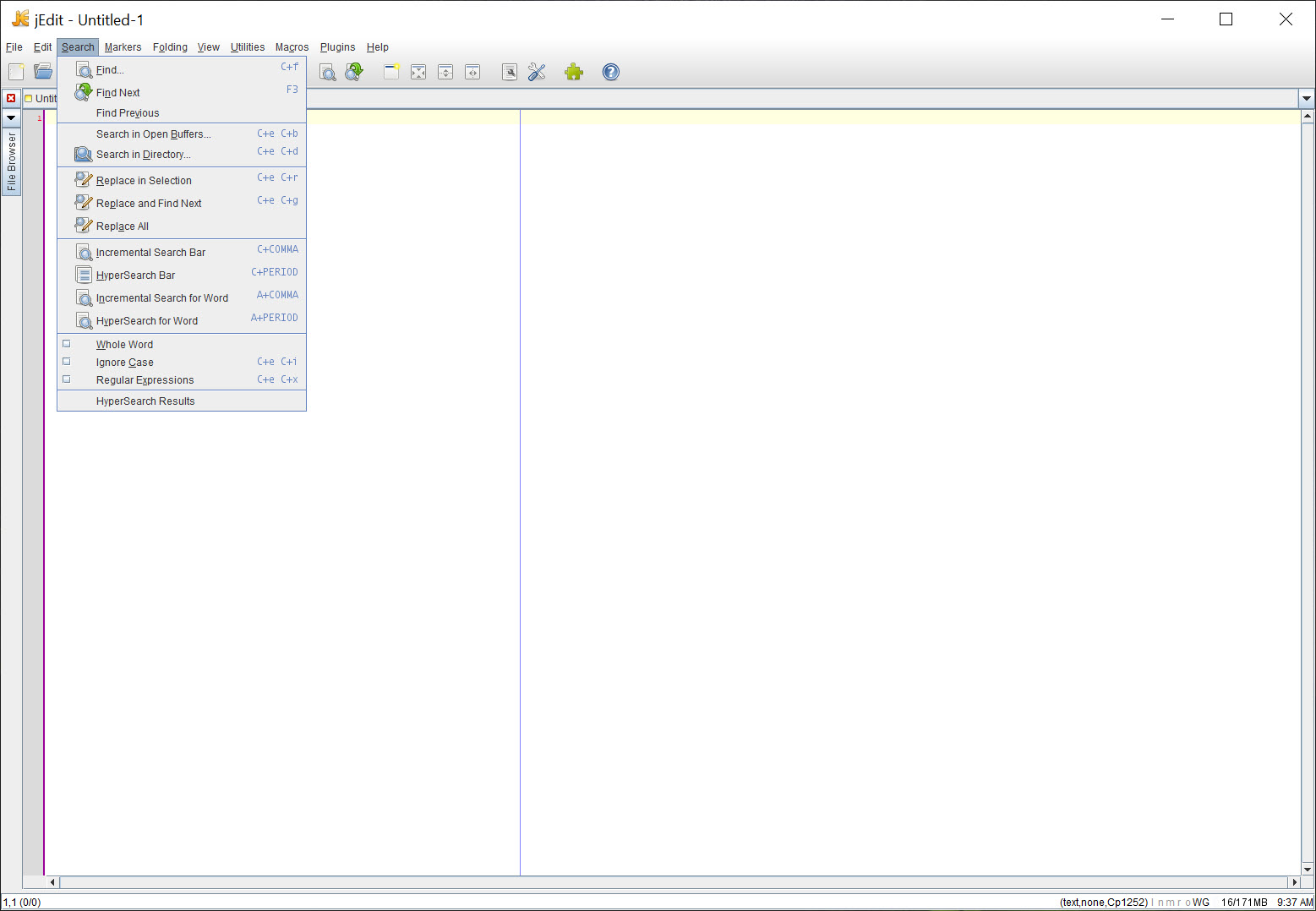
Inside the editor window, the standard programmer-editor features work the way they should. Multiple windows, multiple buffers per window, split panes with synchronized or independent scrolling, regex search and replace across an open buffer or across a folder hierarchy. The hypersearch feature shows all matches in a tree view that you can navigate without leaving the keyboard. Column selection, multi-line editing, and a clipboard history that retains your last several copy operations.
The syntax-highlighting engine is rules-based rather than tree-sitter style, which means it handles obscure or domain-specific languages well as long as a mode file exists. Writing a new syntax mode is a matter of writing an XML descriptor with token patterns, which is more work than what modern editors require but is also more transparent. For users in scientific computing, legacy enterprise codebases, or working with niche file formats where modern editors have no syntax support, the older plain-XML mode system is genuinely a feature.
Indentation handling is detailed. The editor distinguishes between soft tabs and hard tabs, can convert automatically on save, supports per-mode indent rules including for languages with significant whitespace like Python, and lets you set up smart indentation that responds to code structure rather than just the previous line.
BeanShell scripting and the macro recorder
The macro system uses BeanShell, which is essentially Java with relaxed syntax. You record a sequence of edits, the editor writes the recorded actions as a BeanShell script, and you can replay them, save them, edit them, or chain them with other scripts. Because BeanShell is real Java, a recorded macro can be extended with conditionals, loops, file I/O, regex processing, and anything else the JVM exposes. This is more powerful than the macro systems in lighter editors and lets you automate genuinely complex repetitive editing tasks.
The catch is that BeanShell is now an obscure scripting language outside this editor, and finding documentation or examples is harder than it used to be. The macros that ship with the editor and the ones in the community plugins are usually the best starting points.
Java startup and what that means in practice
This is the trade-off you accept by using a Java application. Startup is slow compared to native editors. On a cold start, the JVM has to initialize, the editor has to load its modes and plugins, and the first window typically appears several seconds after you double-click. On warm start it is faster, but it never approaches the near-instant feel of ConTEXT or TextPad. For someone who lives in their editor all day, the cold-start cost is a one-time tax. For someone who opens an editor briefly to look at one file, it feels like overkill.
Memory consumption is higher than native equivalents, typically in the few-hundred-megabyte range with several plugins loaded. This was a serious complaint when machines had limited RAM. On modern hardware it matters less, though it is still more than what you would expect from a “text editor.”
The compensating advantage is that jEdit behaves identically on every platform that runs Java. The same configuration files, the same plugins, the same keyboard mappings work across systems. For someone moving between machines or environments where their workflow needs to follow them, this consistency is meaningful in a way native editors cannot match.
How it compares to neighbors in the category
The closest reference point in spirit is Geany, which targets a similar audience of developers who want something between a plain text editor and a full IDE. Geany is native, lighter, and starts faster, but its plugin ecosystem is smaller and its scripting story is weaker. Atom was the modern Electron-based answer to the same problem, with a JavaScript plugin model that drew a much bigger community but came with its own startup cost and a development trajectory that has not been kind.
For PHP-specific work, PHPNotepad handles its niche more directly. For web-focused HTML and JavaScript editing, Aptana Studio is closer to a small IDE. jEdit occupies an interesting middle position where it can serve as a general-purpose programmer’s editor for almost any language as long as you find the right combination of plugins.
Configurability that goes deep
Almost every aspect of the editor’s behavior can be tweaked through the Global Options dialog. Color schemes, font selection per editor pane, status bar contents, dockable window positions, gutter appearance, the auto-save interval, encoding defaults for new and existing files, line ending conventions per file type, and roughly two hundred other settings. Power users either love this or get lost in it.
Keyboard shortcuts are fully rebindable, and the shortcut editor shows conflicts when you try to assign the same combination to two actions. Importing and exporting shortcut sets is supported, so a configuration you spent time building can be carried to another machine or shared.
Limitations that are worth being honest about
The plugin ecosystem has thinned out over the years. Many of the community plugins listed in the plugin manager have not been updated in a long time. They still work, mostly, because the JVM compatibility story is good, but the freshness compared to what you find in modern editor marketplaces is not there. New language support tends to come through community contributions to the syntax-mode XML files rather than through fancy LSP integrations.
Speaking of LSP, the Language Server Protocol support that defines modern editor capabilities for things like real-time linting, jump-to-definition, and intelligent autocomplete is not a first-class part of the experience here. Plugin-based attempts exist with varying degrees of completeness, but if your daily workflow expects polished LSP behavior across modern languages, this is going to feel rough.
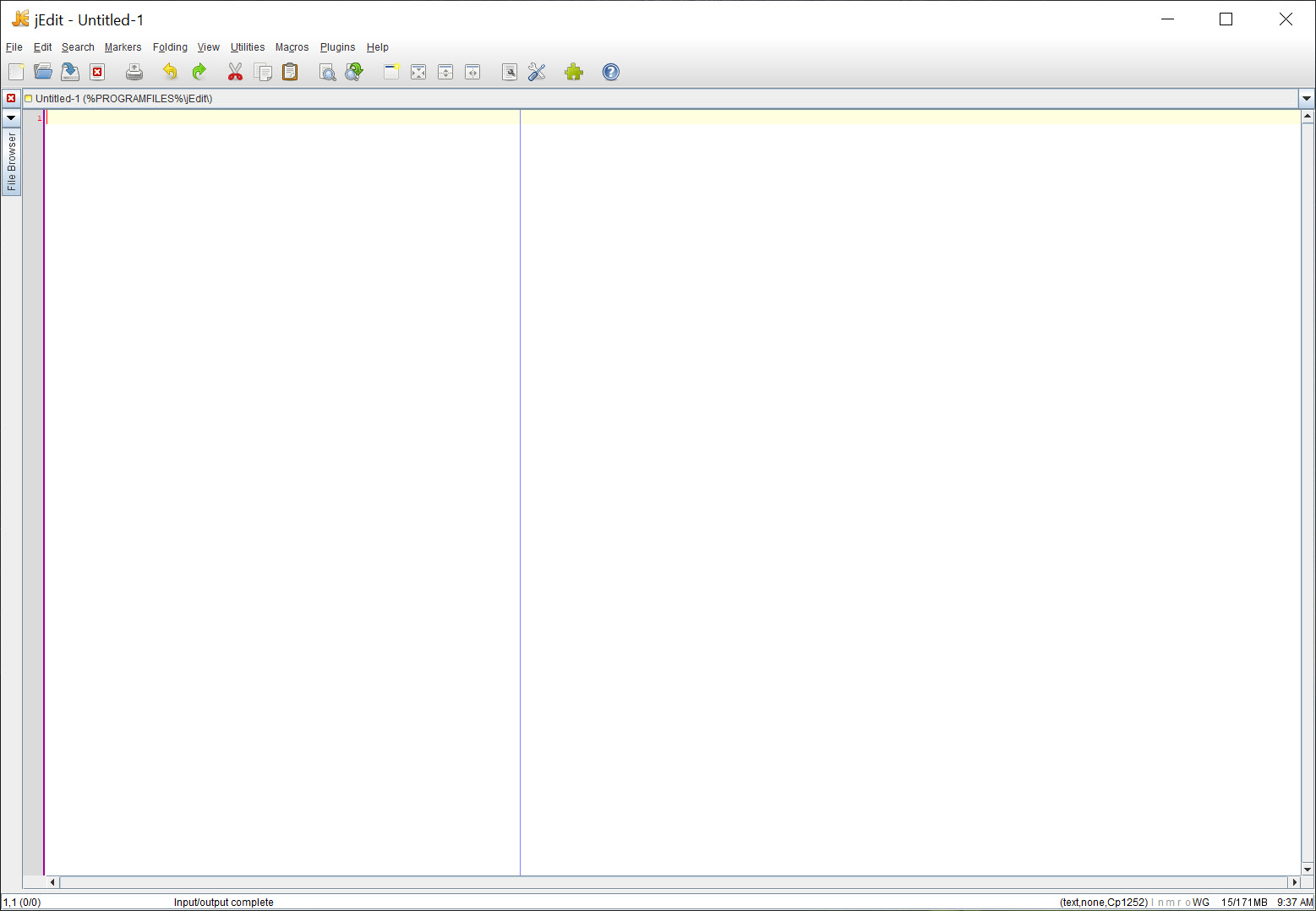
The UI looks like a Swing application because it is a Swing application. Font rendering improved a lot with newer Java versions, but the overall visual feel is functional rather than polished. If aesthetics matter to you, this will not impress.
Conclusion
jEdit is the right pick for a specific kind of user. Someone who genuinely values configurability over polish, who works across multiple operating systems and wants their editor to behave the same on all of them, who is comfortable spending an evening setting up plugins to build the environment they want, and who is editing code or text files in languages where a community syntax mode exists. For that user the editor offers depth that lighter alternatives simply do not match, and the open-source license means there are no future surprises about pricing or telemetry.
For everyone else, the modern editor market offers options that start faster, look better, and ship LSP-based language intelligence out of the box. The cost is less configurability and a heavier reliance on whatever the vendor’s plugin ecosystem currently looks like. jEdit trades novelty for durability, and depending on what you value, that trade looks either dated or refreshingly stable.
Features & benefits
Pros & Cons
- Plugin architecture is deep and turns the editor into something close to a small IDE depending on what you enable
- Cross-platform identical behavior, same configuration and plugins work on any system that runs Java
- Syntax support covers roughly two hundred file formats with transparent XML-based mode definitions
- BeanShell macro system supports real programmatic automation of editing tasks, not just key-replay
- Hypersearch, regex across files, multiple split panes, and column selection all work as expected
- Free and open source with no nag screens, no paid tier, no telemetry
- Java startup time is noticeably slower than native text editors, even on modern hardware
- Memory consumption higher than native equivalents, several hundred MB with plugins active
- Plugin ecosystem has slowed considerably, many community plugins are no longer maintained
- Language Server Protocol support is not a first-class feature, modern language intelligence requires workarounds
- Visual style is dated Swing UI, font rendering and polish lag behind modern editors
- Initial setup with plugins and preferences can take significant time before the editor feels tuned
Frequently asked questions
A programmer's text editor written in Java. The base editor includes syntax highlighting for many languages, regex search, split panes, column selection, and similar code-oriented features. A plugin system extends it into territory that approaches lightweight IDE functionality depending on which plugins you install.
The choice gives the application identical behavior on every platform that runs the JVM. The same configuration files, plugins, and keyboard shortcuts work across systems. The cost is slower startup and higher memory use compared to native editors, which is the trade-off you accept for the consistency.
Yes. The editor runs on the Java Virtual Machine, so you need a compatible JVM on the system. Once Java is present, the application itself is a JAR-based install that runs cross-platform with no native components.
BeanShell is a relaxed-syntax Java interpreter built into the editor. You can record macros and the editor writes them as BeanShell scripts, which you can then edit, extend with conditionals and loops, and replay. This is more powerful than simple key-replay macros found in lighter editors.
Almost certainly, in the sense that a syntax mode for X probably exists. Whether the experience is competitive with a dedicated editor for X depends on whether the community plugins cover the language features you need. For some languages the experience is excellent. For modern languages that rely on LSP-based tooling, the experience is rougher.
On a cold start, several seconds while the JVM initializes and plugins load. On a warm start, faster. It is never going to approach the near-instant feel of a native editor like Notepad++. For users who keep the editor open all day, this is a one-time cost. For users who open an editor briefly to look at one file, it is noticeable every time.
The plugin development pace has slowed considerably from its peak. The plugin manager still lists hundreds of plugins and most of them still work, but freshness compared to the active plugin markets of modern editors is not there. Mode files for new syntax languages continue to appear through community contributions.


