

Ultimate Settings Panel
About Ultimate Settings Panel
Configuration settings on this system live in two places that do not agree with each other. Some sit in the modern settings application, some remain in the older control panel, a few exist in both with different options, and several useful ones are reachable only by knowing a command to type. Ultimate Settings Panel gathers the whole scattered collection into one window.
The architectural point comes first because it sets expectations correctly. This changes nothing and configures nothing. Every button opens a dialog, an applet or a tool the system already contains, so what you are installing is a directory rather than a settings editor.
That sounds modest and solves a real problem. The split between old and new settings has persisted for years without ever being finished, and the practical result is that finding a specific option means remembering which half of the system it landed in.
Tabs by category
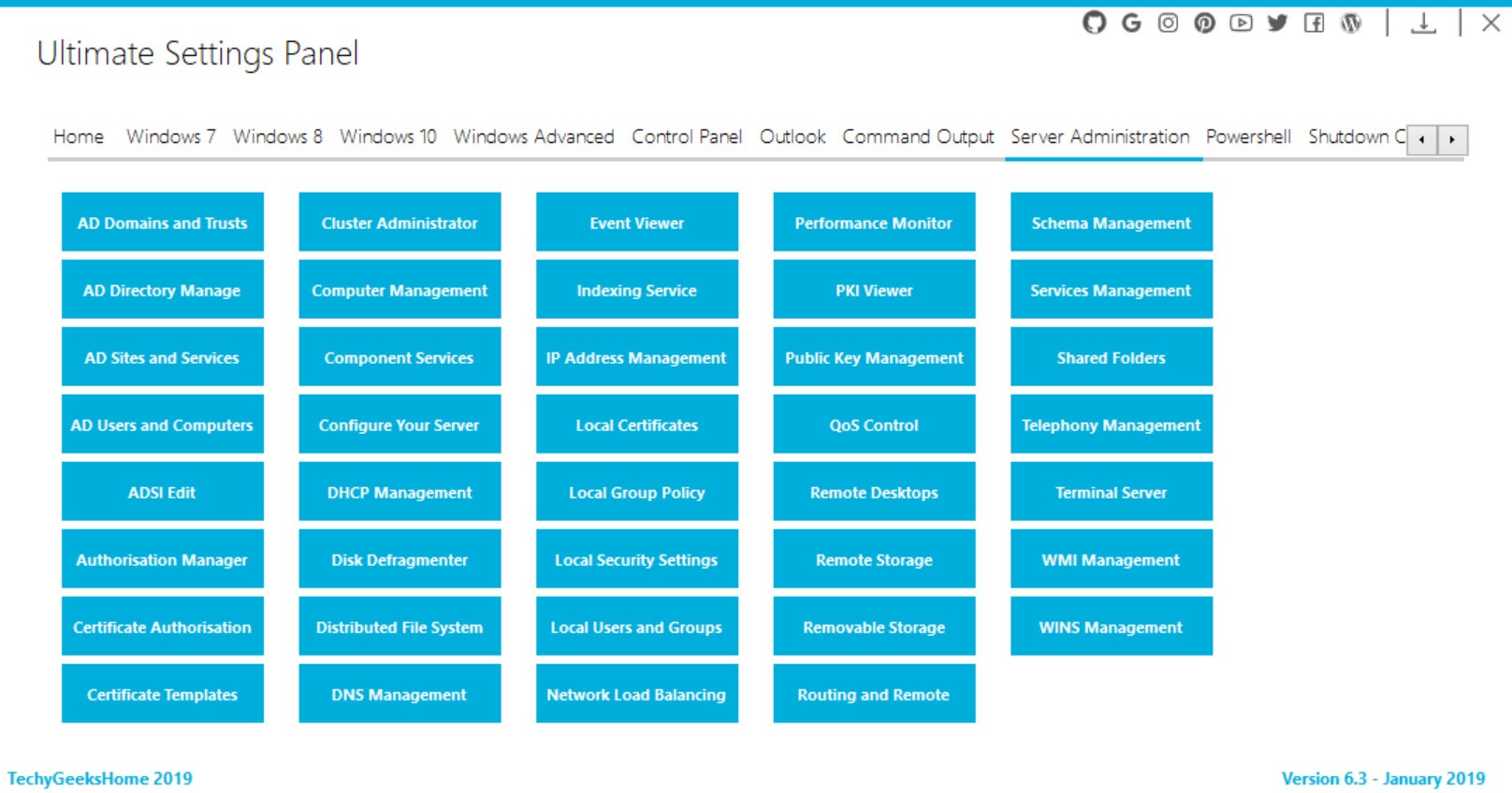
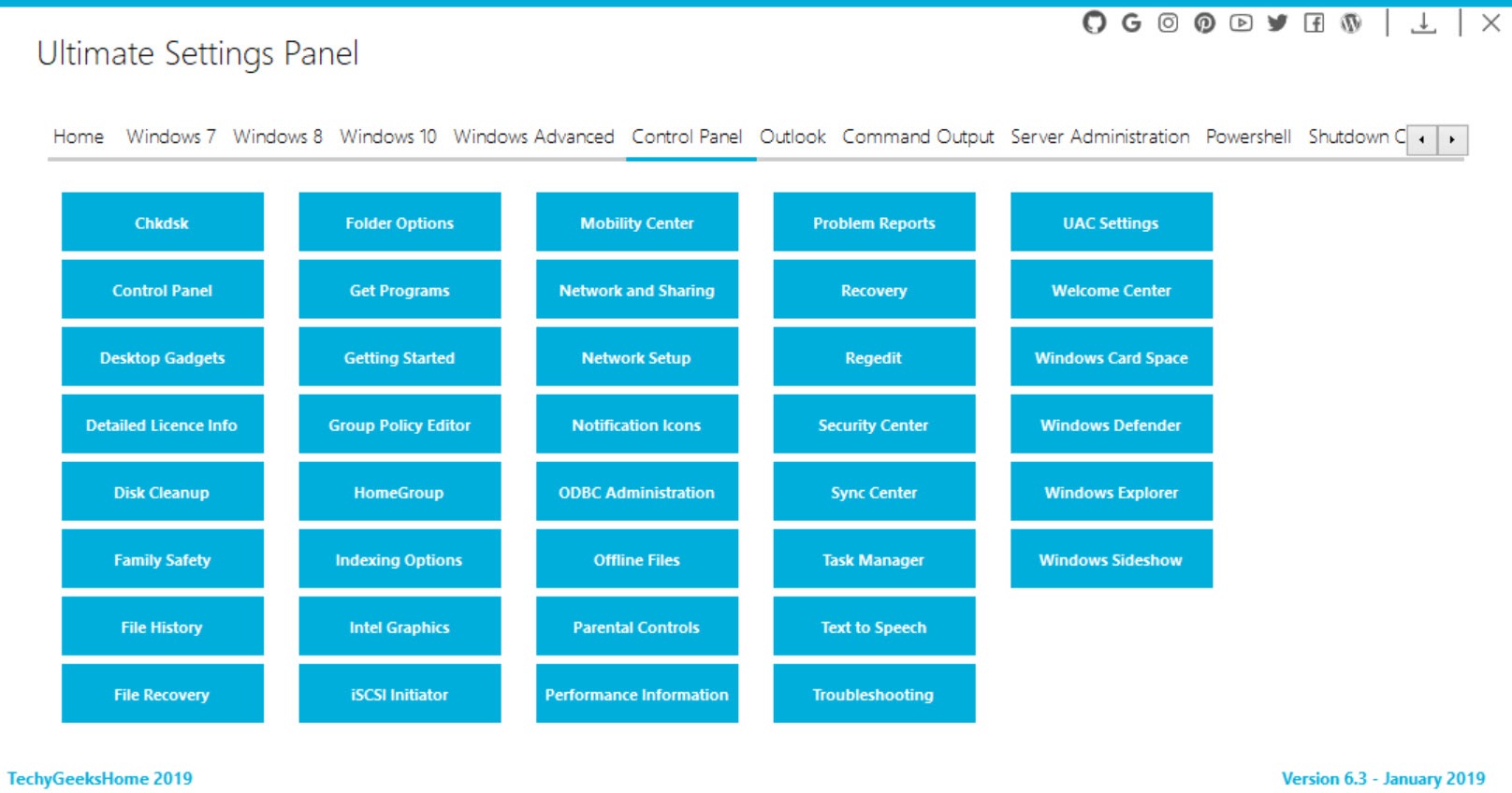
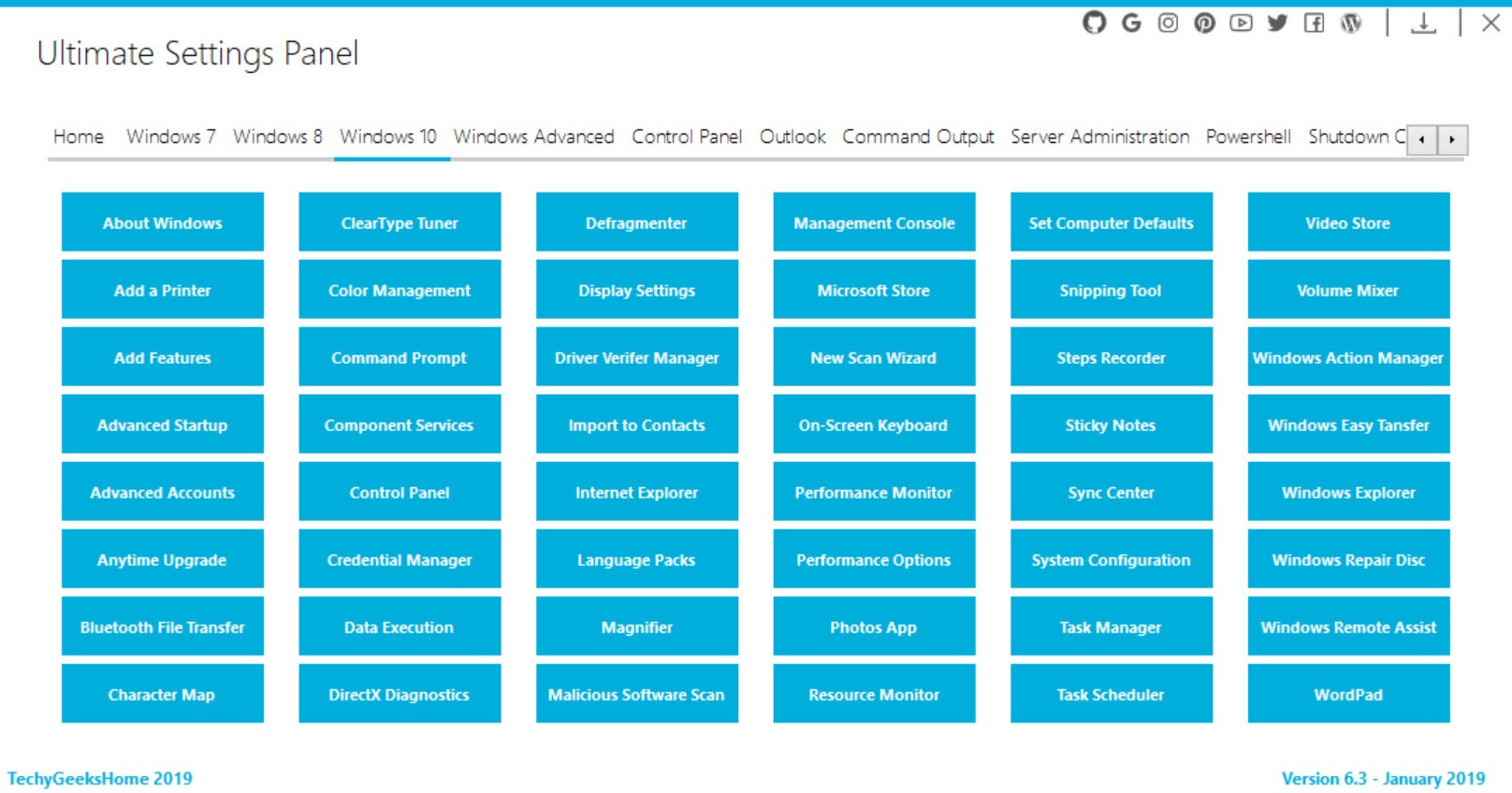
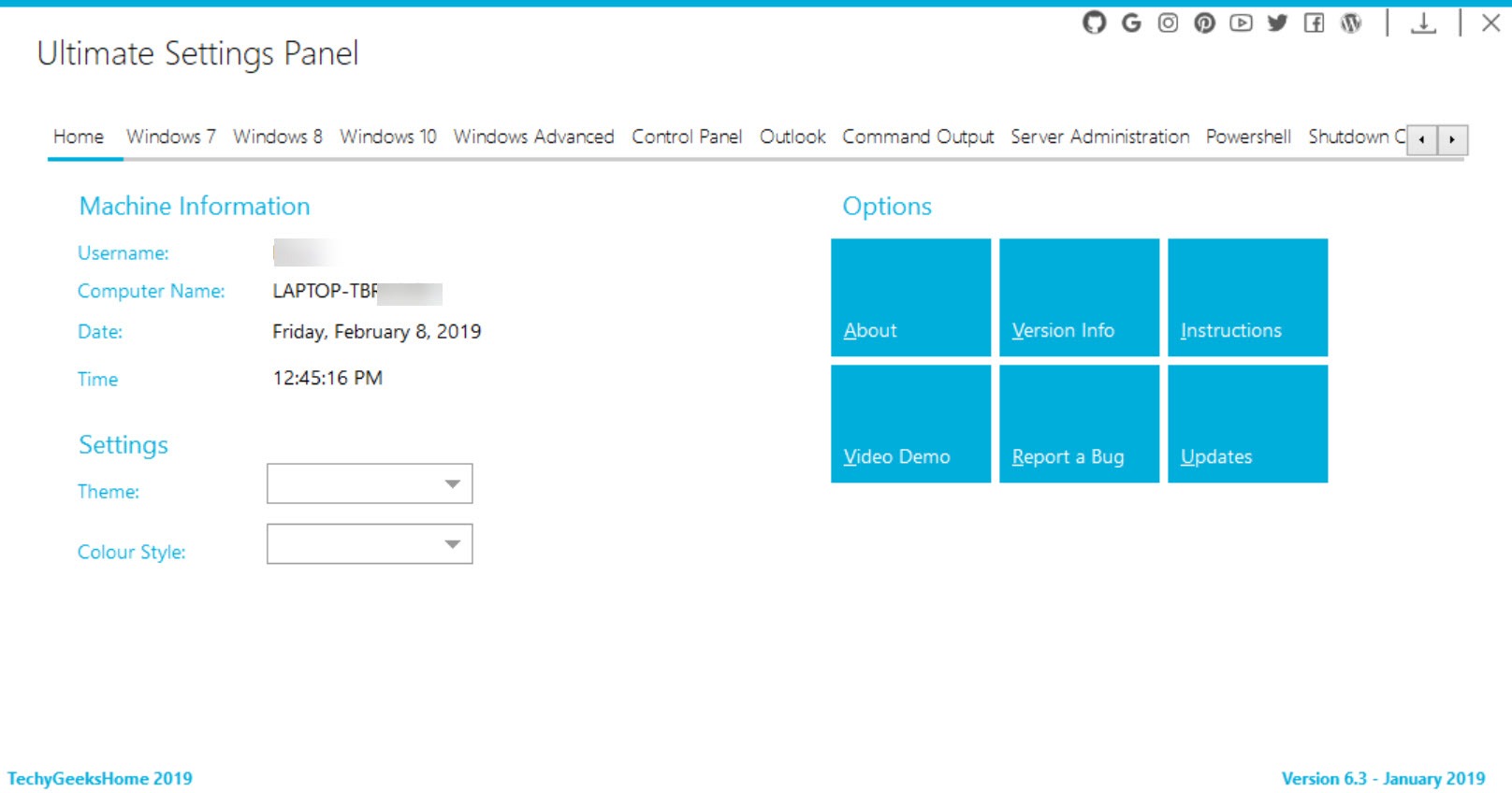
Ultimate Settings Panel groups settings into tabbed pages, covering the control panel applets, computer management, the administrative tools, network configuration, system utilities and a page for the office suite if one is installed.
Each page is a grid of labelled buttons, which is the correct design for something whose only job is getting you somewhere. There is no hierarchy to work through and no search to formulate, just a page of names to read.
The administrative tools page is the one that earns most of the goodwill. Those tools are properly buried, and having the event viewer, the service manager, the disk management console and the task scheduler on one page saves the repeated hunt through nested menus.
The custom page
Ultimate Settings Panel reserves a page for shortcuts you add yourself, which is what turns the program from a convenience into something you keep.
Anybody who administers machines has a set of destinations they open constantly, and that set is personal. Adding those to a page you designed means one window holds both the general directory and your own list.
For a launcher covering entire diagnostic utility collections rather than settings dialogs, Windows System Control Center does the equivalent job at a different level, keeping the tools themselves organised and current.
Where buttons stop working
One Ultimate Settings Panel limitation is inherent to the approach and worth expecting.
Because every button launches something the system provides, a button whose target the system has removed simply fails. The older control panel has been shrinking for years as applets are retired or absorbed into the newer settings application, and a directory pointing at them inherits that erosion.
So on a current system, expect a proportion of the entries to open nothing. That is not a fault in the program so much as an unavoidable consequence of being a map of somebody else’s territory while that territory is being rearranged.
It is a directory, not a tweaker
Being clear about this prevents a category confusion that catches people.
Nothing in Ultimate Settings Panel modifies behaviour. There are no privacy toggles, no performance adjustments and no hidden options exposed, because every destination is a dialog the system already offers and every change happens inside that dialog rather than in this window.
For actually changing settings the system does not expose in any dialog, Winaero Tweaker is the tool for that, presenting hundreds of adjustments with descriptions rather than pointing at existing panels.
And for repairing things that have broken rather than configuring things that work, FixWin addresses common faults directly.
Conclusion
Ultimate Settings Panel exists because the system it addresses never finished moving its own settings into one place. Gathering the control panel applets, the administrative consoles and the network dialogs onto tabbed pages solves the resulting navigation problem, and the custom page is what makes it stick.
Judge it as a directory rather than a utility. It changes nothing, some entries will fail as the underlying applets disappear, and anybody who already knows the commands gains little. For a technician working across unfamiliar machines, or for somebody tired of guessing which half of the system holds a particular option, it saves exactly the time it promises.
Pros & Cons
- Gathers settings scattered between the old and new configuration systems into one window
- Administrative tools collected on one page rather than buried in nested menus
- A custom page holds the destinations you personally open constantly
- Flat grids of labelled buttons, with no hierarchy to learn
- Available as a portable build, so it travels on a technician's stick
- Changes nothing itself, which makes it safe to run anywhere
- A directory rather than a settings editor, so it configures nothing
- Buttons pointing at retired applets simply fail on a current system
- Provides no descriptions, so you need to know what a tool is called
- The built-in search now finds many of the same destinations
- Little value to anybody who already knows the commands
Frequently asked questions
No. Every button opens a dialog, applet or tool the system already contains, and any change happens inside that dialog. What it provides is navigation rather than configuration.
Because the older control panel has been shrinking as applets are retired or moved into the newer settings application. A button pointing at something the system no longer includes fails, which is unavoidable for a directory of somebody else's dialogs.
The administrative tools page, which collects the deeply buried consoles onto one screen, and the custom page, where the destinations you open constantly can be added yourself.
A tweaking tool exposes settings the system offers no dialog for, with descriptions of what each does. This one points at dialogs that already exist and adds nothing of its own.


