

UCheck
About UCheck
Keeping software updated is one of those things everyone knows they should do but rarely does consistently. Each application has its own update mechanism (some good, some terrible, some completely silent), and tracking which programs need attention across an entire system is the kind of administrative chore that gets pushed aside indefinitely. The result is the typical Windows installation where dozens of programs run versions that are months or years out of date, with the security patches and feature improvements introduced since installation never reaching the user.
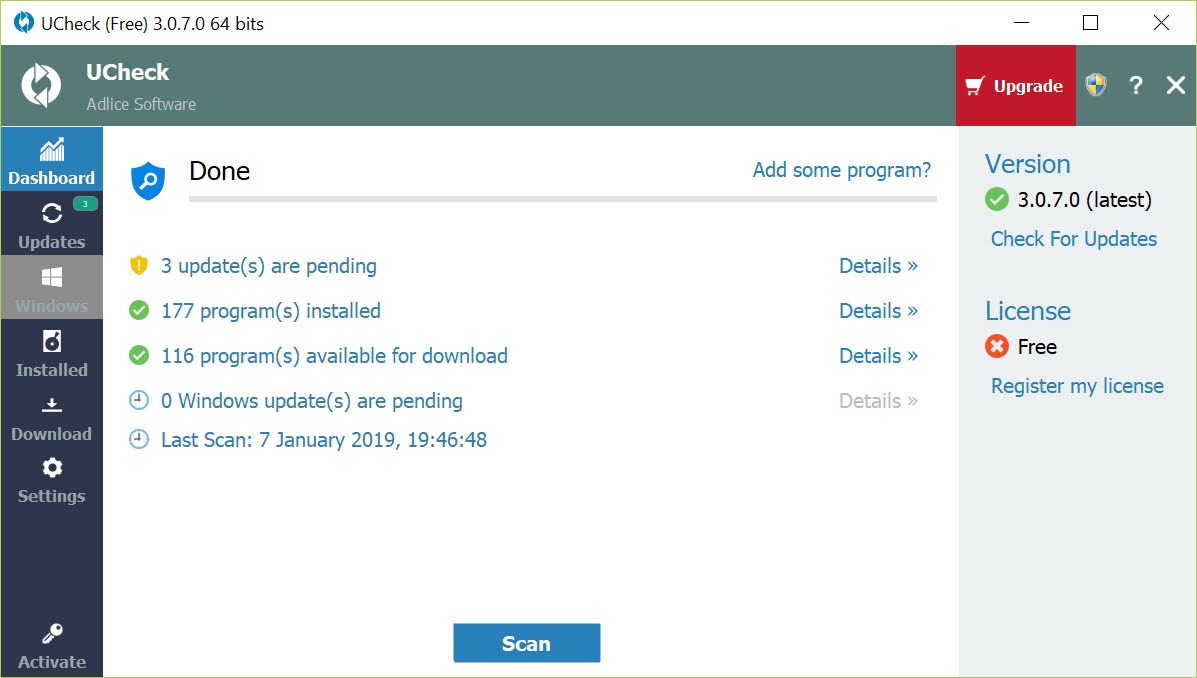
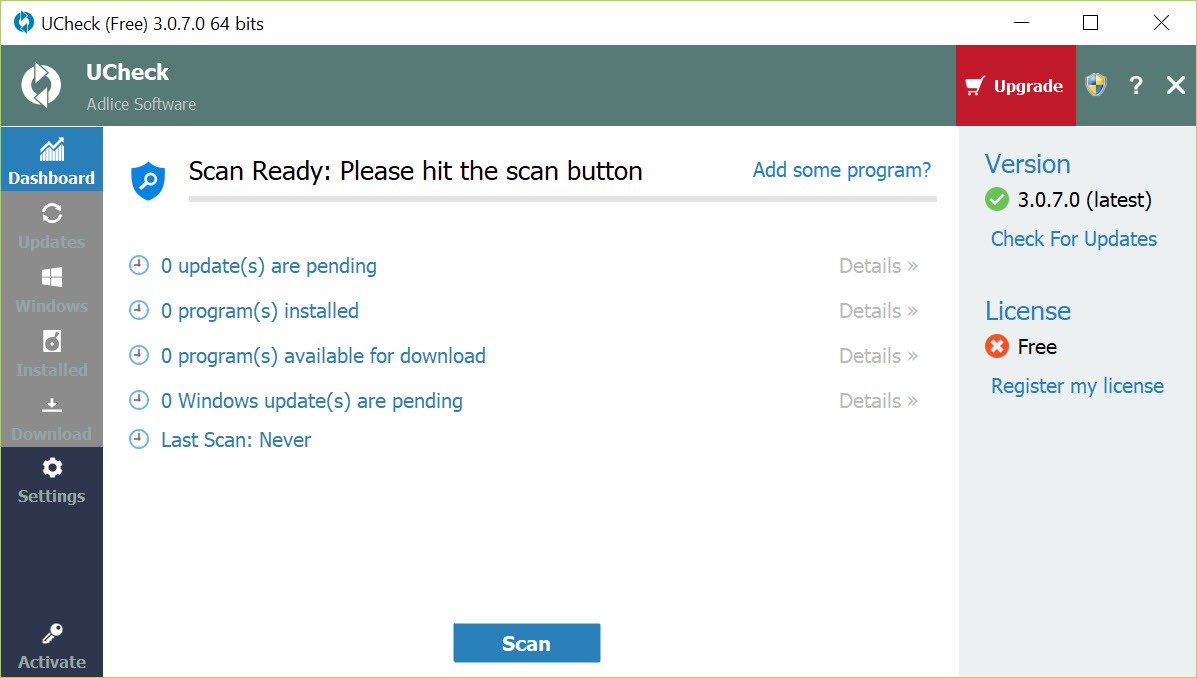
UCheck is the dedicated solution to this problem, scanning your installed software and either updating everything in one operation or letting you pick which updates to apply, replacing the manual app-by-app routine with something actually sustainable.
What it actually checks for
The defining function of UCheck is comprehensive software update detection. The application scans your installed programs, compares each one against its database of current versions, and produces a list of everything that’s outdated. The supported software list is genuinely extensive, covering hundreds of common applications including browsers (Chrome, Firefox, Edge), media players (VLC, MPC-HC, foobar2000), runtimes (Java, .NET), creative tools, productivity software, communication apps, and various other categories that accumulate on typical installations.
The detection isn’t limited to mainstream software either. Specialized tools, smaller utilities, and various less-common applications appear in the supported list along with the obvious mainstream programs. For users with eclectic software collections that include programs less popular than the obvious top-tier names, having broad coverage matters substantially compared to update tools that only handle the most common applications.
Beyond detection, the software handles the actual updating itself. Click Update on a single program or use Update All to handle everything at once, and the application downloads and installs the current versions automatically.
The whole process happens through the application’s interface rather than requiring you to visit individual websites for each program, which transforms what would be an hours-long manual chore into a one-click operation.
The driver update component
Beyond application updates, UCheck also handles driver updates for hardware components. Outdated drivers can cause stability issues, missing functionality, or security vulnerabilities, and tracking driver versions across the various hardware in a typical computer is even more tedious than tracking software updates because driver sources are scattered across manufacturer websites with inconsistent organization.
The driver detection identifies what’s installed and compares against current versions from manufacturer sources, presenting outdated drivers alongside the outdated software in the same workflow. This consolidated approach means you don’t need separate tools for software and driver maintenance, with the same scan covering both categories of updates.
For users who care about keeping their drivers current, particularly gamers wanting the latest GPU drivers or users dealing with peripheral compatibility issues, having driver updates integrated with the broader update workflow saves substantial time.
The driver coverage isn’t quite as comprehensive as some dedicated driver updater tools, but it handles the major hardware categories adequately for typical scenarios.
Software inventory and uninstaller
A useful secondary function is the software inventory view, which lists all installed programs on your system with version information, install dates, publisher details, and various other metadata. For users curious about what’s actually on their machine (more than most people realize, given how applications accumulate across years of use), this view provides a clear overview that Windows itself doesn’t quite offer through standard interfaces.
The integrated uninstaller lets you remove programs directly from this inventory view, which is more convenient than going through Windows Settings or Control Panel for each program individually. For users who periodically clean up their installations by removing unused software, doing this work alongside the update workflow consolidates two related maintenance tasks into a single application session.
Some users find this combination particularly useful when setting up new machines or recovering from cluttered installations. Run a scan to identify everything installed, remove what you no longer need, then update what remains.
The whole maintenance workflow happens through one interface rather than juggling multiple Windows tools.
Free version capabilities versus Pro
The free version of UCheck provides genuine functionality including update scanning, manual update operations for detected outdated software, basic driver checking, and the inventory view. For users who just want to see what’s outdated and update programs occasionally, this free tier handles the essential work without artificial restrictions.
The Pro version adds features like automatic background scanning, scheduled update checks, batch updates with no manual confirmation per program, command-line operation for scripted use, and various other capabilities aimed at users who want more automated maintenance. Pricing runs around $12 for an annual license, which is modest compared to many commercial software tools.
For typical home users who run scans occasionally rather than wanting full automation, the free version is genuinely sufficient. For users who want their systems to stay updated automatically without ongoing attention, or for technicians managing multiple machines where automation matters substantially, the Pro upgrade provides clear value. The dual-tier model accommodates both audiences without crippling either.
How it actually compares to alternatives
The software updater category has accumulated multiple options over the years, with UCheck competing against tools like Patch My PC (free), Ninite (free for personal use), SUMo (now defunct), Avira Software Updater, and various others. Each has its own focus and user base, with overlapping but distinct positioning.
Patch My PC offers similar functionality through a portable interface, with strong coverage of common applications and a free tier that handles most typical needs. Ninite takes a different approach, providing a curated installer that handles common applications cleanly but with a smaller list of supported software.
The various commercial options bundle update functionality with broader system maintenance suites.
This software’s competitive position rests on its combination of broad application coverage, integrated driver updates, the inventory and uninstaller functions, and reasonable pricing for the Pro tier. Users evaluating multiple options should test their specific software inventories against each tool’s detection capabilities, since coverage varies based on which applications you actually have installed.
Performance and resource usage
The application is reasonably lightweight during normal use, with scans completing in minutes on typical systems and resource consumption staying modest during the actual scanning and updating operations. The interface remains responsive throughout, which matters when you’re working through a long list of update operations and don’t want the application itself contributing to system slowdown.
Memory usage stays bounded even with large software inventories, and CPU consumption peaks during update downloads and installations rather than spiking continuously. For users who want to run scans in the background while doing other work, the impact on overall system responsiveness is minimal in most scenarios.
The actual update installations vary in their requirements based on which applications are being updated. Major application updates can be substantial downloads and installations regardless of which tool initiates them, with the software updater’s own contribution to that work being the orchestration rather than the actual data transfer.
Considerations and limitations
The supported software database, while extensive, doesn’t cover absolutely everything. Niche applications, custom-built software, and various smaller programs may not appear in the detection results even when newer versions exist. For users with unusual software collections, partial coverage rather than complete coverage is the realistic expectation.
Some applications resist automated updating because their installers require user interaction or specific configurations that scripted approaches can’t handle reliably. The application skips these in some cases or attempts updates that may not complete successfully, with the user occasionally needing to handle problematic updates through the application’s own update mechanism instead.
Driver updates carry inherent risk because the wrong driver version for specific hardware can cause stability issues. The tool generally handles this well by sourcing drivers from manufacturer-approved sources, but driver updating in general carries more risk than software updating, and users encountering issues after driver updates should understand how to roll back if needed.
The free version’s lack of automation means you have to remember to run scans periodically. For users who actually do this consistently, the free version handles their needs well. For users who would prefer the system to maintain itself, the Pro upgrade addresses this directly, but free users need to develop the habit of running scans regularly to keep their software actually current.
Conclusion
UCheck has earned its position in the software updater category by handling the update detection and installation problem genuinely well across a broad range of applications. The combination of comprehensive software coverage, integrated driver updates, software inventory functions, and reasonable pricing for the Pro tier produces a tool that addresses real software maintenance needs through a single coherent interface rather than requiring users to assemble their own update routines from multiple sources.
It’s not the only good option in this space, with alternatives like Patch My PC offering similar functionality through different approaches.
But for users who want comprehensive update management with optional automation and the ability to handle related maintenance tasks like uninstalling unwanted programs, UCheck delivers exactly that, with the kind of focused capability that has come from years of dedicated development by a developer with established credibility in the broader software maintenance space.
Pros & Cons
- Comprehensive software update detection covering hundreds of common applications
- Driver updates integrated alongside software updates in the same workflow
- Software inventory and uninstaller consolidate maintenance tasks in one application
- Free tier provides genuine functionality without artificial restrictions
- Pro tier adds automation, scheduling, and command-line operation at modest pricing
- Reputable developer (Adlice Software) with solid track record in security tools
- Lightweight resource usage during scans and updates
- Active development with regular database expansions and feature improvements
- Some niche or custom applications fall outside the supported software database
- Free version requires manual scan execution rather than automated background checking
- Driver updates carry inherent risk and require some judgment about which to apply
- Pro version pricing, while modest, still represents an ongoing cost for full automation
- Some applications resist automated updating due to installer requirements
Frequently asked questions
This software scans your installed programs to identify outdated versions, then handles the update process automatically by downloading and installing current versions from official sources. It also handles driver updates for hardware components, provides a software inventory view, and includes an integrated uninstaller for removing unwanted programs. The combination addresses several related software maintenance tasks through one application.
The supported software database covers hundreds of common applications across various categories, but doesn't include absolutely everything. Niche applications, custom-built software, and various smaller programs may not appear in detection results. For users with mainstream software collections, coverage is generally excellent; for users with unusual software inventories, partial coverage is the realistic expectation.
Both tools handle software update detection through similar approaches, with overlapping but somewhat different application coverage. This tool's differentiators include integrated driver updates, the inventory and uninstaller functions, and the dual free/Pro tier model. Patch My PC offers similar core functionality through a portable interface. Many users find both tools useful and may run them periodically against the same systems to maximize coverage.
Driver updates carry more inherent risk than software updates because incompatible driver versions can cause stability issues. The tool handles driver updates from manufacturer-approved sources, which addresses the safety concern reasonably well. For users who want to keep drivers current and understand how to roll back if problems occur, the integrated driver updating works well. For cautious users, sticking with software updates while updating drivers manually after research may be appropriate.
For free version users, monthly scans typically catch important updates without requiring excessive attention. Critical security updates ideally happen sooner than that, so users particularly concerned about security may want to run scans every week or two. Pro version users with automated scheduling can essentially set this and forget it, with the application maintaining current software without ongoing attention.


