

AdbLink (AdbFire)
About AdbLink (AdbFire)
AdbLink installs apps on a Fire TV or Fire Stick from a computer and looks after Kodi once it is there. Enable ADB debugging on the streaming device, enter its address in the program, press Connect, and the device appears as something you can push files to, install packages on and browse like a drive. Choose an APK on the computer, click Install, and a minute later the app is on the television with no on-device file manager and no typing of addresses on a remote.
The second half of the name is the reason most people find it. Kodi, the media centre that many Fire TV owners sideload, keeps its entire configuration in one folder on the device, and AdbLink backs that folder up, restores it, clones it to another device and moves it to an external drive when internal storage runs short.
It also wraps the raw Android Debug Bridge commands that power all of this in buttons, so the same work can be done without a command line, and a shell is a click away for anyone who wants one.
Connecting and sideloading apps
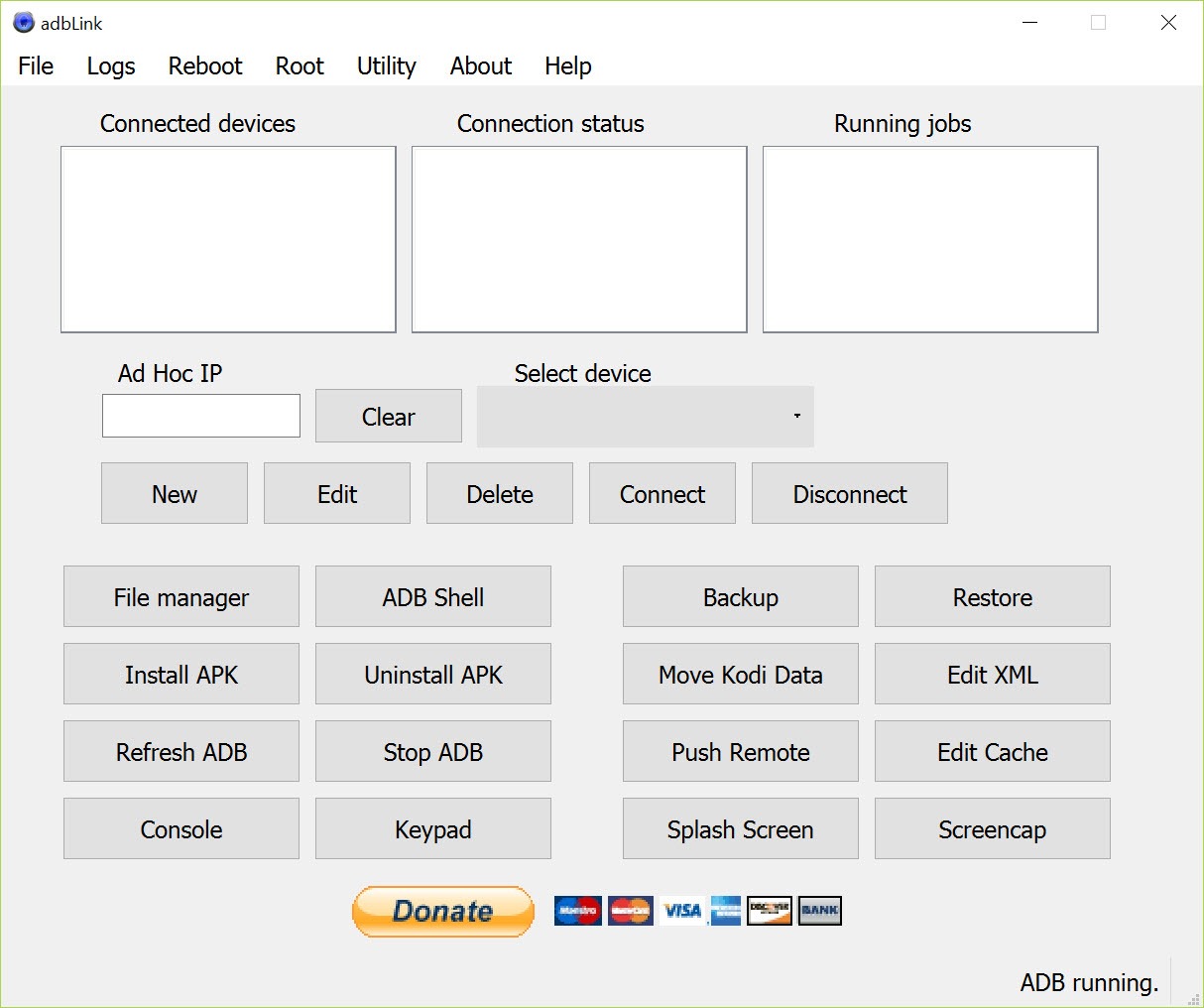
AdbLink saves devices as records with a name and an address, so a house with three sticks keeps all three in a list and connects to each by selecting it. Connection runs over the network to the device’s address or over USB. Once connected, Install APK sends any package to the device, and the app list shows what is installed with buttons to start, stop or uninstall each one, which is how a preinstalled app that cannot be removed from the remote gets switched off.
Sideloading is the everyday job, and it is the same process whether the package is Kodi, a different media player or a launcher. For simply disabling unwanted preinstalled apps on a phone rather than a television, Debloater does that one task over the same bridge with a simpler window.
Kodi backup and cloning
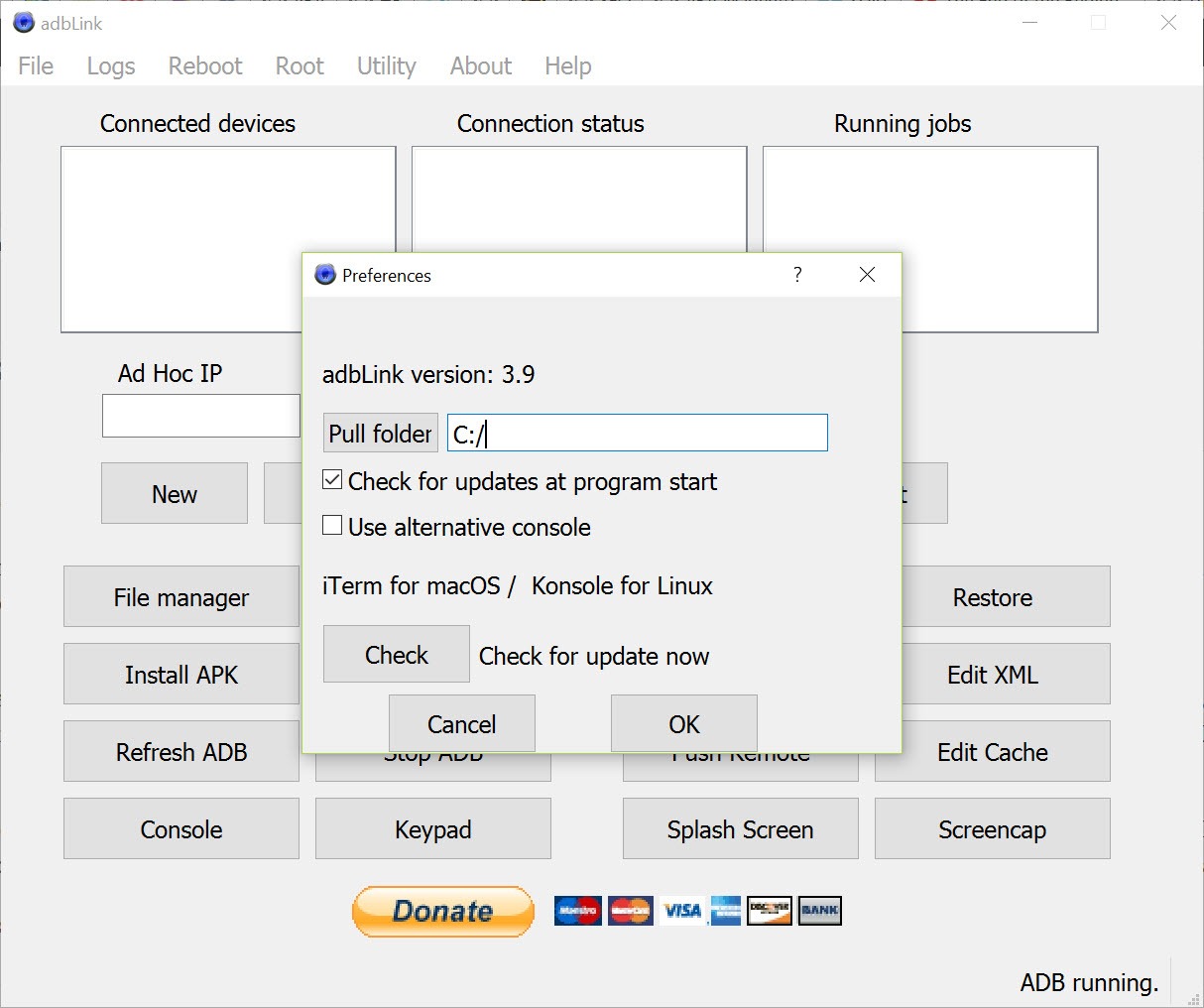
The AdbLink Kodi tools work on the data folder. Backup copies the whole folder to the computer, Restore puts a backup back, and the same backup restores onto a different device, which clones a tuned setup, add-ons and skin included, onto a new stick in one step. Data can be moved to an external drive on devices that mount one, which rescues a stick whose internal storage is full of thumbnails.
Restores are not perfect. Users report that a restored setup sometimes comes back with the default skin or without the customised menus, because the folder is copied as files and some settings depend on the device they were made on. A custom cache setting adjusts how much of the video stream is buffered, and a built-in log viewer opens the Kodi log for troubleshooting playback.
The media centre itself is Kodi, and this is its companion rather than a replacement.
The file manager and the shell
The AdbLink file manager browses the device’s storage with drag and drop in both directions, so a subtitle file, an add-on zip or an edited XML configuration goes straight to where it belongs. The manager is root-aware, reaching protected folders on a rooted device.
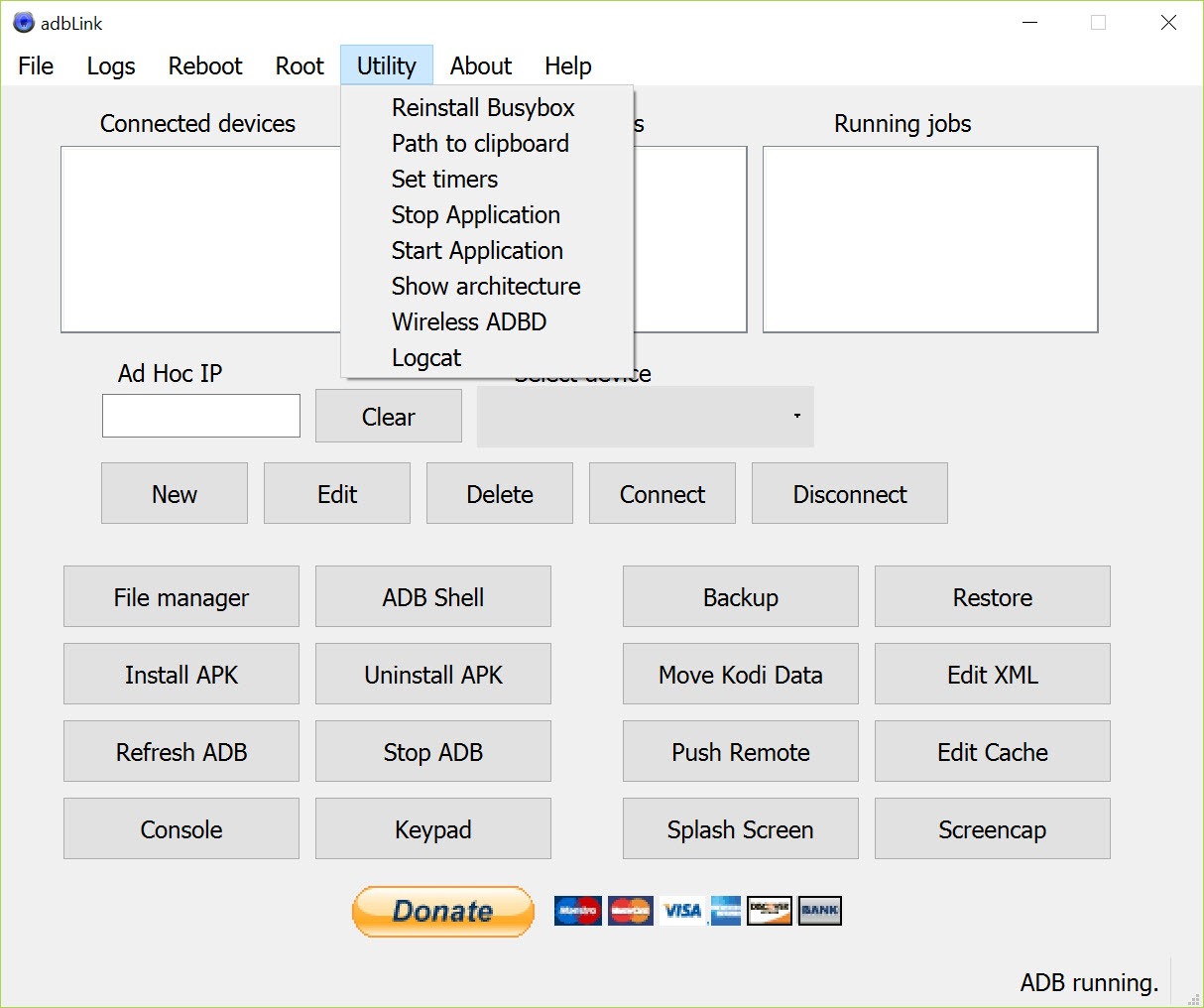
A terminal opens the device’s shell, with the busybox toolkit installable for a fuller command set, and fastboot commands are available for devices that support them.
Screen capture and the smaller tools
Smaller tools round it out. Screen capture grabs what is on the television and saves it to the computer, a splash screen can be changed, a keyboard layout customised and a log viewer reads the program’s own log when a connection misbehaves.
For anyone who wants raw adb without the Kodi layer, the standard Android debug bridge is what this program drives underneath.
Where it gets stuck
The connection is where newcomers stall. ADB debugging has to be on in the device’s hidden debugging settings, the computer and the device must share a network, the device’s address can change between sessions unless the router reserves it, and the first connection has to be accepted on the television screen or the program reports the device as unauthorised. Each of those is a one-time fix, and the help file covers them, but together they explain most of the failed first attempts.
The interface is plain and a little cramped, and it is built around Kodi, so owners who never install Kodi use a fraction of it. It cannot do anything the streaming device’s maker has locked down below the debugging level, and it does not root a device by itself.
Conclusion
AdbLink suits Fire TV owners who sideload apps and keep Kodi tuned the way they like it, especially anyone running more than one device who wants the same setup on all of them. The saved device list, the one-click install and the backup and clone tools turn a chore done on a remote into a few clicks at a desk.
It is less useful to anyone who never installs Kodi, and its connection setup demands patience the first time. Reserve the device’s address on the router, accept the debugging prompt once, and it becomes the quickest way to manage a streaming stick from a computer.
Pros & Cons
- Installs APKs on Fire TV and Fire Stick over the network or USB
- Saves several devices and connects to each from a list
- Backs up and restores whole Kodi setups, or clones them to a new device
- Moves Kodi data to an external drive when storage runs out
- Root-aware file manager with drag and drop in both directions
- Shell and fastboot access, with log viewers for troubleshooting
- Restored Kodi setups can lose skins or custom menus
- Connection setup trips up newcomers on debugging and authorisation
- Built around Kodi, so much of it is unused without it
- Plain, cramped interface
Frequently asked questions
The first connection has to be accepted on the television screen. Look for the debugging prompt on the device and allow it, then connect again.
Yes. Connect to the stick over the network, click Install APK and choose the file on the computer. The app installs directly.
Yes. It copies the Kodi data folder to the computer and restores it to the same or a different device, cloning the setup.
The backup is a copy of files, and some skin and menu settings depend on the original device. Reapplying the skin usually fixes it.


