

Intel Processor Diagnostic Tool
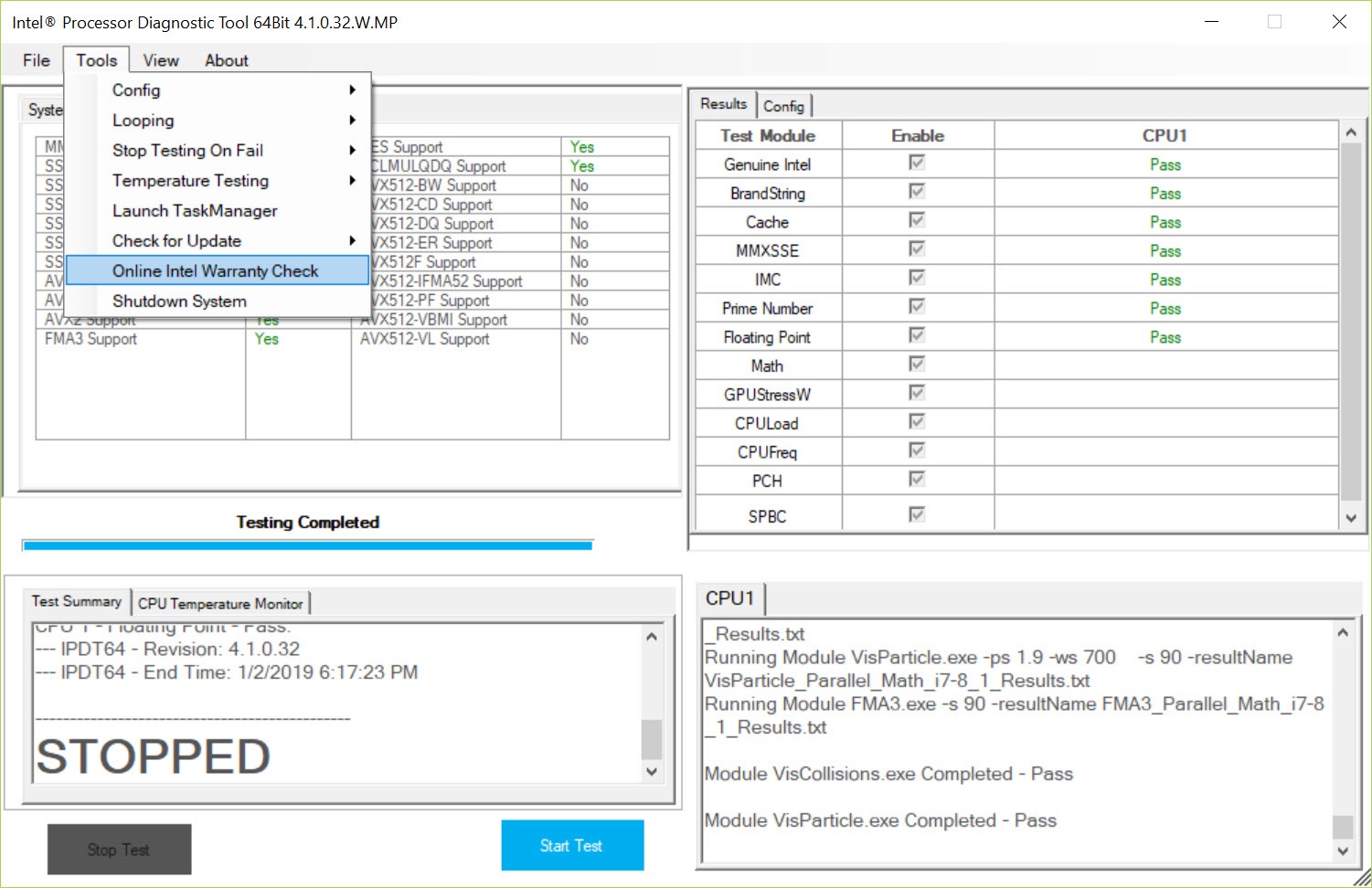
About Intel Processor Diagnostic Tool
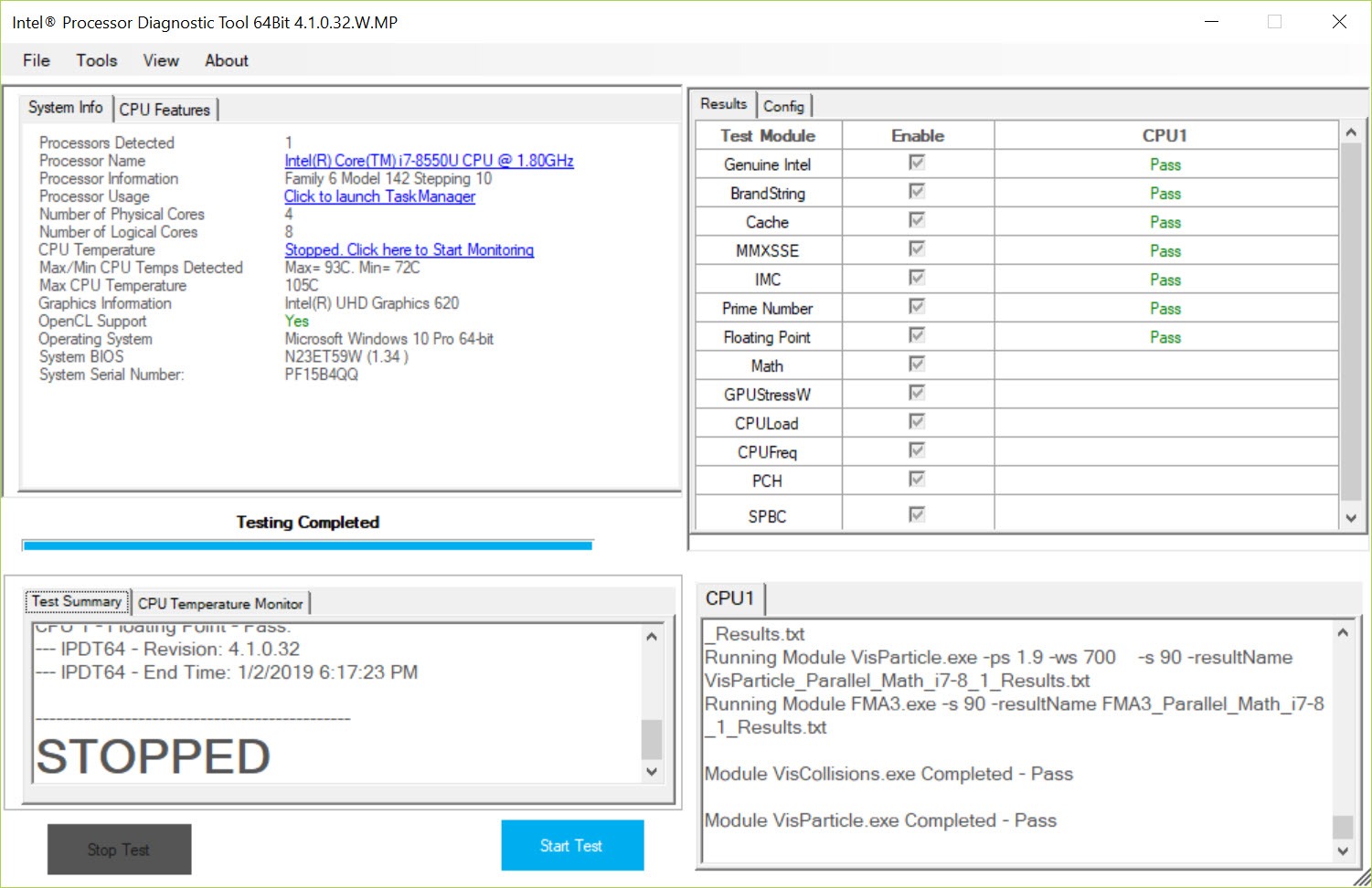
Intel Processor Diagnostic Tool checks whether an Intel processor is what it claims to be and whether it works the way it should. It reads the brand string and verifies that the chip is genuine, confirms that it runs at its rated frequency, exercises every core, tests the instruction sets it advertises, and finishes with a stress test. At the end, a single verdict appears, PASS or FAIL, with a detailed log behind it.
Two situations bring people to it. A second-hand processor or prebuilt PC where the listing might not match the silicon, and a system that crashes under load where the processor is one of the suspects.
The program answers both with the chip maker’s own test routines rather than a third-party guess.
Genuine chip, correct model, correct speed
The first group of tests runs in seconds. Intel Processor Diagnostic Tool confirms the processor is a genuine Intel part and reads its brand string, comparing the detected model with what the chip reports internally. It then checks the base clock and operating frequency against the expected values. A remarked or mislabelled chip fails right here, and so does a machine whose firmware is holding the processor at the wrong speed.
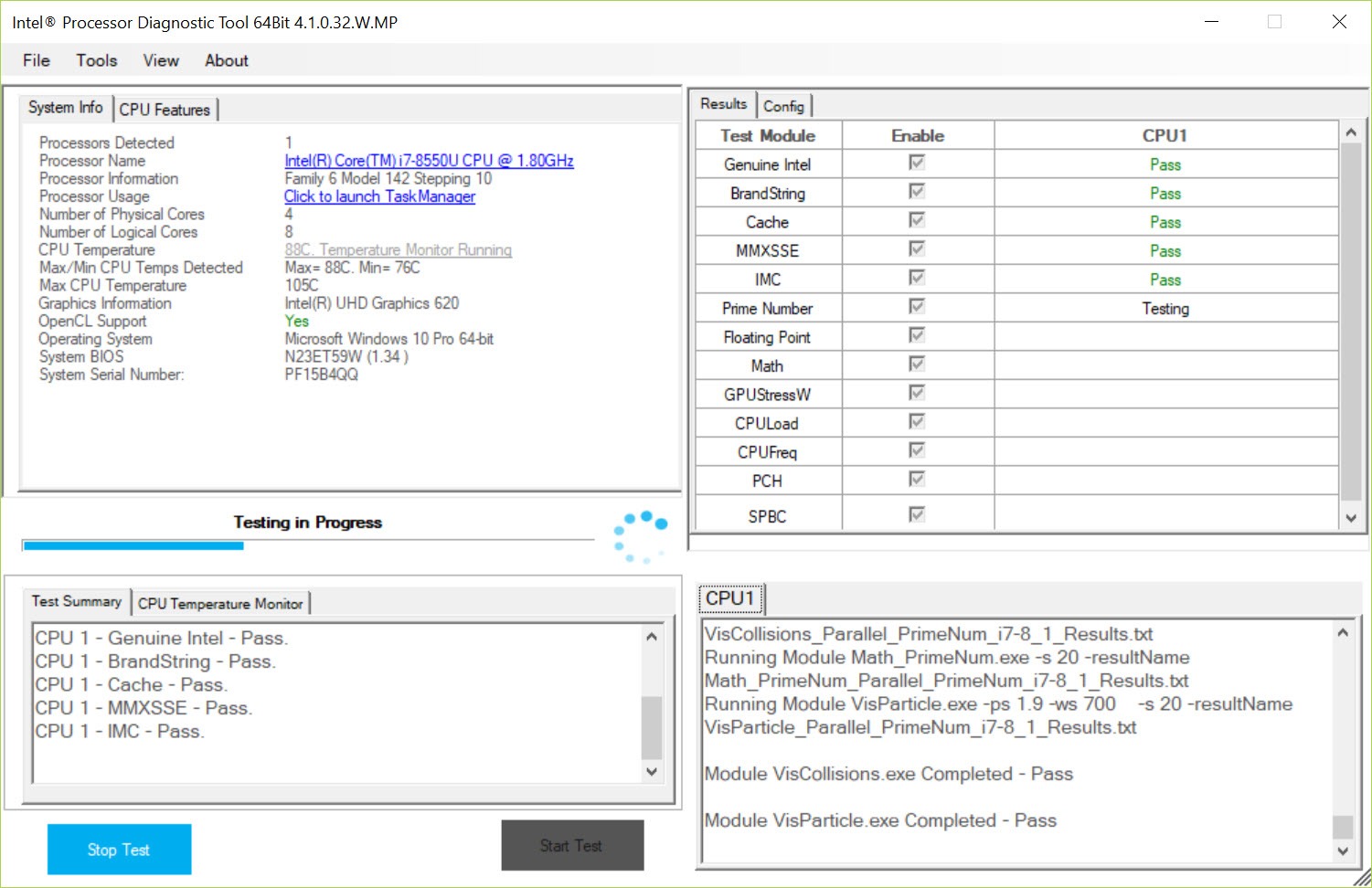
The log shows each step in plain text. Expected frequency, detected base clock, cache sizes and the chipset behind the processor all appear in order, so even a passing run doubles as a quick inventory of the system. Cross-checking those values against CPU-Z takes seconds and confirms the reading from a second source.
Overclocking should be switched off beforehand, because an overclocked chip will not match its expected frequency and the test flags it, accurately but unhelpfully.
Feature tests, core by core
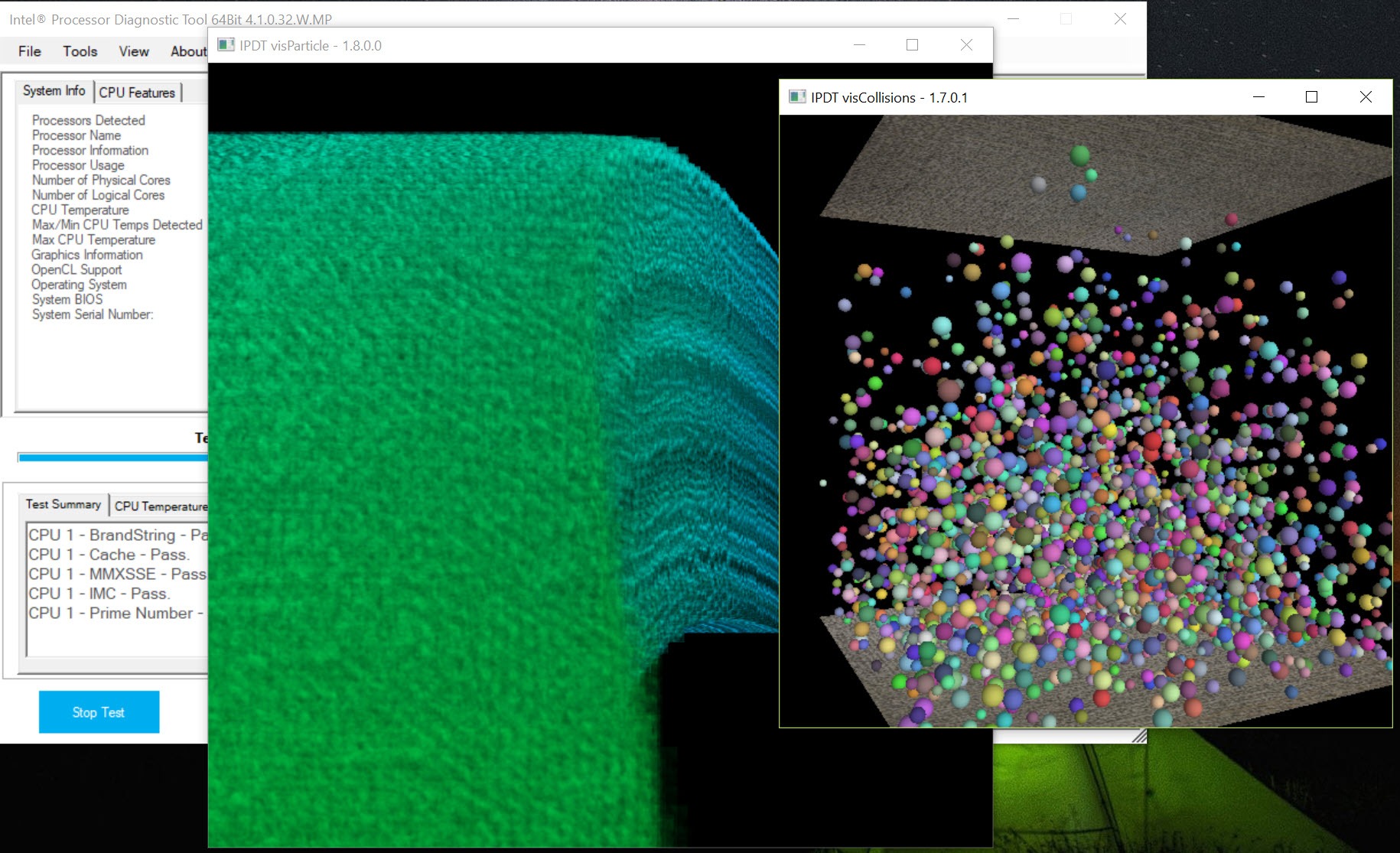
The middle section exercises what the processor claims to support. Floating-point and prime number routines load every core, and each instruction set extension gets its own check, from MMX and the SSE family through AVX, AES and the carry-less multiply instructions. A core that produces a wrong result, or an extension that fails despite being advertised, shows up as an individual FAIL line rather than a vague overall error.
The memory controller built into the processor receives a stress test of its own, which is where faulty memory or an unstable memory overclock often reveals itself. The tool reports temperature relative to the processor’s maximum during the run, so you also see how much thermal headroom remains.
For watching that temperature as a live graph, a per-core temperature monitor alongside gives a clearer picture.
Presets from quick check to burn-in
Three presets in Intel Processor Diagnostic Tool cover the common jobs. Quick Test disables the heavy routines and runs only the genuine, brand string and frequency checks, which takes a minute and suits inspecting a used chip at a seller’s table. Functional Test, the default, enables every feature and adds a short stress run of a few minutes. Burn-In Test runs the full stress for two hours and can loop, which is the setting for a machine that crashes only after long sessions.
Every module can also be enabled or disabled individually from the configuration editor, with the stress duration set to any length you like. Results are written to a text file after each run, and a history file keeps every previous run, handy when comparing a system before and after a repair.
Where it stops
The verdict from Intel Processor Diagnostic Tool covers the processor and its memory controller, nothing more. A FAIL on the stress test can still originate in a weak power supply or an overheating cooler rather than the chip itself, and the tool does not tell you which.
Treat a failure as the start of an investigation rather than a diagnosis. Running Prime95 afterwards, with temperatures in view, usually narrows it down.
As the title says, it works only on Intel processors and reports others as not genuine. Very old chips are not supported either, so a vintage system may fail to run the tool at all. For a simple identification without any testing, a general hardware identifier covers every brand and shows the same model and clock information.
Conclusion
Intel Processor Diagnostic Tool suits buyers of used Intel processors and anyone chasing crashes that might come from the chip. Its genuine check, feature tests and burn-in preset give a clear PASS or FAIL backed by a readable log.
It tests nothing beyond the processor and leaves the interpretation of a failure to you. For confirming that an Intel chip is real and healthy, though, it is the most authoritative tool available.
Pros & Cons
- Verifies that an Intel processor is genuine and correctly labelled
- Checks operating frequency and base clock against expected values
- Tests every core and every advertised instruction set individually
- Quick, functional and two-hour burn-in presets with optional looping
- Logs every run to text files with a full history
- Intel processors only
- A stress test failure does not identify the faulty component
- Overclocked systems fail the frequency check
Frequently asked questions
Yes. It verifies the chip is a genuine Intel part, reads its brand string and checks that the detected model and frequency match what the processor reports internally.
The Quick Test finishes in about a minute. The default Functional Test takes a few minutes, and the Burn-In Test runs for two hours, longer if looping is enabled.
Note which test failed from the log. Frequency failures often come from overclocking or firmware settings, while stress test failures can involve the cooler or power supply as well as the processor.


