

BandiView
About BandiView
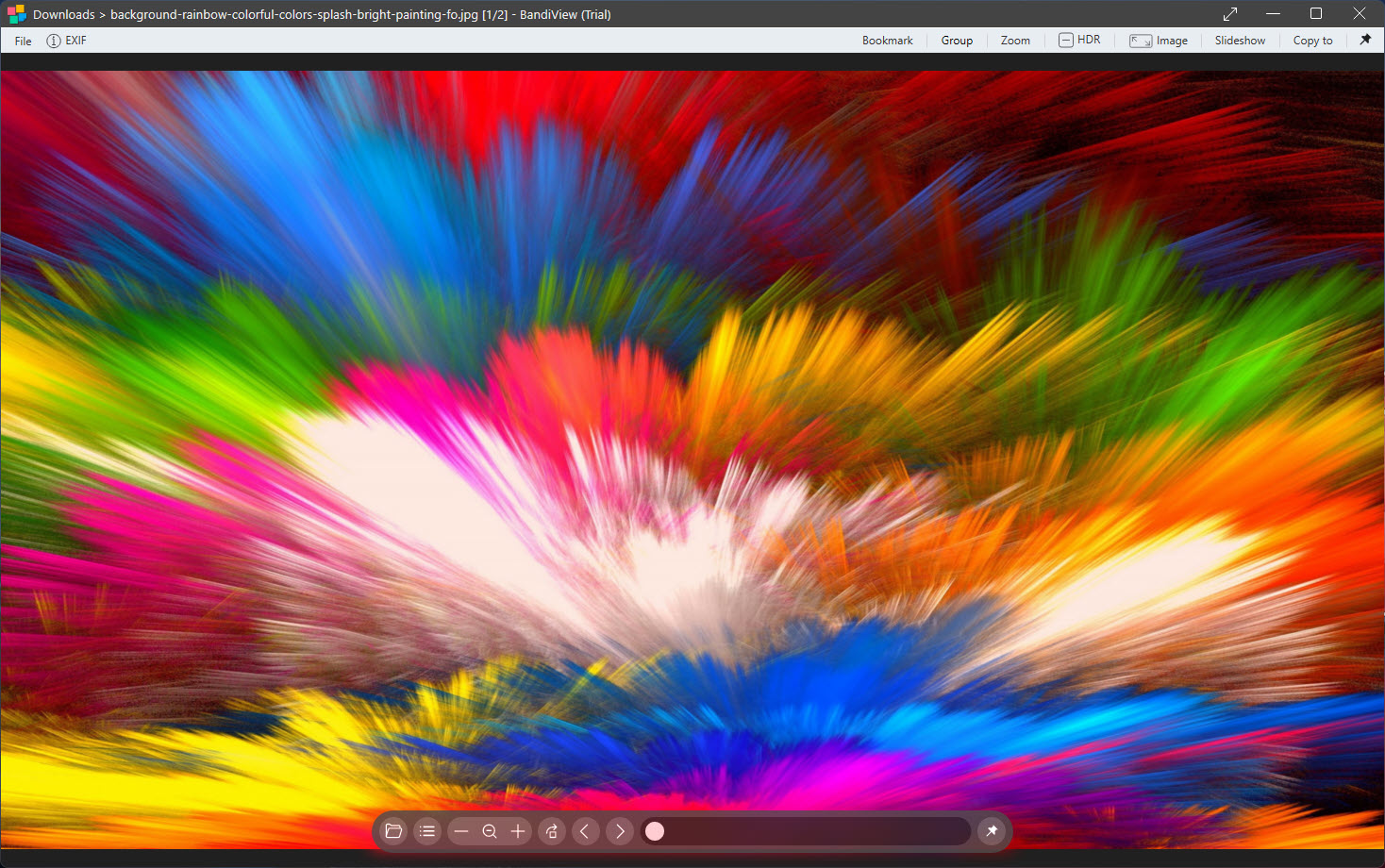
BandiView opens the picture you double-clicked before you have finished letting go of the mouse. That speed is the design goal, and everything else in the viewer sits behind it. Arrow keys step through a folder, the mouse wheel zooms or advances depending on how you set it, and a filmstrip of thumbnails slides out when you want an overview.
There is no library, no tagging and no editor beyond rotation and a handful of adjustments. It is a viewer in the older sense, a window that shows images well and gets out of the way, updated with a format list that reaches into the present.
That list is the second reason to install it. Beyond the everyday JPEG, PNG, GIF, BMP and TIFF, it opens WebP, AVIF, JPEG XL, HEIC from phones, camera RAW from the major makers, layered PSD files from image editors, CLIP files from a popular manga painting program, SVG, the EXR and Radiance HDR formats used in visual effects, and DDS textures from game assets. It also reaches inside ZIP, RAR, 7z and the comic archive formats to show the images without extracting anything.
BandiView treats a folder, an archive and a comic book as the same thing, a sequence of pictures to page through.
Formats, and where the registered tier begins
Most of the BandiView format list is available to everyone. HEIC and HEIF from phones, and the CLIP files from the manga painting program, open only in the registered edition, which is the line that matters to people arriving from a phone full of photos.
RAW handling covers the recent camera generations and offers a fast mode that shows the embedded JPEG preview rather than decoding the full sensor data, which is how a folder of a thousand RAW frames flips through at speed. White balance on RAW decoding has been corrected in recent builds after complaints.
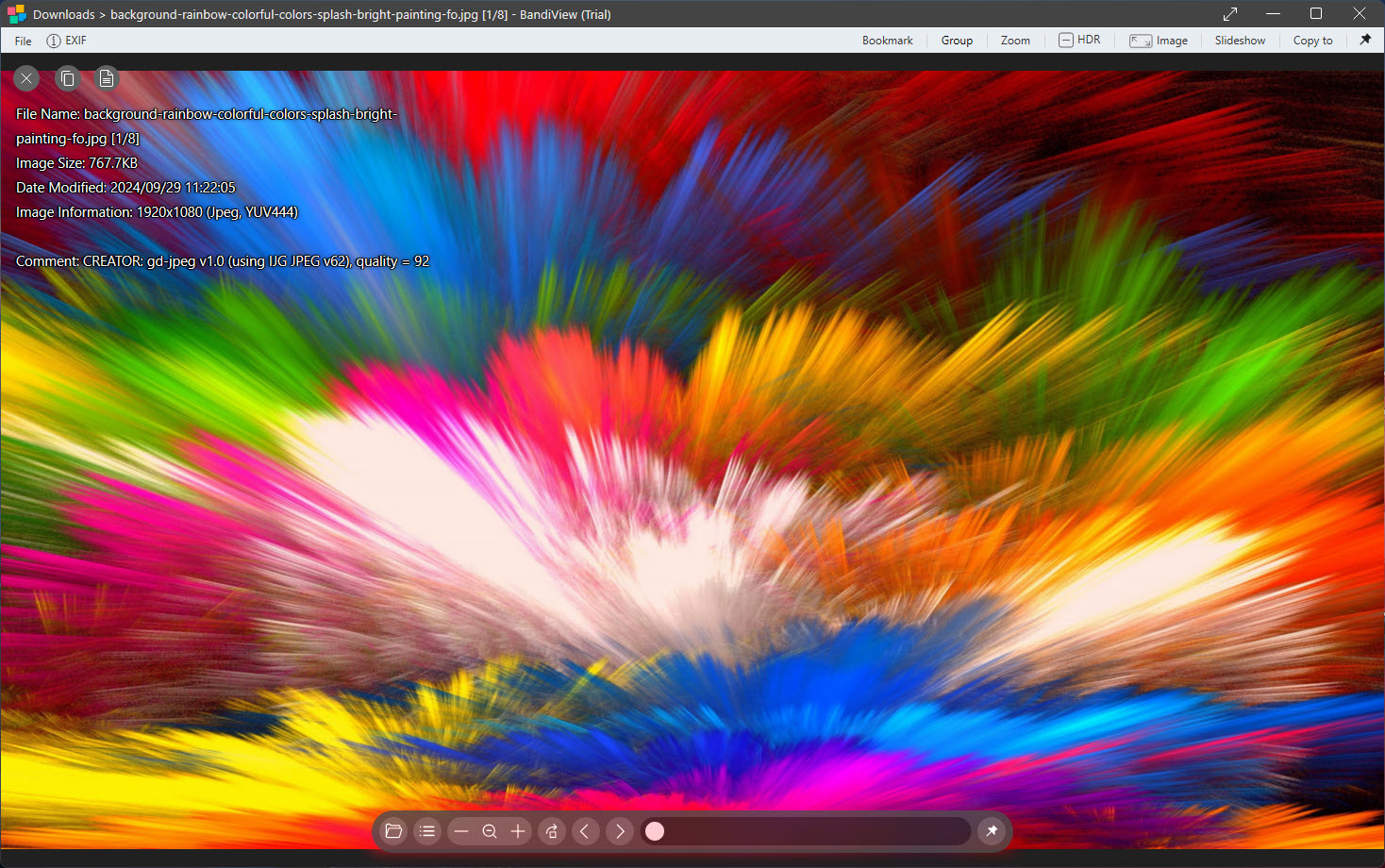
Stable Diffusion images open with their generation parameters readable, which the AI art crowd appreciates. Animated GIF, APNG, animated WebP and animated AVIF all play, and a frame-rate fix landed for the last of those. For a format the viewer refuses, a viewer that reads several hundred formats is the wider net, at the expense of speed.
Reading archives, comics and webtoons
Open a ZIP, RAR, 7z, TAR or comic archive in CBZ or CBR form in BandiView and the images inside appear as pages, with no extraction and no temporary files. Page through with the arrow keys, jump to a page number, and the viewer remembers where you were when you come back to the file, with no need to unpack anything in an archive manager first. Two-page spreads display side by side for comics, with a right-to-left option for manga that reads the correct direction.
Webtoon View Mode changes the layout entirely. Instead of one image per page, it stacks the images in a folder or archive into one continuous vertical strip and scrolls through them, which is how webtoons are drawn to be read and also how long screenshots or storyboards, and scanned manuals, want to be viewed.
It is the feature that separates this viewer from the general-purpose ones, and comic readers who have used the dedicated reading applications will recognise the idea done well.
HDR output and colour management
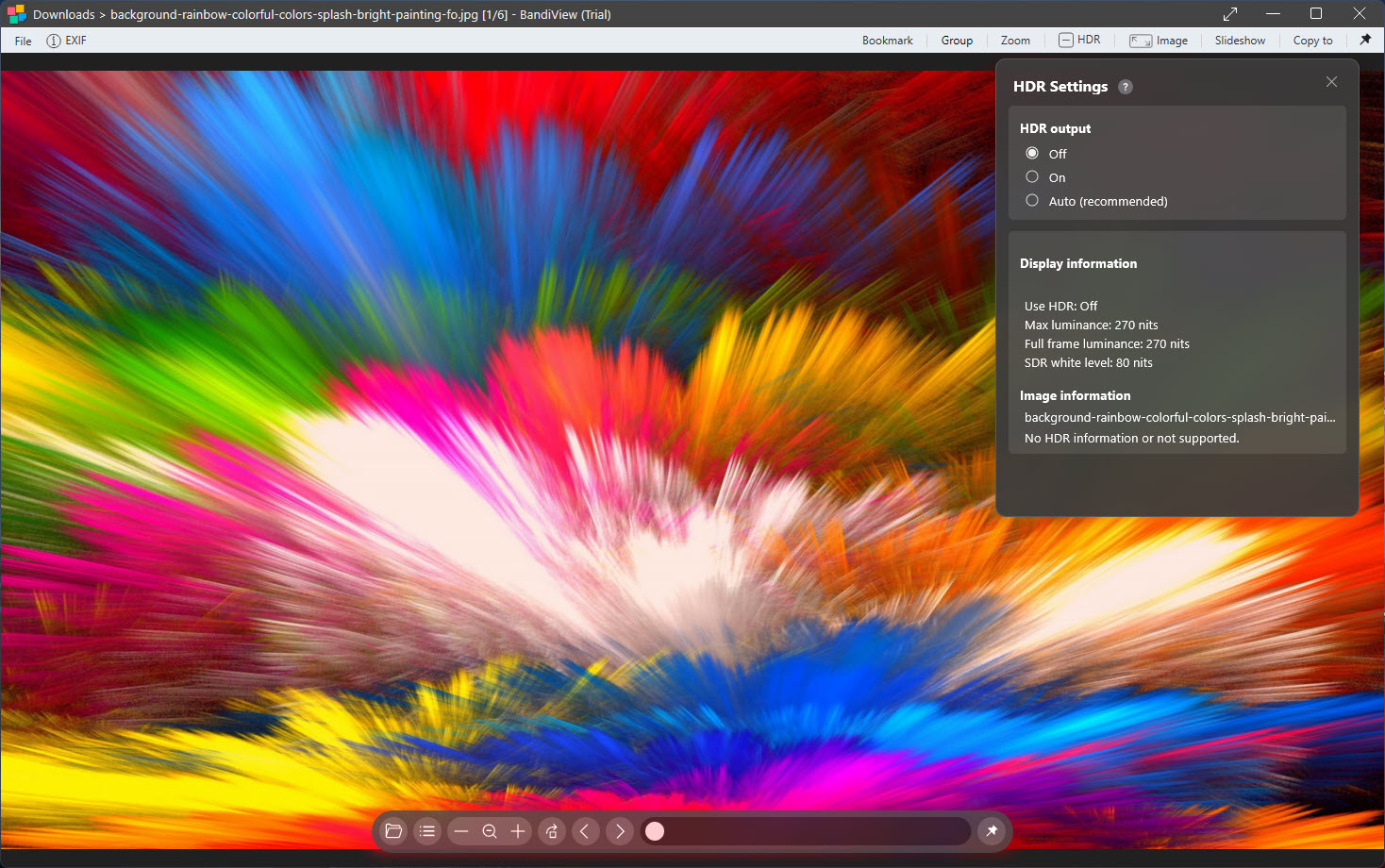
On a display that supports HDR, and a system set to output it, BandiView shows HDR images with their full range rather than tone-mapped down to a standard picture. The EXR, Radiance HDR and Ultra HDR JPEG formats that carry the extra range show as intended, and the JPEG gain-map approach the phone cameras use is handled. That puts it in a very small group of viewers that show an HDR photo the way the camera captured it.
Colour management follows the monitor’s profile, with multiple monitors each using their own, so a calibrated display shows accurate colour and an uncalibrated one shows what it can. High-DPI scaling is clean.
For someone who has grown used to phone photos looking washed out on the desktop, this is the section that explains why they look right here.
Batch conversion and the small edits
The BandiView batch tool converts a folder of images to another format, resizes them, rotates them, renames them by pattern and crops them, all in one pass, and the maker claims it runs several times faster than typical converters. Output formats include JPEG, PNG, WebP, BMP and, in the registered edition, AVIF, and converting from HEIC or CLIP is also gated there. For anyone moving a phone’s camera roll to a format everything reads, this batch tool is the reason the registered tier gets bought.
Single-image edits stop at rotating or flipping, cropping, and a few adjustments. There is no retouching and nothing that would be called editing in a photo application.
A viewer with a fuller editing toolset covers that ground for those who want it in the same window, and a proper editor covers it for everyone else.
The interface and the habits it rewards
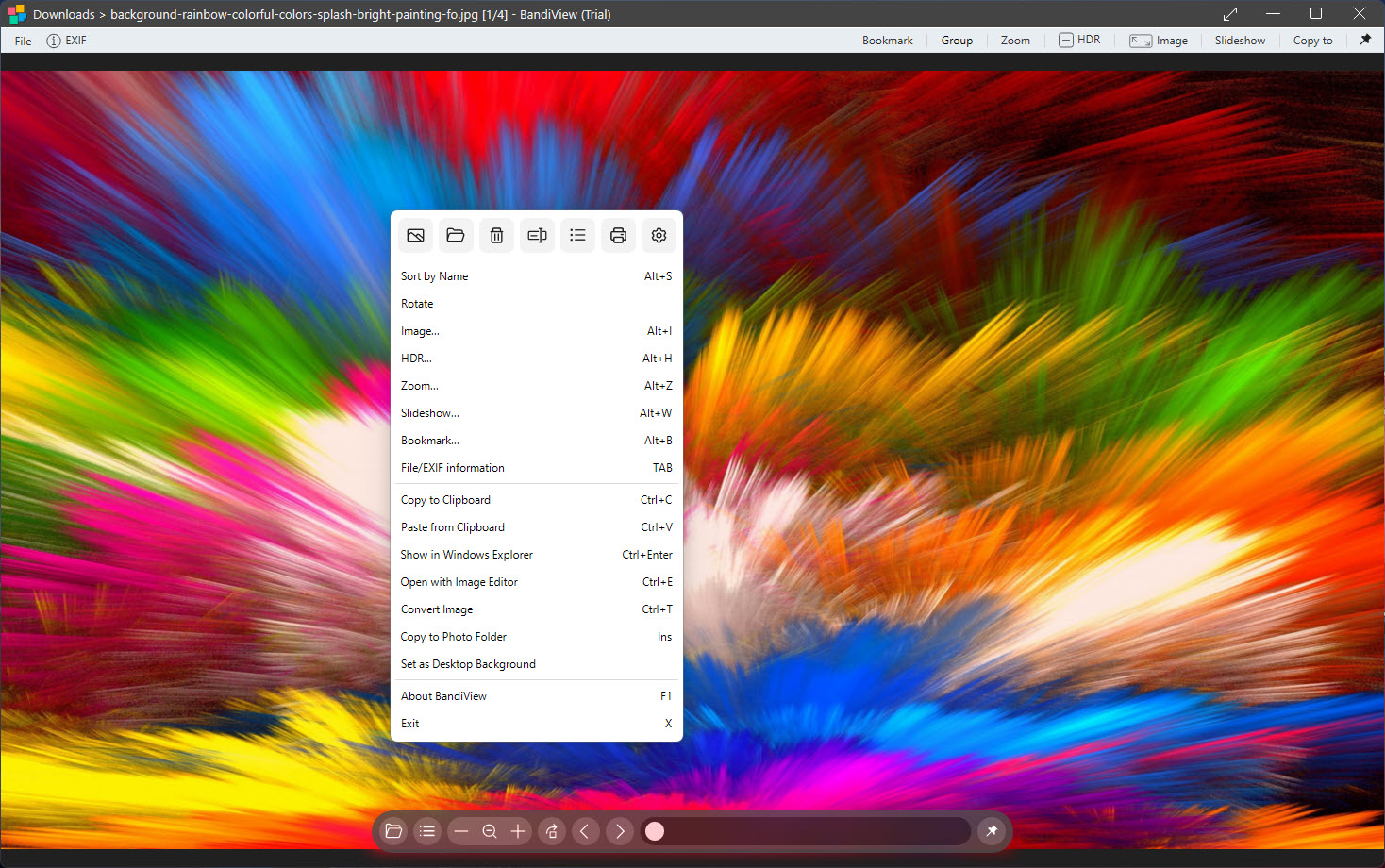
The BandiView window is a picture with a thin frame. Hover at the bottom for the toolbar, hover at the top for the filmstrip, and both disappear when the mouse leaves. Every action has a keyboard shortcut, most of them changeable, and a slideshow runs with an interval you set and transitions if you want them. Zoom snaps to fit, to fill or to actual pixels, and mouse behaviour is configurable so that the wheel either zooms or turns pages. It is a viewer that rewards learning five shortcuts and then never touching the mouse.
Against the classic fast viewers, it wins on modern formats, HDR and the webtoon mode and asks for a registration where they do not. Against the library-style organisers, it does not compete, because there is no library.
Anyone whose habit is to open a folder and flick through it will find nothing faster, and anyone who needs to find an old photo by keyword should look elsewhere.
Conclusion
BandiView suits anyone who opens images all day and wants each one to appear instantly in the format it arrived in, whether that is a RAW frame, a layered PSD, a webtoon archive or an HDR capture from a phone. Photographers culling a shoot, comic readers with a folder of archives and anyone tired of a viewer that stalls on a modern format will find the speed and the format list are exactly the point.
It is not a library, not an editor, and its tiers are real, and the phone formats sitting behind registration will annoy people who only wanted their HEIC photos to open. Learn the shortcuts, set the mouse wheel the way you like it, and it becomes the fastest way to look at a picture on the desk.
Pros & Cons
- Opens WebP, AVIF, JPEG XL, RAW, PSD, SVG, EXR and comic archives without plugins
- Webtoon View Mode reads vertical strips and long screenshots as one scroll
- HDR images display with full range on capable monitors
- Batch conversion that also resizes, renames or crops in one pass
- Reads inside ZIP, RAR, 7z and comic archives without extracting
- Keyboard-driven interface with a hover toolbar and filmstrip
- HEIC, CLIP and AVIF conversion need the registered edition
- No library, tagging or search
- Editing stops at rotation and cropping plus a few basic adjustments
- Requires a 64-bit system
Frequently asked questions
Yes, in the registered edition. The unregistered build opens the rest of the format list but not HEIC or CLIP files.
Yes. CBZ and CBR files, and ordinary ZIP, RAR and 7z archives, open as pages without extraction, with two-page spreads and a right-to-left option for manga.
It stacks the images in a folder or archive into one continuous vertical strip and scrolls through them, suited to webtoons, long screenshots and storyboards.
Yes, on a monitor and system configured for HDR output, where EXR, Radiance HDR and Ultra HDR JPEG images display with their full range.


