

OffCAT
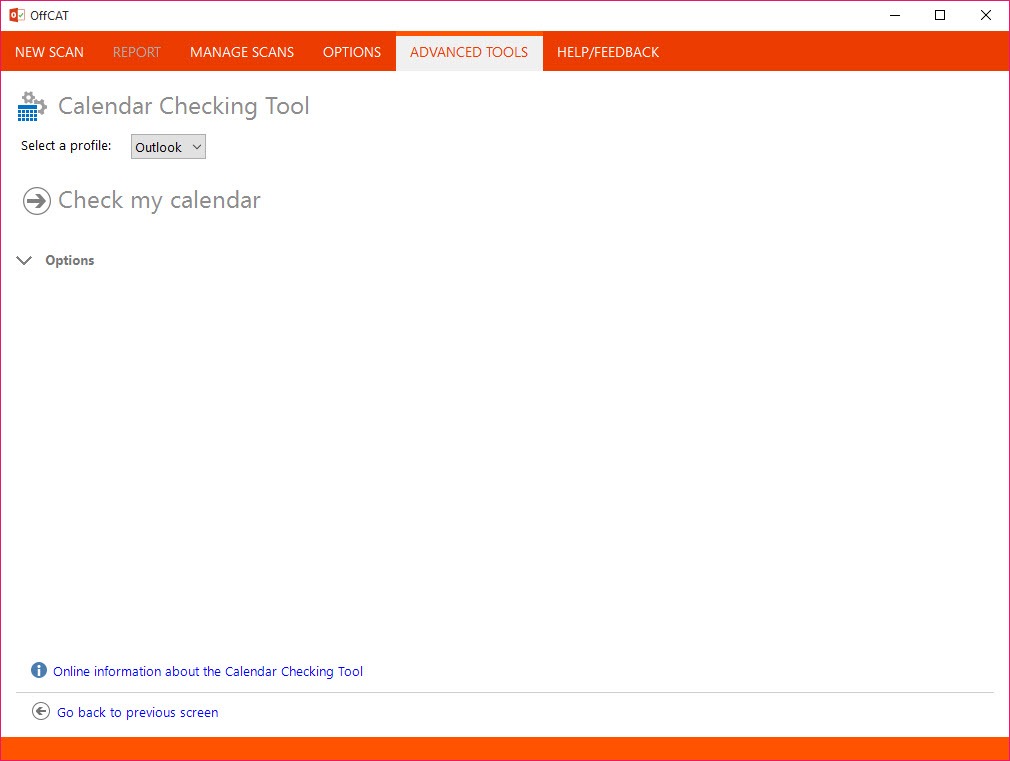
About OffCAT
When an office suite misbehaves, the usual approach is guesswork. Repair the installation, disable things at random, eventually reinstall, and hope. OffCAT replaced that with reading the configuration and telling you what is actually wrong.
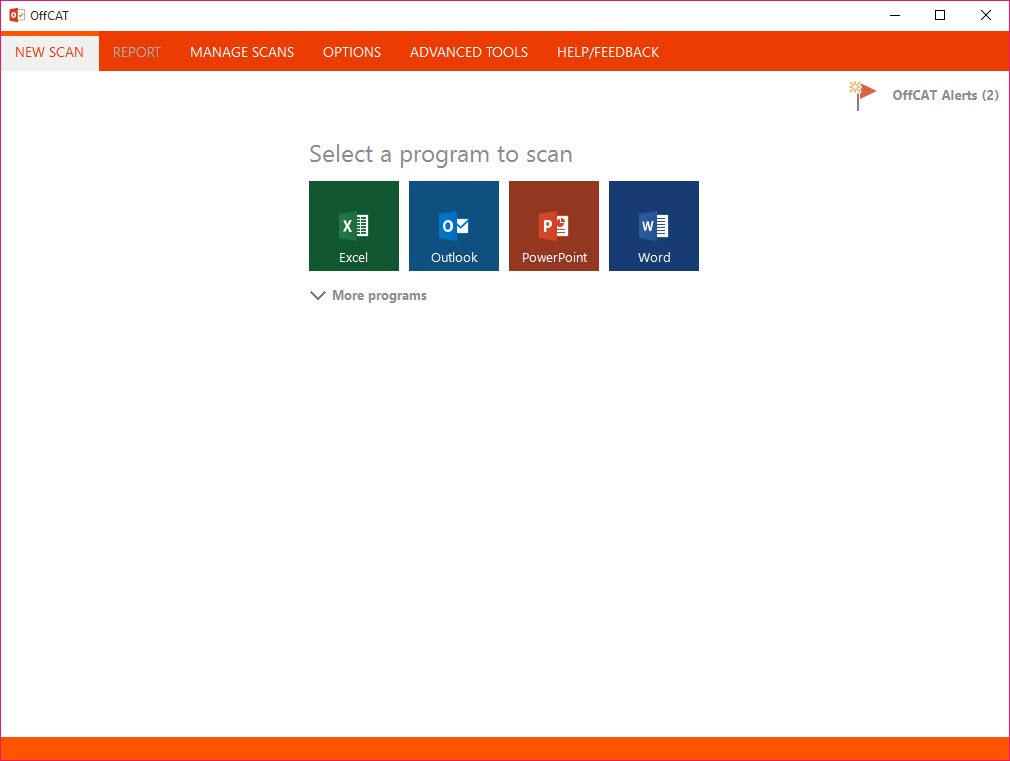
OffCAT or Microsoft Office Configuration Analyzer Tool scans the installation, gathers how everything is set up, and compares what it finds against a database of documented problems. Each match comes back with a severity, a description of the issue and a pointer to the documentation explaining it, so the output is a diagnosis rather than an error code.
It reads the configuration rather than testing behaviour
That distinction shapes what it can and cannot tell you. Nothing is being exercised or reproduced. The tool inspects settings, add-in registrations, profiles, policies, the registry values behind them, then reasons about that picture.
The advantage is that it finds problems that have not surfaced yet, and that it works on a machine somebody else is describing to you over the phone. The limitation is that a fault caused by something outside the configuration, a corrupt file or a failing disk, produces a clean report while the suite continues to misbehave.
Findings are graded, so a critical entry and an informational one are distinguishable rather than arriving as one long list to work through.
Add-ins are usually the answer
Anyone supporting this software knows where to look first, and OffCAT goes straight there. Every add-in is listed with how it is registered and how it loads, which matters because add-ins cause the majority of the problems people bring to a tool like this.
A suite that starts slowly, crashes on a particular action, or has developed a menu nobody recognises is almost always carrying something that was installed alongside another program and never mentioned.
Seeing what loads at startup more broadly is a related exercise, and Autoruns covers every location on the machine rather than only the ones belonging to one suite.
The snapshot outlives the diagnosis
Even setting aside the known-issue matching, the OffCAT report is worth generating on its own. It documents profiles, account settings, policies applied, component details and the registry values governing behaviour, in one exportable file.
That makes it something you hand to somebody rather than describe. A support conversation that begins with the configuration attached is a different conversation from one that begins with a description of symptoms.
Confirming what is actually running while the suite misbehaves is the companion exercise, and Process Explorer shows which modules a process has loaded, which occasionally names the culprit outright.
It was retired, and what that means
The database is the part that ages. OffCAT compares your configuration against known problems documented up to the point development stopped, so it flags issues from that era confidently and knows nothing whatsoever about anything since.
A maintained assistant from the same source replaced it, covering current problems and going further by applying fixes rather than only reporting them. That is the tool to reach for on a current installation.
What survives here is the configuration report, which does not depend on the database being current, and the habit of diagnosing before repairing. Anybody keeping a folder of diagnostic utilities will find this belongs in it, and a launcher that organises collections of small diagnostic tools is where that folder usually ends up.
Conclusion
OffCAT applied a sensible principle to a category where guesswork was normal, which is that you should find out what is actually configured before changing anything. Reading add-ins, profiles and policies and matching them against documented problems turned a vague complaint into a specific finding with an explanation attached.
Its database stopped learning, and a maintained replacement now does the same job while also fixing what it finds. Keep this one for the configuration snapshot, which remains useful for handing a complete picture to whoever is helping you, and use the current tool for anything you actually need diagnosed today.
Pros & Cons
- Reports what is wrong and why, with a severity and a description for each finding
- Reads the configuration rather than requiring a fault to be reproduced
- Lists every add-in with its registration and load behaviour
- Produces an exportable configuration snapshot to hand to somebody supporting you
- Finds misconfigurations that have not yet caused a visible problem
- The known-issues database stopped being updated, so recent problems are invisible
- Reports rather than repairs, leaving every fix to you
- A fault outside the configuration produces a clean report and no help
- Superseded by a maintained assistant that both diagnoses and fixes
- Assumes enough familiarity to act on what it reports
Frequently asked questions
The configuration of an installed office suite, covering add-ins, profiles, policies, component details and the registry values behind them, compared against a database of documented problems with a severity attached to each match.
No. It reports and explains, and every change is yours to make. The maintained tool that replaced it can apply fixes as well as identify them, which is the main practical difference between them.
No. Development ended and a newer assistant took over, so the known-issues database is frozen at that point. It recognises problems from its own era accurately and cannot know about anything newer.
Yes, because the configuration snapshot does not depend on it. Listing add-ins, profiles and policies in one exportable file remains useful regardless of whether the issue matching finds anything.


