

Winaero Tweaker
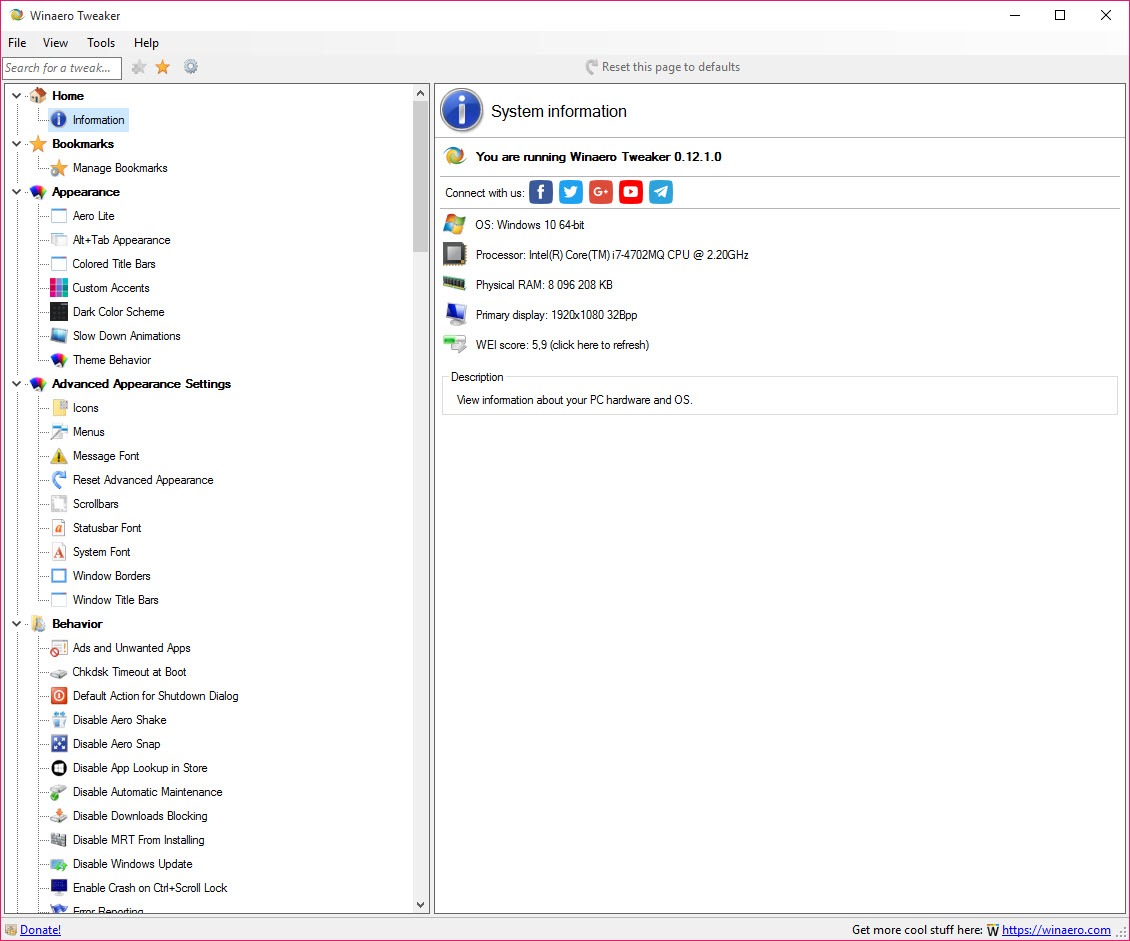
About Winaero Tweaker
The tweaking category is full of software that promises to make a computer faster and delivers a cleaner-looking control panel over the same settings. Winaero Tweaker has a better reputation than any of its neighbours, and the reason is that it promises nothing of the sort.
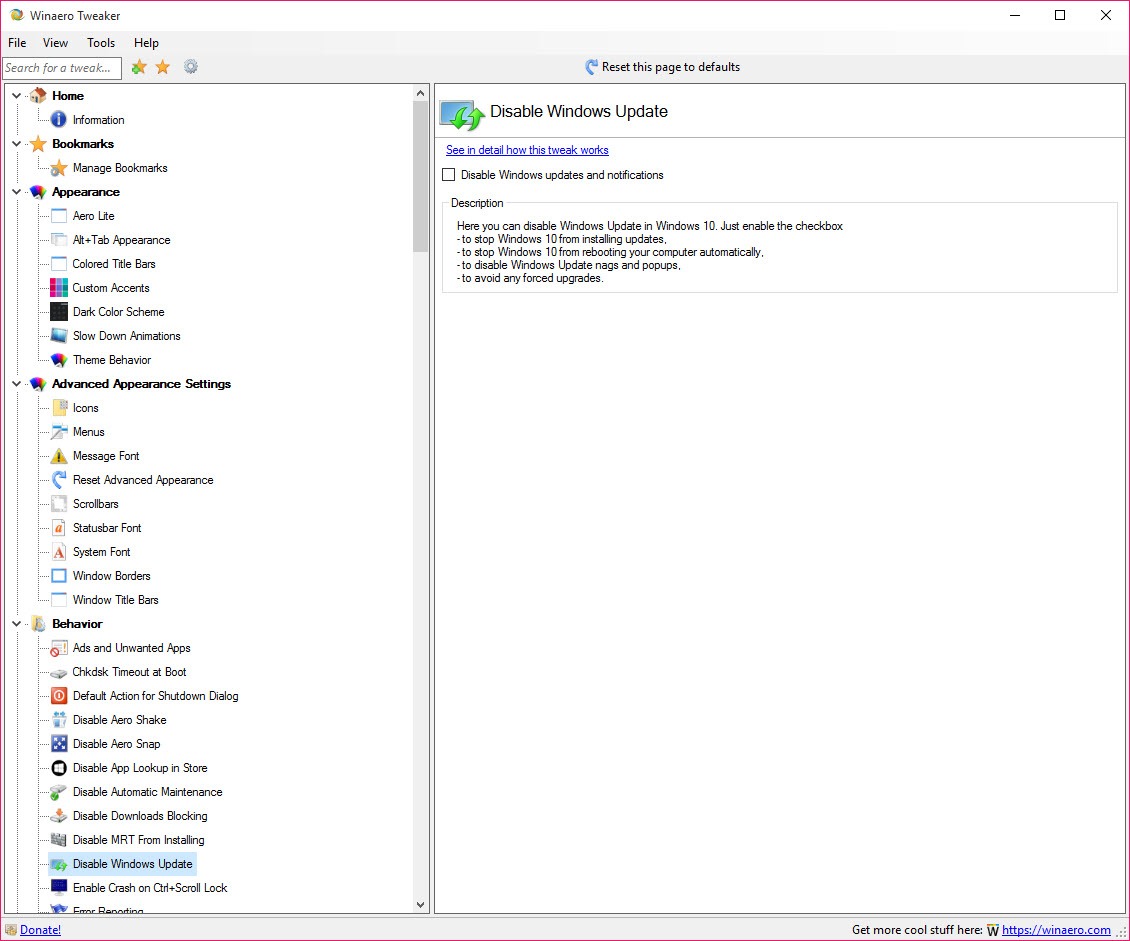
Winaero Tweaker offers access to settings that already exist and are not exposed anywhere in the interface. Context menu entries, window appearance, the behaviour of the file manager, what appears on the desktop and dozens of smaller decisions somebody made on your behalf.
That distinction is the whole product. It is a settings editor rather than an optimiser, and everything about how it is built follows from that.
Every tweak explains itself
Here is what separates Winaero Tweaker from the rest of the category, and users mention it more than any feature.
Each Winaero Tweaker screen carries a link explaining in detail what that tweak does and how it works. Not a tooltip, an actual explanation of the mechanism.
The effect on how people use it is real. Somebody browsing the tree finds a setting they do not understand, reads what it changes, and either applies it knowingly or leaves it alone. That is the opposite of the category norm, where a switch labelled with marketing language does something undisclosed.
Applying one change at a time is the advice regulars give, and the explanations are what make that practical rather than tedious.
The export list is the feature to use first
The most valuable Winaero Tweaker capability is one most people never open, and it solves the problem every tweaking tool creates.
An export function produces a list of every change you have made through the software. That is your record, and without it you are relying on memory to know why a machine behaves oddly six months later.
The reason that matters is specific. Tweaks accumulate, machines get troubleshooting, and a setting changed in March becomes an unexplained symptom in September. A list you can read turns that from detective work into a glance.
There is also a revert facility, so the changes can be undone through the software rather than by hand.
The practitioner advice goes further than the software does. Taking a registry snapshot before and after, or an image of the system, gives you an audit trail the software does not attempt to provide, which is proportionate if you intend to change a great deal.
For the neighbouring product that shows the actual registry value behind each switch as you toggle it, PC Tweaker takes the transparency further in a different direction.
Unsupported settings can conflict with updates
Being clear about the real Winaero Tweaker risk, which is not what people usually worry about.
The settings Winaero Tweaker reaches are not all officially supported ones. Some are values the system reads without documenting, and a major system update can reset them, ignore them or behave unexpectedly around them.
That is not the software misbehaving. It is the consequence of changing things the system’s own updates were not written to expect, and it applies to every tool of this kind.
The practical response is the record described above. When something breaks after an update, the list of what you changed is how you find out whether one of those changes is involved.
One tweak breaks search on recent builds
A specific and current example, and the symptom points nowhere near the cause.
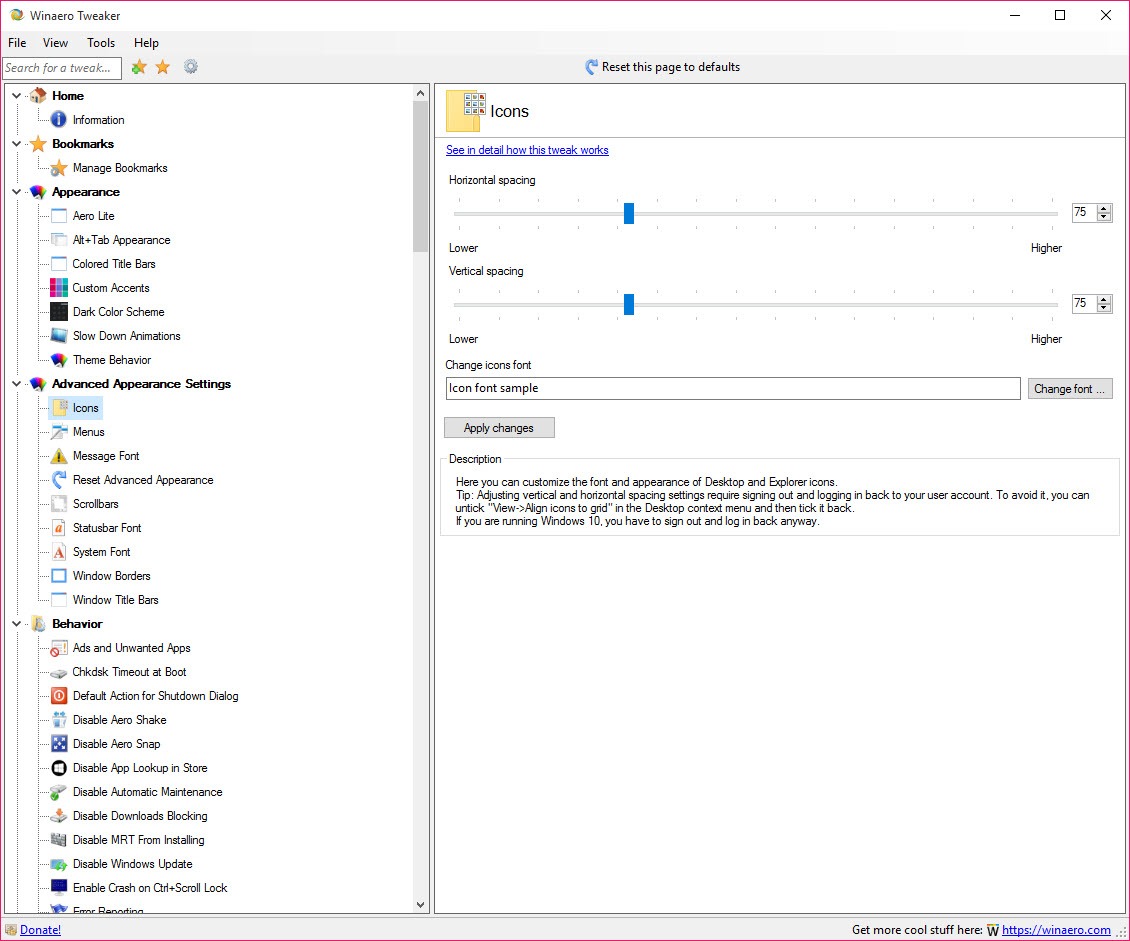
Changing the system font through Winaero Tweaker breaks the search function in the start menu and on the taskbar on recent preview builds. Somebody who changes the font, restarts and then finds search broken has no reason to connect the two.
That sort of interaction is what makes the export list valuable rather than optional. It is also a good argument for the one-change-at-a-time habit, since a single change followed by a check localises any problem immediately.
Where the only thing you actually want is switching light and dark presentation, a small switcher for the system’s own modes does that without touching anything undocumented.
How a real bug was handled
This deserves its own section, because the handling tells you more about Winaero Tweaker than any feature list.
The font tweak had a genuine defect. Resetting to defaults did not restore the original fonts correctly, because the reset wrote hardcoded values rather than reading what the system actually had. A user reported it forcefully, accusing the software of doing damage.
The response was to fix the architecture rather than the symptom. Tweaks now read and operate on the current registry values, backups of the font data are created automatically, and resetting restores what was actually there before.
The assessment from the forum where it was discussed is that the claims of deliberate damage were unfounded and the problems were reversible without extreme measures. That is a fair summary, and the more useful observation is that the maintainer treated a hostile bug report as an architectural problem.
The project describes itself as a personal community effort rather than a commercial product, and says openly that undocumented behaviour may change unexpectedly. That candour is rare enough to note.
What it covers
The Winaero Tweaker range is wide, and the organisation makes it navigable.
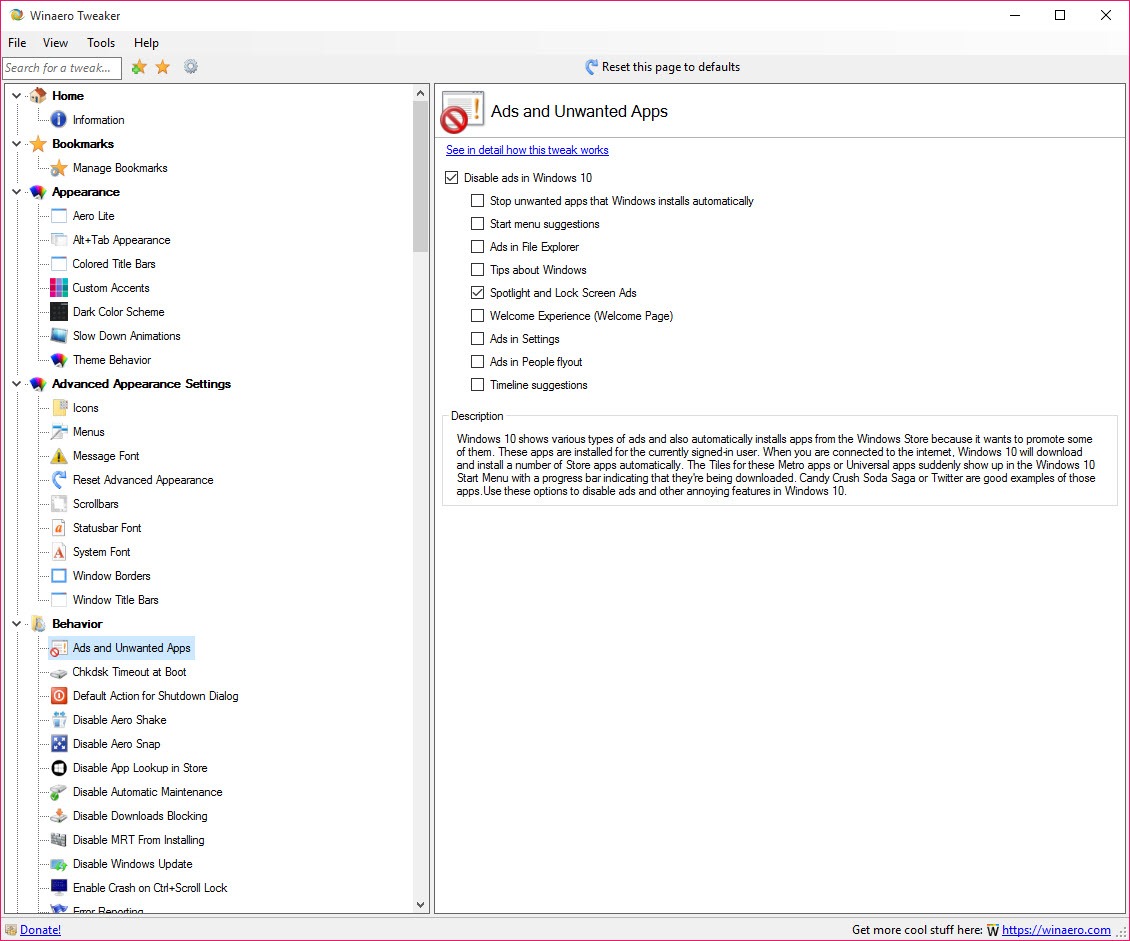
Appearance covers window borders, fonts, the visual arrangement, colour behaviour. Behaviour covers the file manager, the context menus, what the desktop does, how shortcuts are created and dozens of small irritations that have no switch anywhere.
There are settings for disabling telemetry and update behaviour, and restoring elements from earlier system generations that were removed.
Startup behaviour is one thing Winaero Tweaker leaves largely alone, and Autorun Organizer covers what runs at boot as its whole purpose.
A search box across the whole tree is what makes it usable at this size, and bookmarks let you keep the ones you return to.
Conclusion
Winaero Tweaker is the tool that earns the trust its category generally does not deserve, and the reason is structural rather than reputational. It explains each change, records what you did, reverts what you applied, and never claims to make anything faster.
Use the export function early rather than after something puzzles you. Some of what it reaches is undocumented, so updates can undo or complicate those settings, and one change at a time with a record of what you did is the difference between a machine you have customised and a machine that behaves oddly for reasons nobody can reconstruct.
Pros & Cons
- Every tweak carries a detailed explanation of what it changes and how
- Export produces a list of every change you have made
- Revert facility undoes changes through the software
- Search across the whole tree, with bookmarks for the ones you reuse
- Actively maintained across system generations, unlike most of the category
- Makes no claims about speed, which is why it is trusted
- Free, with no bundling attached
- Some settings are undocumented, so updates can reset or ignore them
- The system font tweak breaks start menu and taskbar search on recent builds
- Undocumented behaviour can change without warning, as the project itself states
- No audit trail beyond the export list, so a snapshot tool is a sensible addition
- Wide enough that applying many changes at once makes troubleshooting hard
Frequently asked questions
Through the export function, which lists every change made through the software. That list is worth generating and keeping, since a tweak applied months ago is otherwise an unexplained symptom later.
Yes, through the revert facility, and individual tweaks reset to defaults. For anything extensive, a registry snapshot or a system image before you start gives a record the software does not attempt to keep.
It can. Some settings here are undocumented values the system reads without promising to respect, so a major update may reset them or behave unexpectedly around them.
If you changed the system font, that is the cause on recent builds. The connection is not obvious, which is exactly why changing one thing at a time and keeping the export list matters.


