

StylePix

 (2 votes, average: 4.50 out of 5)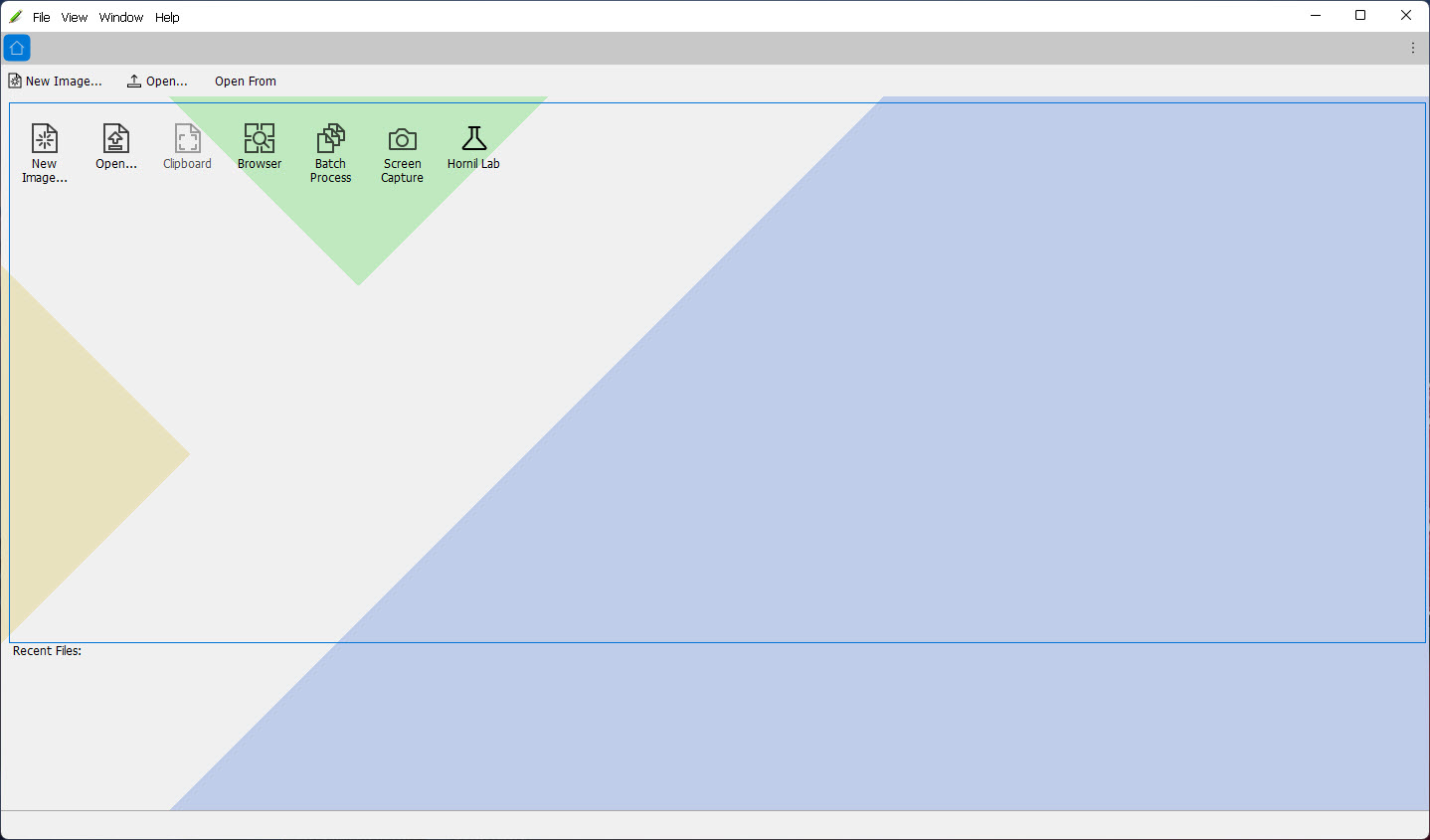
About StylePix
StylePix offers for free what other similar or even not-so-advanced solutions do. Enough is to mention the user interface that scores higher than most of these software apps will ever score, as it is unimaginably easy to use and elegantly designed.
Enhance and restore tools cover burn, dodge, blur, sharpen, saturate, and desaturate, and the text tools let you type and edit text on the canvas itself.
While enabling users to modify and personalize the text in numerous ways, the text tool supports many languages. Selection tools, layers, brushes, and styles remain highly precise and realistic.
And let’s not forget about the built-in image viewer, which is incredibly intuitive and full of features, such as compare and edit tabs or slideshow.
Features & benefits
png, jpg, bmp, tif, gif, tga file formats are supported
Multiple files can be opened simultaneously
Multi-level undo-redo support, and action list display
Zoom in/out
and the full-screen view and guides, rulers, grid support
Thumbnail, histogram and waveform view for current editing image
Auto-range, color-range, and rectangular, circular, polygonal, lasso area selection, and transformation options
20 kinds of blending modes
Color picker
with HSV color model
Multi-layer and group support
Technical details
Latest version3.0.7.0
File nameHornilStylePix3.0.7.0Setup.exe
MD5 checksum4BA79F5C5A6F3895E3636C30091D03AB
File size
20.82 MB
LicenseFree
Supported OSWindows 11 / Windows 10 / Windows 8 / Windows 7
Author
Hornil Co
Similar software


User reviews
0 Comments
Oldest
