

StopUpdates10
About StopUpdates10
StopUpdates10 is a lightweight utility that allows users to manage and disable automatic Windows updates. While Windows updates are essential for maintaining security and functionality, the automatic nature of these updates can sometimes cause disruptions, such as unexpected restarts or compatibility issues.
With StopUpdates10, users gain full control over when and how updates are applied, making it an ideal solution for those seeking a hassle-free computing experience.
Disable Automatic Updates
The primary function of StopUpdates10 is to turn off automatic updates in Windows. By overriding default system settings, the tool prevents updates from being downloaded or installed without user consent.
This feature ensures that users can work or play uninterrupted, choosing the best time to update their systems. It is particularly useful for professionals and gamers who need stable performance without surprise restarts.
Block Update Notifications
In addition to disabling updates, StopUpdates10 can block persistent update notifications. While intended to remind users about pending updates, these notifications can be intrusive and distracting.
The tool ensures a clutter-free experience by suppressing these alerts, allowing users to focus on their tasks without interruptions.
Enable Updates Anytime
Despite its focus on disabling updates, StopUpdates10 provides users with the flexibility to re-enable updates at any time. With a single click, users can restore Windows Update functionality, ensuring that their system remains secure and up-to-date when it’s convenient for them.
This balance between control and flexibility makes the tool practical for a wide range of users.
Simple and User-Friendly Interface
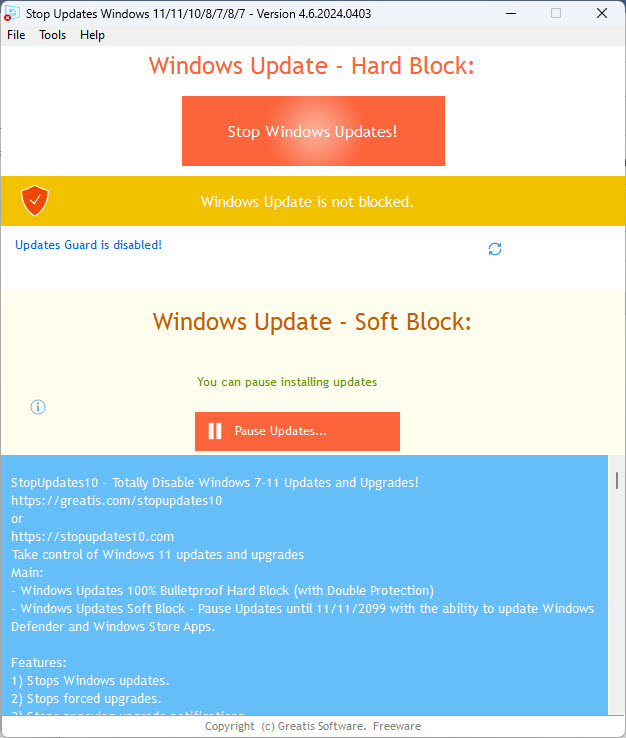
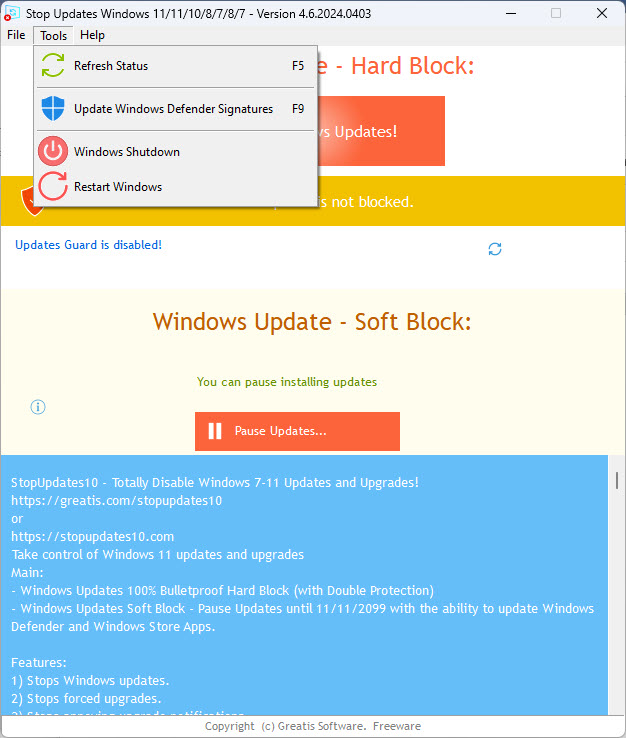
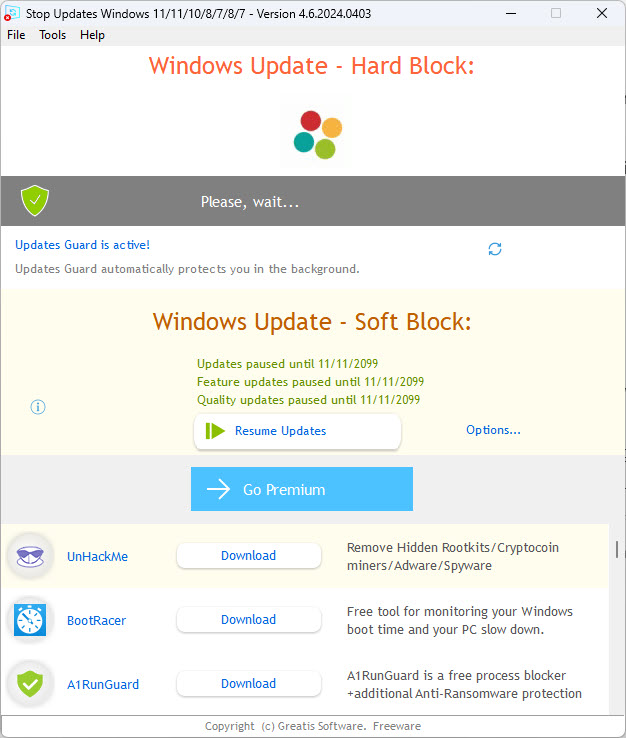
StopUpdates10 features an intuitive interface that makes it easy to manage Windows Update settings. The main dashboard provides clear options to enable or disable updates and additional controls for managing update notifications.
The straightforward design ensures accessibility for users of all experience levels.
No System Impact
The tool operates without impacting system performance. It doesn’t consume significant resources or interfere with other processes, ensuring that your system runs smoothly while updates are paused.
Conclusion
StopUpdates10 offers a simple and effective way to manage Windows updates, giving users full control over their update schedule. The tool ensures an uninterrupted and stable computing experience by disabling automatic updates and suppressing intrusive notifications.
While users should periodically re-enable updates to maintain system security, the flexibility and ease of use provided by StopUpdates10 make it an excellent choice for anyone frustrated by Windows’ default update behavior.
This tool is a valuable addition to your software toolkit for a more personalized and reliable update approach.
Pros & Cons
- Disables automatic updates and prevents unexpected restarts.
- Blocks intrusive update notifications for a distraction-free experience.
- Provides easy toggling between enabling and disabling updates.
- Straightforward and user-friendly interface.
- Operates without affecting system performance.
- May leave the system vulnerable if updates are disabled for extended periods.
- Lacks advanced features for fine-tuning specific update settings.
- Focused solely on Windows updates, offering no broader system management tools.
Frequently asked questions
Yes, the tool allows users to re-enable Windows updates anytime with a simple toggle.
When updates are disabled, all updates, including security patches, are paused. Users should re-enable updates periodically to ensure system security.
Yes, it uses non-invasive methods to manage updates and does not modify core system files.
Yes, the tool includes an option to suppress update notifications while leaving update functionality intact.
No, the tool is lightweight and operates without consuming significant system resources.
No, disabling updates with this tool does not void warranties, as it uses reversible and non-destructive methods.


