

SPlayer

About SPlayer
SPlayer is a video player built around subtitles you do not have yet. Open a film and it looks up matching subtitles online by title. Open a lecture nobody has ever subtitled and it can listen to the audio, turn the speech into text and translate that text into your language while the video plays, then save the result as an SRT file.
The playback engine underneath handles the usual MKV, MP4, AVI and MOV files along with H.265 and the RMVB files that trip up other players, but the translation is the reason to look at it.
That puts it in a different conversation from PotPlayer or VLC, which fetch subtitles that already exist and stop there. Whether SPlayer earns its place depends on how often you watch something in a language you do not speak.
Subtitle matching and the translation panel
With a recognisable filename, the player queries its subtitle service and drops a matching track onto the video within a few seconds, and you can pick among alternatives from a small panel on the right. For files it cannot match you load a subtitle by hand or ask it to open the video that belongs to a subtitle file you already have, which it does by scanning the folder.
Smart Translation is the different thing. It sends the audio for speech recognition, receives a transcript and translates it into one of thirteen or so target languages, and the result appears as a subtitle track with the usual controls for font, size, colour and delay, with a reset button for the delay when you have nudged it too far.
Both the transcript and the translation can be exported to SRT for reuse. The whole chain runs online, needs a signed-in account for the fuller set of languages, and works well on clear single-speaker audio and poorly on overlapping dialogue or music, roughly as you would expect.
Cleaning up what comes out is a job for a subtitle editor rather than something the player attempts.
Playback controls and contact sheets
Speed control runs in fine steps with keyboard shortcuts, volume can be pushed well past the nominal maximum for quiet recordings, and Always on Top keeps a small window above your work. Video can be rotated, aspect ratio forced, and a snapshot saved from any frame. The thumbnail feature is less common. SPlayer can generate a 3 by 3 or 4 by 4 grid of frames from a video as a single image, the contact sheet people post when sharing a file, and it does so without a plug-in.
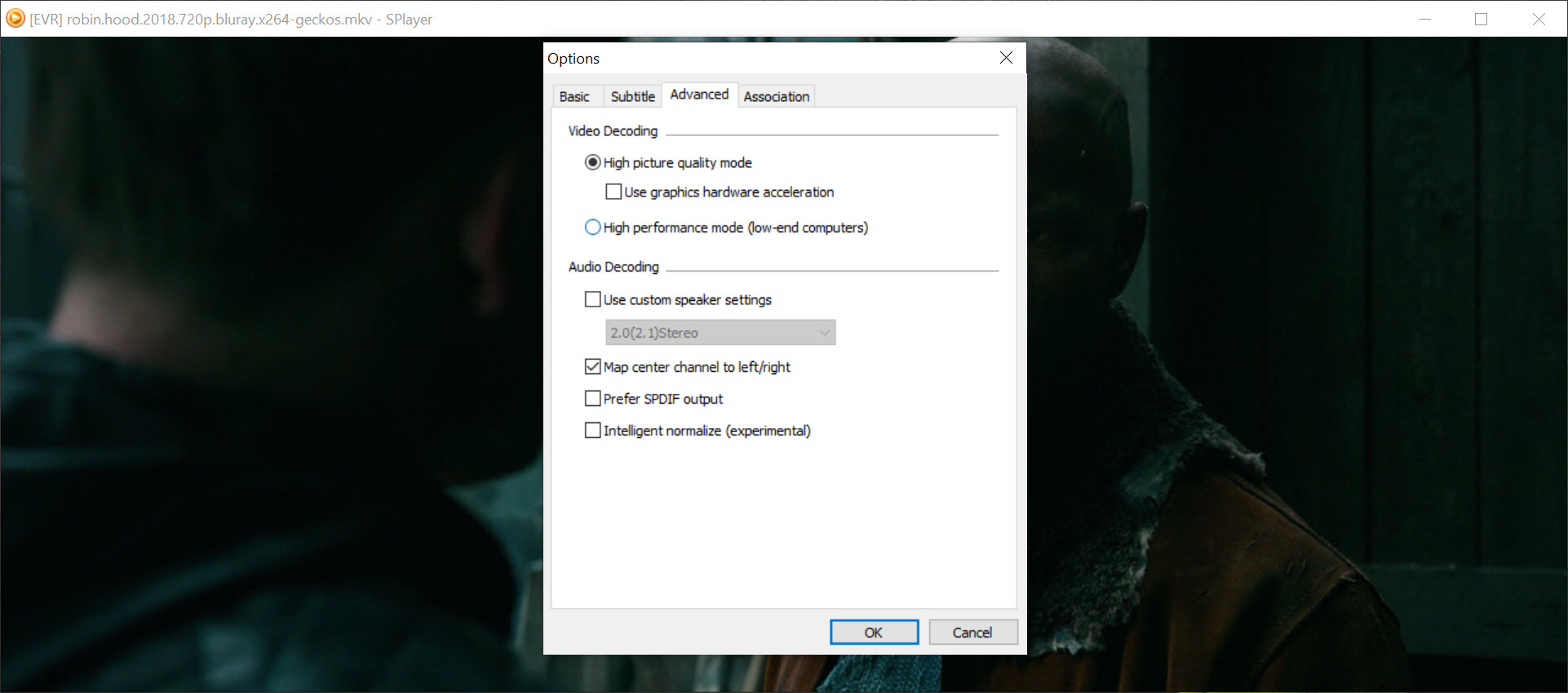
Decoding is competent rather than remarkable. High-resolution H.265 plays smoothly on a machine with hardware decoding, but the player has none of the shader, upscaling or audio-processing depth that PotPlayer buries in its menus, and there is no equaliser to speak of.
Playlists that recognise seasons
Drop a folder and SPlayer builds a playlist with a thumbnail for each entry, sorted with an understanding of season and episode numbers in filenames, so a series plays in order and the next episode is one shortcut away. Files that are moved or renamed drop out of the list rather than lingering as dead entries.
Recently played items are kept for a quick return.
Browser mode and picture in picture
The second half of the window is a browser. Browser Mode opens streaming sites inside the player, with a home page of shortcuts you can extend with your own sites, and its picture-in-picture pops the video out of the page into a small draggable window that keeps playing while you do something else. It adapts to the layout of the popular video sites, so the pop-out finds the player element rather than showing the whole page shrunk down.
The limit is that the embedded browser takes no extensions, so there is no ad blocking or password manager inside it, and sites that fight picture-in-picture occasionally win. Treat it as a convenience for one or two sites, not a replacement for your browser.
Conclusion
SPlayer is for the person who watches lectures, foreign series or downloaded talks that arrive without subtitles and would rather have a rough translation now than a good one never. Language learners and anyone following content from another country will use the translation panel every week and forgive the rest.
Viewers who mostly want a fast, tunable player for a well-subtitled collection will find it thinner than the established players and should stay where they are. It does one unusual thing well and the ordinary things adequately.
Pros & Cons
- Fetches matching subtitles by title in a few seconds
- Speech recognition and translation produce subtitles for videos that have none
- Transcripts and translations export to SRT
- Playlists understand season and episode numbering
- Contact-sheet thumbnails from any video
- Translation runs online and needs an account for most languages
- Recognition quality drops sharply on overlapping speech or music
- No picture or audio processing beyond the basics
- Embedded browser has no extensions, so no ad blocking in Browser Mode
Frequently asked questions
No. Speech recognition and translation are handled online, so the feature needs a connection, and signing in unlocks most of the target languages.
Matching works from the filename and title. Rename the file to include the title and year, or season and episode, and retry. If the title is obscure, load a subtitle file manually instead.
Yes. Export it, or the original transcript, as an SRT file from the subtitle panel and it will load in any player.
Open the folder rather than a single file. The playlist reads season and episode numbers from the filenames and orders them, and the next-episode shortcut moves through the list.


