

Sophos Virus Removal Tool
About Sophos Virus Removal Tool
Sophos Virus Removal Tool is a second-opinion scanner for the moment you suspect your antivirus has missed something. It does not install a resident shield, does not argue with the protection you already run, and does not stay active once the job is done.
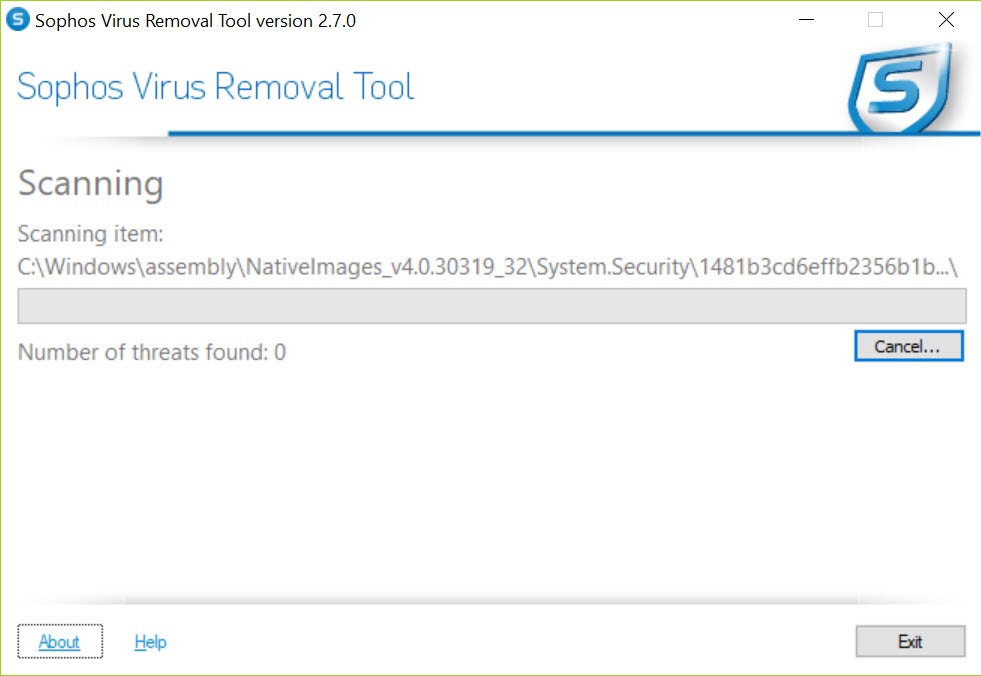
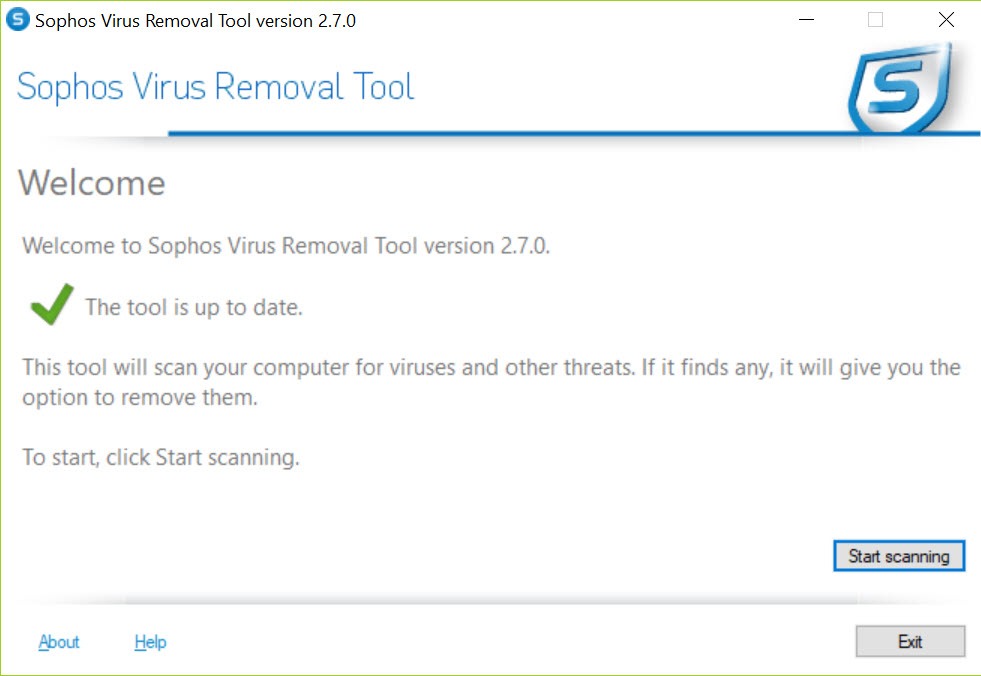
You start it, it pulls the newest threat data, scans every connected drive along with memory and boot records, and offers to clean whatever it finds. Then it gets out of the way.
That narrow brief is its value. Two real-time antivirus products on one machine tend to fight over the same files, but an on-demand scanner that only wakes when you call it sits happily beside either.
The tool targets viruses, spyware, rootkits and the fake antivirus programs that pop fake warnings to extract a payment, and it draws on the same detection engine used in the maker’s business products.
What gets scanned
A scan covers more ground than a quick file check. Every connected drive is examined, including USB sticks and external disks plugged in at the time. User memory is scanned for processes that are already running, and kernel memory for code hiding at the lowest level of the system. Boot records are checked too, since some infections install themselves before the operating system has even started loading.
The update step happens on its own before each scan, so the definitions are never stale when you run it on a machine that has been sitting unused for months.
That makes it a sensible thing to keep on a stick for relatives’ computers, though it does need an internet connection at the start.
Rootkits and the cleanup that waits for a reboot
Rootkits are the reason to reach for a tool like this rather than trusting a single engine. They hide by intercepting what the system reports about itself, so a scanner that only asks the system for a file list may never see them. Sophos Virus Removal Tool uses several detection layers working from inside the running system, looking beneath the normal reporting to find what has been concealed.
Some components cannot be removed while they are loaded. When that happens the tool schedules the cleanup for the next restart, finishing the job before the infection gets a chance to reload itself. Let that reboot happen rather than cancelling it.
For infections that resist removal from inside the running system entirely, a bootable rescue scanner that works outside it is the next step.
Reviewing results before anything is deleted
When a Sophos Virus Removal Tool scan ends, detected items appear in a list with the threat name and full file path. Nothing is deleted automatically. You decide what gets cleaned, which protects against the occasional false positive on a file you actually need. Each finding comes with enough detail to look it up if the name means nothing to you.
A log of each scan is written to disk, and it is the thing to attach when asking for help on a malware removal forum.
Anyone comparing results across scanners will find Emsisoft Emergency Kit produces a similar log, and running both on a stubborn infection is a common approach.
Where it falls short
The download is large for a single-purpose scanner, because the engine and its data come bundled together. It also installs rather than running portably, which is a slight nuisance on a machine you do not own. And it offers no scan profiles or exclusions worth mentioning, so there is no quick scan for a busy moment, only the full sweep.
For deeper behavioural detection of threats that no signature yet covers, Norton Power Eraser takes a more aggressive approach, with a higher chance of flagging something harmless as a result.
Conclusion
Sophos Virus Removal Tool suits anyone who suspects an infection their antivirus has not caught and wants a well-regarded engine to take a second look without uninstalling anything. Home users with a sluggish or oddly behaving machine, and the relative who does family IT support, will find it a straightforward first step.
It is not everyday protection and makes no attempt to be. Run it, review what it finds, let it reboot if it asks, and pair it with a rescue scanner for the rare infection that will not leave from inside a running system.
Pros & Cons
- Runs alongside an existing antivirus without conflicts
- Scans all connected drives, user memory, kernel memory and boot records
- Updates its threat data automatically before each scan
- Schedules cleanup at reboot for components that are loaded
- Lets you review every finding before anything is removed
- Large download for an on-demand tool
- Installs rather than running portably
- No quick scan or scan profiles, only the full sweep
- Needs an internet connection before scanning
Frequently asked questions
Yes. It scans only when you start it and has no real-time shield, so it does not conflict with the protection already installed.
Yes. It scans kernel memory and boot records for hidden code, and schedules removal at the next reboot when a component cannot be cleaned while loaded.
Some infected components are locked while in use. The restart lets the tool delete them before they load again.
No. Detected items are listed with their names and paths, and you choose which to clean.


