

Emsisoft Emergency Kit
About Emsisoft Emergency Kit
Most malware infections happen to people who already have antivirus software installed. The protection wasn’t enough, something slipped through, and now the system is acting strange in ways that the resident security suite doesn’t seem to fix. The standard advice in this situation is to run a second-opinion scanner from a different vendor, on the theory that what one engine misses another might catch.
Emsisoft Emergency Kit is one of the more respected tools in this category, packaged specifically for the scenario of cleaning an already-compromised system without conflicting with whatever security software is currently installed.
Built by Emsisoft, a New Zealand-based security company with a long track record in the anti-malware space, this software exists explicitly as a portable, on-demand toolkit rather than a continuously running antivirus product. The whole package fits on a USB drive, runs without installation, and uses the same dual-engine scanning technology that powers the company’s commercial products.
For technicians cleaning customer machines or users investigating their own infections, that combination of portability and serious detection capability is exactly the right shape.
A truly portable rescue toolkit
The defining characteristic of Emsisoft Emergency Kit is the portable design. You download the package, extract it to a USB drive (or any folder), and run the executables directly. There’s no installation, no system integration, no permanent footprint left behind. When you’re done, you delete the folder and nothing lingers on the system.
This portability is the entire point for technician use cases. You can carry the kit on a flash drive, plug it into a customer’s infected machine, run the scan, clean the threats, and walk away without having installed any software on a computer that might already be compromised. For repeated use across many machines, the same USB drive serves as a portable cleanup station rather than requiring fresh installations everywhere.
The portable nature also avoids one of the practical problems with installing antivirus on an already-infected system: malware that interferes with security software installation. B
y running directly without setup, this tool sidesteps the entire category of attacks that block standard antivirus deployment, which is genuinely useful when dealing with the kinds of infections that have already taken some control of a system.
Dual-engine scanning that catches more
The detection capability comes from a combination of Emsisoft’s own engine and the Bitdefender engine, both running in parallel against the same files. Two independent engines with different detection approaches catch threats that either one alone might miss, and the combination has consistently performed well in independent testing across the years.
For users familiar with how single-engine scanners can have blind spots based on their particular detection heuristics, the dual-engine approach addresses this directly.
A piece of malware that one engine considers borderline gets a second opinion from the other engine, which often comes to a different conclusion based on different signature patterns and behavioral indicators.
The practical effect is detection rates that compete seriously with the major commercial antivirus products, despite the tool being free for personal use. For second-opinion scanning specifically (which is what this software is designed for), the dual-engine approach is exactly the right architecture.
Multiple scan modes for different situations
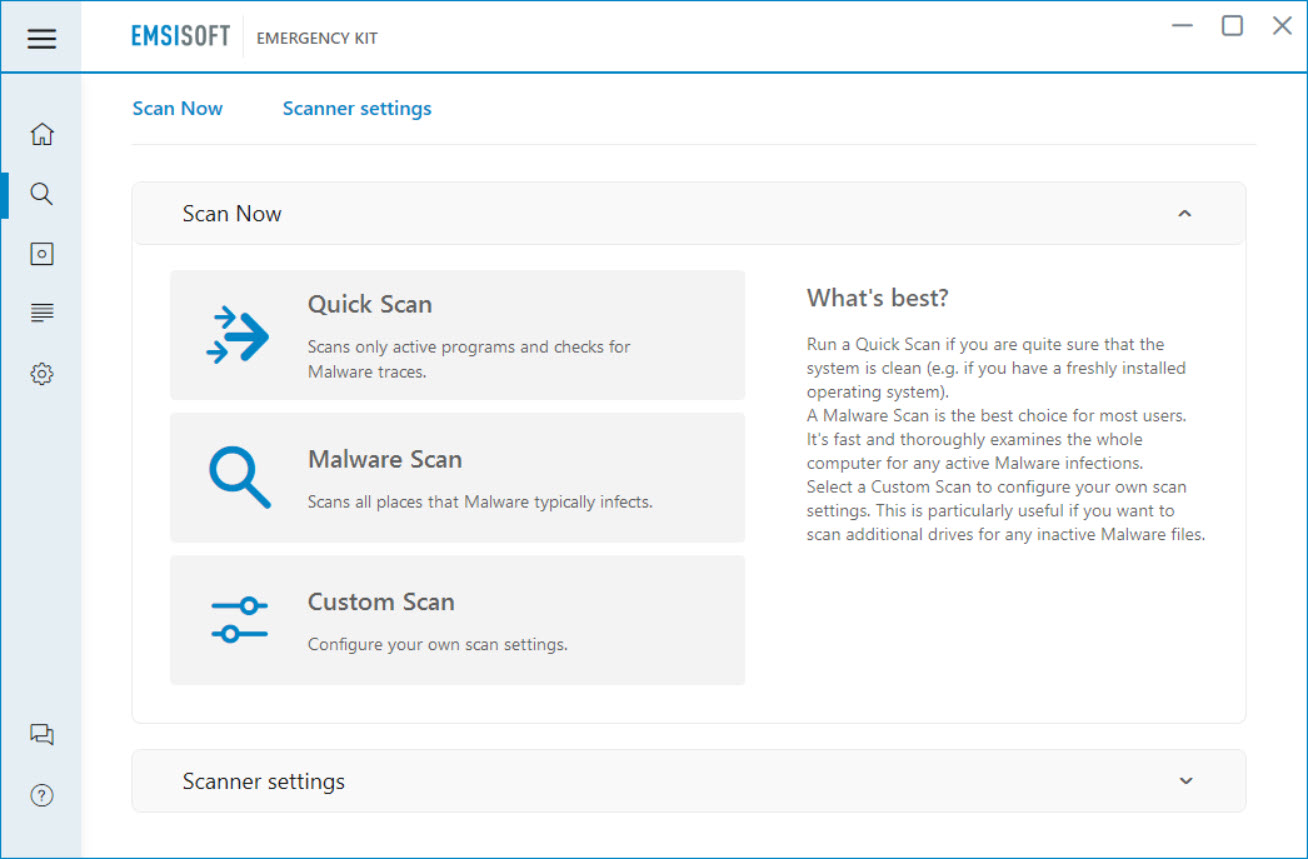
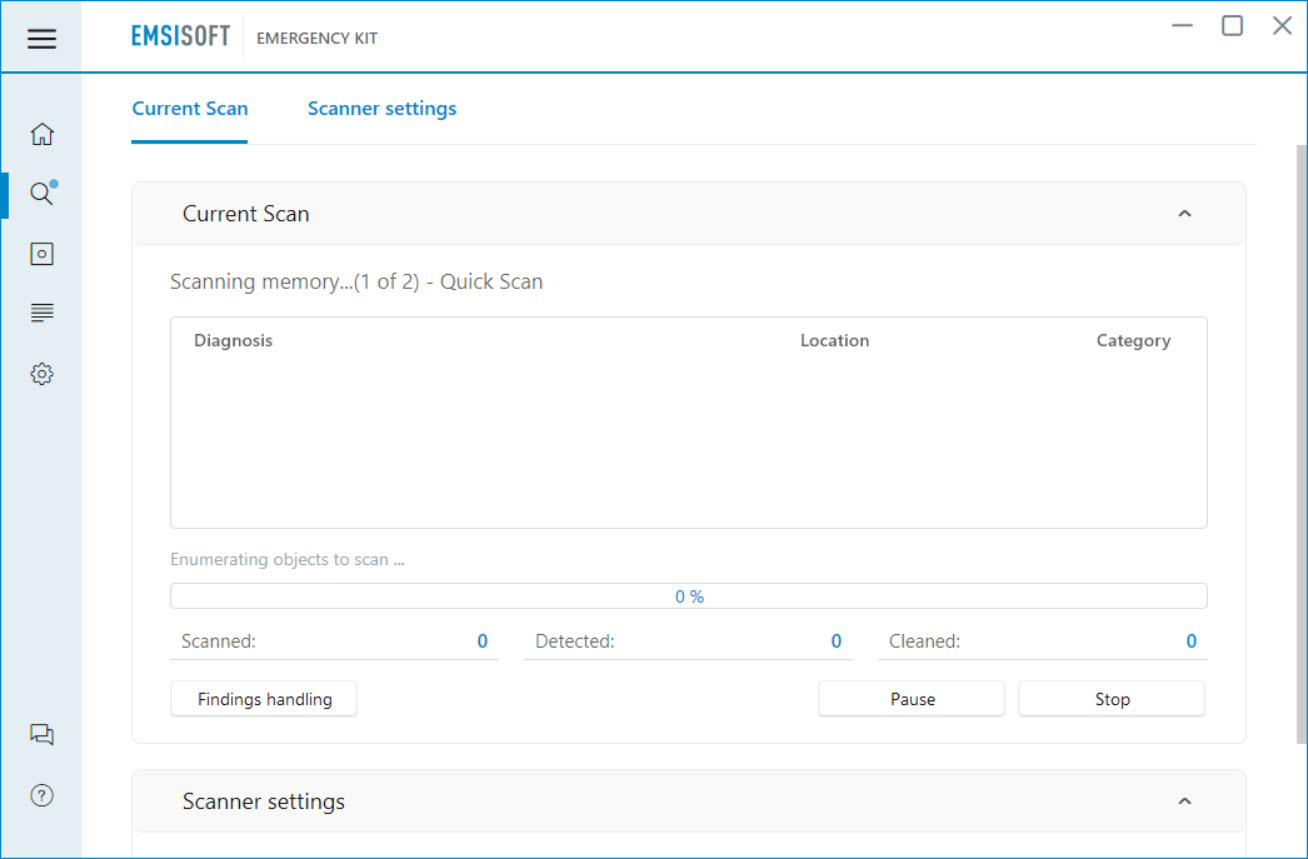
The kit includes several scan options targeting different use cases. A quick scan examines running processes, common malware locations, and recently modified system files, finishing in minutes and catching most active infections. A custom scan lets you target specific folders or drives when you have particular suspicions about where something might be hiding. A full scan covers everything on every drive, taking substantially longer but providing comprehensive coverage that catches dormant threats and infections in less obvious locations.
For most users, the quick scan is the right starting point when investigating a suspected infection. If the quick scan finds nothing but symptoms persist, escalating to a full scan ensures that nothing has been missed.
The custom scan modes are particularly useful for technicians who know roughly what they’re looking for and want to focus the scanning effort on relevant areas.
Command-line scanner for scripted use
Beyond the graphical interface, the kit includes a command-line scanner suitable for scripted or automated scanning scenarios. Technicians who want to integrate the tool into batch files, scheduled scripts, or automated cleanup workflows can use the command-line version with appropriate parameters to perform scans without user interaction.
This matters more than it sounds like it does for serious technician use. Building a USB-based toolkit that performs a sequence of operations automatically (boot from USB, run scans, clean threats, log results, generate reports) becomes practical when the underlying tools support scripting. For repair shops handling many similar cleanup jobs, this kind of automation saves real time across the customer base.
BlitzBlank for stubborn malware removal
Some malware actively defends itself against removal by holding files open, hooking into system functions to prevent deletion, or restarting itself after attempts to terminate it. The BlitzBlank component included in the kit handles this category specifically, running at the deepest possible point in the boot process to delete files and registry entries before malware has a chance to load and protect itself.
For genuinely stubborn infections that resist standard cleanup approaches, BlitzBlank provides the equivalent of operating-system-level access to the cleanup process. You specify what you want removed, the tool schedules the operation for execution before normal boot, and on the next restart the deletion happens at a level where running malware can’t interfere.
It’s a powerful capability that requires careful use, since misidentifying legitimate files as threats and removing them before normal boot can break the operating system.
Updates that actually keep up
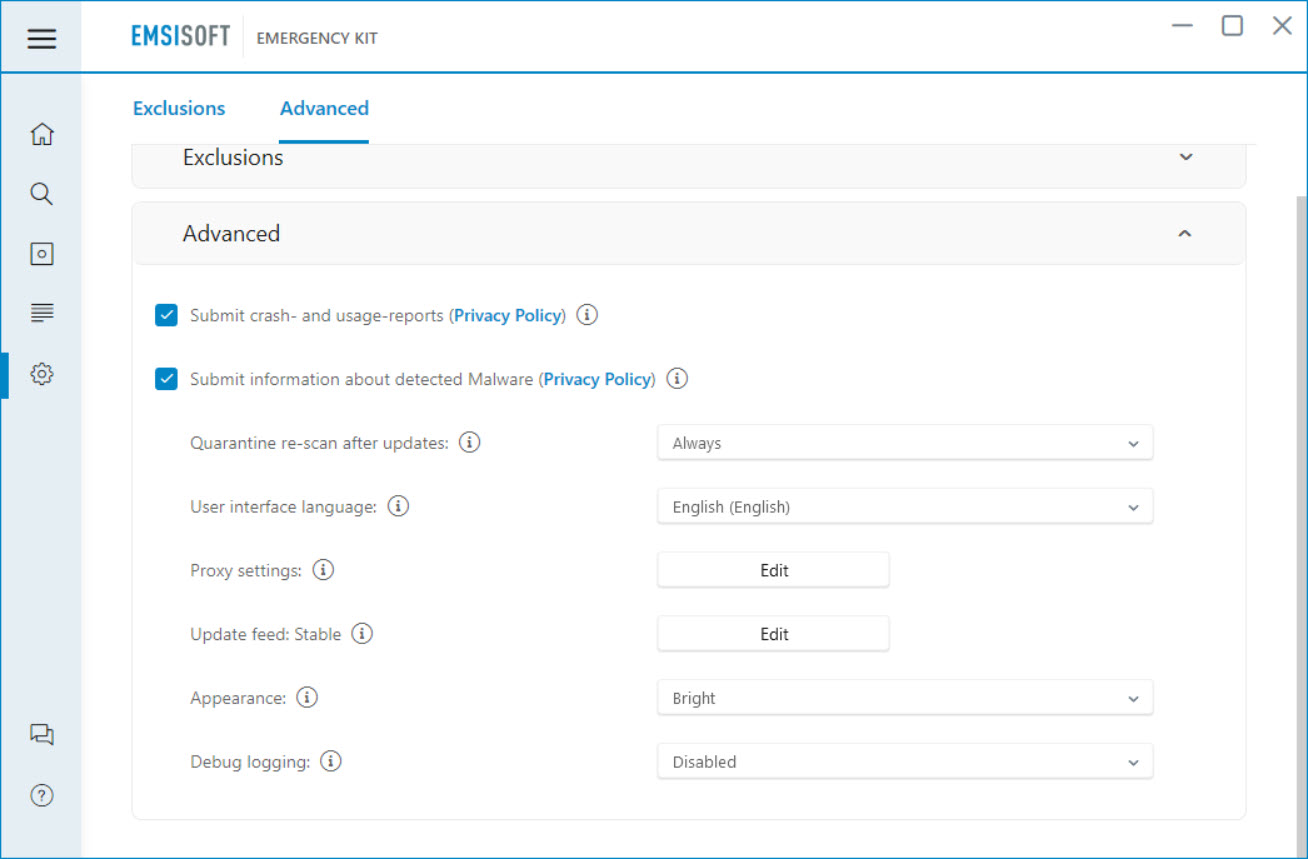
A persistent challenge with portable security tools is keeping the threat definitions current. Malware evolves constantly, and a portable scanner with definitions from six months ago will miss everything that has appeared since. Emsisoft Emergency Kit addresses this through built-in updating that fetches current signatures over the internet whenever the tool is run on a connected machine.
For USB-based deployment, this means the kit stays current as long as you periodically run it on an internet-connected computer to refresh the definitions.
The update process is straightforward and happens through the application’s normal interface rather than requiring separate downloads, which keeps the workflow simple for technicians who need to maintain their portable toolkit across many different jobs.
Compatibility with installed antivirus
Because the tool runs on-demand rather than providing real-time protection, it coexists peacefully with whatever antivirus is already installed on the system. There’s no conflict between active scanning engines, no driver conflicts, no system instability from competing security software. You install nothing, you run a scan, you remove threats, and you exit, all without touching the existing security configuration.
This makes the kit appropriate as a complement to commercial antivirus products rather than a replacement. For users who want to verify their primary protection isn’t missing anything, or for technicians who want a second-opinion check on customer machines, running this software alongside existing security tools is exactly the right approach.
Considerations and limitations
The free version covers personal use cases well, but commercial deployment in IT environments requires a paid license. For technicians using the tool professionally as part of a paid service business, the licensing terms matter and require proper compliance. Personal use, family troubleshooting, and casual investigation scenarios remain free without artificial restrictions.
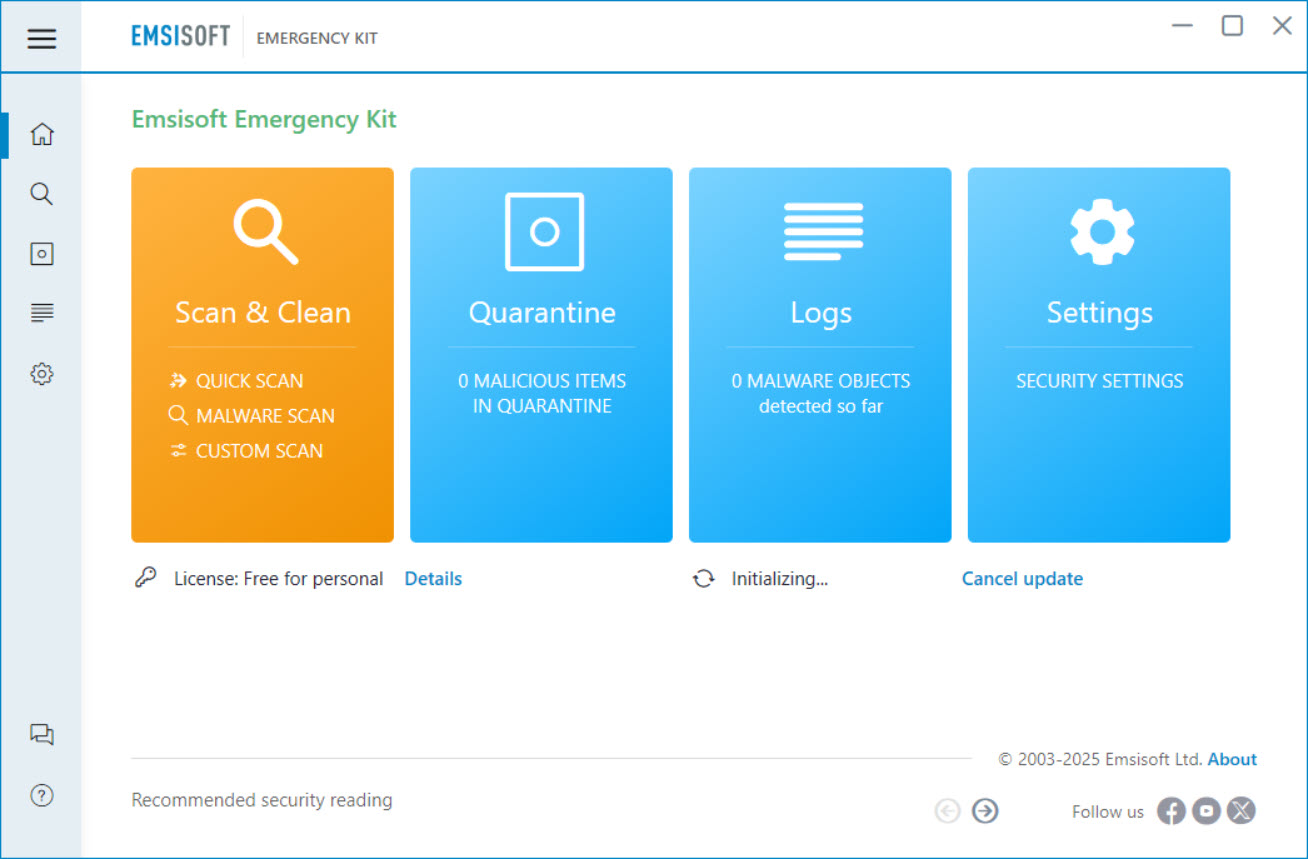
The interface, while functional, isn’t going to win design awards. It’s clearly built for capability rather than aesthetic appeal, with a layout that prioritizes information density and quick access to scan options over visual polish. Users who appreciate clean modern design may find it dated, but those who care about what the tool actually does will find the interface adequate for the job.
Full system scans take substantial time on machines with significant storage. The dual-engine approach inherently doubles the work compared to single-engine scanners, which translates to longer scan durations. For quick checks this isn’t an issue, but for thorough investigation expect to leave the scan running for several hours on systems with large amounts of data.
Conclusion
Emsisoft Emergency Kit has earned its position as one of the better-regarded portable malware removal tools through years of consistent detection performance and a design philosophy that fits the second-opinion scanning use case exactly.
The combination of true portability, dual-engine detection, and specialized tools for stubborn infections delivers what technicians and serious users actually need when investigating compromised systems. It’s not for everyone, since users with effective real-time antivirus and no current infection concerns won’t have much reason to run on-demand scans regularly.
But for the specific scenarios this software is designed for, including cleaning infected machines, providing second opinions on suspicious behavior, and serving as a portable toolkit for technician work, Emsisoft Emergency Kit delivers exactly that, with the kind of detection depth that justifies adding it to any serious computer maintenance setup.
Pros & Cons
- Genuinely portable design runs from USB without installation
- Dual-engine scanning combines Emsisoft and Bitdefender detection technologies
- Multiple scan modes accommodate different investigation scenarios
- Command-line scanner enables scripted and automated workflows
- BlitzBlank component handles stubborn malware that resists normal removal
- Coexists with installed antivirus without conflicts
- Built-in updates keep threat definitions current
- Free for personal use with strong detection capabilities
- Full scans take substantial time due to the dual-engine approach
- Interface design feels dated compared to modern security software
- Commercial use requires a paid license rather than the free personal version
- No real-time protection, since the tool is designed for on-demand scanning only
- Documentation occasionally assumes technical familiarity with security concepts
Frequently asked questions
This software is a portable malware scanner designed to detect and remove threats from already-infected systems or to provide second-opinion scanning alongside existing antivirus. It runs from a USB drive without installation, uses dual-engine scanning for comprehensive detection, and includes specialized tools for handling stubborn malware that resists normal removal approaches.
No, this tool is specifically designed for on-demand scanning rather than continuous protection. It doesn't include the real-time monitoring, web protection, and behavioral blocking that proper antivirus software provides. For ongoing protection you need a real-time antivirus solution, with this kit serving as a complement for periodic verification scans.
No, the on-demand design means it doesn't compete with running antivirus software. You can run scans alongside your existing security solution without compatibility problems, which makes the tool useful specifically as a second-opinion scanner that catches things your primary protection might miss.
Both tools serve the on-demand scanning role, but the underlying detection engines differ significantly. Microsoft Safety Scanner uses the same engine as Microsoft Defender, while this software combines two completely independent engines (Emsisoft and Bitdefender). For users who want detection that explicitly differs from their existing protection, this tool's distinct technology often catches different threats.
Threat definitions update over the internet whenever you run the tool on a connected machine. For occasional personal use, updating before each scan is sufficient. For technicians using the kit regularly, refreshing the definitions on a connected computer at least weekly keeps the toolkit ready for current threats when needed.
BlitzBlank schedules file and registry deletions to happen during the earliest stage of system boot, before malware has a chance to load and protect its files. This handles infections that resist normal removal by holding files open or restarting themselves when terminated. The capability requires careful use since incorrect deletions at this level can break the operating system.


