

Skitch
About Skitch
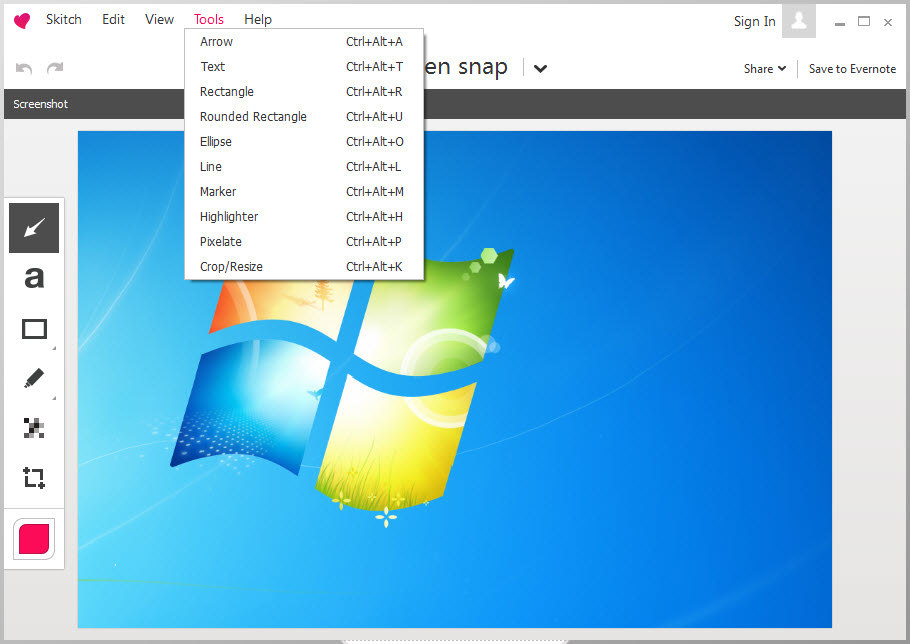
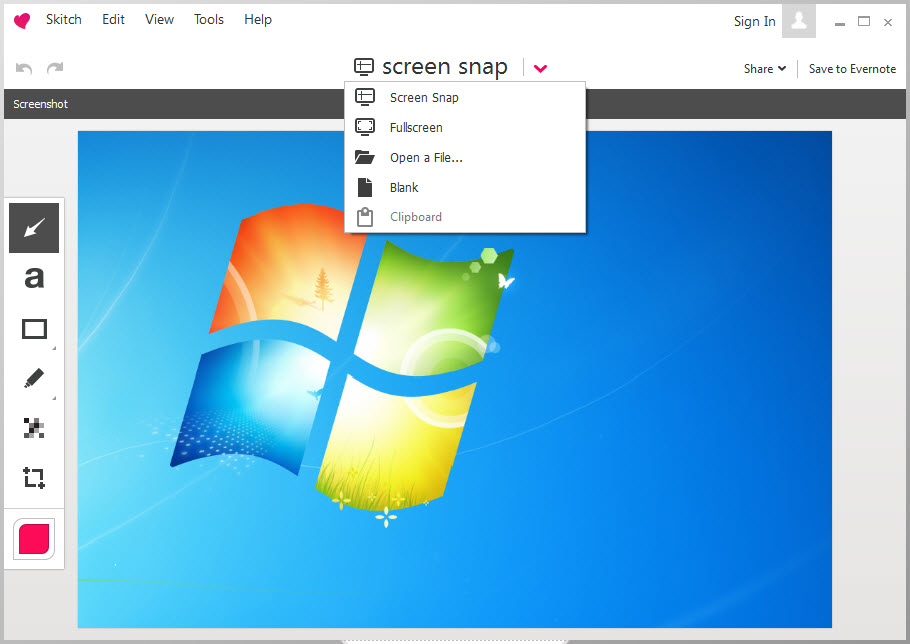
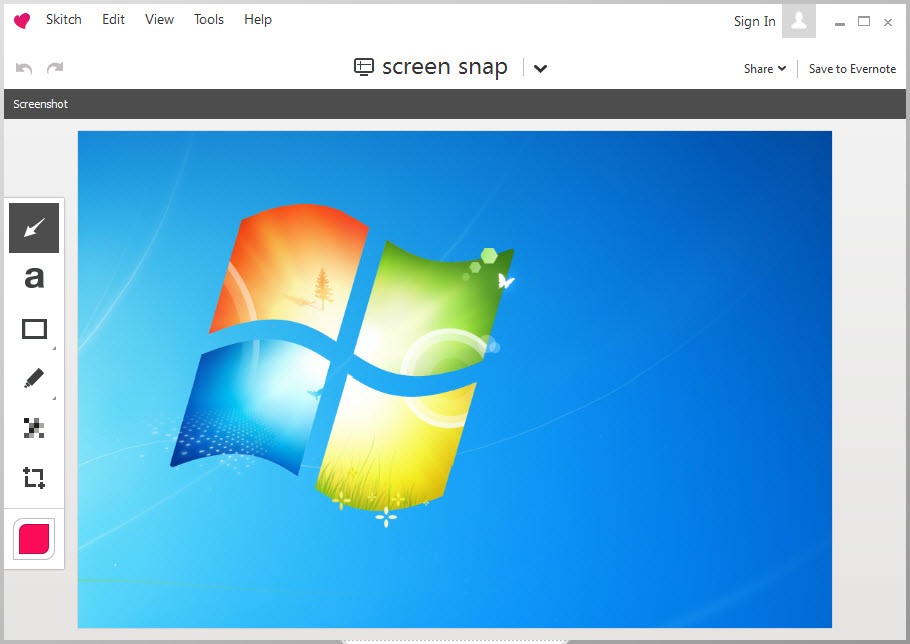
Skitch is both a screenshot and an annotating utility. Basic screen capture functionality and image editing functions are sleekly integrated into simple and easy-to-use software for everyday projects. With annotations and markup you can draw attention to whatever is important in a captured image or in a photo you have loaded into the program.
A library of shapes and arrows additionally contribute to the ease of the tasks, as well as text boxes help viewers understand the essence of the object you may have highlighted.
All you need to do afterwards is save the image and upload it through the same software utility to Evernote or to a social media platform of your choice.
Technical details
Latest version2.3.2.176
File nameskitchsetup_2.3.2.176.exe
MD5 checksumB7CFBEB695F359BC61CAE2197715687E
File size
34.01 MB
LicenseFree
Supported OSWindows 11 / Windows 10 / Windows 8 / Windows 7
Author
Evernote Corporation
Similar software


User reviews
0 Comments
Oldest
