

SideSync
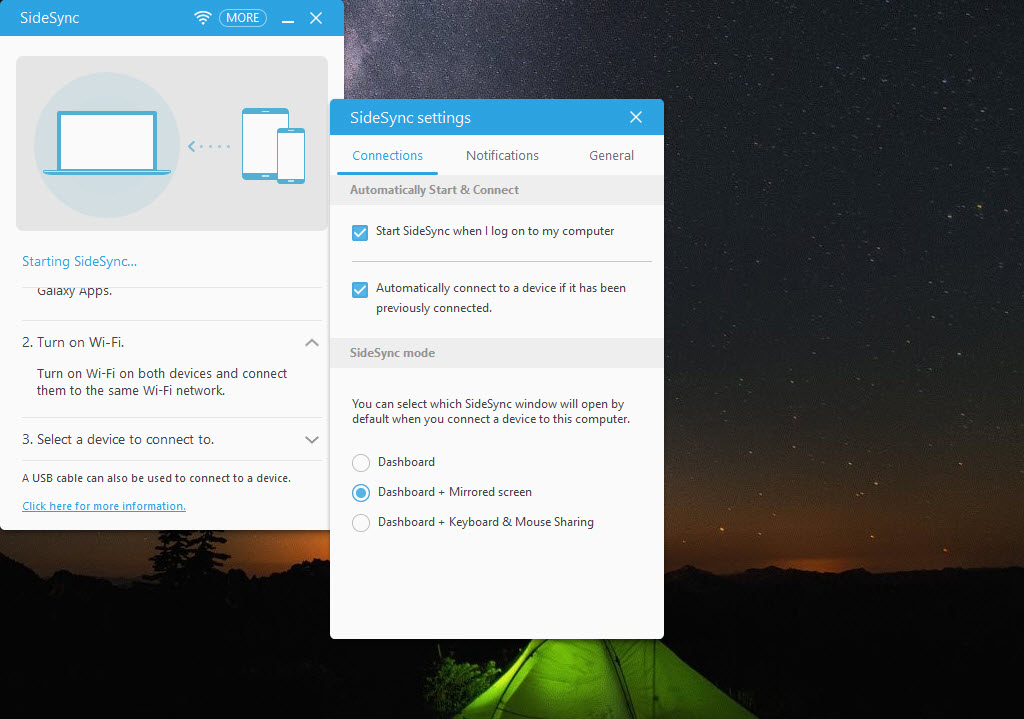
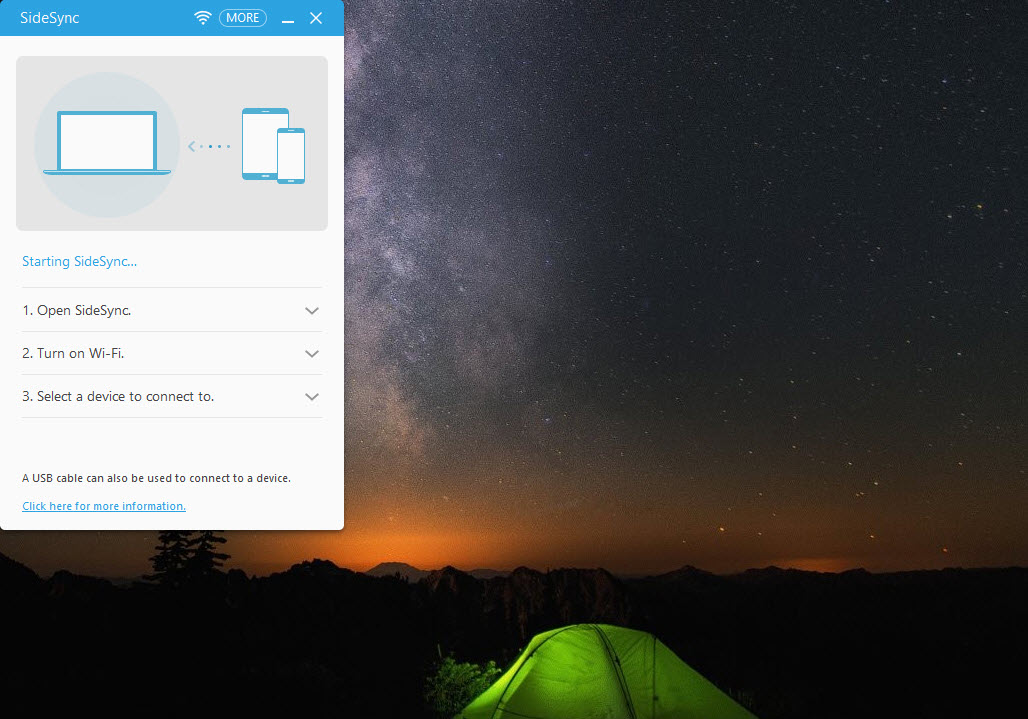
About SideSync
Getting a phone and a computer to cooperate properly is an old problem with several generations of attempted answers. SideSync was one of them, putting the phone’s screen on the computer, letting the mouse and keyboard drive it, and moving files between the two by dragging.
The scope is narrow and needs stating first. This works with Samsung phones, and only with the generations it was built for. A phone from any other manufacturer has nothing here, and a recent Samsung phone will not connect either.
That second point matters as much as the first, because the software was retired and replaced twice over, which is the situation anybody installing it today will meet immediately.
What it did when it worked
SideSync put screen sharing at the centre. The phone’s display appeared in a window, responded to clicks and typing, and let you use the phone without picking it up.
Around that sat the integration people actually wanted daily. Notifications arriving on the computer, calls answered and messages written from the keyboard, and the clipboard shared so text copied on one device pasted on the other.
File transfer worked by dragging between the phone window and a folder, in both directions, which remains the least painful arrangement anybody has devised for that job.
Connection was by cable or over the same wireless network, with the wireless route being the point, since a phone on the desk rather than plugged in is what made the arrangement pleasant.
Why it no longer applies
SideSync was withdrawn and its role handed to a successor, which was itself later overtaken by the integration built into current systems.
Those replacements do the same things and are maintained. Screen mirroring, notifications, messages, calls, file transfer all now happen through software that supports current phones, which is the decisive practical difference.
Anybody with a current Samsung phone should look at Samsung Smart Switch for the transfer and backup side, since that one is still supported and handles the data movement this used to.
Where it might still earn its place
SideSync has one remaining situation, the one the whole legacy category serves. An older Samsung phone, still working, still holding things somebody wants, and no longer supported by anything current.
For that phone, software from its own era is sometimes the only thing that will talk to it at all. The same reasoning applies to Samsung PC Studio, which covers the earlier generations for message and contact extraction.
Beyond that narrow case, installing this on a modern setup produces a connection attempt that fails, which is a frustrating way to spend an evening.
Mirroring a phone in general
If the requirement is seeing and controlling a phone on a computer, without regard to brand, that has become a solved problem handled by tools built for it rather than by manufacturer software.
Vysor does that job across manufacturers and is a better starting point than manufacturer software from a previous generation.
For the file transfer, notification and messaging side over a network rather than the screen itself, AirDroid covers that ground for phones of any brand.
Conclusion
SideSync did the phone and computer integration job well for the devices it was built for, and the wireless screen control with drag-and-drop file transfer was well ahead of what most people had at the time.
It has been superseded twice since, and the integration now built into current systems covers the same ground with support behind it. Keep this in mind for an older Samsung phone that nothing else will talk to, and use something current for anything else, because a connection that never establishes is the only result a modern setup will give you.
Pros & Cons
- Put the phone screen on the computer with mouse and keyboard control
- Notifications, calls and messages handled without touching the phone
- Shared clipboard between the two devices
- File transfer by dragging in either direction
- Worked over the wireless network rather than requiring a cable
- Withdrawn and replaced twice, so nothing about it is maintained
- Samsung phones only, and only the generations it was written for
- A current phone will not connect at all
- Built-in system integration now covers the same ground and is supported
- Useful only for older hardware nothing else will talk to
Frequently asked questions
No. It was written for a particular generation of devices and withdrawn afterwards, so a recent phone will not connect. Supported alternatives from the same manufacturer cover the current hardware.
No. It is manufacturer software tied to one brand, so a phone from anybody else is outside its scope entirely. Tools built for mirroring across brands handle that case.
Mirrored the phone screen on the computer with mouse and keyboard control, delivered notifications, handled calls and messages, shared the clipboard and transferred files by dragging, over a cable or a wireless connection.
Only for an older Samsung phone that current software no longer supports. That is a real situation and a narrow one, and on a modern setup this will simply fail to connect.


