

RatioMaster.NET
About RatioMaster.NET
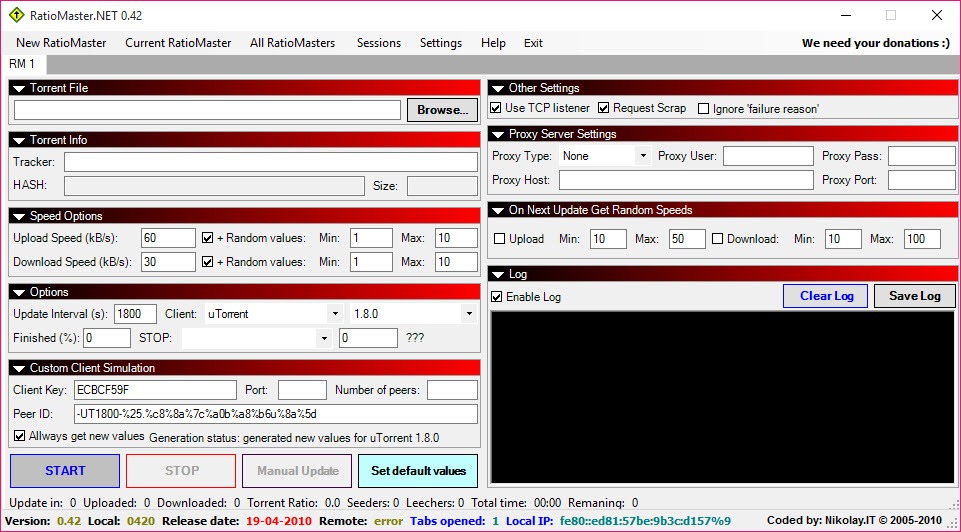
RatioMaster.NET reports upload and download figures to a BitTorrent tracker without moving a single byte of data. Load a torrent file, choose which client it should pretend to be, set the speeds, press Start, and the program talks to the tracker the way that client would, announcing numbers that climb as if a transfer were running. No torrent client has to be open and nothing is shared, which is the whole point and also the reason to read the next paragraph before installing it.
Private trackers judge members by their share ratio, the uploaded total divided by the downloaded total, and drop accounts whose ratio falls too low. This tool fakes the numbers behind that ratio. That breaks the rules of every tracker that publishes any, and trackers have long checked for this behaviour, so a banned account is the common outcome rather than the unlucky one.
RatioMaster.NET does what it describes, the risk sits entirely with the user, and anyone who values a membership should treat it accordingly. It is open source and runs as a single file with nothing to install.
Pretending to be a particular client
The central feature is client emulation. The program carries profiles for 28 builds across 17 families, among them qBittorrent, uTorrent, BitComet, Vuze, rTorrent, Transmission and Deluge, and each profile reproduces the announce request that client sends, checked against the client’s own published source code.
A profile has to match what the tracker allows, since many private trackers whitelist only a few clients and reject the rest, so the choice matters more than any other setting. uTorrent and qBittorrent are the profiles most trackers still list.
Profiles live in a JSON file, so extra emulations can be added or overridden without rebuilding anything. Emulations of long-abandoned clients have been dropped, and a saved torrent that used one runs with the default client. Identifiers and settings can also be copied from a client that is running.
Speeds and stop conditions
Upload and download speeds are chosen per torrent, with optional random variation and a fresh value at every tracker update. The program honours the interval the tracker requests, scrapes it for seeder and leecher counts and follows redirects. It pauses the upload while the tracker reports nobody downloading, an option that is on by default, and it answers incoming peer handshakes on the announced port so the torrent looks reachable.
A session ends by itself, so nothing runs forever by accident.
Stop conditions cover a set time, or a limit on seeders, leechers, uploaded or downloaded totals, or the leecher-to-seeder ratio, set separately for each torrent.
The torrent list and sessions
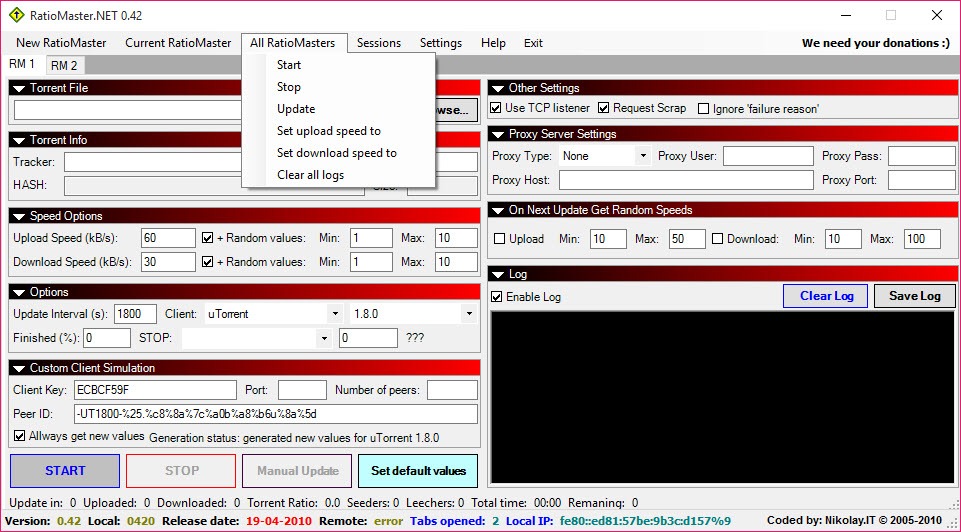
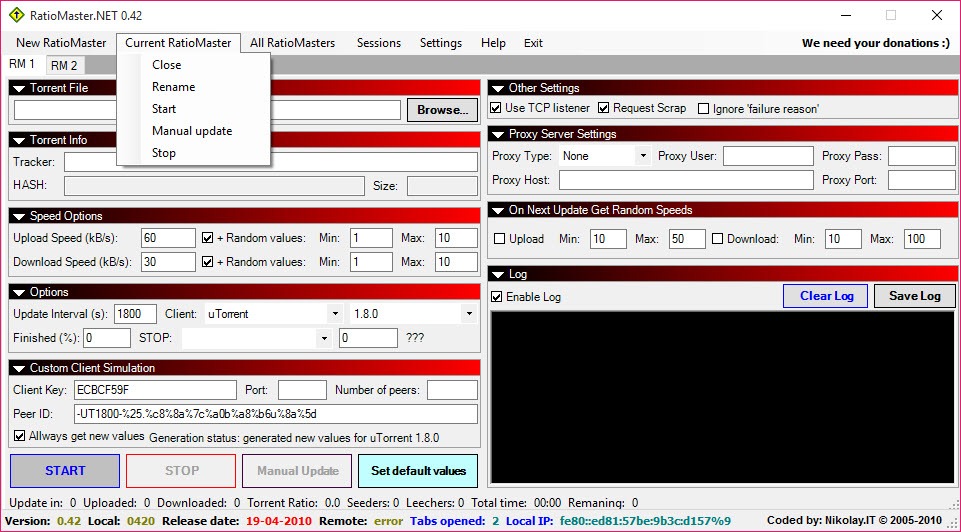
Each torrent is a row in a list, with a details pane underneath showing uploaded, downloaded, ratio, speeds, swarm size and the time to the next update, all live. Any number can run at once, each with its own client and speeds.
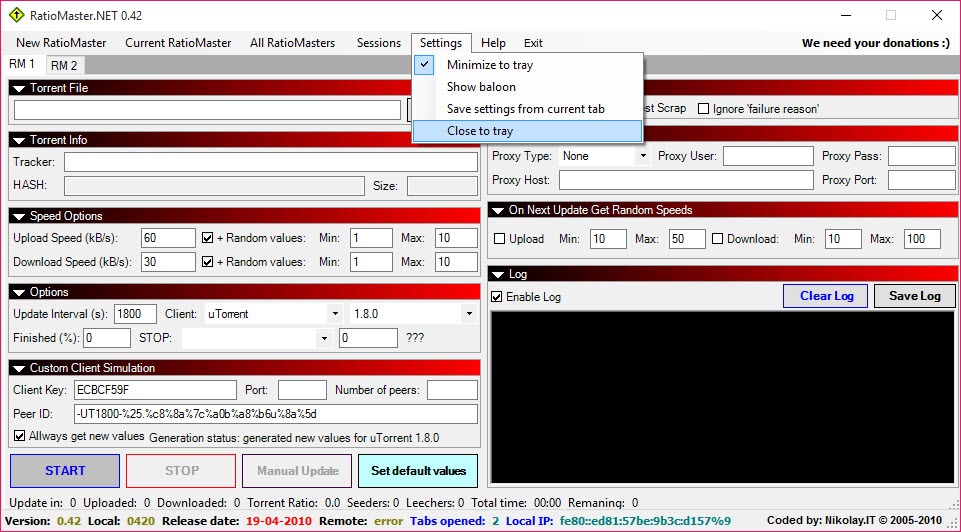
Torrents and whole sessions drag onto the window, a session saves and reloads with all its settings, and the last one is restored at startup. Settings from older releases are imported on first run.
Trackers and proxies
Trackers over HTTP and HTTPS work, on IPv4 and IPv6, either directly or through an HTTP CONNECT, SOCKS4, SOCKS4a or SOCKS5 proxy with a username and password for anyone who prefers the tracker not to see their address.
The Tracker tab lists every announce and scrape with its request, the response and the timing, which turns a puzzling refusal into a readable message such as an unregistered torrent or a banned client. A capture in a network protocol analyser shows the same exchanges at a lower level
What it cannot do, and the honest alternative
RatioMaster.NET cannot make a ratio the honest way. A tracker that audits traffic, compares a client’s reported speed with its connection, or checks peers independently can catch the pattern, and some do so quietly and ban later.
The legitimate route to a healthy ratio is seeding what you download, and a proper client with seeding rules and bandwidth scheduling, such as qBittorrent, does that without any pretence. A slow connection is better served by leaving torrents on longer than by faking figures.
Conclusion
RatioMaster.NET suits people who understand what it does, accept that it breaks tracker rules, and want a standalone simulator rather than a patched client. The client profiles, the stop conditions and the tracker log make it a thorough tool for that single purpose.
It is a poor way to protect a valuable membership. Honest seeding takes bandwidth and time, and nothing here replaces that. Read the tracker’s rules before using it anywhere, and expect that using it can end the account it was meant to save.
Pros & Cons
- Reports simulated upload and download figures without a torrent client running
- Emulates 28 client builds, with profiles in an editable JSON file
- Stop conditions on time, swarm size, totals or ratio
- Torrent list with live details and saved sessions
- Proxy support and a tracker tab showing every request and response
- Violates the rules of every tracker that publishes any, and bans are common
- Client profiles must match the tracker's whitelist or the session is refused
- Does nothing for public torrents
- Cannot make a ratio legitimately, and audits by tracker staff can catch the pattern
Frequently asked questions
No. It only sends reports to the tracker, so no data moves and no torrent client is needed.
Usually the chosen client profile is not on the tracker's whitelist, or the torrent is not registered on that tracker. The Tracker tab shows the exact message.
Yes. Faking statistics breaks private tracker rules, and many trackers look for it. A ban is a real risk.
Yes, through HTTP CONNECT, SOCKS4, SOCKS4a and SOCKS5 proxies, with authentication, to HTTP and HTTPS trackers.


