

Vuze
About Vuze
Transfer clients for this protocol divide into two camps. The lean ones do the transferring and nothing else, and the heavy ones try to be the whole environment around it. Vuze belongs decisively to the second camp, and whether that suits you is the entire question.
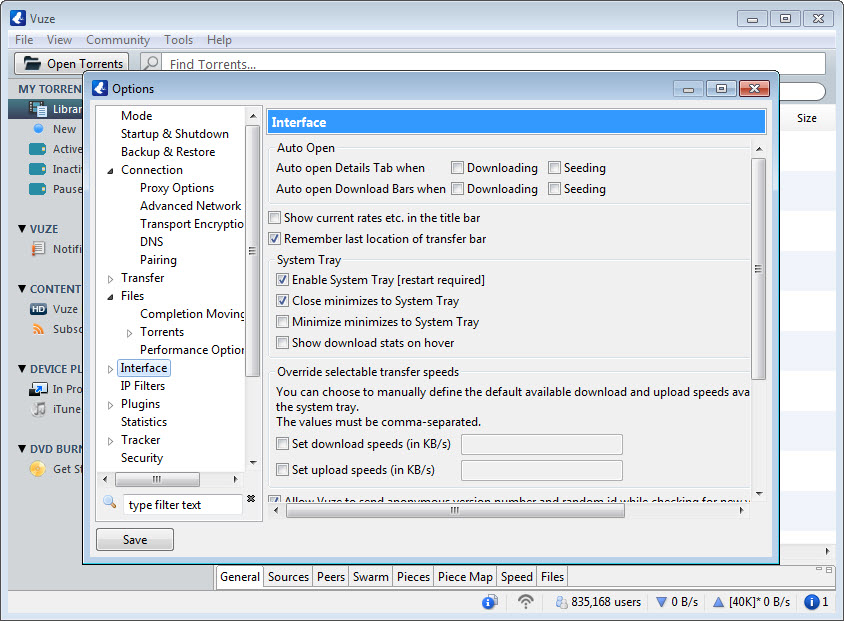
The Vuze transferring itself is thorough. Magnet links, distributed peer discovery, peer exchange, connection encryption, per-transfer and global speed limits, scheduling by time of day, and queue management with priorities.
Around that sits considerably more. Media playback, streaming while a transfer is still running, a plugin system, a remote web interface, and various discovery features.
The thing people misunderstand about this protocol
Before any Vuze feature, one structural fact deserves stating because it is widely misread.
This protocol is public by design. Participating means announcing yourself to every other participant, because that is how they know where to send data and where to request it. Your address is visible to everybody in a given swarm, and anybody can join a swarm and record who is in it.
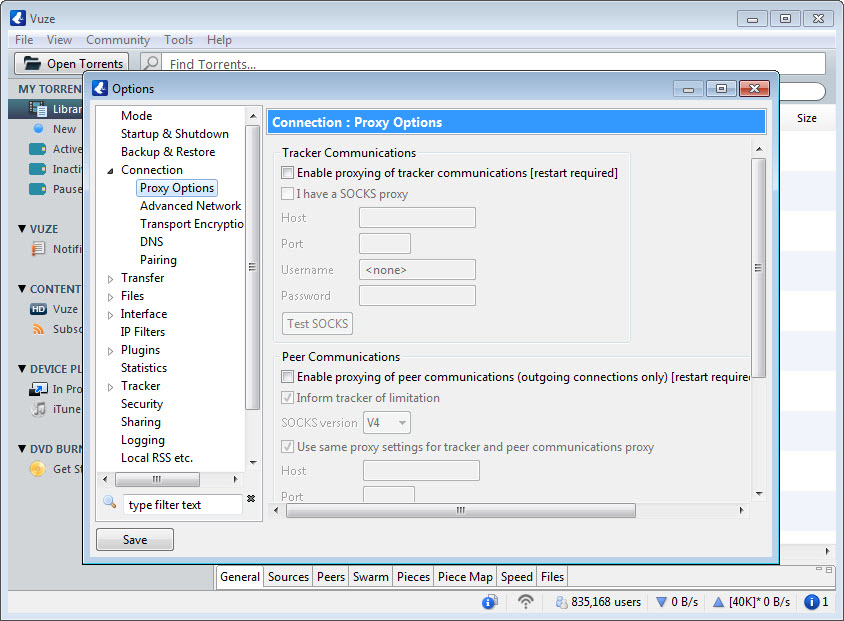
The connection encryption offered here does not change that. It obscures the content of the traffic from the network in between, which stops a connection provider identifying the protocol and throttling it, and it does nothing whatsoever to hide your address from other participants, because they need it to talk to you.
People conflate those two things constantly. Anybody who wants their address hidden from the swarm needs traffic routed through something else entirely, and Mullvad is one of the services people use for that, with the tunnel doing the hiding rather than the client.
The transfer controls
Assuming that is understood, the control on offer is thorough and more granular than the lean clients provide.
Speed limits apply globally and per transfer, with separate values for sending and receiving, and scheduling changes those limits by time of day so a connection stays usable during working hours and opens up overnight.
Queue management handles priorities, ratio targets and what happens when a transfer completes, which matters for anybody participating properly rather than taking and leaving.
Per-transfer statistics go into unusual depth, showing peer-by-peer detail, piece availability across the swarm and the history of what came from where. Most people never look at it, and when a transfer behaves strangely it is where the explanation lives.
The weight of it
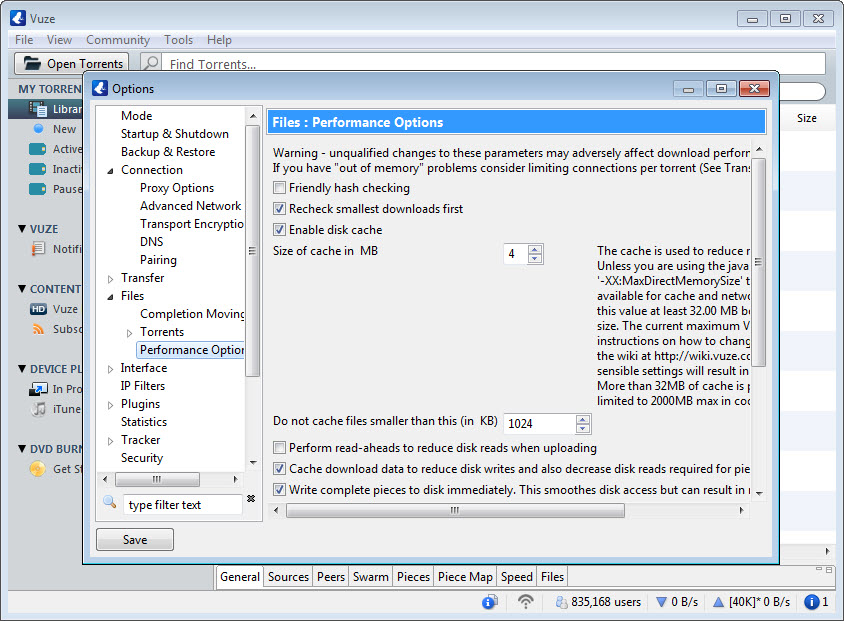
Here is the standard Vuze criticism and it is fair. Vuze runs on a runtime that has to start before the application does, occupies considerably more memory than its lean rivals, and presents an interface with a great many things in it that most users never touch.
On a machine with resources to spare that is unimportant. On anything modest it is noticeable, and the comparison people draw is with clients that do the same transferring in a fraction of the footprint.
qBittorrent is the usual recommendation for exactly that reason, offering comparable transfer control, a similar feature set for the parts that matter, no advertising and a much smaller appetite.
Deluge takes the modular route instead, running a slim core with an interface attached separately, which suits anybody wanting a transfer running on one machine and controlled from another.
Playback, and whether you want it
Vuze builds in media playback and streaming during transfer, and this is the feature the client is named for in spirit.
Streaming a file while it arrives works by prioritising the pieces at the front rather than requesting them in the usual order, which is a real technical accommodation rather than a wrapper around a player.
Whether you want your transfer client playing media is the question. A dedicated player handles formats better, and VLC Media Player plays essentially anything, which makes the built-in playback a convenience rather than a capability you would choose the client for.
The advertising, and the tiers
The unpaid Vuze arrangement carries advertising inside the interface, and a paid tier removes it while adding further features.
That matters because an advertisement panel in a program left running for hours is more intrusive than one in something you open briefly. It is also how the free version is funded, which is the same arrangement as several other things in this category.
Conclusion
Vuze is the maximal version of this kind of client. Scheduling, per-peer statistics, plugins, remote control and streaming during transfer add up to something no lean alternative matches, and for anybody who uses those controls the depth is real rather than decorative.
Two things push most people elsewhere. It is heavy, and the free version puts advertising in a window that stays open for hours. And the encryption everybody points to protects against a connection provider identifying the protocol rather than against anybody in the swarm seeing your address, which is the misunderstanding worth clearing up before deciding what you actually need.
Pros & Cons
- Transfer control is granular, with separate limits, scheduling and queue rules
- Peer-level statistics explain a misbehaving transfer where simpler clients cannot
- Connection encryption prevents a network operator identifying the protocol
- Remote web interface for controlling transfers from elsewhere
- Streaming during transfer works by actually reordering piece requests
- Plugin system extends it well beyond the default arrangement
- Heavy, with a runtime to load and a large memory footprint
- Advertising in the interface of a program that stays open for hours
- A great many features most users will never open
- Encryption is widely misread as hiding your address, which it does not do
- Lean alternatives do the transferring equally well in a fraction of the space
Frequently asked questions
No. It obscures the traffic content from the network in between, which prevents a connection provider identifying the protocol. Every participant in a swarm still sees your address, because the protocol requires it to send you anything.
Deeper transfer control, peer-level statistics, scheduling by time of day, a plugin system, a remote interface and media playback. Whether that is worth the additional weight depends on which of those you would actually use.
It runs on a separate runtime that loads before the application, and it includes a great deal beyond transferring. The lean clients do the same protocol work without any of the surrounding apparatus.
Yes, and it does so by requesting the earlier pieces first rather than in the usual order. That is a real accommodation in how the transfer is conducted rather than a player bolted on top.
That depends entirely on what it is and where you are, and the client neither knows nor decides. The protocol carries software distributions, datasets and archives as readily as anything else, and the material determines the position rather than the tool.


