

qBittorrent

 (37 votes, average: 3.97 out of 5)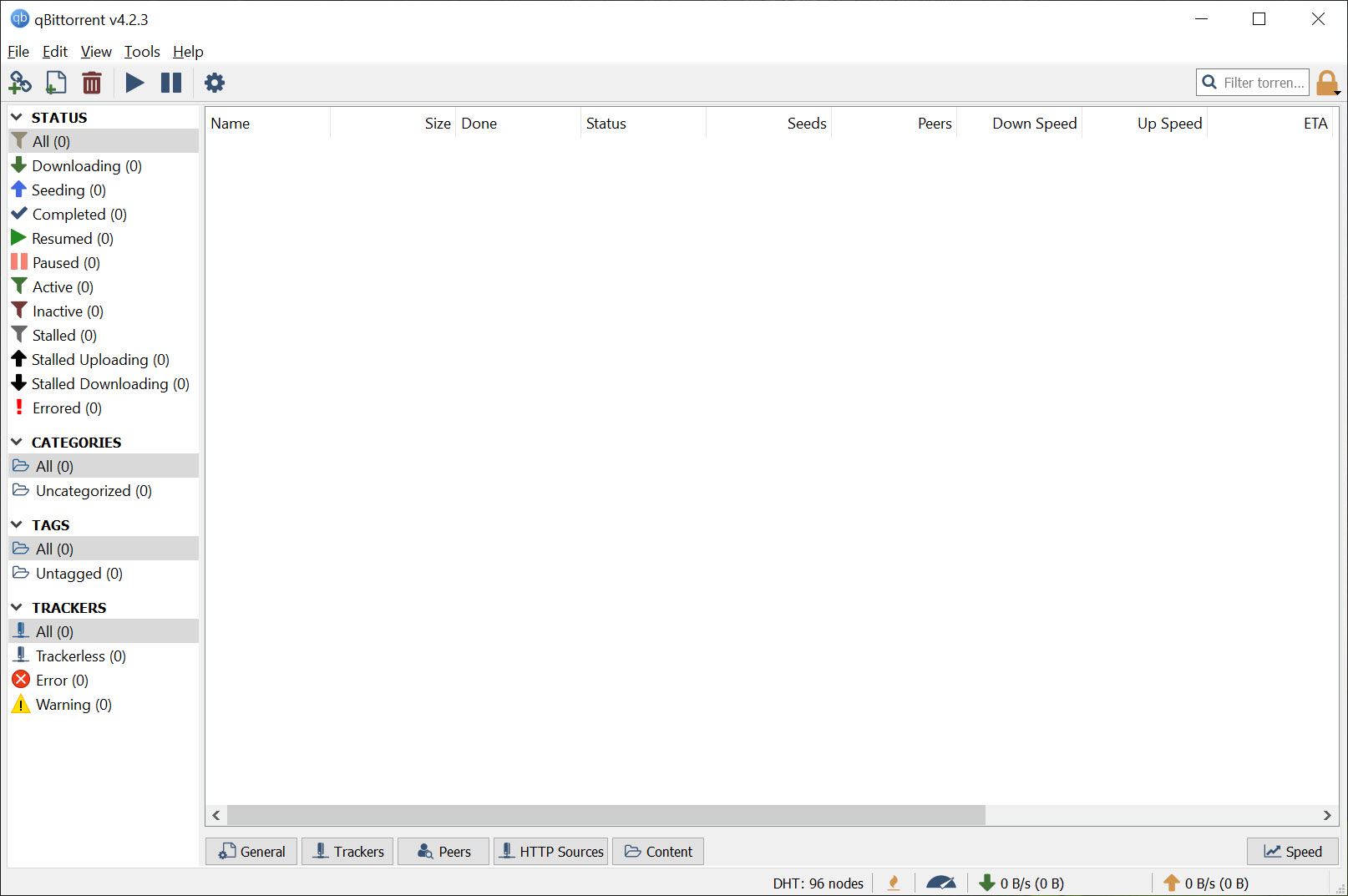
About qBittorrent
The torrent client space settled into something of a holding pattern years ago. uTorrent dominated the casual user market with its lightweight design, before changes by its commercial owners (added advertising, bundled software, and various other questionable additions) pushed users to look for alternatives.
qBittorrent emerged as the open-source response to that situation, offering a free, ad-free, no-strings-attached BitTorrent client built around the same lightweight philosophy that made uTorrent popular in the first place.
Originally created as a uTorrent alternative back when uTorrent started losing its way, this software has matured into one of the standard recommendations for users who want a capable torrent client without the commercial baggage. The 2025-2026 release cycle brought the v5.x series with substantial WebUI modernization, new search capabilities, and various refinements that keep the application current with how users actually work today.
A polished interface without the commercial baggage
The defining characteristic of qBittorrent is that it does what a torrent client should do without trying to monetize you in the process. No advertising, no bundled installers trying to install random toolbars, no “premium” tier pushing for upgrades, no telemetry collecting your usage data. The interface looks and works similarly to classic uTorrent, with the kind of polished feel that the commercial alternatives have largely abandoned.
For users who remember when uTorrent was actually good (lightweight, focused, just worked), this software essentially preserves that experience and continues evolving it forward.
The familiar layout means users coming from older uTorrent versions transfer their muscle memory and workflows directly, while new users get a sensibly designed interface that doesn’t fight them about how they want to use it.
The lack of advertising deserves specific mention because it’s increasingly rare in free software. The absence isn’t a “premium” feature unlocked by payment; it’s just the way the application works because the developers prioritize the user experience over revenue extraction.
Integrated search engine across torrent sites
One of the practical capabilities that distinguishes serious torrent clients from basic ones is the integrated search engine. Rather than opening a browser, visiting various torrent sites individually, and copying links back to your client, the search feature queries multiple sites simultaneously and presents the combined results within the application interface.
The search uses extensible Python-based plugins, with new 2025 additions including SOCKS4/SOCKS5 proxy support for plugins and the ability to save search history. For users who care about privacy or operate behind specific network configurations, the proxy support ensures search queries route through whatever connection setup you’ve configured rather than going direct.
The plugin architecture means search coverage adapts as torrent sites come and go. Community-maintained plugins for specific sites can be added, removed, or updated as needed, keeping the search functionality current without requiring application updates.
RSS feed support with regex filtering
For users who follow specific content sources, the RSS feed support lets you subscribe to torrent feeds and configure download filters that automatically grab matching content. The filtering supports regular expressions, which sounds technical but matters for users who want precise rules about what gets downloaded automatically.
In practical terms, this means you can subscribe to release feeds for content you follow regularly and have the application automatically download new releases matching specific criteria. For users tracking ongoing series, software releases, or other regular content, this automation eliminates the manual checking and clicking that casual users typically do every few days.
The combination of RSS with custom filters becomes powerful for users who actually configure it properly, transforming the application from a passive download tool into an active content acquisition system that works while you’re not paying attention.
WebUI for remote control
A particularly useful capability for users running torrents on always-on computers or home servers is the WebUI, which provides browser-based access to the client from any device on your network (or beyond, with appropriate networking setup). The interface is nearly identical to the desktop client, so capabilities that work locally also work remotely.
The 2025 versions specifically modernized the WebUI, reducing reliance on outdated external libraries (MooTools) in favor of native browser APIs. The result is faster page loads, better mobile compatibility, and a more responsive interface overall. Path autocompletion improved, alternating row colors aid scanning long lists, and the dark theme received refinements.
For users who run torrents on a dedicated machine and manage them from their phones or laptops, this remote access capability is genuinely essential. Adding torrents, monitoring progress, and adjusting settings all work through the browser without needing to physically access the client machine.
Sequential downloading for streaming
A handy capability for media files is sequential downloading, which forces the client to download file pieces in order rather than the random order that BitTorrent normally uses. With sequential downloads, video files can start playing while still downloading, since the early portions of the file complete before the later ones.
For users who want to start watching a video before the full download finishes, this option enables that workflow. The trade-off is slightly slower overall download speeds (random downloading is more efficient for the protocol), but for users who actually use the streaming behavior, the trade-off is usually worthwhile.
Bandwidth scheduling and granular control
The bandwidth scheduler addresses a common scenario for users on metered or shared connections. You can configure speed limits that change based on the time of day, allowing full speed during off-peak hours and throttled speeds when other people are using the network or when bandwidth caps would penalize heavy usage.
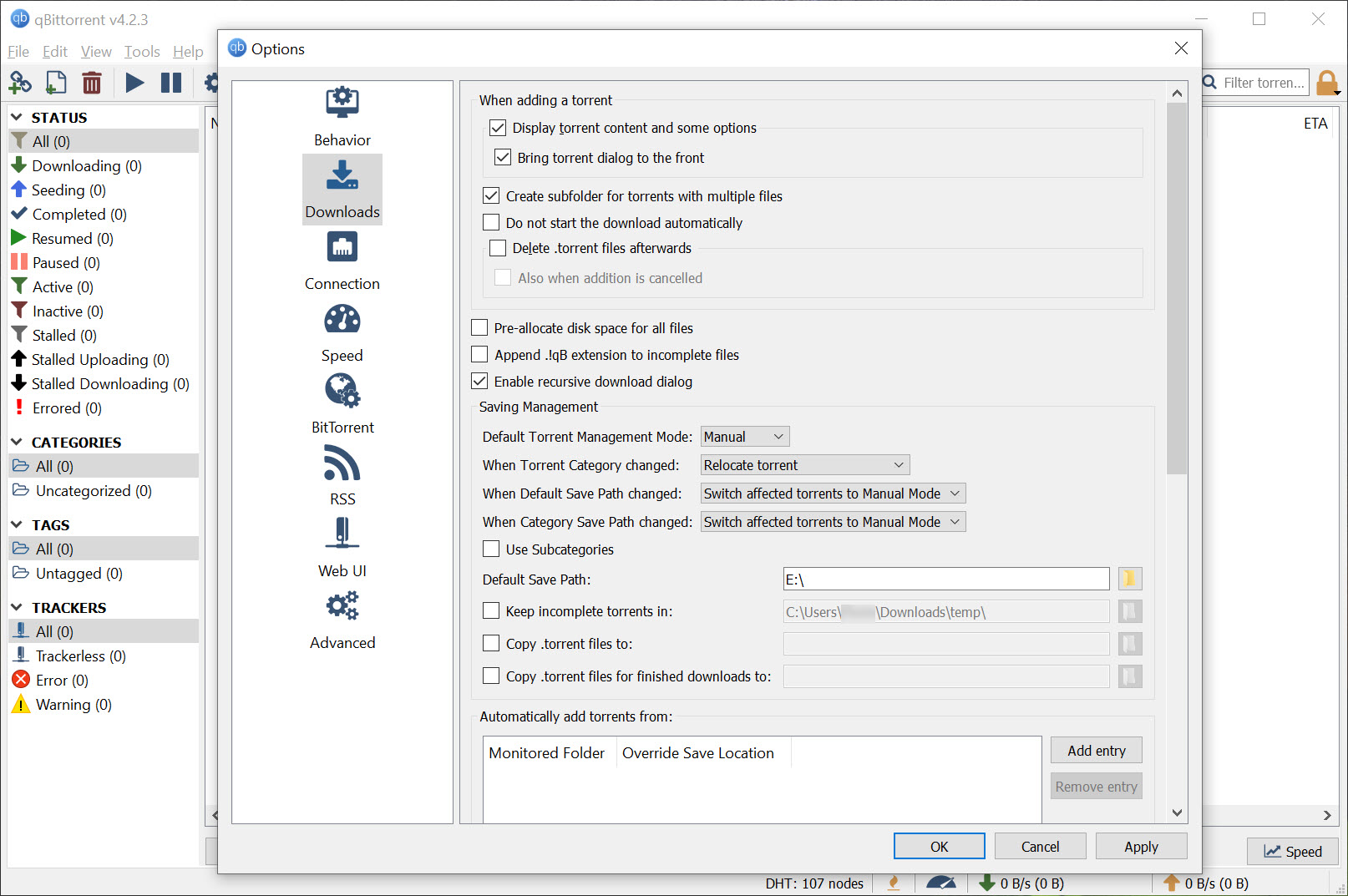
Beyond bandwidth, the granular controls extend to torrent queues, individual file priorities within torrents, tracker management, and various other aspects of how the client behaves.
For users who want their torrent client to work within specific constraints rather than dominate their network connection, these controls provide the necessary precision.
Privacy and protocol features
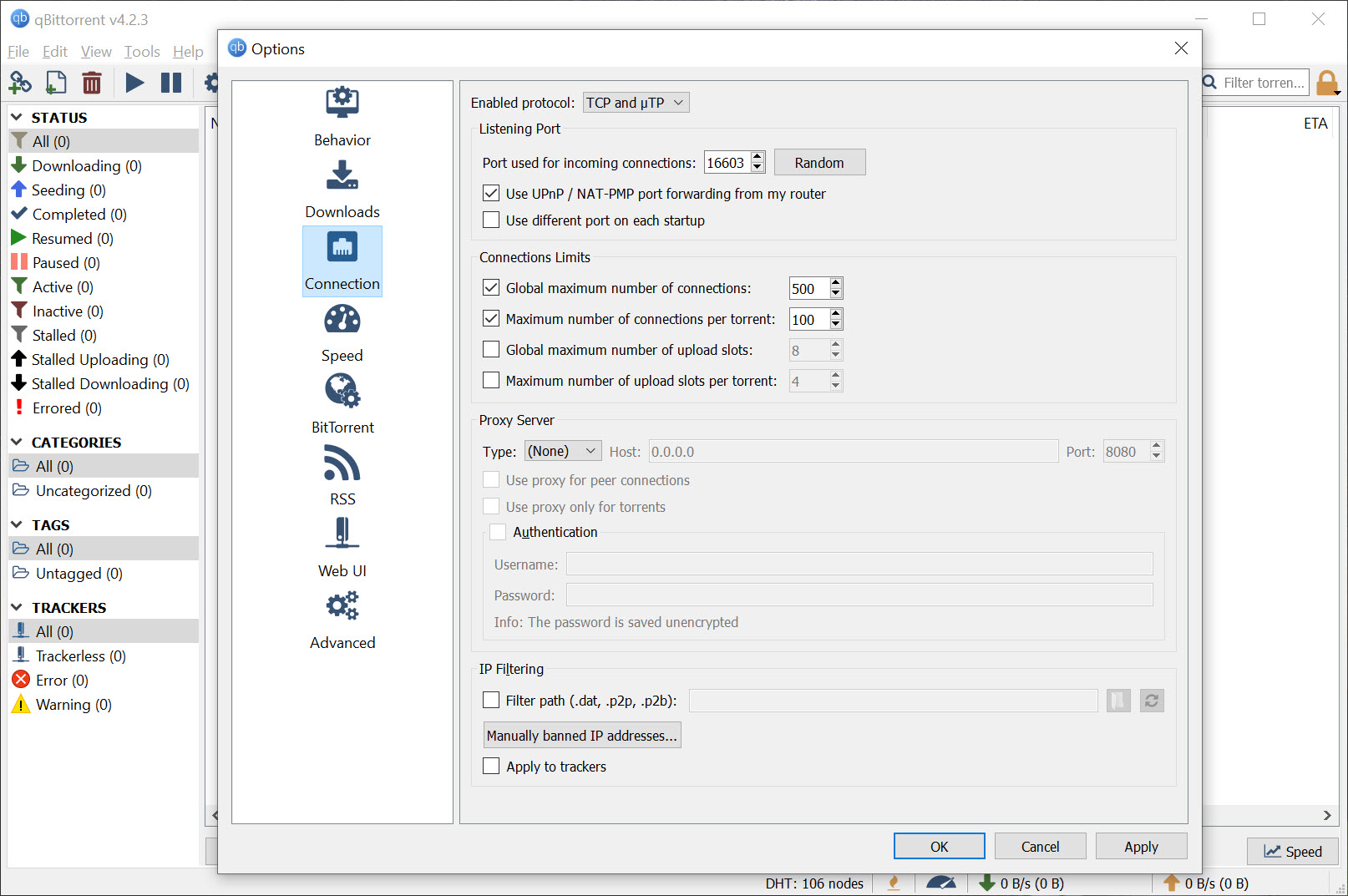
The privacy and protocol support covers the standard BitTorrent capabilities including DHT (Distributed Hash Table), PEX (Peer Exchange), and Local Peer Discovery (LSD), which together help find peers without depending solely on tracker servers. Encryption support helps when ISPs throttle BitTorrent traffic, and the private torrent handling respects the special protocols that private trackers require.
IP filtering is compatible with the standard eMule and PeerGuardian list formats, letting users apply community-maintained block lists if they want that additional layer of connection control. For users who care about which peers their client connects with, this filtering provides automated management based on your chosen lists.
The 2025 versions specifically improved the handling of “private” flags on torrents and refined reannounce behavior, addressing edge cases that affected users on certain private trackers.
New 5.x improvements worth knowing
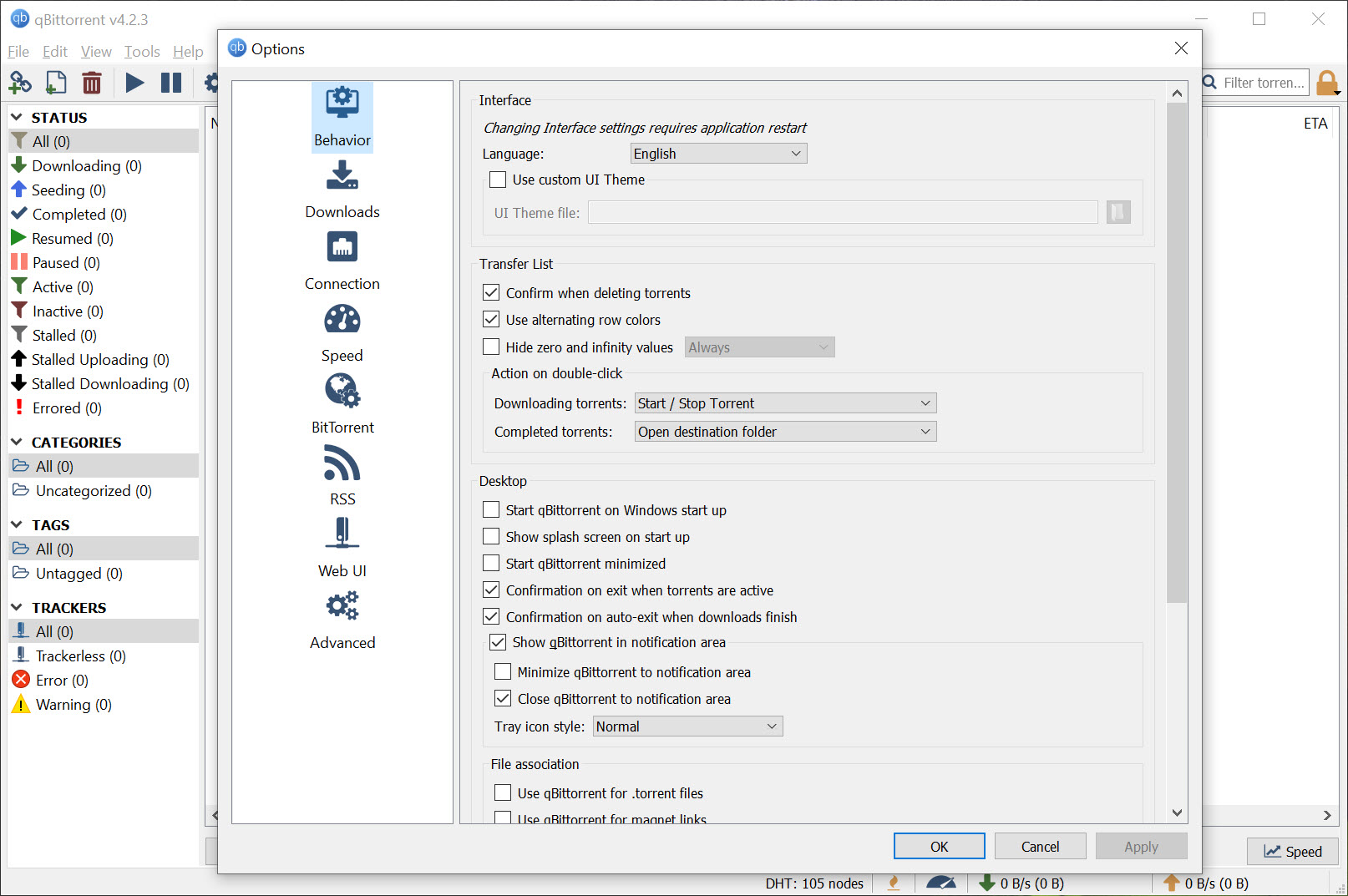
The recent 5.x versions brought various refinements that improve daily use. The “Add New Torrent” dialog now has a modal option for users who prefer that interaction style. Free disk space displays in the status bar, eliminating the small but recurring need to check disk space separately when adding large downloads. Advanced theme customization accommodates users with specific visual preferences.
Pause/Resume All functionality simplifies the common scenario of needing to temporarily stop everything (for example, when you need full bandwidth for something else). Mark-of-the-Web handling improved for security on downloaded files, ensuring that downloaded executables get appropriate security warnings rather than being treated as fully trusted local files.
WebAPI and RSS modules received security enhancements, which matters because both are common attack surfaces for any application that exposes network services. For users running the WebUI accessible from outside their local network, these security improvements provide meaningful protection.
Larger piece sizes for torrent creation
For users who create their own torrents (rather than just downloading existing ones), the 2025 versions added support for larger piece sizes. This matters for very large files where the standard piece sizes result in unwieldy numbers of pieces, which can cause performance issues for both seeders and downloaders.
The larger piece size support keeps the application appropriate for modern content where individual files routinely run to multiple gigabytes. For users distributing large files through BitTorrent, having appropriate piece sizing options ensures the resulting torrents work well rather than just barely functioning.
Conclusion
qBittorrent has earned its position as the standard recommendation for users who want a capable BitTorrent client without the commercial compromises that affect the alternatives.
The combination of polished interface, comprehensive feature set, active development, and genuinely user-focused design delivers exactly what longtime BitTorrent users want from a client.
It’s not the only option, and various other clients exist with their own particular strengths. But for users wanting a torrent client that respects them as users rather than treating them as monetization targets, qBittorrent offers exactly that, with the additional benefits of being open-source, actively maintained, and feature-complete in ways that the free tiers of commercial alternatives simply aren’t.
Pros & Cons
- Free and open-source with no advertising or bundled software
- Polished μTorrent-like interface that feels familiar to longtime users
- Integrated search engine with extensible Python plugin support
- WebUI provides full remote access from any browser
- RSS support with regex filtering enables automated downloading
- Sequential downloading allows streaming-style media playback
- Bandwidth scheduler accommodates time-based connection constraints
- Strong privacy support with DHT, PEX, encryption, and IP filtering
- Active 2025-2026 development with regular feature additions and security improvements
- Substantial community of users and contributors
- Default settings appropriate but require some tuning for specific use cases
- Search plugin coverage depends on community maintenance
- Initial WebUI security configuration requires attention from users exposing it externally
- Some advanced features lack thorough documentation for new users
- Smaller user community than uTorrent despite better core experience
Frequently asked questions
This software is a BitTorrent client that downloads and uploads files using the BitTorrent peer-to-peer protocol. It includes integrated search, RSS feed support with filtering, WebUI for remote access, bandwidth controls, sequential downloading, and various other capabilities that put it in the serious-tool category rather than basic file downloader territory.
This software preserves the lightweight, focused experience that made μTorrent popular originally, before its commercial owners added advertising, bundled software, and various other unwanted additions. The interfaces look similar, but this version remains free, ad-free, open-source, and developed primarily for users rather than for revenue extraction.
The 5.x series brought modernized WebUI with reduced external dependencies, multiple simultaneous searches, SOCKS4/SOCKS5 proxy support for search plugins, search history persistence, modal "Add New Torrent" dialog option, free disk space display, advanced theme customization, Pause/Resume All functionality, larger piece size support for torrent creation, and various security enhancements.
The search feature uses Python-based plugins that query multiple torrent sites simultaneously and present combined results within the application. The plugin architecture means coverage adapts as torrent sites come and go, with community-maintained plugins for specific sites added, removed, or updated as needed.
The WebUI provides browser-based access to the client from any device. For users running the client on always-on computers or home servers, this remote access capability lets you manage downloads from your phone, work computer, or any other device with a browser. The interface is nearly identical to the desktop application.
Yes, the sequential downloading feature forces the client to download file pieces in order rather than the random order that BitTorrent normally uses. With sequential downloads enabled, video files can start playing in compatible media players while still downloading, since the early portions complete before the later ones.
The bandwidth scheduler lets you configure speed limits that change automatically based on the time of day. For users on shared connections or metered connections, this allows full speed during off-peak hours and reduced speeds when other people are using the network or when bandwidth caps would penalize heavy usage.
Yes, the application properly handles the private flag on torrents and respects the special protocols that private trackers require. The 2025 versions specifically improved private flag handling and refined reannounce behavior, addressing edge cases that affected users on certain private trackers.
The WebAPI received security enhancements in recent versions, but exposing any web service to the internet requires appropriate configuration. Setting strong authentication credentials, considering VPN access rather than direct exposure, and keeping the application updated are all important when remote access from outside your local network is needed.
RSS filtering automatically downloads new torrents from RSS feeds based on rules you define. The regex support lets you create precise rules about which feed entries trigger downloads. For users following ongoing content series or regular release schedules, this automation eliminates the manual checking that casual users typically do.
Yes, the application includes torrent creation capabilities, with the 2025 versions adding support for larger piece sizes appropriate for very large files. For users distributing their own content through BitTorrent, having proper torrent creation tools integrated rather than requiring separate utilities simplifies the workflow.
No, the application is genuinely ad-free with no premium tier, no bundled software during installation, and no telemetry collecting usage data. The development is community-supported through donations rather than commercial revenue, which is one of the core differences from the modern μTorrent experience.


