

Naru Torrent

About Naru Torrent
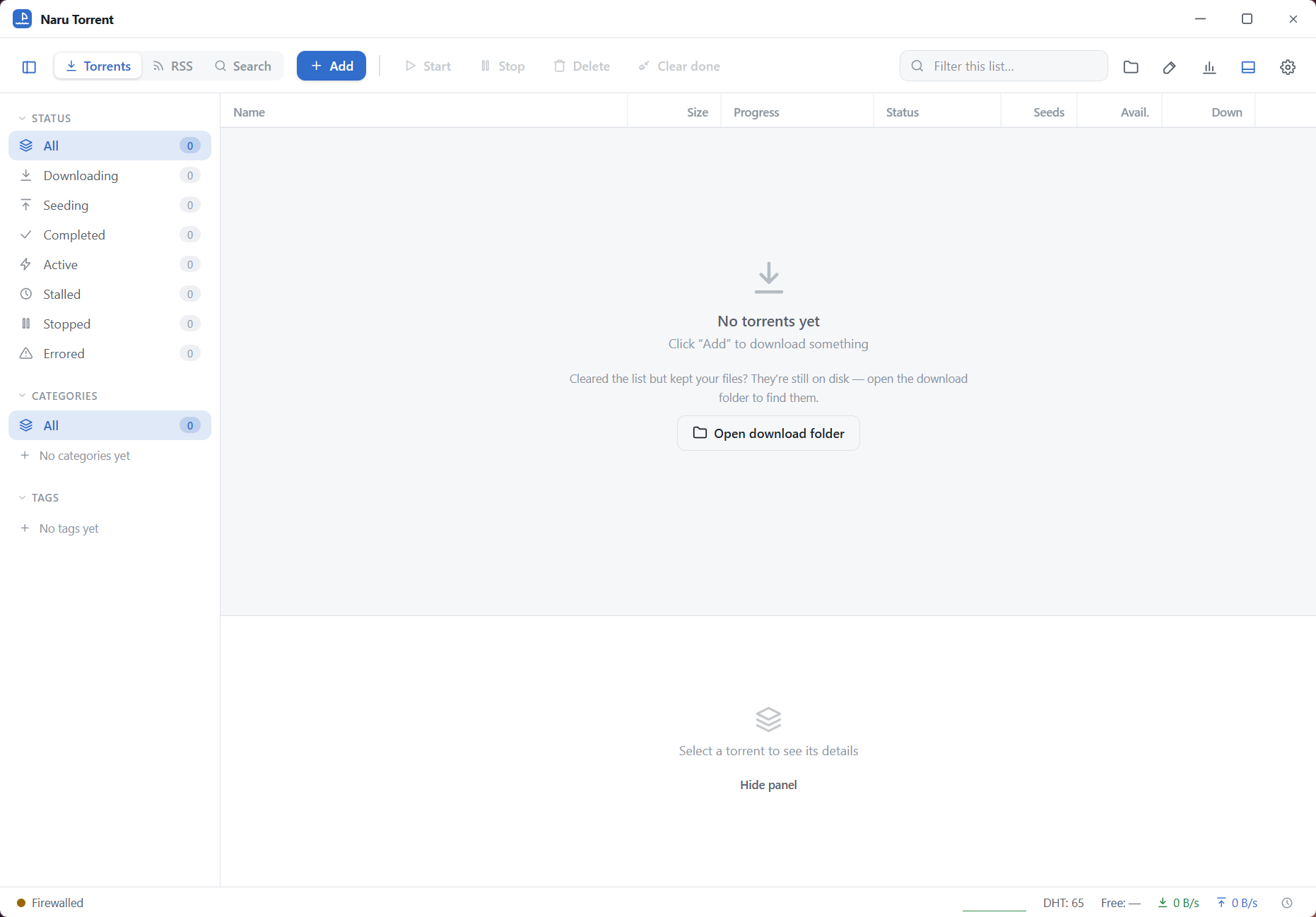
Naru Torrent is a BitTorrent client built around one promise. Fill the connection and get out of the way. The window is a dark table of torrents with name and size, then progress and speed and time remaining, a sidebar that filters them by state, and a details pane for the one you click. Around that sit the controls a client needs and not many more.
Speed limits and a schedule, tags, a seeding time limit. RSS feeds that download new items on their own, a torrent creator, and a search box that queries sources of legally shareable material from inside the program.
It arrives into a field where the old names have gone in two directions. uTorrent carries advertising and offers. qBittorrent carries no ads and a great many settings.
Naru Torrent sits between them, with no ads and a short settings page, and it is a young project that changes quickly, which is both its energy and its caution.
The table, the sidebar and the details pane
The main Naru Torrent table shows each torrent’s name, size, progress bar, status, download speed and remaining time. Right-clicking a row starts, pauses, deletes or queues it.
The sidebar on the left narrows the list to downloading, seeding, completed, paused or errored torrents, which on a long list is quicker than sorting. Tags add your own grouping, so a set of torrents for one project sits under one label.
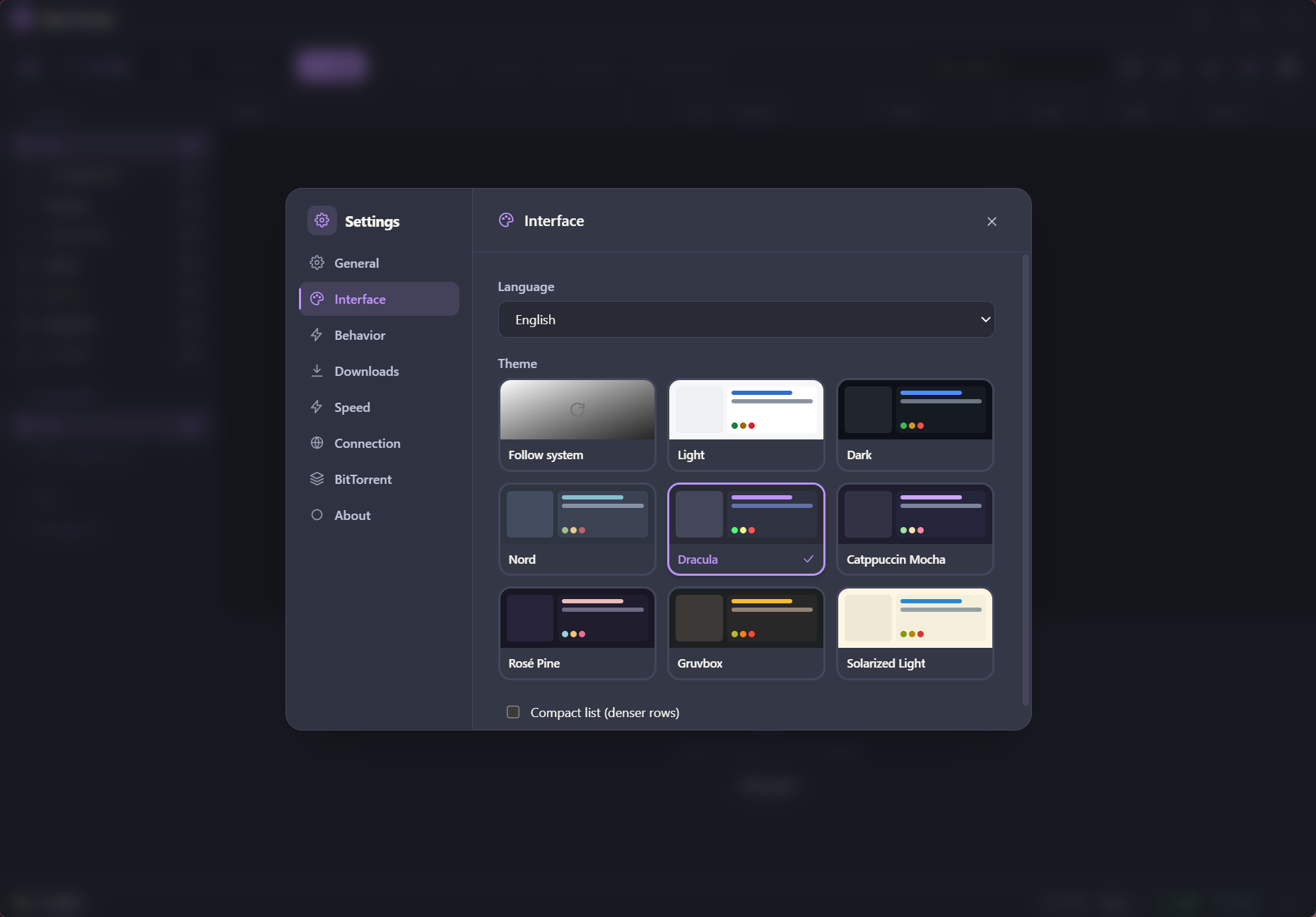
Select a torrent and the pane beneath shows where it is saving, its size, current speeds, the number of seeds and peers connected and the connection details. It is the same information every client shows, laid out without clutter, and the eight themes change the colours without changing the layout.
Speed limits, schedule, seeding
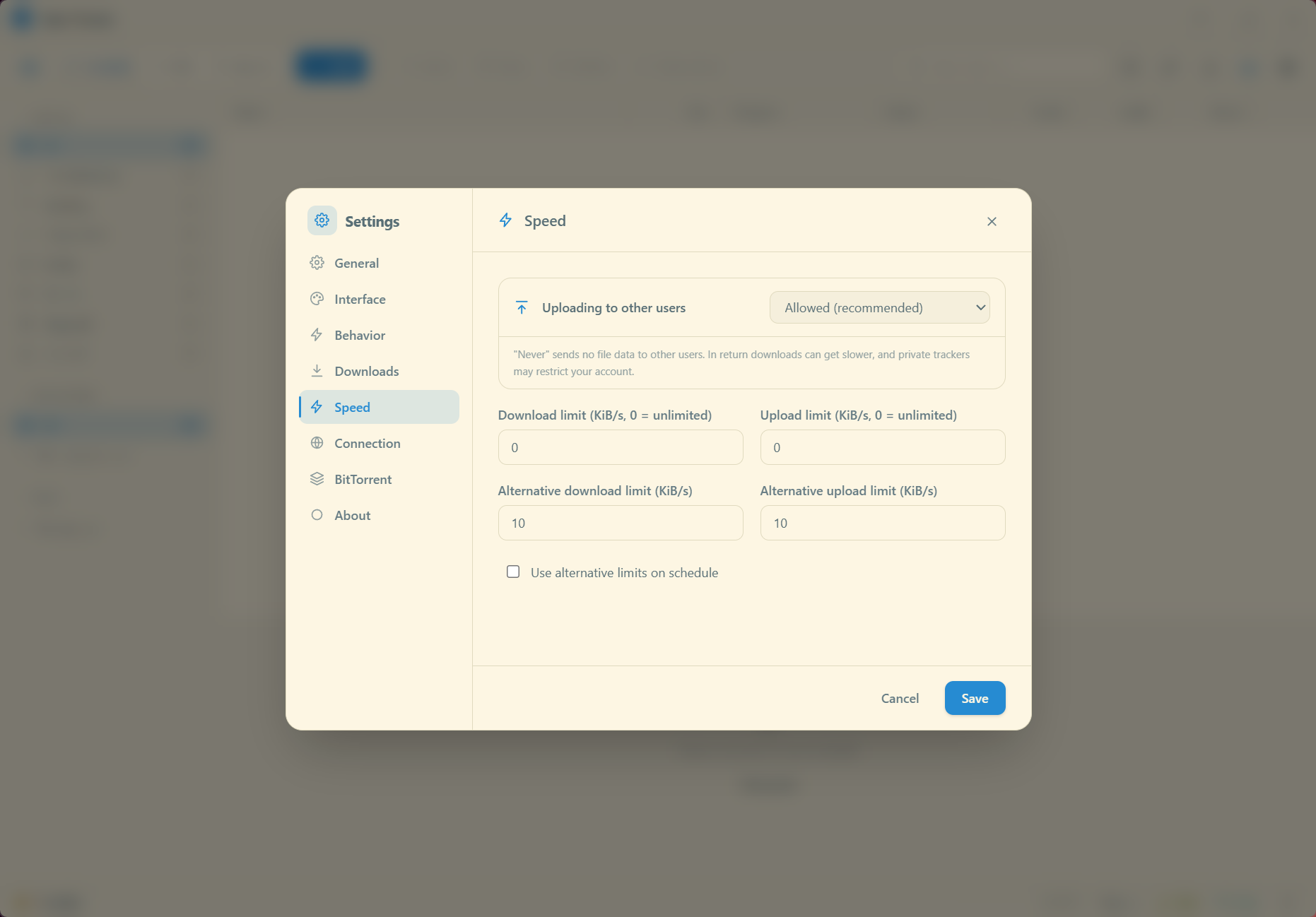
Global and per-torrent limits cap download and upload speed. A schedule applies different limits at different hours, so a connection shared with a household is throttled by day and opened at night.
A seeding limit stops sharing after a chosen ratio or a chosen time, which is the setting for anyone who wants to give back and then stop. The engine is tuned, in the maker’s words, to saturate whatever connection it finds, and on a well-seeded torrent it does reach the line speed quickly.
RSS feeds turn the client into a subscription. Add a feed, set a filter, and matching items download as they appear, which is how a podcast or a regularly released dataset arrives without a visit to a site. Magnet links open in one click once the program has claimed them.
Search and the sources it queries
The search box inside Naru Torrent queries sources that offer material cleared for sharing, such as the Internet Archive, and returns results that start downloading from the same window. The point is to skip the loop of finding a torrent in a browser, copying a magnet link and pasting it into a client. For public-domain films and music, audiobooks and software, the loop is gone.
The search covers only those sources, which is a deliberate line and a limit. It is not a search of everything, and the program does not pretend to be.
A torrent creator on the same menu builds a torrent from a file or folder and produces the magnet link, so sharing your own material runs in the other direction.
Young and fast-moving
The program comes as a setup package or as a folder that runs without installing, and it updates itself. It is new, and the release list moves fast, sometimes several times in a week, which means fixes arrive quickly and also that a setting can change place between one week and the next. There is no remote web interface, no plugin system and no proxy configuration yet.
People who depend on those will stay with a client that runs headless behind a web interface. For a machine that downloads a few torrents and seeds them for a while, none of that is missed.
Conclusion
Naru Torrent is for the person who wants a torrent client that downloads fast, looks clean and asks for nothing, and who left the older clients because of the advertising. The schedule, the seeding limits and the RSS feeds cover the everyday needs, and the search is a pleasant extra for public-domain material.
Anyone running a seedbox, needing a proxy or living in a web interface should stay with the established clients until this one grows those features, if it does. For a desktop that downloads and seeds, it already does the job it set out to do.
Pros & Cons
- Fast engine with a dark, uncluttered table and status filters
- Speed limits, a schedule and seeding limits by ratio or time
- RSS feeds with filters for automatic downloads
- Built-in search of legally shareable sources
- Torrent creator and tags, eight themes, no advertising
- No web interface, plugins or proxy settings
- Search covers only sources of legally shareable material
- Young project whose settings shift between frequent releases
Frequently asked questions
No. The client carries no advertising, no bundled offers and no paid tier, which is the main reason to choose it over the older commercial clients.
Yes. Add the feed, set a filter for the titles you want, and matching items are added and downloaded as they appear.
Not yet. There is no web interface or remote control. Clients built for a headless machine remain the choice for that.


