

Maxthon
About Maxthon
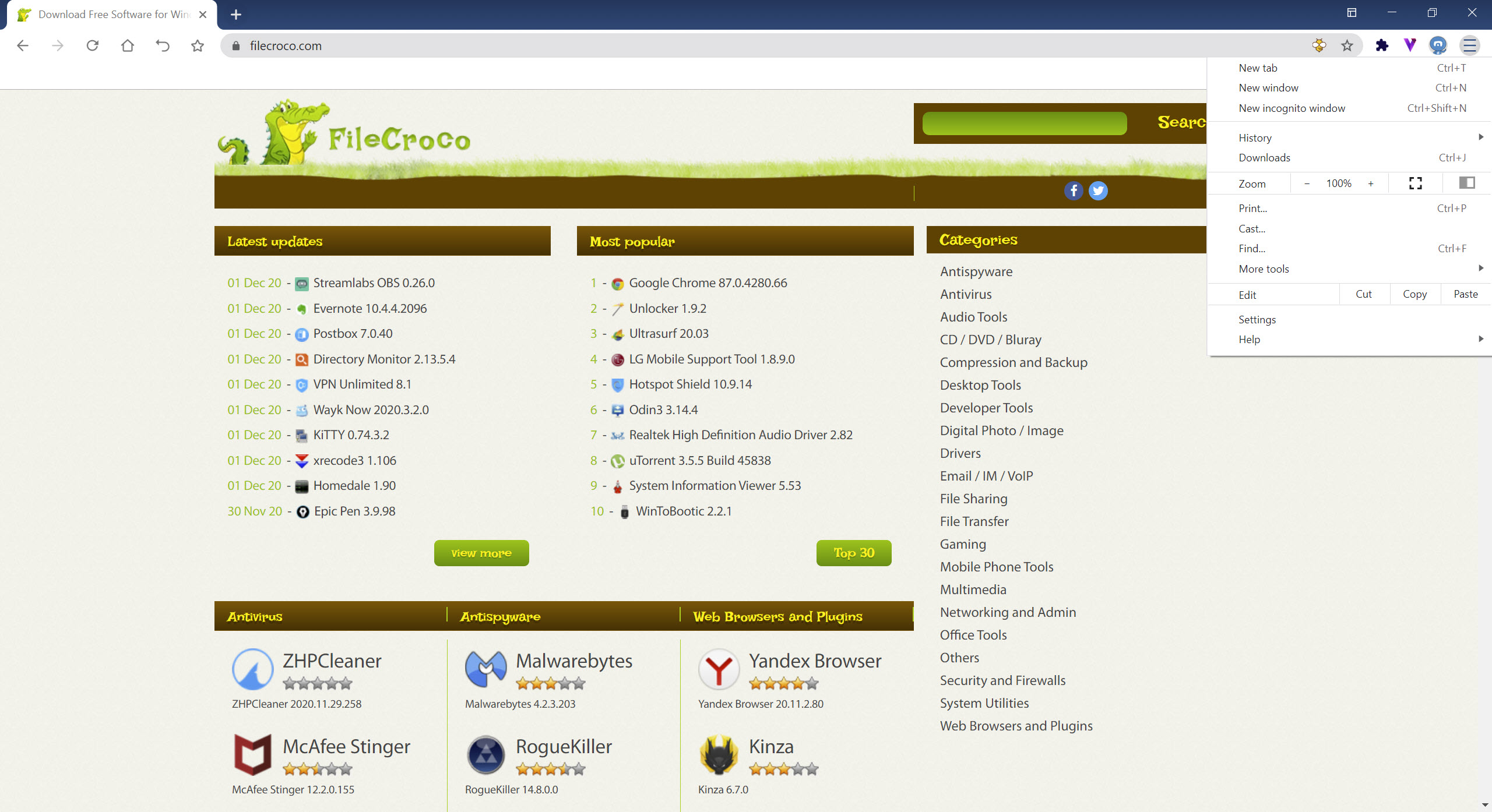
Maxthon is a Chromium-based browser that ships with the extras most people spend an afternoon installing as extensions. A clipping notebook, a password manager, disposable email aliases, a screenshot tool, a media downloader, split-screen tabs and mouse gestures are all there on first launch, and because the engine underneath is the same one Chrome uses, the sites render identically and the same extensions install on top.
That places it in the “kitchen sink” class alongside Vivaldi and Opera rather than next to Chrome itself. The bet these browsers make is that you would rather have one account syncing everything than a dozen extensions from a dozen authors, and Maxthon makes that bet harder than most, since several of its tools only come alive once you sign in. Whether that is convenience or lock-in depends on how many devices you own.
Maxnote replaces bookmarks with a notebook
The first thing to understand is that there is no separate bookmark manager in the ordinary sense. Maxnote is the bookmark system, and it also holds clipped text, images, whole pages and typed notes in folders you organise yourself. Select any passage on a page, right-click, and it lands in a notebook with the source address attached. Folders can be pinned to the bookmarks bar so the toolbar still behaves the way you expect, but the underlying object is a note, not a link.
For research this is better than bookmarks, because the thing you save is the paragraph you cared about rather than a page that may change. For people who arrive with two thousand bookmarks from another browser it is a period of adjustment. Import works, but the mental model is different, and the sync only applies once you are signed in with an account.
Passkeeper, UUMail and the account they need
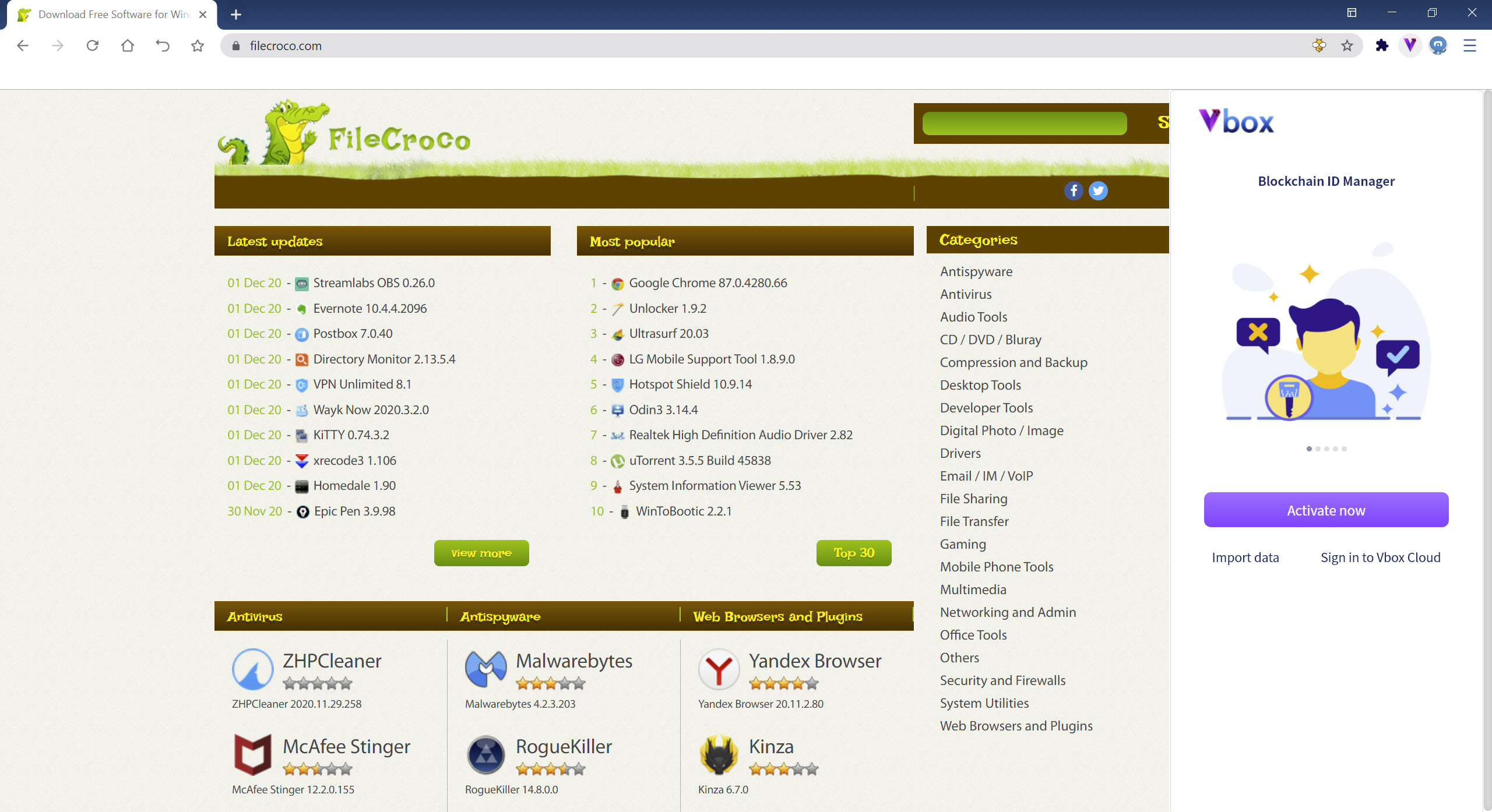
Passkeeper stores logins, addresses and payment cards, generates passwords on sign-up forms and autofills on return, which is the same job Chrome’s own manager does, with the difference that the vault lives in the Maxthon account rather than a Google one. UUMail is the more unusual tool. It hands out throwaway email aliases that forward to your real inbox, so a shop or newsletter never learns the real address and an alias that starts attracting spam is simply deleted.
Both depend on the account. Use the browser in guest mode and Passkeeper works locally on one machine while UUMail does not work at all. If keeping credentials out of any browser’s cloud is the priority, a local password database that never leaves your disk remains the safer arrangement, and nothing here stops you using one alongside.
Resource Sniffer and Snap Screen
Resource Sniffer in Maxthon scans the current page for images, video and audio it can reach and lists them with size and type, ready to download. On a page with an embedded clip and no download button it is often enough, and for galleries it beats right-clicking one picture at a time. It fails where everyone else fails, on streams delivered in encrypted segments, and for those a download manager that captures video as it plays is the heavier answer.
Snap Screen captures a region you draw, the visible area or the whole page including the part below the fold, then offers a small editor for arrows and blur before saving or copying. It is the sort of feature every browser eventually grows, and here it has simply been present longer and works without an extension.
Split screen, mouse gestures and drag to open
Split Screen in Maxthon puts two pages side by side inside one window, each with its own address bar, which is the right way to compare two product listings or keep documentation open beside a form. Mouse gestures are fully customisable. Hold the right button, draw a shape, and the browser goes back, closes a tab, reopens the last one or anything else you have mapped, and the cursor colour during a gesture is adjustable, a small touch nobody else bothers with.
Super Drag and Drop lets you drag a link or a selected word a short distance to open it in a new tab or search for it, which becomes reflexive within a day.
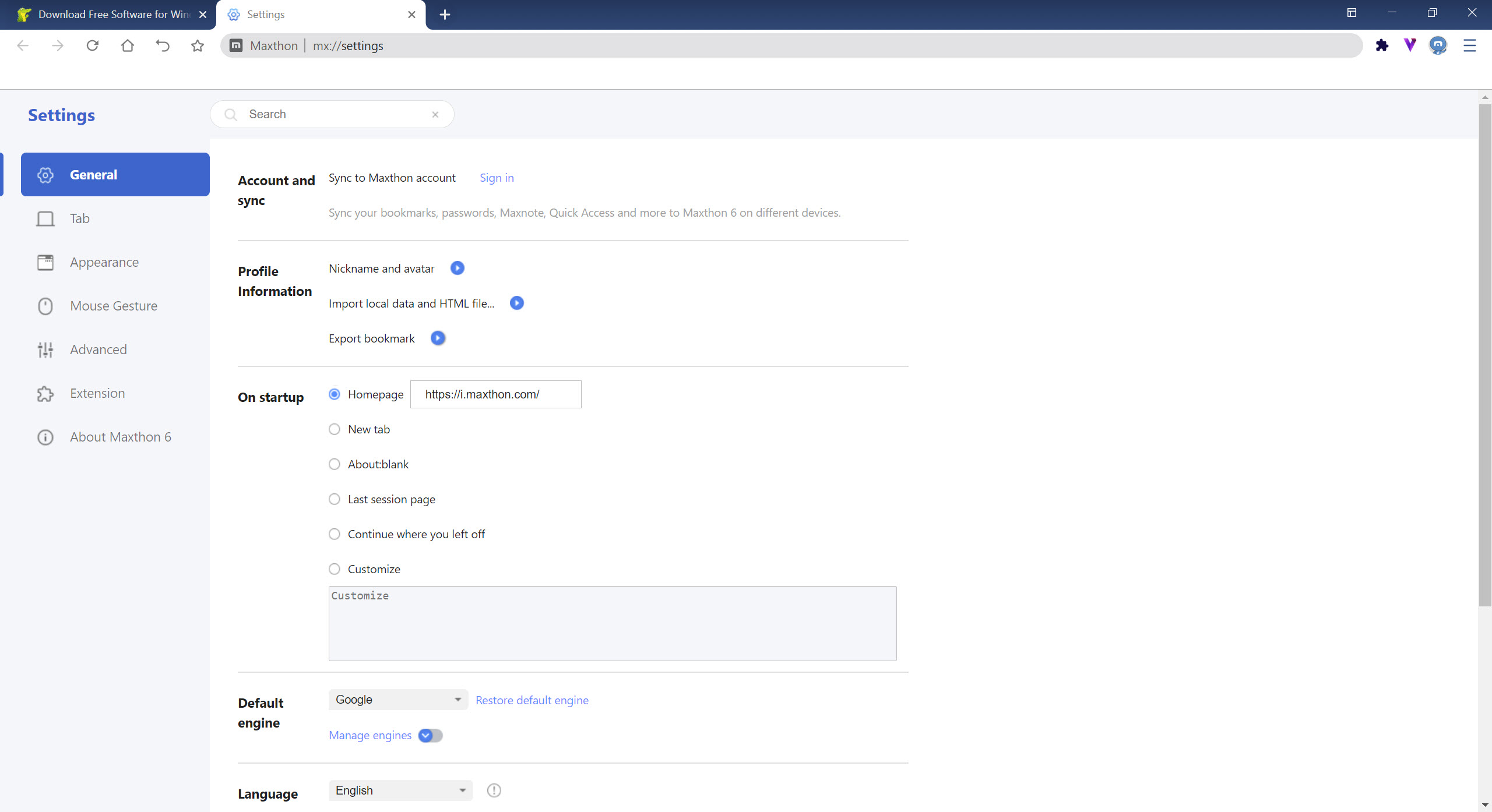
Reader mode strips a page to its text, Read Aloud speaks it, and a night mode darkens pages that have no dark theme of their own. Tab groups collect related tabs, and tabs idle for five minutes are put to sleep to free memory, which is why a page you left for coffee reloads when you return. That interval can be changed in settings if it bites.
Extensions, ad blocking and the paid tier
Any extension built for Chrome installs and syncs across desktops signed into the same account, so the ecosystem is not a limitation. Ad blocking on desktop is delivered as one of those extensions rather than baked in, and a VPN is offered through a commercial proxy provider, Bright Data. Know that before you route traffic through it, since that network also sells access to its exit points to other customers.
There is also a VIP membership. It removes the browser’s own promotional prompts, unlocks Super Bookmarks and extra skins, and adds priority support. None of the core tools described above sit behind it, but the prompts nudging you towards it are the least attractive thing about the interface, and a crypto wallet tucked into the sidebar is another feature most people will switch off and forget.
Conclusion
Maxthon is for the person who reads and collects online, runs several devices and would rather sign into one browser than maintain a stack of extensions. Researchers and students who live in Maxnote, and anyone who wants throwaway email aliases without a separate service, get real value here.
People who want a plain, fast Chrome clone will find the sidebar cluttered and the account prompts wearing, and Vivaldi offers most of the same power-user tools without asking anyone to log in. It is a good browser for the committed and a slightly nagging one for everybody else.
Features & benefits
Pros & Cons
- Maxnote clips passages and pages, not just links, and syncs them
- UUMail aliases keep your real address off sign-up forms
- Resource Sniffer pulls media off a page without an extension
- Split screen with independent address bars
- Customisable mouse gestures and drag-to-open
- Chrome extensions install and sync unchanged
- Several tools need an account before they work
- Bookmarks are notes, which confuses anyone importing a large collection
- Ad blocking is an extension rather than built in
- VPN routes through a commercial proxy network
- Recurring prompts for the VIP tier and a crypto wallet in the sidebar
Frequently asked questions
Yes. Any extension published for Chrome installs directly, and with an account signed in the extensions and their settings sync to other desktops running Maxthon.
No. Guest mode works for browsing, Maxnote and local Passkeeper storage. Sync across devices, UUMail aliases and extension sync all require signing in.
Inside Maxnote. Imported bookmarks arrive as notes containing links, and any Maxnote folder can be shown on the bookmarks bar so the toolbar looks and behaves as it did before.
Idle tabs are put to sleep after five minutes to free memory. Open settings, find the tab sleep option and lengthen the delay or turn it off.


