

iTools
About iTools
The official way to put music on an Apple device involves synchronising a library, and synchronising means the device ends up matching the computer rather than receiving what you asked it to receive. iTools exists because a great many people wanted the second thing.
Copying a folder of music onto a device, and having that be all that happens, is the core of iTools. Nothing is compared, nothing is replaced, and connecting the device to a different computer afterwards does not put anything at risk.
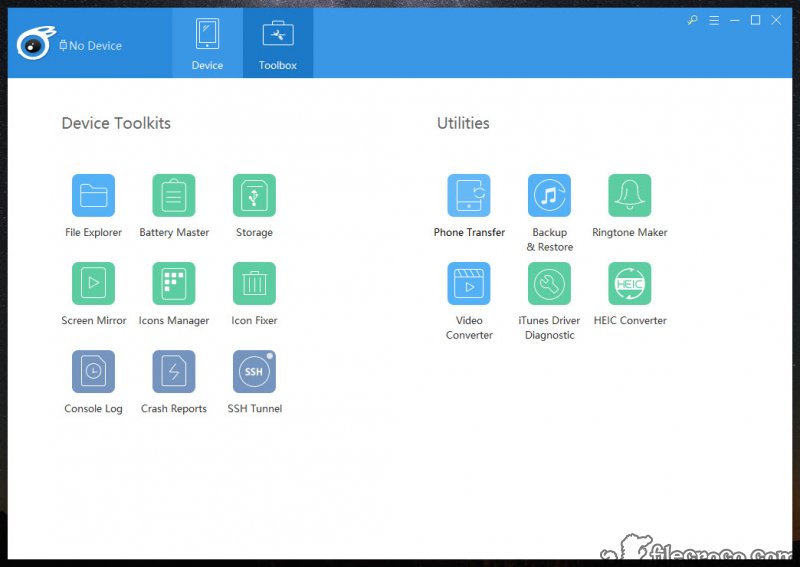
Around that sit the other management jobs. Browsing what the device holds, moving photographs and video off, handling applications, backing up and restoring, and reading the device’s own details.
Transfer without synchronisation
This is the reason iTools exists, so it deserves the most space.
The synchronisation model assumes one computer holds the authoritative library and the device reflects it. That works if you live that way and causes trouble the moment you do not, which is why people have lost music by connecting a device to a second machine.
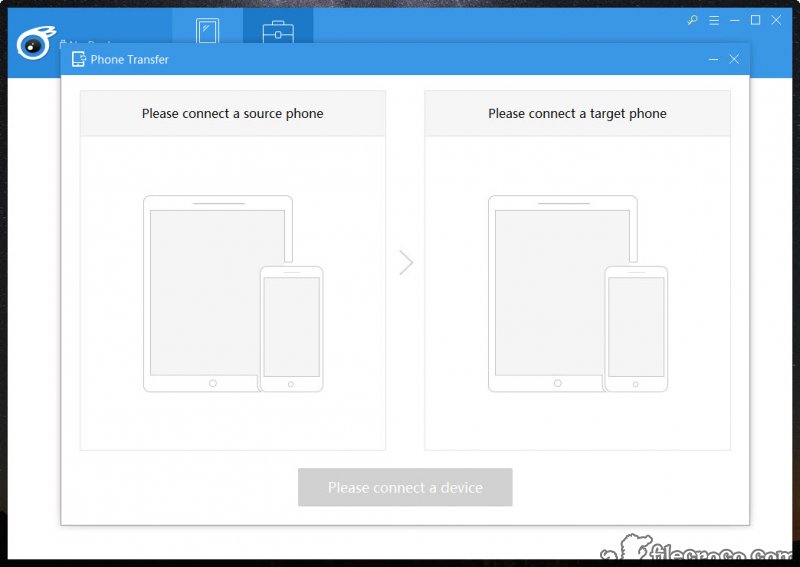
Direct transfer removes the assumption entirely. Files go on, files come off, and the device’s existing contents are not part of the transaction.
Format conversion happens along the way where needed, so a video the device would refuse is converted during the transfer rather than requiring a separate step beforehand.
For the synchronisation approach itself, which remains what the platform expects and what some people prefer, iTunes is the official route.
What it can reach on the device
Being accurate about iTools access matters, because the limitation applies to every tool of this kind and is often misrepresented.
On an unmodified device you reach the media library and the document folders belonging to individual applications. The rest of the file system is not visible, and that restriction is enforced by the device rather than by the software.
Application document folders are more useful than they sound, holding saved game progress, exported files and content an application generated with no obvious way to extract it.
For that specific job without the rest of the package, iFunbox does file browsing and extraction and nothing else, though it has not been maintained for a long time.
Backup that restores one thing at a time
iTools handles whole-device backup and restore as standard. The useful difference here is selective restore.
Recovering one set of messages, or the contacts, or a single application’s data, without returning the entire device to a previous state, is a considerably more practical operation than the all-or-nothing approach.
Anybody who has needed one photograph from a backup and been offered a complete device restore will understand why that matters.
The smaller tools
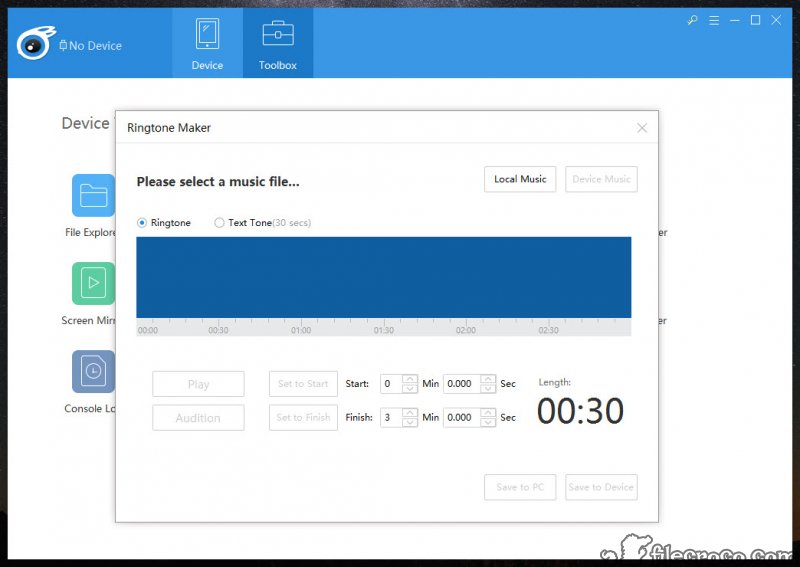
The iTools ringtone maker trims an audio file to the right length and format, which is a small job made tedious by the official route.
Device information covers the details that are otherwise buried, including battery condition, which is the figure people actually want when deciding whether a device is worth keeping.
Screen display and recording put the device’s screen on the computer, useful for demonstrating an application or capturing what it does. That capability has become common, and 3uTools covers similar management ground with a broader set of firmware and repair functions.
The risk that applies to the whole category
This is the honest iTools caution, and it is structural rather than a criticism of the software.
Tools like this work by talking to the device through channels the platform provides and does not guarantee. Each platform update can change those channels, and the history of this category is full of tools that worked perfectly until an update and then did not.
The practical consequence is worth accepting deliberately. A workflow built entirely around third-party device management is a workflow that can break on a Tuesday because a phone updated itself overnight, and the fix arrives whenever the software is updated to match.
That is not a reason to avoid it. It is a reason to keep the official route available for anything you cannot afford to be unable to do.
Conclusion
iTools answers the complaint that produced this entire category, which is that synchronising a library is the wrong model for somebody who just wants to put a folder of music on a device. Direct transfer, conversion along the way, and selective restore are all measurably better than the official equivalents for those specific jobs.
Hold it alongside the official software rather than instead of it. Third-party device management depends on channels that can change with any update, and the history of this category is tools that stopped working overnight. Used that way it saves real irritation, and relied on exclusively it is a workflow with a dependency you do not control.
Features & benefits
Pros & Cons
- Copies media onto a device directly rather than synchronising a library
- Existing device contents are never at risk from connecting to another computer
- Converts formats during transfer instead of requiring preparation beforehand
- Selective restore recovers one item rather than the whole device state
- Reaches application document folders, where saved progress and exported files live
- Battery condition and device details reported without hunting for them
- Ringtone creation without the official route's awkwardness
- Reaches media and application documents only, not the wider file system
- Depends on channels the platform can change with any update
- Paid, with a trial rather than a lasting free tier
- Screen display and recording are now available from several tools
- The official synchronisation route remains necessary for some operations
Frequently asked questions
Copies media onto a device without synchronising, so the device receives what you send rather than being made to match a library. That also means connecting to a second computer does not put existing contents at risk.
No. On an unmodified device you reach the media library and the document folders of individual applications, and the rest is hidden by the device itself rather than by the software.
Recovering one part of a backup, such as messages or contacts or a single application's data, without returning the entire device to its state at backup time.
Because it communicates through channels the platform provides without guaranteeing, and updates can change them. That applies to every tool of this kind, so keeping the official route available is sensible.
There is a trial rather than a lasting free tier. Free alternatives exist for file browsing specifically, though the maintained ones tend to be the paid ones.


