

Autodesk 123D Design
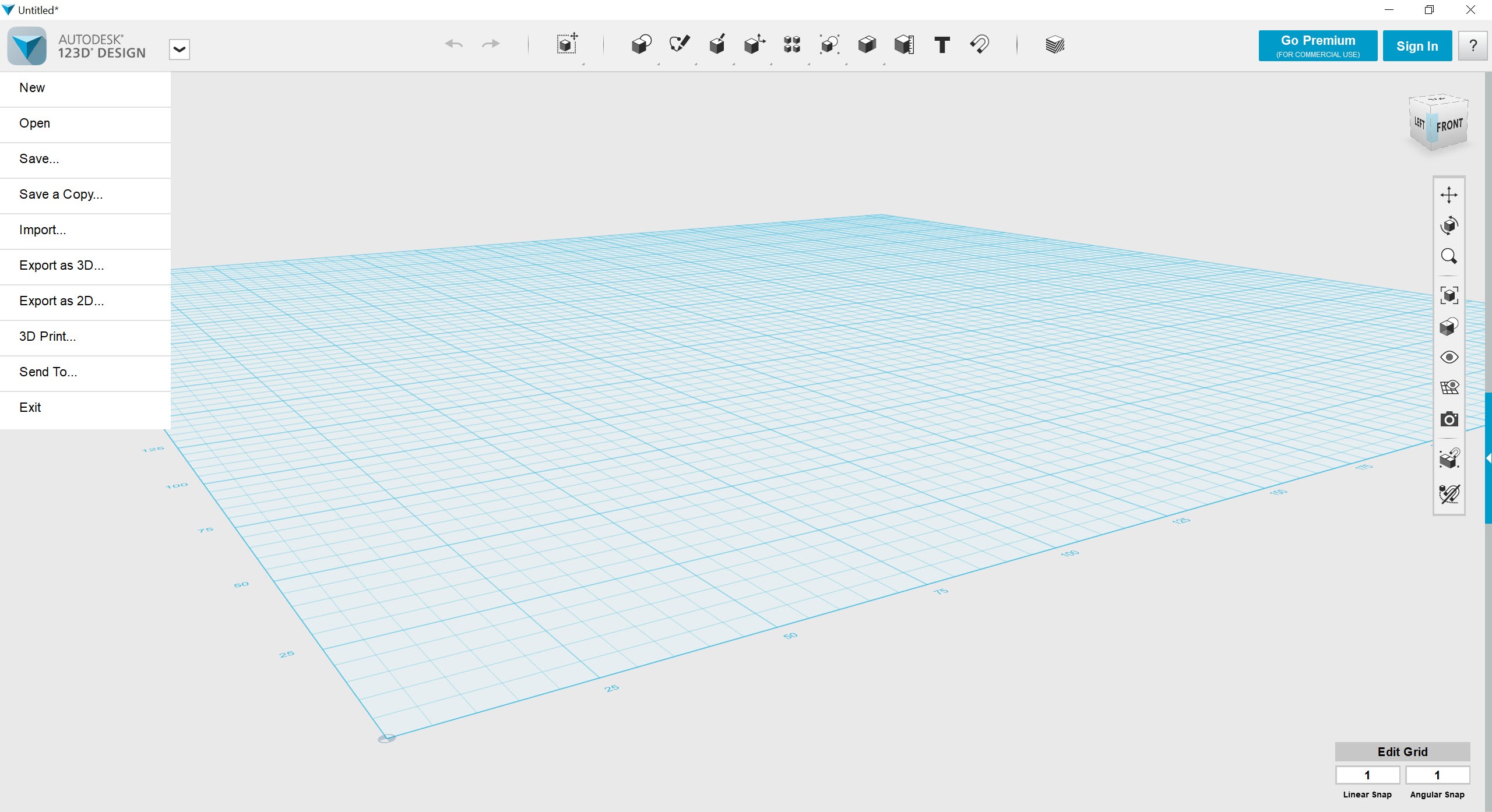
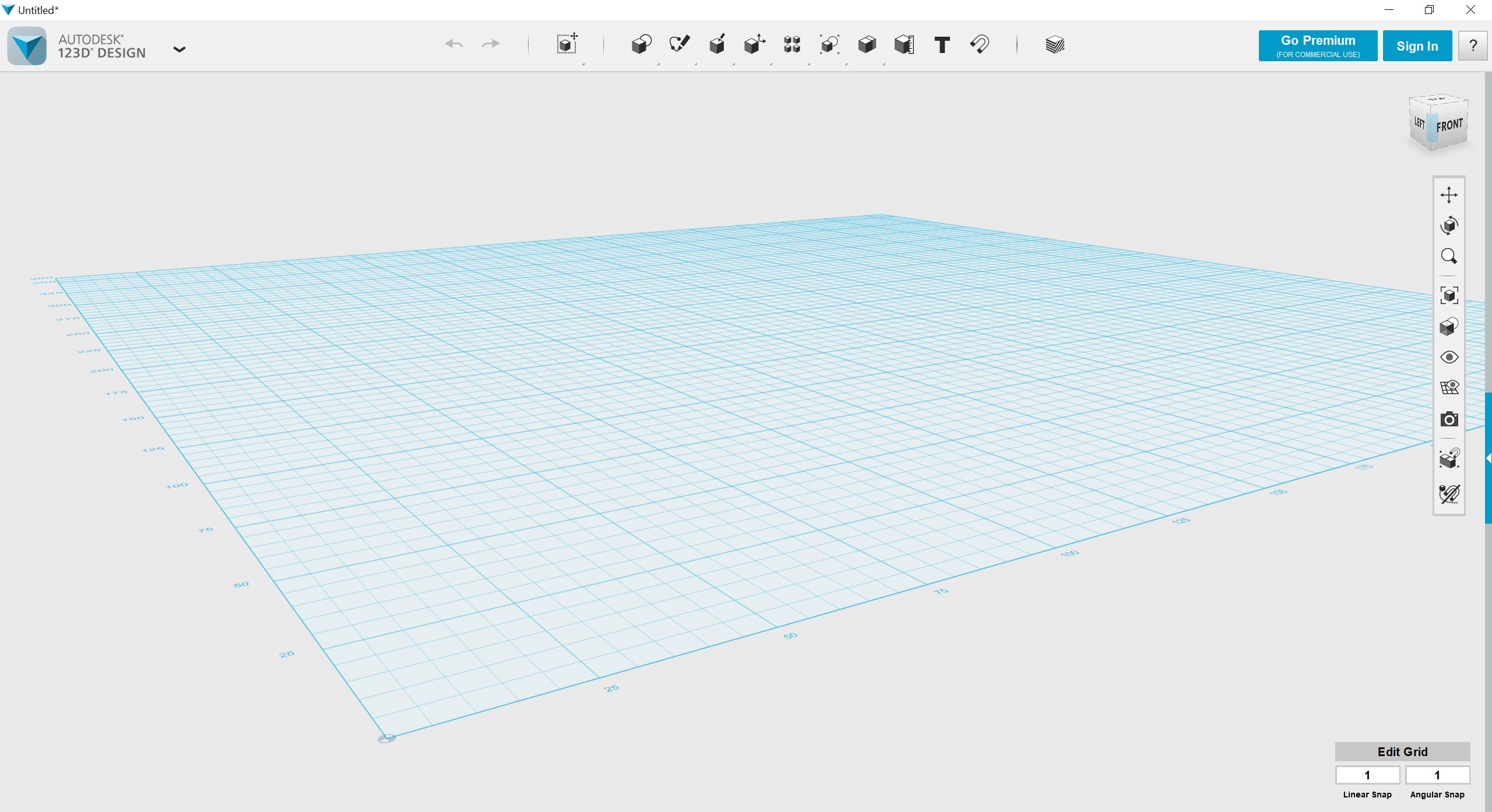
About Autodesk 123D Design
Autodesk 123D Design is a free 3D modeling application built around primitive shapes, simple sketching, and direct-modeling operations like extrude, push-pull, and combine. The tool was designed for users who wanted to create 3D models without learning the deep parametric workflows of professional CAD software, and it filled a specific niche between the beginner-friendly browser tools and the heavyweight applications that dominated the engineering side of the market.
The application is no longer in active development and has been retired in favor of newer products in the same family. That status shapes how it should be evaluated today. Autodesk 123D Design still works, the existing installer continues to function on modern systems, and the file formats it produced remain compatible with current 3D workflows.
But there are no new features, no bug fixes, and no support channels. Users approaching it now are working with a frozen tool, which has both advantages (predictable behavior, no forced updates) and disadvantages (no fixes for any quirks that remain).
The shape-based modeling approach
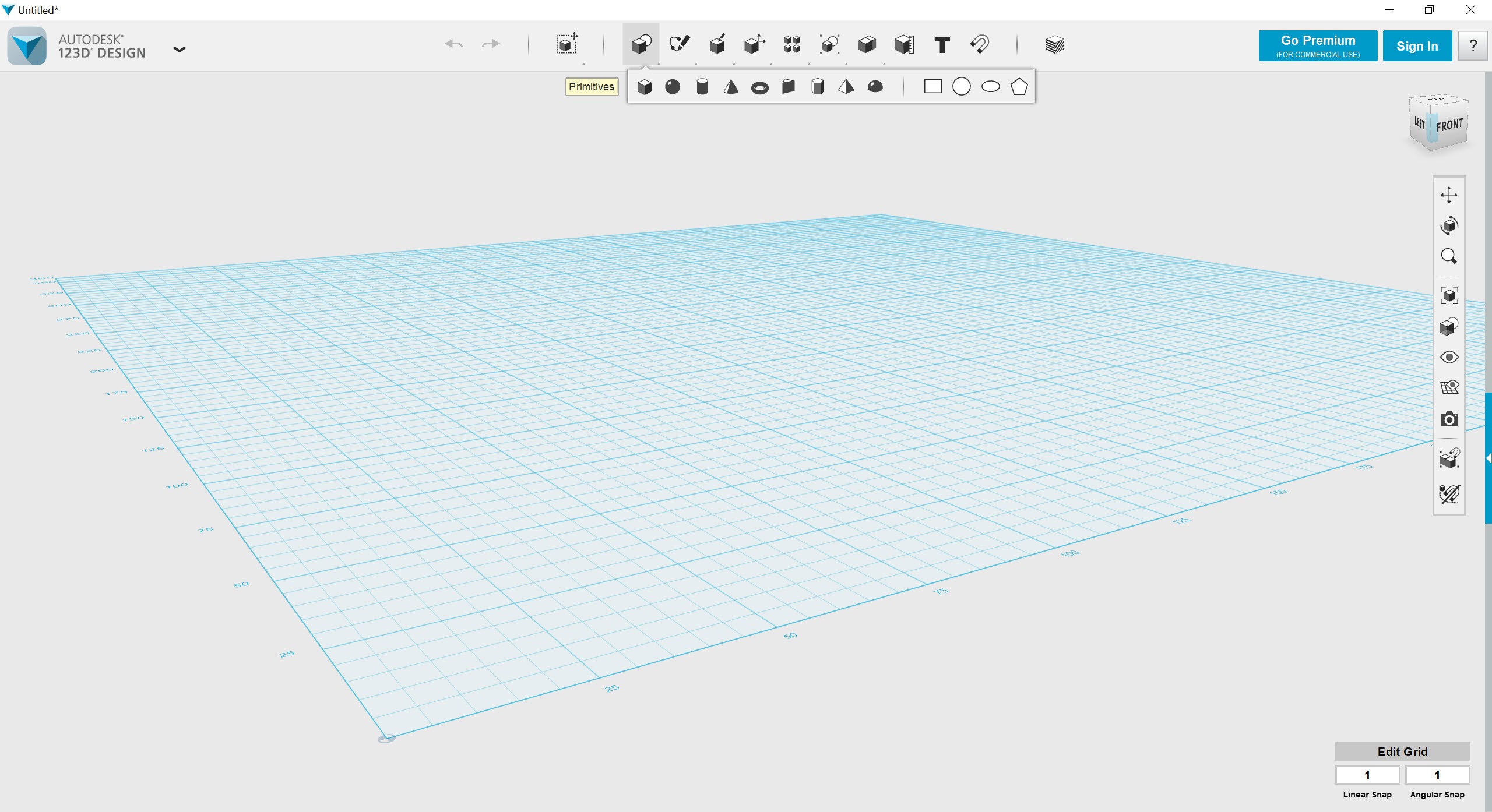
The defining characteristic of the application is its emphasis on primitive shapes as starting points. The toolbar opens with boxes, cylinders, spheres, cones, torus shapes, and pyramids, and the standard workflow is to drag these into the workspace, adjust their dimensions, and combine them through boolean operations into more complex forms. Subtract a cylinder from a box to make a hole. Combine two boxes to make an L-shape. Merge a sphere with a cylinder to make a pin.
This approach is closer to building with Lego than to traditional CAD sketching. There’s no need to start with a 2D sketch on a plane and extrude it (though that workflow is also available). For users who think in three dimensions naturally and want to build physical objects without the sketch-and-extrude mental overhead, this direct approach feels intuitive in a way that more rigorous CAD tools rarely do.
It’s also the reason the application became popular with educators teaching 3D printing fundamentals, where the goal was producing a printable object quickly rather than mastering parametric modeling.
The sketch tools are available when you need them. You can draw 2D profiles on any face or plane, apply standard constraints (parallel, perpendicular, equal length), and extrude or revolve the result. The sketching is less powerful than what dedicated parametric tools offer, but it covers the cases where pure shape-combination doesn’t reach.
Push-pull and direct editing
The push-pull tool is where direct modeling shines. Click on a face and drag it to extrude that face outward or push it inward. The tool figures out the geometry implications, splits or merges faces as needed, and produces a sensible result. Combined with the move and rotate tools that work directly on faces, edges, and vertices, this gives the application a fluid editing feel that’s harder to achieve in fully parametric environments.
The trade-off is the loss of design history. Parametric CAD tools record every operation as a step you can edit later, change the parameters of, and have the whole model update. Autodesk 123D Design doesn’t work that way.
Once you’ve combined two shapes, you can’t easily go back and adjust the original dimensions of one of them. This is fine for prototyping, model-making, and exploratory design, where decisions don’t need to be revisited frequently. It’s limiting for engineering work where iterating on dimensions is the core activity.
For users who outgrow this model and want full parametric capabilities, FreeCAD is the standard free alternative with proper history tracking, sketch constraints, and assembly support. For users who want even more flexibility in modeling organic forms, Blender covers that side of the spectrum.
Autodesk 123D Design sits between these in terms of complexity, which is part of why it found an audience.
File format support and 3D printing workflows
The application reads and writes STL, the standard format for 3D printing, which puts it directly in the workflow that drove most of its popularity. Models built in Autodesk 123D Design export cleanly to STL and feed directly into slicer software like Cura for 3D printing. The geometry it produces is generally watertight (a critical requirement for printing), which avoids the repair step that some other 3D tools’ output requires.
OBJ and STEP formats are also supported, with STEP being the format that matters for users moving between this and other CAD tools. The application’s native .123dx format isn’t widely supported elsewhere, so saving the working file in STEP or another portable format matters for long-term archival. Users planning to revisit a model later in different software should export in STEP from the start.
For viewing CAD files originating in other tools, lightweight viewers like DWG TrueView handle AutoCAD output and complement the modeling workflow.
The application can import many of these formats for use as references or starting points, though the conversion isn’t always lossless.
The discontinuation reality and what replaced it
Adobe ended support for the application as part of a broader product reorganization. The replacement strategy split the user base in two directions. Beginners and educators were directed toward Tinkercad, a browser-based tool with an even simpler primitive-shape interface (the entry point for users who found the desktop application too complex). Advanced users were directed toward Fusion 360, a full parametric CAD application that covers everything the discontinued tool offered plus simulation, CAM, and assembly modeling.
This split made sense from a product strategy perspective but left a gap in the middle. Users who valued the specific combination of direct modeling, desktop-application reliability, and an interface that wasn’t dumbed down for absolute beginners had no direct successor.
Some migrated to Tinkercad and accepted the simplification. Some moved to Fusion 360 and accepted the learning curve. Others kept running Autodesk 123D Design as a frozen tool, working within its limitations because nothing else hit the same sweet spot.
For users approaching it today, the realistic question is whether the specific workflow it offers justifies working with discontinued software. For occasional 3D printing projects, simple mechanical part design, or 3D modeling as a teaching aid, the answer is often yes. For serious engineering work, professional production, or any scenario where ongoing support matters, the answer is no.
Conclusion
Autodesk 123D Design is a tool with a narrow but real audience that survived its own discontinuation. Hobbyist 3D printers who want a desktop modeling application that produces clean STL output, educators teaching introductory 3D design, makers building simple parts for personal projects, and users who specifically value direct modeling over parametric workflows continue to find it useful despite the lack of ongoing support.
It’s the wrong choice for engineering work, for any project where dimensions need to iterate frequently, for users who want active community support and ongoing development, and for anyone whose use case the modern replacement products cover better.
The application represents a specific moment in the evolution of accessible 3D modeling, and for the specific tasks it does well, it still does them well. For everything else, the alternatives have moved past it.
Pros & Cons
- Direct modeling workflow with primitive shapes feels intuitive for 3D printing and physical object design
- Push-pull editing produces fluid geometry changes without the overhead of parametric history
- Boolean operations (combine, subtract, intersect) cover most common shape-combination needs
- STL output is generally watertight and ready for 3D printer slicers without repair steps
- Free with no subscription, license server, or activation requirement
- Lightweight installation compared to current professional CAD alternatives
- No longer maintained, with no bug fixes or feature updates
- No design history or parametric editing, limiting iterative engineering workflows
- Native .123dx file format has limited support outside the original application
- Replacement products split users between an overly simplified browser tool and a heavyweight subscription CAD package
- Some legacy account features (cloud saving, sharing) no longer function
- Limited to basic mechanical geometry without simulation, CAM, or assembly capabilities
Frequently asked questions
It's a 3D modeling application focused on creating physical objects from primitive shapes. The tool is widely used for designing parts for 3D printing, simple mechanical models, educational 3D modeling, and prototyping.
No. The application has been discontinued and is no longer in active development. Existing installations continue to function but receive no updates or fixes.
The application reads and writes STL, OBJ, and STEP, along with its native .123dx format. STL is the most relevant for 3D printing workflows. STEP matters for users planning to move models to other CAD applications.
The replacement strategy directed beginners toward Tinkercad and advanced users toward Fusion 360. Neither offers the exact combination of features the discontinued application had, which is why some users still run the older tool.
Yes, and 3D printing is one of its strongest use cases. The geometry it produces is generally watertight and exports cleanly to STL for slicing.
No. The application uses direct modeling without design history. Once shapes are combined, the original parameters cannot be revisited and adjusted. For parametric workflows, full CAD applications are the right choice.
The application is lightweight by modern CAD standards. Any system capable of running current operating systems will handle it comfortably. The original requirements (a few gigabytes of RAM, basic GPU acceleration) are well below what typical hardware provides today.


