

Skitch
About Skitch
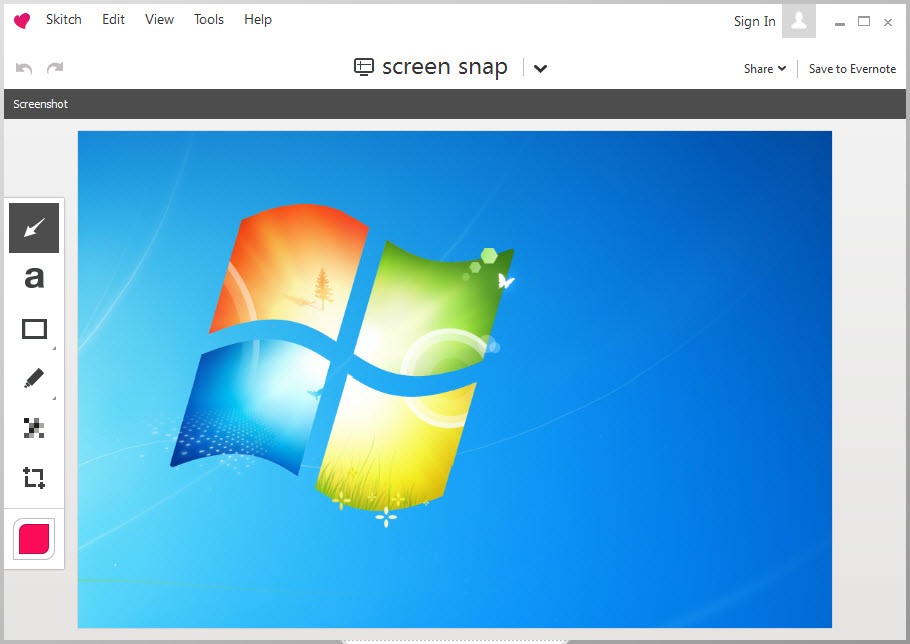
Skitch is the screenshot tool that made the tapered arrow famous. Grab a region of the screen, and the capture lands in a small editor where an arrow, a box, a line of text or a blur takes a few seconds to add. Then drag the finished image straight into a chat, an email or a note.
It was built around speed, and it did one job, pointing at things in a picture, better than the heavier tools that came later. The big pink arrow, fat at the tail and fine at the tip, looked hand-drawn and decisive, and a generation of bug reports and tutorials carried it.
Capture in a single gesture
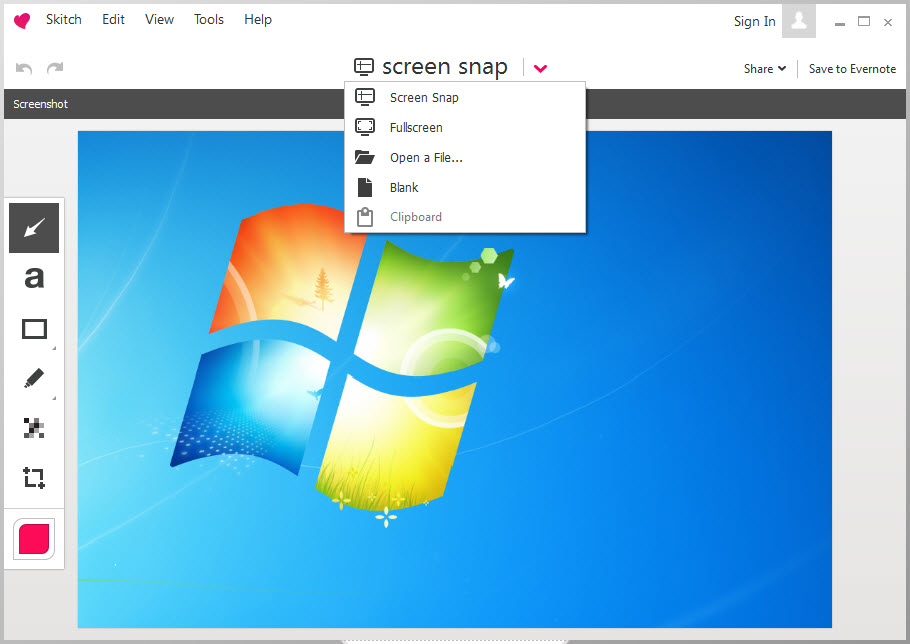
A snap was a hotkey and a drag. You picked a region, a window or the whole screen, with a delay option for menus that vanish when you press a key, and the capture opened in the editor at once. There was no save dialog and no destination prompt. The picture was simply there, ready to mark up. That immediacy was the whole idea, and it is the thing the better modern tools still copy.
A crosshair mode let you take a precise rectangle with a magnified edge. You could also start from a blank canvas or from an existing image dragged in, which made it a quick sketchpad for explaining a layout.
For a modern capture tool that keeps the same hotkey-drag-edit rhythm and is still developed, a maintained capture tool is the nearest relative on this platform.
The annotation tools
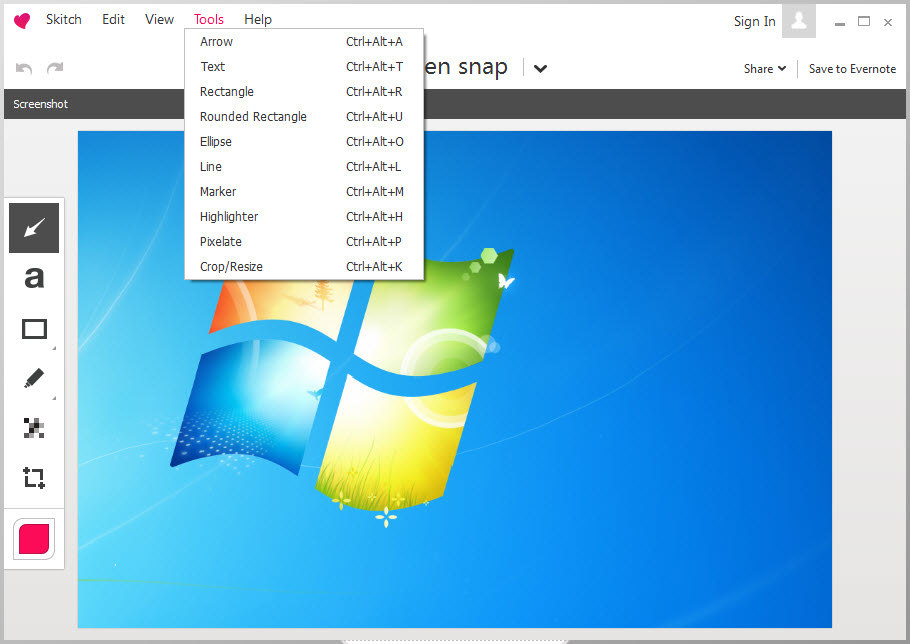
The Skitch toolbar was short on purpose. An arrow, a line, a rectangle, an oval, a freehand pen, a text box, a highlighter, a stamp for numbered steps, and a pixelate tool to hide private details. Every mark was a separate object that could be moved, recoloured or resized afterwards, so a misplaced arrow was dragged rather than redone.
The arrow earned the fame. Pull from the tail to the tip and it tapered, thick where it started and sharp where it pointed, which read as a gesture rather than a shape. Text sat in a clean label that could be dropped anywhere.
Annotations could be layered and reordered. That was about the limit of it. Skitch had no scrolling capture, no recorder, no OCR and no real image editing, and it made no attempt at any.
Sharing, and the cloud that went with it
Finished Skitch images went out by dragging them into whatever was open, an email or a chat or a document, or by sending them into the owner’s note service, where they synced to every device. That tie to the cloud account was both the convenience and the trouble. When the service changed direction, the tool lost its home, and a feature that depended on it faded with the account system.
A saved image could also be exported as a plain file in the common formats, which is the only sharing route that works reliably in an old build today. Nothing else about the online side should be counted on. For capture and annotation without any cloud tie at all, an all-in-one capture toolkit works entirely on the local disk.
What an old build still does
Treat this as a time capsule. An old copy can still capture a region and open it in the editor. The arrow and the blur still work, since neither touches a network. A captured image saved to disk is an ordinary file that any program opens. The editor itself runs without an account on the builds that allowed it.
What does not work is everything around it. There are no updates and no support. Sync to the note service is unreliable at best. New versions of the operating system may break the build without warning, and there are no fixes for crashes. The program stores its cache of captures in a folder on disk, which is worth clearing if screenshots contained private material.
What it is still good for
Be honest about Skitch today. On a current machine, hardly anything justifies choosing it. There are two cases. One, a quiet offline computer where you need arrows on a screenshot and nothing else, with no network, no account and no updates to worry about. Two, nostalgia, for the person who simply wants that arrow back and accepts the limits.
For everything else, a maintained tool does the same job and more. ShareX captures and annotates and adds recording and scrolling capture. Another tool wraps capture and annotation with a colour picker and a ruler.
Greenshot covers the quick-and-simple path described above. None of them has quite that arrow, though several imitate it closely enough that most people stop noticing.
Conclusion
Skitch suits two kinds of people, the one who needs arrows on a screenshot on a machine that never goes online, and the one who misses the arrow. The speed, the movable annotations and the clean tapered arrow are still a pleasure to use, and nothing about the old build gets in the way of that.
It is abandoned, it has no current official download, and its cloud side has gone. For anything beyond a deliberate trip down memory lane, a maintained tool does the same quick job and keeps working, which is the sensible choice for a screenshot you actually need to send today.
Pros & Cons
- Region, window and full-screen capture opening instantly in an editor
- Tapered arrow, shapes, text, highlighter and numbered stamps as movable objects
- Pixelate tool to hide private details before sharing
- Works offline with no account on old builds
- Exports ordinary image files that open anywhere
- Windows version discontinued, with no current official download
- No updates or support, and crashes will not be fixed
- No scrolling capture, recording, OCR or real image editing
- Sync to the note service is unreliable and cache folders store captures
Frequently asked questions
No. The Windows version was discontinued, and what circulates is an old build that receives no updates or support.
It tapered from a thick tail to a sharp tip, which looked like a hand-drawn gesture, and it stayed editable as a separate object.
An old build can capture and annotate offline without signing in, but sync to the note service is unreliable and should not be counted on.
A maintained tool such as Greenshot for the same quick capture-and-mark-up flow, or ShareX or PicPick if you also want recording or extra tools.


