

Winspector
About Winspector
Everything you see on screen is a window, including things nobody would call a window. A button is a window. A text field is a window. A label, a scrollbar, a tab strip are all windows, each with an owner, a set of properties and a stream of messages arriving to tell it what just happened. Winspector makes that hidden structure visible.
The system communicates with these objects by sending messages. A click arrives as a message, so does a keypress, and a resize, a repaint request or a loss of focus arrive the same way. An application responds to those messages, and when it responds badly the message log is where the explanation lives.
Every window has properties you can read
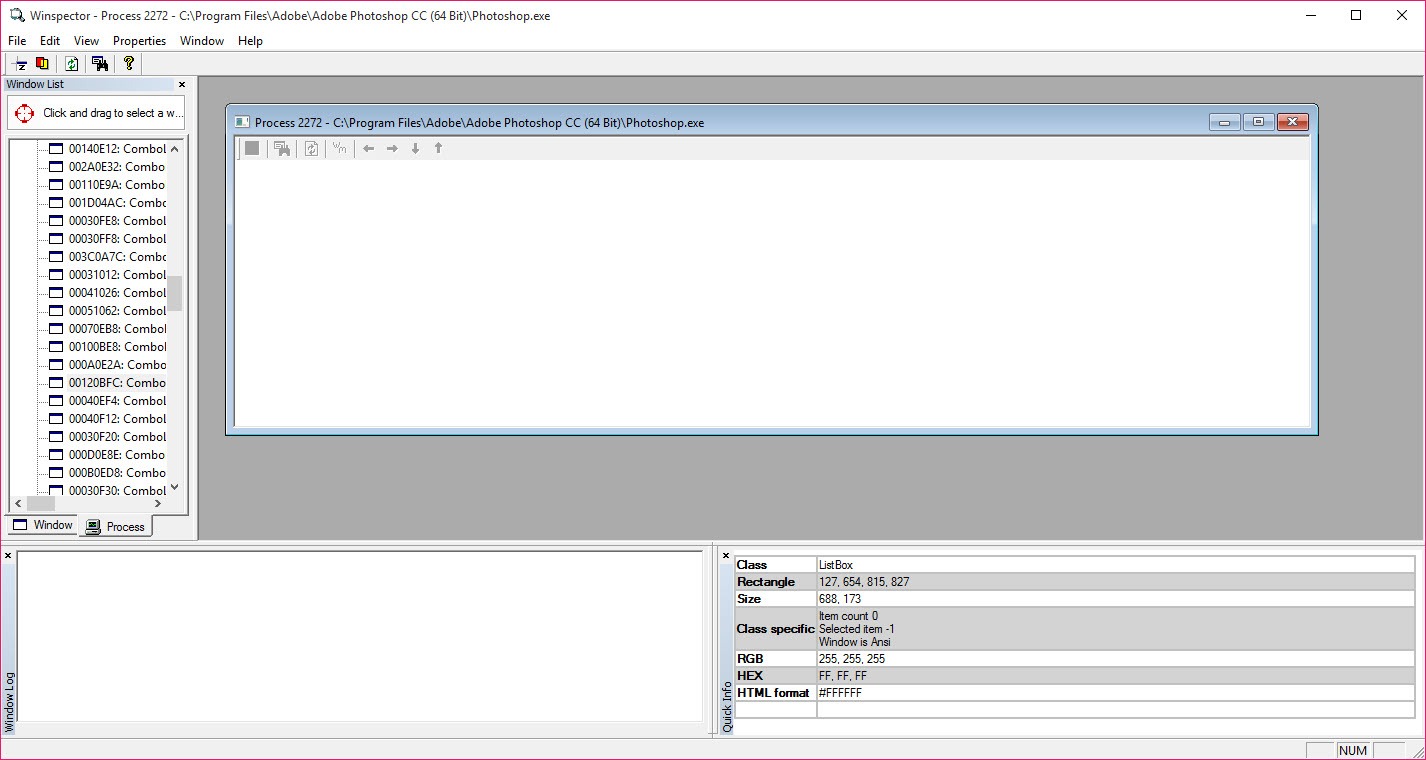
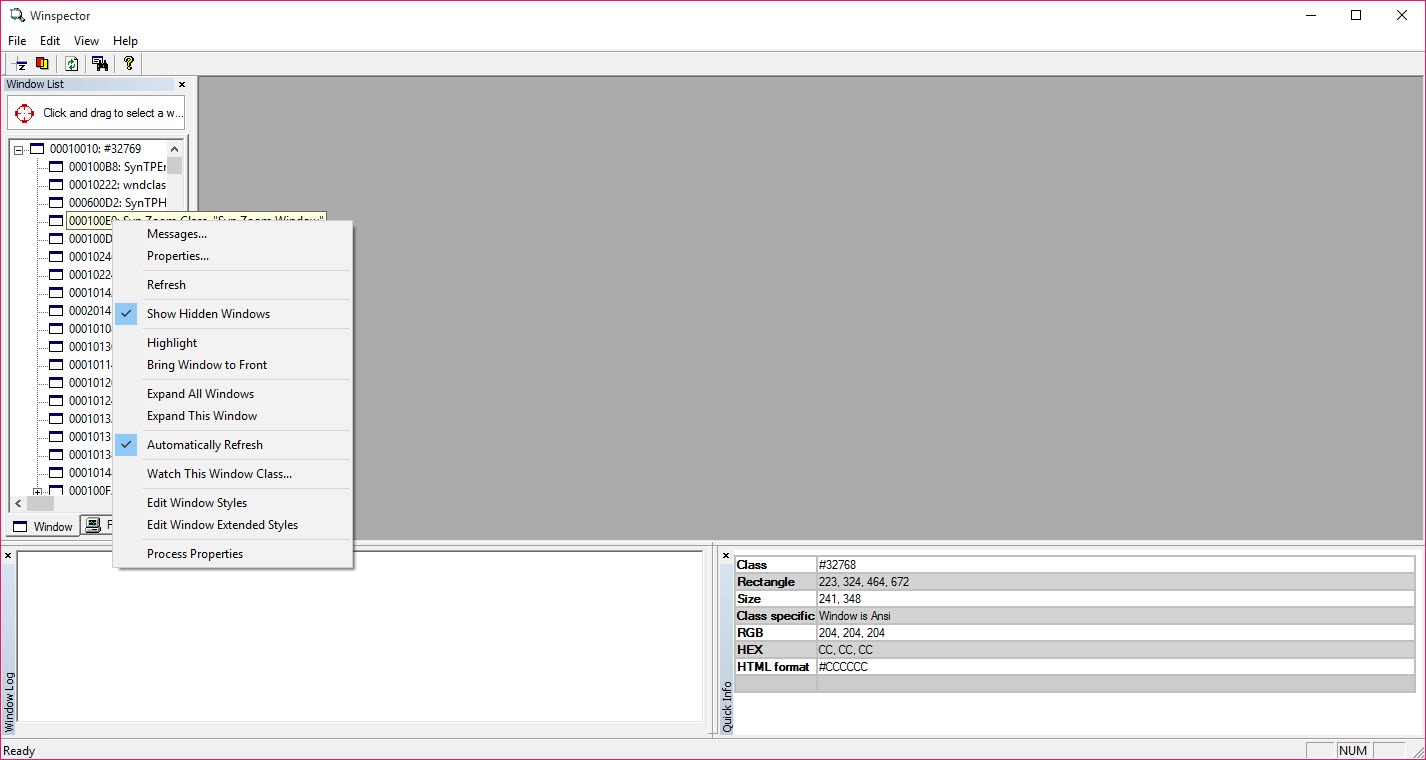
The Winspector main view is a tree of every window currently in existence, arranged by parent and child, which is how a dialog and the twelve controls inside it appear as one branch rather than thirteen unrelated items.
Selecting one reveals its properties. The class name identifying what kind of control it is. The handle the system uses to refer to it. The styles determining its appearance and behaviour. Its position, size, text. And crucially, which process and thread own it.
That last field settles arguments. A control behaving oddly inside what looks like one application frequently belongs to a different process entirely, and knowing that redirects the investigation immediately. For the process side of the same picture, Process Explorer shows what each of those processes is doing and what it has loaded.
Watching the messages arrive
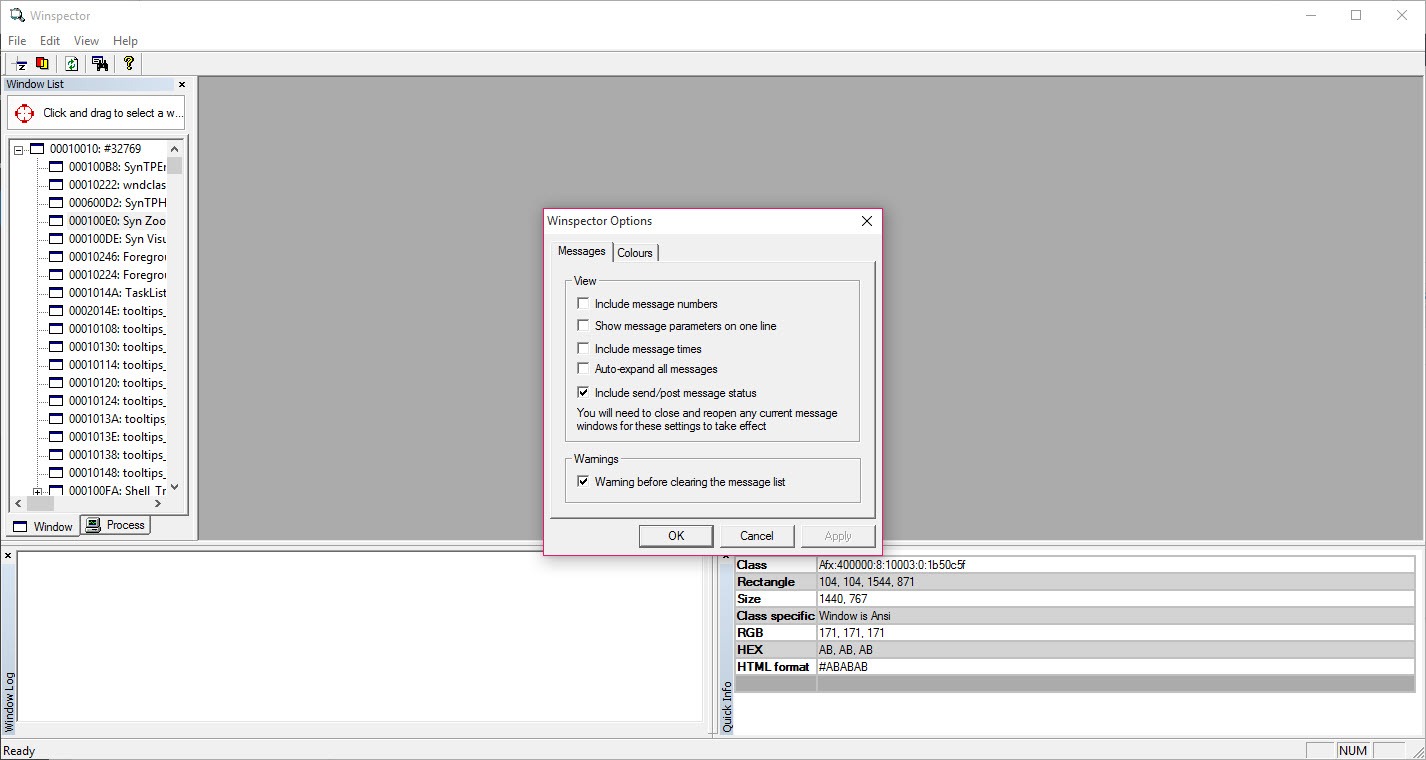
The Winspector message log does the diagnostic work. Select a window and every message sent to it appears in real time, with filtering so the flood of routine repaint and mouse-move traffic can be suppressed.
The classic use is a control that does not respond. Watching the log while clicking answers the first question definitively, which is whether the click reached the control at all. If it did, the problem is in how the application handled it. If it did not, something else intercepted it and the investigation moves elsewhere.
That distinction takes seconds here and is very hard to establish any other way, which is why this class of tool has existed as long as graphical interfaces have.
The crosshair, and sending messages back
Finding a specific window in a tree of several hundred is tedious, so Winspector includes a finder. Drag a crosshair onto anything on screen and the corresponding entry is selected, which turns identification into a gesture.
Winspector also sends messages rather than only watching them. A message can be constructed and delivered to a chosen window, which is how somebody tests how a control responds to something without producing that something naturally.
Automating interaction with existing applications is the neighbouring discipline, and AutoHotkey is built on the same underlying mechanisms while providing a language to express what should happen.
What it is for, and the responsibility attached
Winspector is a development and diagnosis tool, for people building interfaces, automating them, or working out why something behaves as it does.
The ability to alter and message other applications’ windows deserves a plain note. It can make another program do things its interface was not offering, which is why it belongs with somebody who understands what they are changing.
Two boundaries close the picture. It inspects the interface layer and nothing beneath it, so files, memory and network activity are outside its view. And it reads live state rather than the program itself, so a permanent change means editing the program, which is what a tool that edits the dialogs and menus stored inside a program does.
Conclusion
Winspector exposes the layer every graphical program is built on and almost nobody sees. A tree of windows with their real properties, plus a live log of messages arriving at any of them, answers questions guessing cannot.
Its audience is narrow and knows itself. Somebody building an interface, automating one, or working out why a control ignores them will find this the shortest route to an answer. Somebody without that context finds a window full of handles and style flags with no indication of what to do with them, which describes a tool assuming you already know what you seek.
Pros & Cons
- Shows every window on the desktop as a tree with parent and child relationships
- Reports class, handle, styles, position, size, plus the owning process
- Message log answers whether an event actually reached a control
- Filtering suppresses the routine traffic that would otherwise drown the log
- Crosshair finder identifies any window on screen with a gesture
- Messages can be sent as well as observed, for testing how a control responds
- Assumes familiarity with how the interface layer actually works
- Sees only the interface, with files, memory and network activity outside its view
- Can alter other applications, which calls for judgement rather than curiosity
- Live state only, so permanent changes need the program itself edited
- Development stopped long ago, and the interface shows it
Frequently asked questions
The system's way of telling an interface element that something happened. Clicks, keypresses, resizing, repainting, focus changes all arrive as messages, and how a program responds to them is what its behaviour consists of.
Its class, the handle identifying it, the styles governing appearance and behaviour, its position, size, text, plus which process and thread own it. That last detail frequently redirects an investigation immediately.
It can send messages to any window and alter properties, which means it can make a program behave in ways its interface was not offering. That capability is why it belongs with somebody who understands the consequences.
No. Development ended long ago and the interface reflects it. It continues to work because the underlying mechanisms it reads have remained stable, which is unusual for a tool of its age.


