

Dell Webcam Central
About Dell Webcam Central
Dell Webcam Central is a software utility designed to help users make the most of their Dell-branded webcams. With features for capturing photos and videos, applying effects, and streaming, the tool offers an easy-to-use platform for managing your webcam and enhancing its functionality.
Although it’s tailored for Dell systems, the software is a practical choice for anyone looking to optimize webcam performance and enjoy added video communication and content creation features.
Webcam Photo and Video Capture
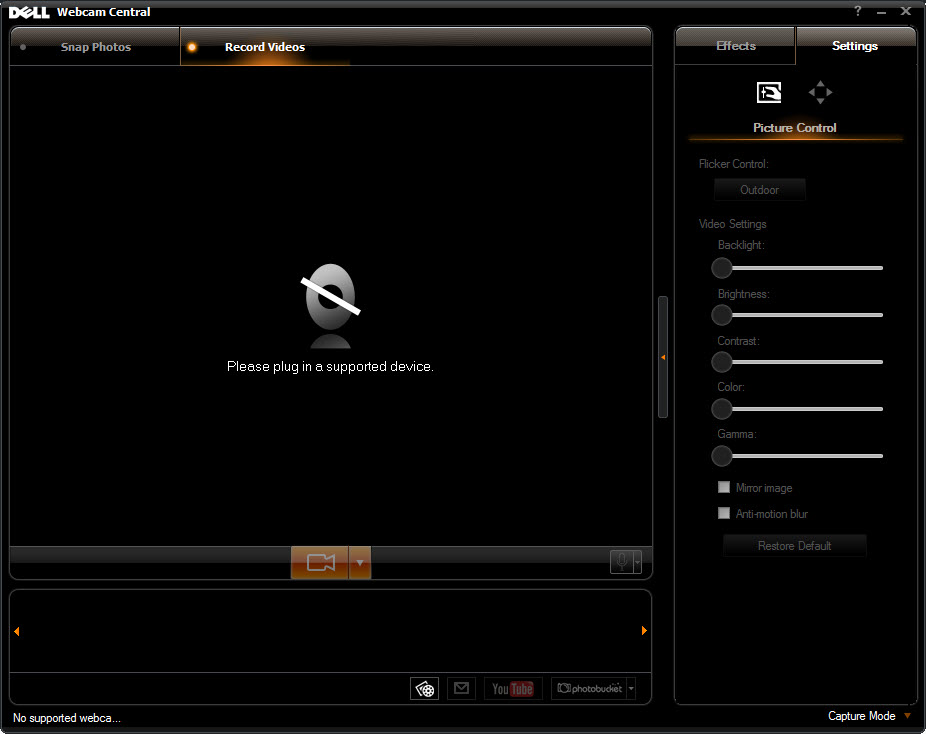
The primary function of Dell Webcam Central is to enable users to capture photos and record videos directly from their webcams. The software provides straightforward controls for adjusting resolution, brightness, and other camera settings, ensuring high-quality output.
This feature is ideal for creating personal video diaries, recording presentations, or snapping quick photos for social media or work purposes.
Live Video Effects
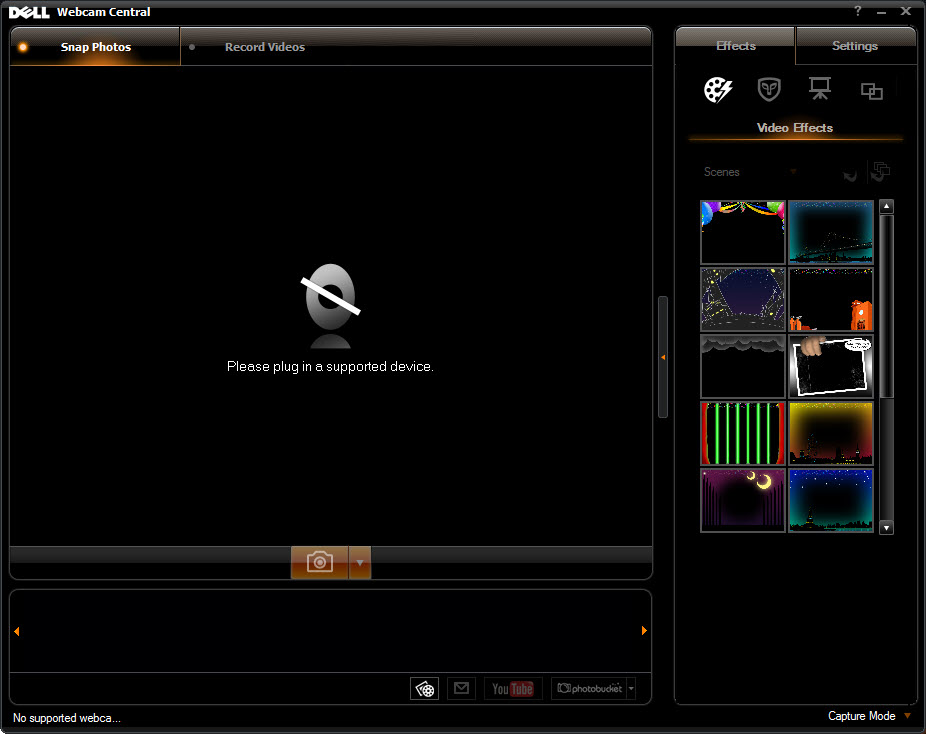
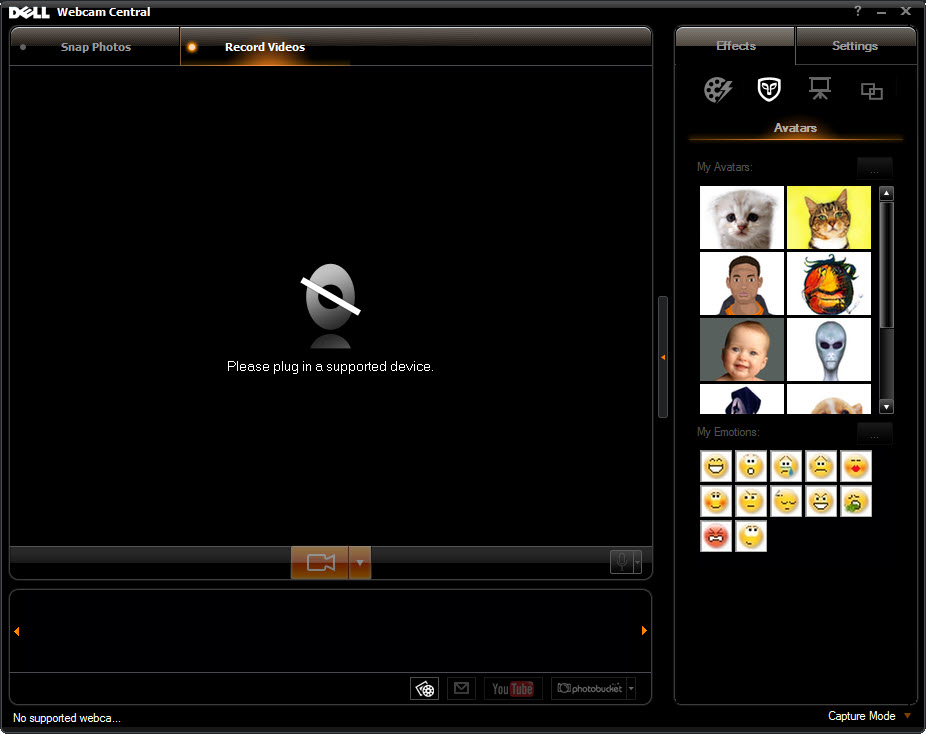
For users looking to add flair to their video content, Dell Webcam Central includes a library of live effects. You can apply filters, overlays, and animations to your video streams or recordings, making them more engaging and entertaining.
This functionality is especially popular for casual users engaging in video calls or creating content for platforms like YouTube.
Integration with Video Chat Applications
Dell Webcam Central seamlessly integrates with popular video chat platforms, allowing users to enhance their video calls with the software’s effects and settings. This feature ensures compatibility with services such as Skype, Zoom, and Microsoft Teams, making it a practical addition for remote work or socializing.
Webcam Monitoring and Security
The tool includes monitoring features that let users check their webcam status and ensure it is functioning properly. This is particularly useful for troubleshooting issues, as users can quickly identify and resolve problems related to their webcam hardware or settings.
Additionally, users concerned about privacy can use the software to verify when the webcam is in use, adding an extra layer of security.
Simple Interface
Dell Webcam Central features a clean and intuitive interface, making it easy to navigate. Key functions such as video recording, photo capture, and effect application are accessible with just a few clicks, catering to users of all technical levels.
Conclusion
Dell Webcam Central is a straightforward and reliable tool for managing and enhancing your webcam experience. With features for capturing photos and videos, applying live effects, and integrating with video chat applications, it’s a practical solution for both casual and professional users.
While its compatibility is optimized for Dell devices and its advanced features are limited, it provides a convenient way to make the most of your webcam.
For users seeking an easy-to-use platform to elevate their video communication and content creation, Dell Webcam Central remains a useful addition to their software suite.
Frequently asked questions
The software is optimized for Dell webcams, but it may work with other devices. Compatibility can vary depending on the system and webcam model.
Yes, it integrates with popular platforms like Skype, Zoom, and Microsoft Teams to enhance video calls.
Yes, the software allows users to apply live effects and filters while recording or streaming.
Dell no longer actively updates the software, but it remains available for users who need basic webcam functionality and effects.
Yes, the tool allows users to monitor webcam activity, ensuring they know when the camera is in use.
The software supports adjustable resolution settings, including high-definition, depending on the capabilities of your webcam.
No, Dell Webcam Central focuses on capture and basic effects. Users seeking advanced editing will need additional software.


