

Imagine
About Imagine
Imagine is an image and animation viewer with an unusual second talent. Besides opening the usual JPEG, PNG, GIF, TIFF and WebP files, plus camera RAW, HDR and EXR, DDS textures, multi-page TIFF and PDF and the contents of archives, it edits animated GIFs frame by frame.
Delete frames, change their timing, reorder them, build an animation from a folder of stills and save it back out. No other viewer at this size does that, and it is the reason the program has a following among people who make screen recordings and documentation.
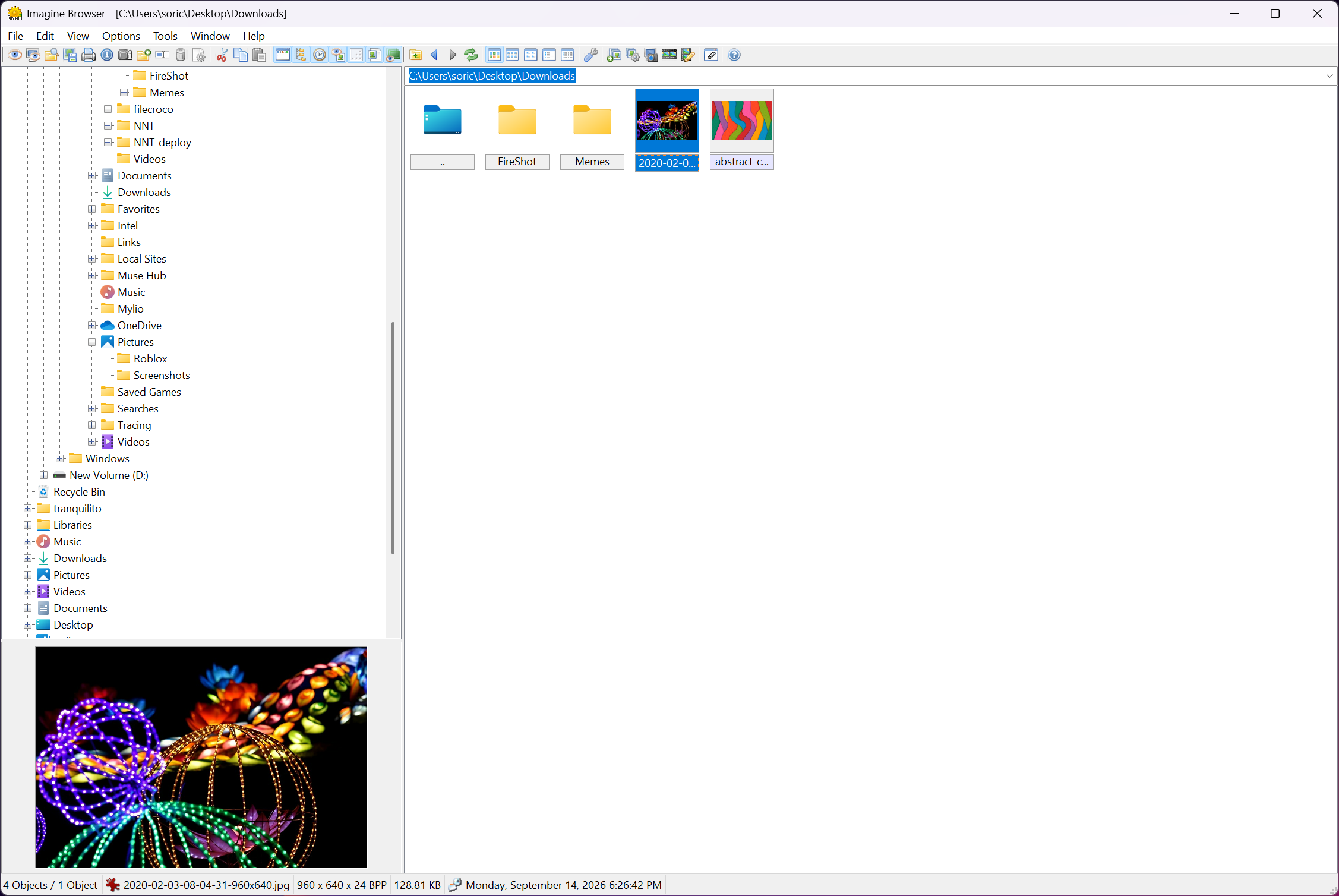
The rest of it belongs to the familiar category of compact viewers alongside XnView and IrfanView. A folder tree, a thumbnail pane, a slideshow, batch conversion, lossless JPEG rotation, screen capture and a metadata editor, all in a program that runs from a folder.
Imagine is not the prettiest of the group, and it is one of the more capable.
Browsing and the format list
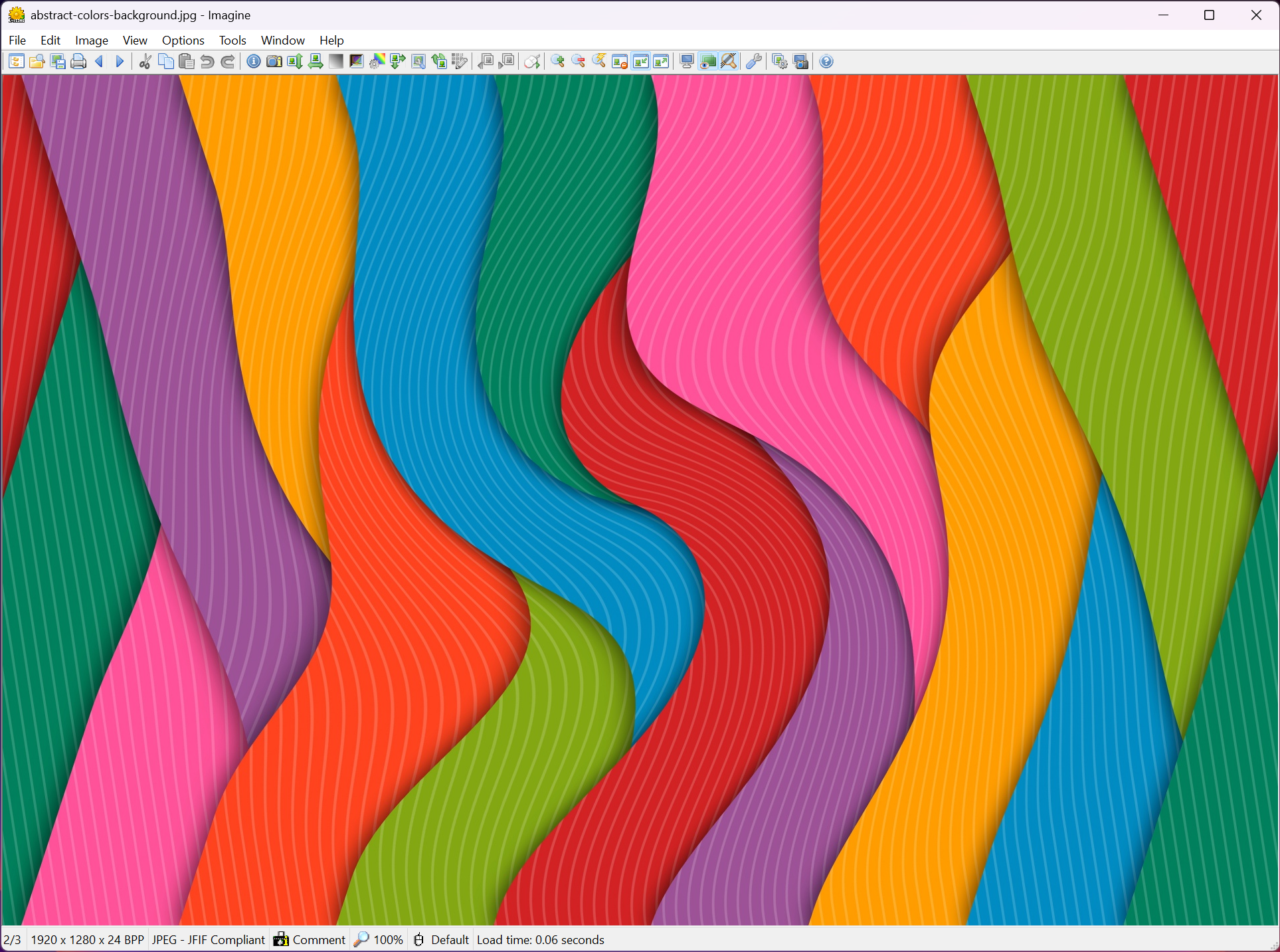
The Imagine window splits into a folder tree, a thumbnail grid and the current image, and any pane can be hidden for a plain full-screen viewer. Formats run to several dozen out of the box, and the interesting ones are the awkward ones. DDS game textures open instantly where most viewers stall.
HDR and OpenEXR files display with exposure adjustment. Multi-page TIFF, DCX and PDF page through with the arrow keys, and a ZIP or RAR full of pictures browses as if it were a folder.
Plugins extend the list. A separate set of modules adds newer formats such as HEIF, AVIF and JPEG XL, and vector formats, and each is a file dropped into the plugin folder. It is a modular approach that keeps the main program small and means a format you do not use never loads.
It also means a format you do use might need a second download before it opens, which catches people on the first day.
Editing animations frame by frame
Open an animated GIF and the frame list appears alongside the picture. Each frame shows its delay in hundredths of a second. Select a frame or a range and delete it, change the delay for one or all, reverse the order, or extract frames to separate files. A recording that captured eighty frames of a cursor moving between two dialogs becomes six frames that show the point, and the file shrinks accordingly.
The reverse direction works too. Select a set of still images and Imagine assembles them into an animation with a timing you set, or into a multi-page TIFF or PDF. Frame-by-frame editing is what the program does that the big viewers do not, and for anyone who documents software it can replace a dedicated animation tool for the tidy-up stage.
Recording the screen in the first place still needs something else.
Batch conversion and lossless JPEG changes
The Imagine batch tool takes a selection or a folder and converts every file to a chosen format with quality settings. It resizes by pixels or percentage and renames on a pattern with counters and dates, all in one pass. Colour corrections such as brightness, contrast and gamma can be applied across the batch as well, so a folder of dark scans is lifted uniformly.
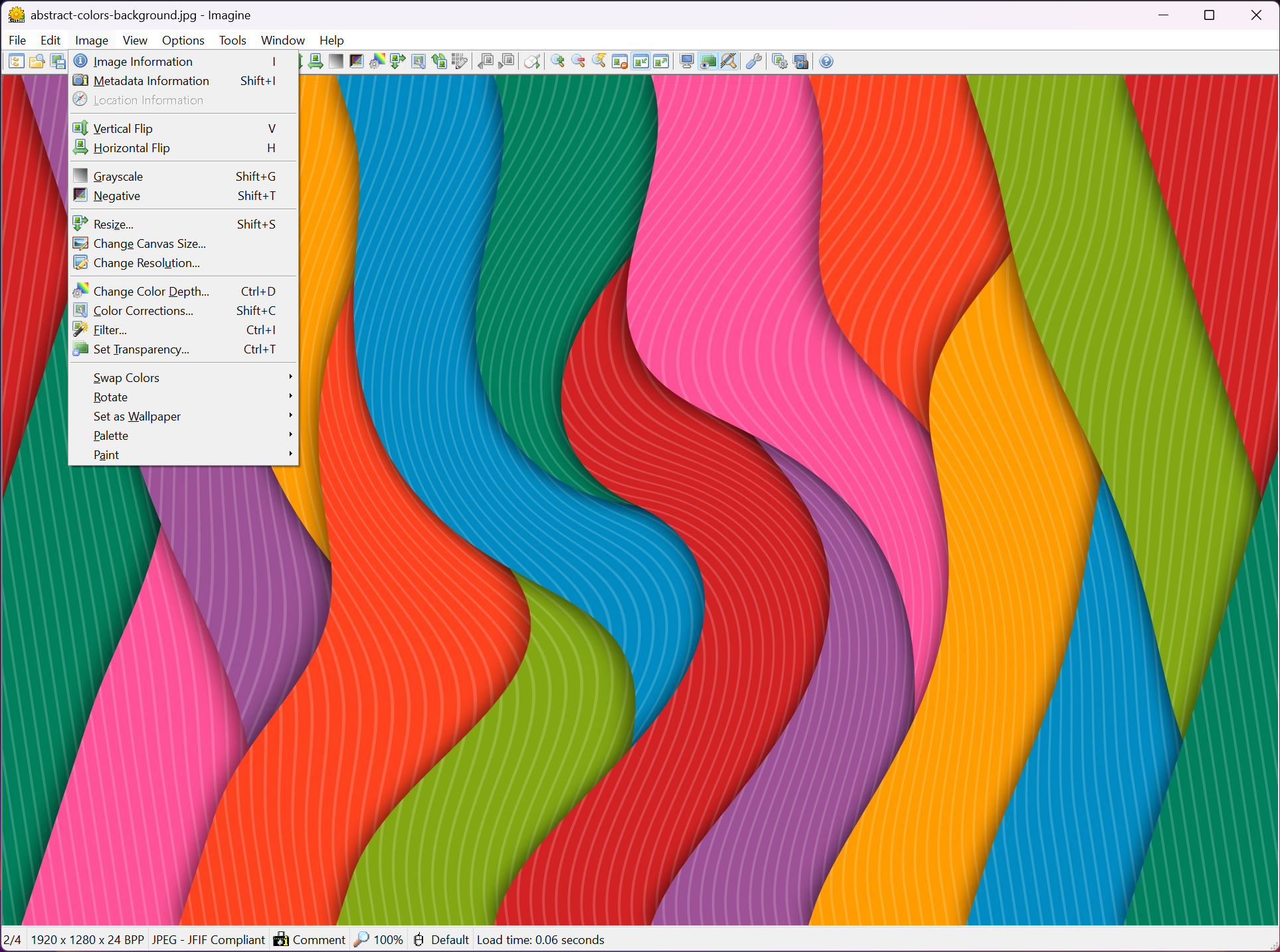
JPEG rotation and flipping are lossless, meaning the file is transformed without decoding and re-encoding, so a set of sideways phone photos can be corrected with no quality penalty. That is a feature people assume every viewer has and most do not.
Combined with the batch tool, an entire card of misoriented shots is fixed in one run.
Screen capture, panorama joins, metadata
Screen capture grabs the whole desktop, the active window or a region, with a delay timer for menus that vanish when you click, and drops the result straight into the viewer for cropping. A panorama function joins images side by side into a single wide file, which is a plain join rather than a blended stitch, so it suits scanned pages and screenshots more than landscapes. The metadata panel shows EXIF, IPTC and XMP fields and lets you edit them, which turns the viewer into a small tagging tool.
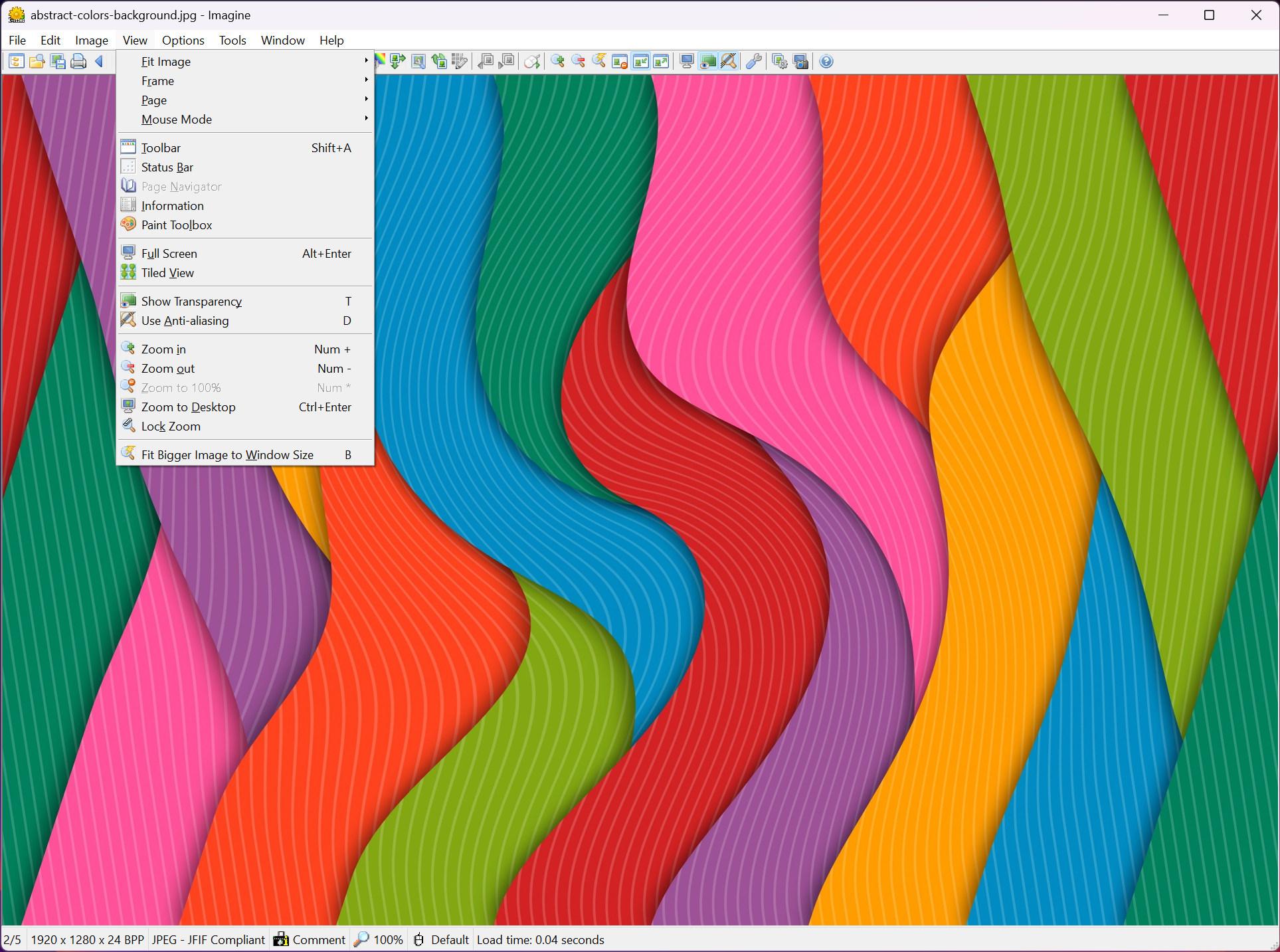
Everything has a hotkey, and each command can carry more than one, so a keyboard-driven workflow is possible without touching the mouse. The interface itself is dated in the way small utilities often are, with plain toolbars and dense menus, and there is no dark theme.
People who want a polished viewer for a living room screen will prefer a modern viewer with a clean interface. People who want the GIF editor will put up with it.
Where it sits against the bigger viewers
Against IrfanView it has fewer plugins but a better animation editor and easier archive browsing. Against XnView it has a smaller format list until the plugins are added and a lighter footprint. Neither of those two edits GIF frames with anything like this ease. The trade is a slower pace of updates and a plugin folder that has to be tended, and a screen capture that is basic beside dedicated tools.
The program is donationware. It is fully functional without paying, and a donation returns a personal licence code that changes nothing in the software beyond the About box.
Conclusion
Imagine is for anyone who trims screen recordings into tidy GIFs, browses odd formats such as DDS or EXR, or wants lossless rotation and batch conversion in a viewer that runs from a stick. The animation editor alone justifies keeping it beside a more polished daily viewer.
People who want a handsome viewer for everyday photos and never touch a GIF will find it plain and slightly fiddly, and should pick something prettier. For the tool-using crowd it does several jobs that otherwise need three programs.
Pros & Cons
- Frame-by-frame editing of animated GIFs with delay and order control
- Assembles stills into animations, multi-page TIFF or PDF
- Opens DDS, HDR, EXR, RAW and archives alongside common formats
- Lossless JPEG rotation and flipping, singly or in batch
- Batch convert plus resize and rename in one pass
- Multiple custom hotkeys per command
- Newer formats need plugins downloaded separately
- Dated interface with no dark theme
- Panorama is a plain join without blending
- Screen capture is basic compared with dedicated tools
Frequently asked questions
Open the GIF, select the frames to remove in the frame list, and delete them. Adjust the delay of the remaining frames if needed, then save. The file is rewritten with only the frames you kept.
Those formats come as plugins rather than in the main program. Add the matching plugin file to the plugin folder and restart the viewer.
Yes. JPEG rotation and flipping are lossless, and the batch tool applies the same operation to a whole folder in one run.
Yes. Archives open as folders in the tree, and the images inside display and page through without extracting them first.


