

VSPlayer
About VSPlayer
VSPlayer is a video player built for one narrow world, the footage that comes out of Hikvision surveillance systems. General media players choke on it, because security cameras and their recorders encode video in codecs and container quirks that consumer software was never taught, and a clip pulled off a DVR often plays as a black rectangle, a garbled mess, or nothing at all in an ordinary player. This one decodes those streams natively, and for anyone reviewing exported camera footage, that alone is the whole reason it exists.
The scope is worth stating plainly, because it defines who should bother. If your job involves pulling recordings off these recorders, reviewing an incident, or handing a clip to someone who needs to see it, VSPlayer is the tool that opens the file correctly the first time.
If you just want to watch movies and ordinary video, this is emphatically not that player, and reaching for it there is a category error.
Playing what other players can’t
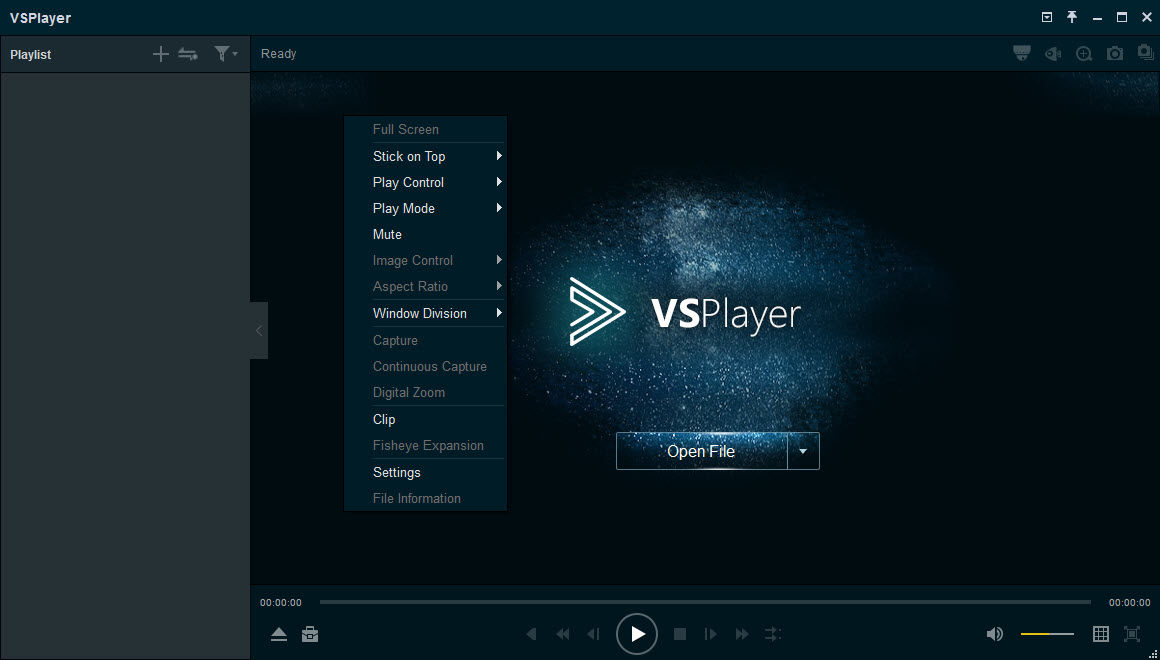
The codec support is the core, native decoding of the H.264, H.265, and the vendor’s own optimized variants that surveillance gear produces, plus the older formats that ancient recorders still emit. A file exported from a Hikvision system loads by dragging it onto the window or clicking the add button, and it simply plays, timestamps and all, where a general player would have surrendered.
The import list is where the narrowness bites first. The player accepts the vendor’s own file types and plain MP4, and little else, so it is a reviewer of surveillance footage rather than a general opener of whatever video crosses your desk.
Hardware-accelerated decoding kicks in where available, which matters because high-resolution multi-camera footage is heavy, and software-only decoding of a 4K camera stream can stutter on modest machines.
Review tools that suit an investigation
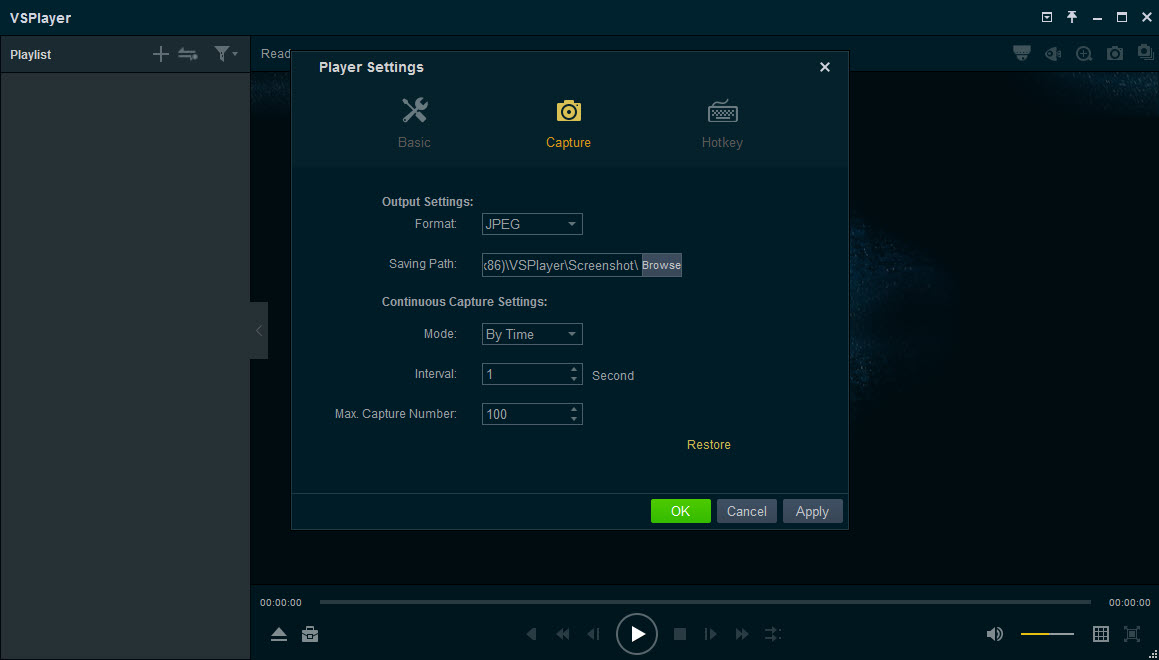
Beyond playback, the feature set reads like a list of things a security reviewer actually does. Digital zoom pushes into a frame to read a plate or a face, frame-by-frame stepping and slow motion isolate the exact instant something happened, and time-jump search skips to a moment without scrubbing through hours. Continuous capture pulls stills from the footage, the evidence-grabbing step every incident review needs.
Two specialist touches stand out. Fisheye dewarping takes the circular distorted image from a ceiling dome camera and flattens it into a normal rectangular view, which is otherwise nearly unreadable. And dual-stream playback shows the high-quality and low-quality streams together, letting a reviewer skim the light stream fast and switch to the detailed one at the moment that matters.
The clipping and merging tools cut the relevant segment out of a long recording and join pieces together, the everyday preparation before footage gets shared or filed.
Getting footage out to everyone else
The bundled format converter is the feature that rescues the workflow, because surveillance footage in its native codec is useless to anyone without this player, and that includes most of the people who need to see it. Converting a clip to standard MP4 turns evidence that only opens in one specialist tool into a file that plays on any phone, laptop, or courtroom projector, and that conversion is often the single most important thing the software does.
Once footage is in a standard format, the wider toolbox takes over. A universal player like VLC Media Player then plays the converted clip anywhere without this specialist decoder.
Other capable players such as PotPlayer handle the converted file just as well.
For heavier batch transcoding of many exported files, a dedicated converter such as Format Factory handles volume more comfortably. The pattern is consistent, decode and review here, convert, then live in the normal video world afterward.
The honest limits
The tie to one manufacturer’s ecosystem is the defining constraint. Footage from other brands of camera and recorder may or may not open, depending on the codec, and this is not the universal CCTV player some hope for. Owners of mixed-brand systems often keep each vendor’s player installed, an irritation the whole industry shares and none has solved.
The interface, like most manufacturer utilities, is functional rather than refined, built by engineers for a task rather than styled for pleasure, and it shows. And the editing, while useful for clipping and merging, is basic next to a real video editor, which is correct for its purpose but worth knowing before expecting more.
None of that undermines the core value, since a player that reliably opens footage nothing else will read is worth keeping regardless of its polish.
Conclusion
VSPlayer is essential kit for security installers, facility managers, and anyone who reviews footage off these surveillance systems, the people for whom a clip that won’t open is a real problem with real stakes. The native decoding, the investigation-focused review tools, and above all the converter that frees footage into shareable formats make it the reliable first stop for that specific job.
Everyone else, the movie watcher, the owner of a rival brand’s cameras, the person needing serious editing, is holding the wrong tool. Within its narrow lane, though, it opens what nothing else will, and for its intended users that reliability is the entire point.
Pros & Cons
- Natively decodes the surveillance codecs that defeat general players
- Fisheye dewarping flattens distorted dome-camera views into readable images
- Review tools cover zoom, frame stepping, slow motion, and still capture
- Bundled converter turns proprietary footage into shareable standard files
- Dual-stream playback speeds up reviewing long multi-camera recordings
- Tied to one manufacturer's ecosystem, with spotty support for other brands
- Imports only the vendor's formats and MP4, not general video files
- Interface is utilitarian and dated
- Editing is limited to clipping and merging, not real video editing
Frequently asked questions
Security recorders use specialized codecs and container quirks that consumer players don't understand. This player decodes them natively, which is exactly the gap it was built to fill.
Sometimes, depending on the codec, but it's tied to one manufacturer's ecosystem and isn't a universal CCTV player. Mixed-brand systems usually need each vendor's own player.
Use the bundled converter to export the footage as standard MP4. The converted file then plays on any device without the specialist decoder installed.
Yes, its dewarping feature flattens the circular image from a ceiling dome camera into a normal rectangular view, which is otherwise very hard to read.
No, and it isn't meant to. It imports only surveillance formats and MP4, so a general-purpose player is the right tool for ordinary video.


