

ITN Converter
About ITN Converter
ITN Converter turns a GPS route from one format into another. Your friend plans a motorbike ride on a Garmin, you ride with a TomTom, and the two files cannot talk to each other.
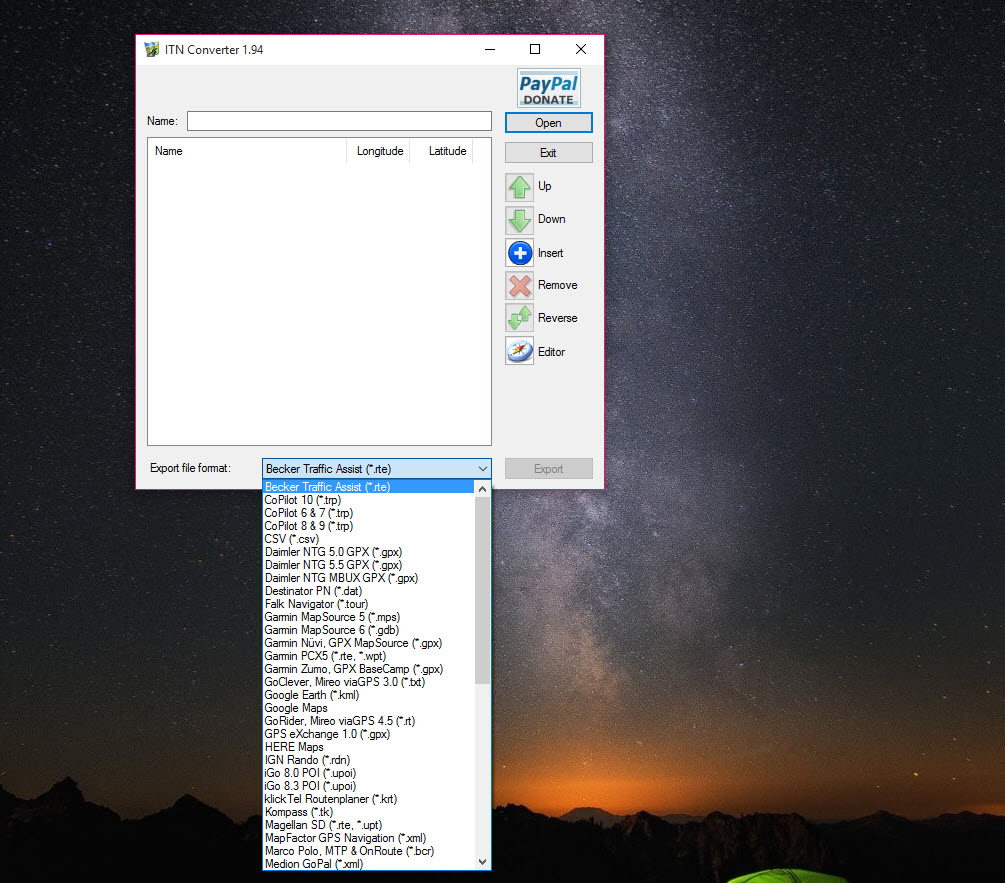
Open the file here, check the stops on a list, and save it again in the format your device reads. TomTom itinerary files, GPX tracks, Google Earth KML, MapSource databases, CSV tables of longitude and latitude, Magellan, ViaMichelin and a few older planners are all on the menu. The program also plans routes from scratch on a map, which is the half that has aged badly.
That split matters, so here it is plainly. The conversion works on files on your own disk and needs no internet. The map planner leaned on an online map service, and the main map it was built around stopped loading for many users once that service changed its rules.
ITN Converter is therefore a reliable file translator and an unreliable route planner, and the sections below say which is which.
Converting between route formats
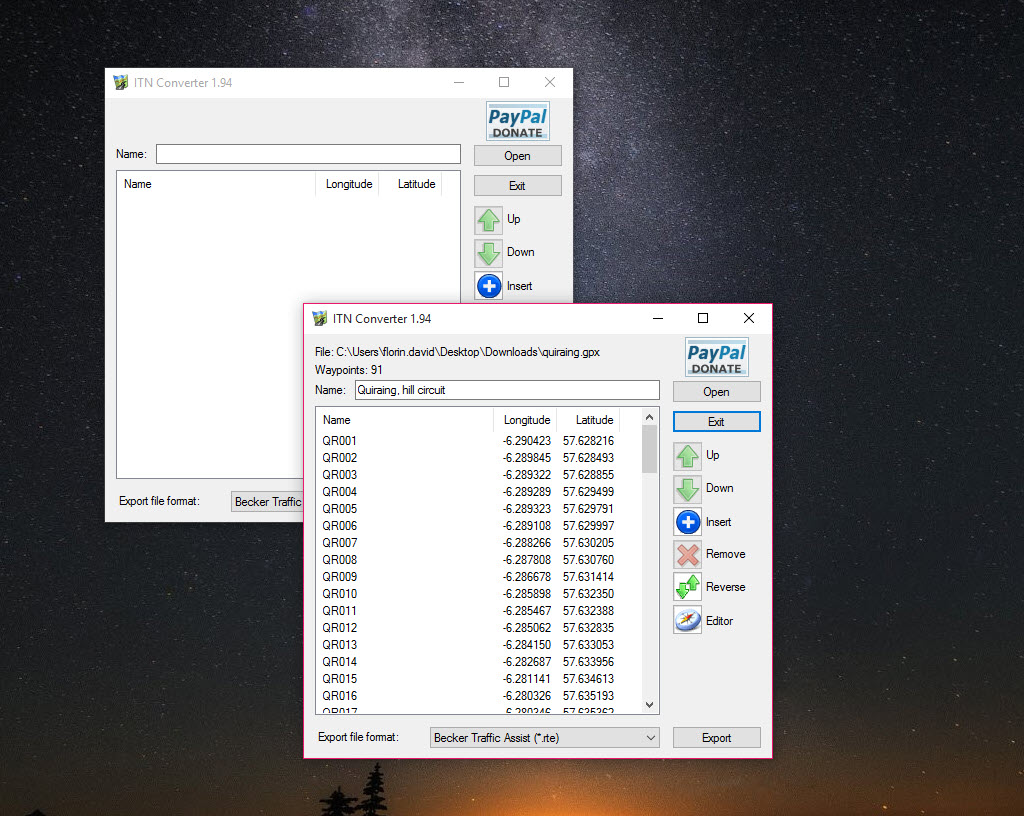
Open a route in ITN Converter and the stops appear in order, each with a name and coordinates. Reorder them, rename them, delete the ones you do not want, then choose Save As and pick the target format. The same screen reads TomTom itineraries and the binary files TomTom uses for points of interest.
It reads GPX in both its plain and MapSource flavours, KML from Google Earth, and CSV. A spreadsheet of coordinates becomes a route in one step. A route taken from a rider’s forum, in whatever format its author’s device liked, becomes a route yours understands.
That is what it does well. There are no accounts, no upload and no waiting on a web service, since the whole job happens inside the program. For converting a route into a Google Earth view, Google Earth opens the KML it writes and shows the line over satellite imagery.
The TomTom itinerary quirks
Most owners reach ITN Converter because of the TomTom itinerary format. It is plain text, one stop per line, with coordinates in a scaled integer form that other tools cannot read without help. That is why a route from a rider’s phone cannot just be dropped onto the device. The program handles that translation. It also respects the device’s limits, since an itinerary holds a limited number of stops, and a long GPX with hundreds of points has to be thinned out before it fits.
Thinning is the honest weakness of any route conversion. A route with thousands of track points becomes a route with a hundred stops, and the device recalculates the roads between them, so the line it follows may differ from the original. Choose stops at junctions that force the right road and the result stays close. For the Garmin side of a mixed group, Garmin BaseCamp reads the GPX the converter writes.
Planning on the map, and what broke
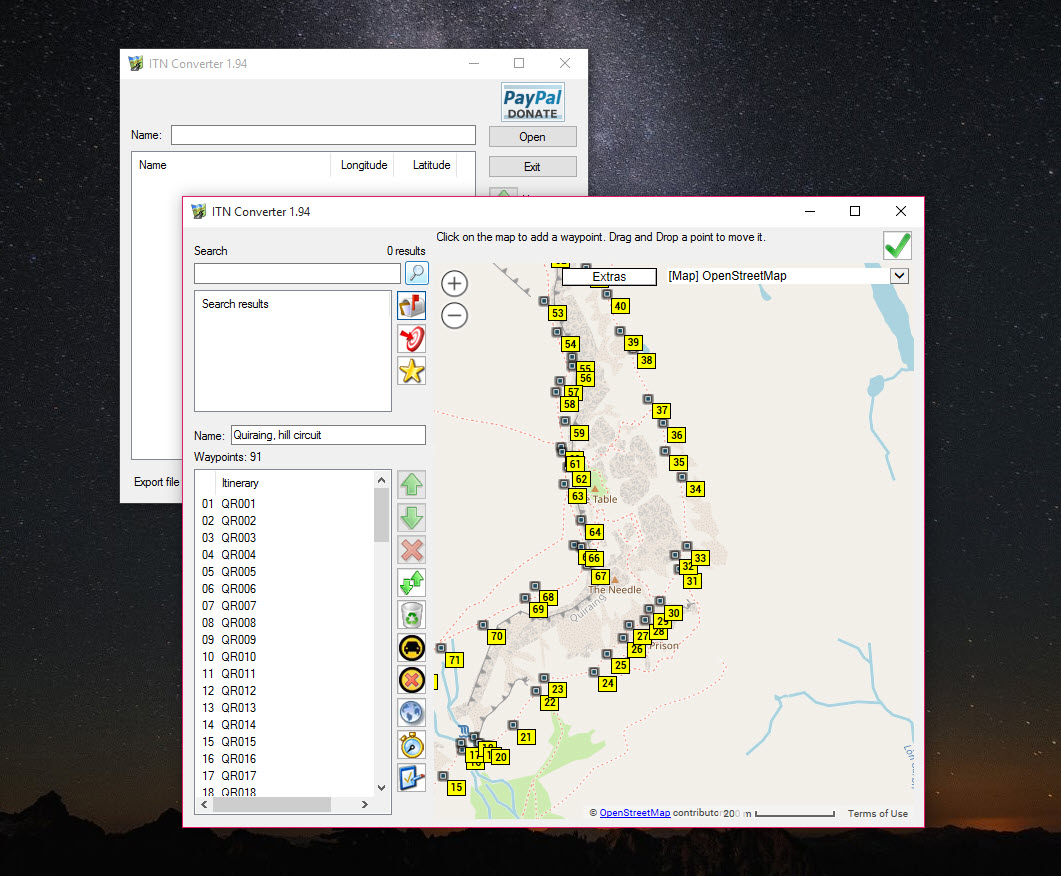
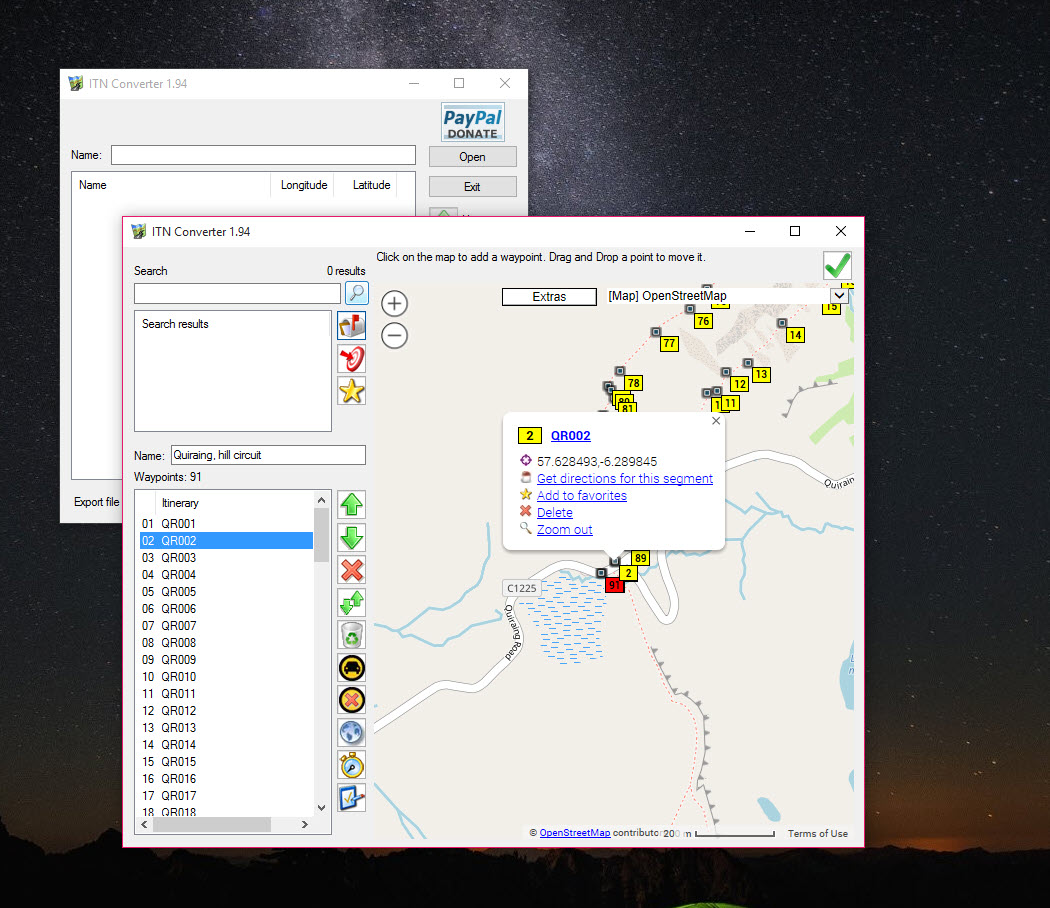
The planner is a map with a search box. Click to add a stop, search for a place, drag stops into a new order, and the program calculates the route between them and shows the distance. The background map could be switched between several providers, including a TomTom road map, ViaMichelin and Bing.
The trouble is the first of those. Users report that the Google map no longer loads, ending in an error about the map failing to load correctly, because the online service now demands a paid key that the program does not carry.
The other map sources were offered as alternatives, and some owners fall back on opening a map in a separate window and typing coordinates in by hand. Treat the planner as a convenience that may not work today, and the converter as the reliable part.
What it is still good for
Here is the straight answer on ITN Converter. It is still good for converting route files, which needs nothing from the internet and so cannot break when a map service changes. It is still good for turning a spreadsheet of coordinates into a route a device can follow, and for moving routes between the two big device families when a group rides with mixed gear. It also suits old devices, since it writes the formats they were built for.
It is less good as a planner. For serious route planning and map layers, a desktop mapping system does that properly, though with far more to learn.
Conclusion
ITN Converter suits riders and walkers who share routes between different devices, and anyone with a coordinate table that needs to become a route. It does that quickly and quietly, with no account and no upload.
Do not rely on its map planner. Use it as a translator, keep a mapping tool for planning, and thin long routes by hand so the device follows the road you meant.
Pros & Cons
- Converts routes between TomTom, GPX, KML, MapSource, CSV and other formats
- Edit, reorder and rename stops before saving
- Works on files on your disk with no internet connection
- Reads CSV coordinate tables and writes them as routes
- Offers several background maps for the planner
- The map planner can fail because its main map service now demands a key
- Long routes must be thinned to fit a device's stop limit
- The interface is dated and the help is thin
Frequently asked questions
Yes. Open the GPX, check the stops, and save it as a TomTom itinerary or whichever format your device reads.
The Google map it was built around now needs a paid key that the program does not carry. Converting files does not need the map and still works.
Converting and editing route files works offline. Searching places and planning on a map needs an internet connection and a map source that loads.


