

ALLPlayer
About ALLPlayer
ALLPlayer is a video player built around subtitles. Open a film with no subtitle file beside it and the player checks the subtitle services on its own, and when it finds a match a button appears on the picture offering to download it, which takes a couple of seconds and needs no search.
The subtitles then show at a pace the player adjusts to how long each line takes to read, rather than at the timing in the file, so a fast exchange does not vanish before it is finished. A built-in editor shifts lines forward or back and recalculates timing for a file made for a different frame rate, and around that sit built-in codecs, 4K playback with hardware decoding, and a LiveUpdate routine that fetches a missing codec when a file refuses to open.
The subtitle focus goes further than reading. A speech synthesiser can read the subtitles aloud in a human-sounding voice as the film plays, the way a voice-over narrator does in some television traditions, and a newer AI voice-over feature generates a complete narration track in more than twenty languages from a subtitle file and can export it with the film.
ALLPlayer also carries internet radio, parental controls, a phone remote and a skinnable tablet-style interface. It is a capable, slightly sprawling player with one clear specialism.
Finding and fitting subtitles
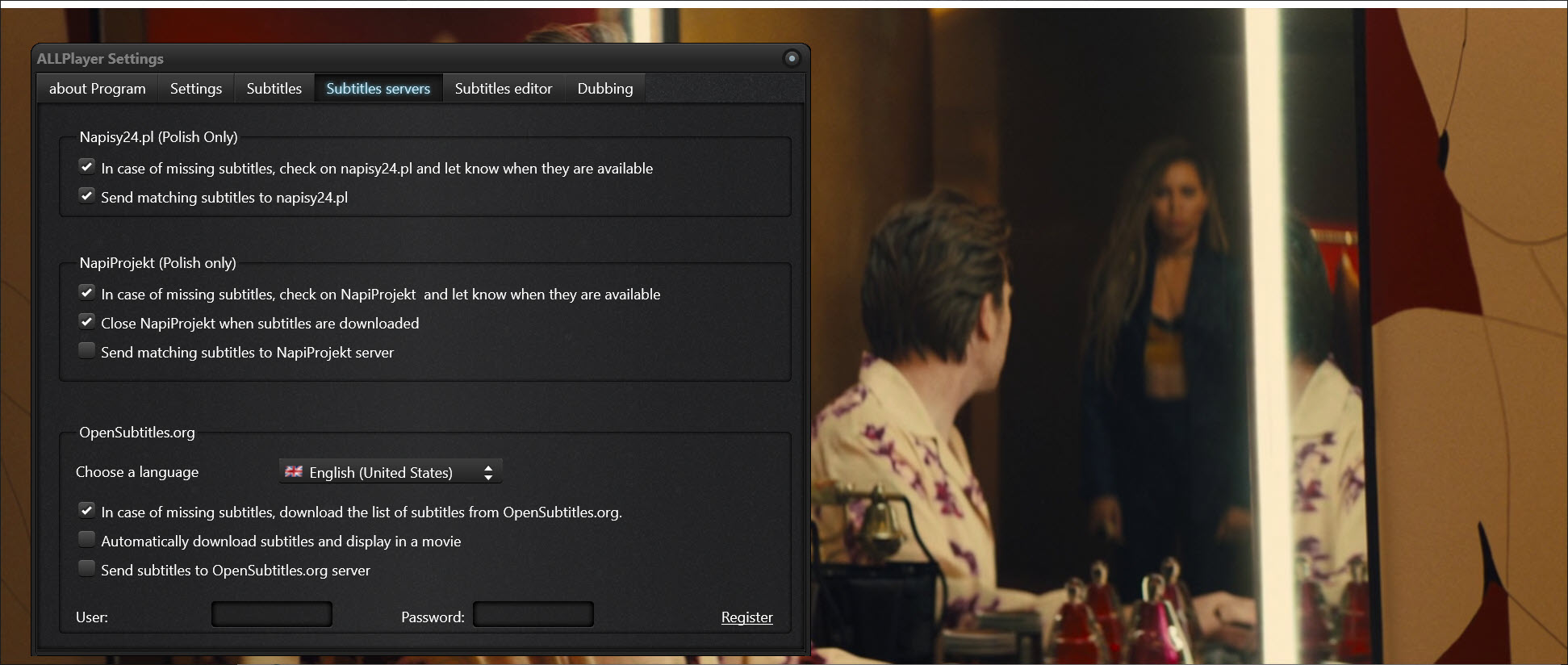
The automatic ALLPlayer search runs the moment a file starts without subtitles. The player queries the subtitle services for a match by the film’s identifying data, and if one exists the download button appears over the picture. Click it and the subtitles are on screen almost immediately, in the language set as preferred, with other languages reachable from the subtitle menu.
External files in SRT, SUB and SSA load as usual when they are already beside the film, and the player picks a file whose name matches the video. SMPlayer searches the same services with a per-file memory this one lacks, and the two differ mostly in what surrounds the search.
When the timing is off, which happens whenever subtitles were made for a different release, the synchronisation controls shift them by a second or by a chosen number of milliseconds without pausing, and the editor recalculates the whole file between frame rates when the drift grows across the film rather than staying constant.
Those two fixes cover nearly every mistimed subtitle a viewer meets, and they are reachable from the keyboard mid-scene.
Intelligent subtitles and the reading pace
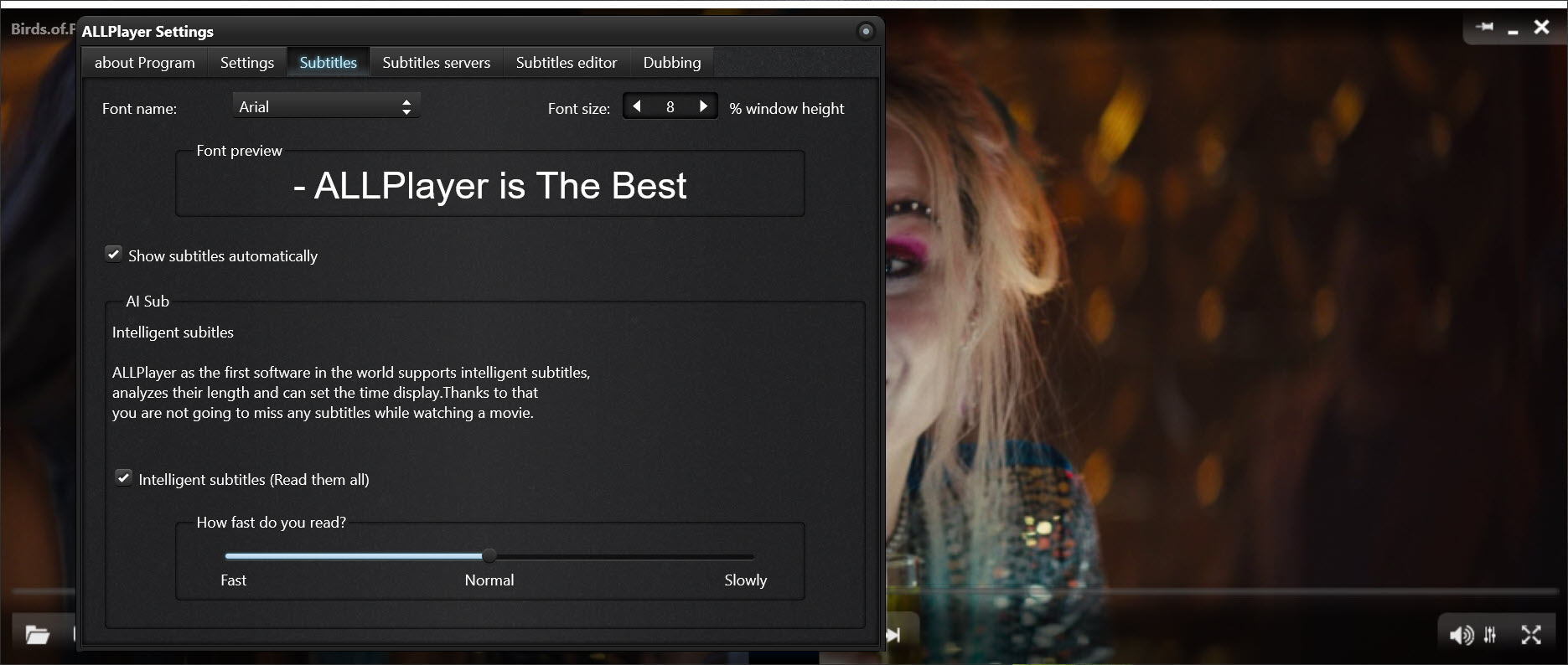
Subtitle files carry a display time for each line, and ALLPlayer treats it as a minimum, and that time is often too short for the length of the line, so a dense exchange flashes past. The intelligent subtitles option measures each line and extends its display to a comfortable reading pace, holding a long line a little past its written end and letting a short one go on time. It is a small idea that changes how a subtitled film feels, and it suits anyone who reads subtitles in a second language. The size, font, colour, outline and position of the text are all adjustable, with presets for a quick change.
The feature does not fix a file that is simply wrong, and it cannot know when a held line overlaps the next one’s start, so on the busiest dialogue it occasionally shows two lines where the file meant one.
For a subtitle file that needs real repair, Subtitle Edit is the tool to fix it once, and the player then shows the corrected file. Most viewers never need that step.
Reading subtitles aloud and the AI voice-over
The ALLPlayer speech synthesiser reads each subtitle line as it appears, over the original soundtrack, in a voice from the system’s installed set or from voices the player offers. It is the same idea as a lector narration, and it suits people who tire of reading, people whose eyesight makes small text hard, and children following a foreign film. Volume balance between the narration and the soundtrack is adjustable.
The AI voice-over takes a subtitle file and produces a full narration track with natural voices, in more than twenty languages, which can be played over the film or exported into a new file with the narration mixed in. The export writes a Matroska file, works from SRT subtitles only, and fixes the narration volume at export time, so the balance has to be set before writing rather than adjusted afterwards.
The result is a dubbed film from a subtitle file, imperfect in the way synthetic voices still are and far better than reading for a long evening on the sofa.
Playback, codecs and the rest of the player
Built-in ALLPlayer codecs play the common containers and streams without any pack, and when a file still refuses, LiveUpdate looks for the codec it lacks and installs it. Hardware decoding takes 1080p and 4K off the processor so a modest machine plays high-resolution files without stutter.
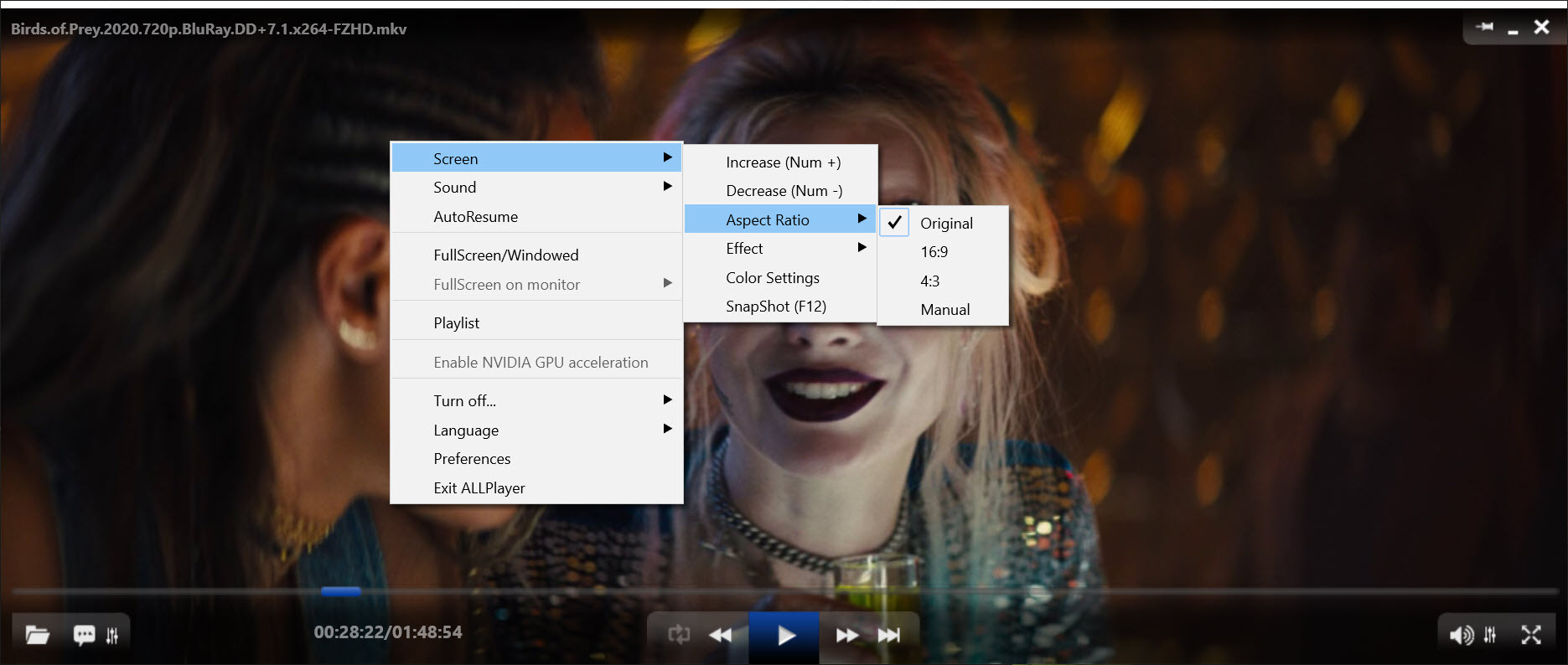
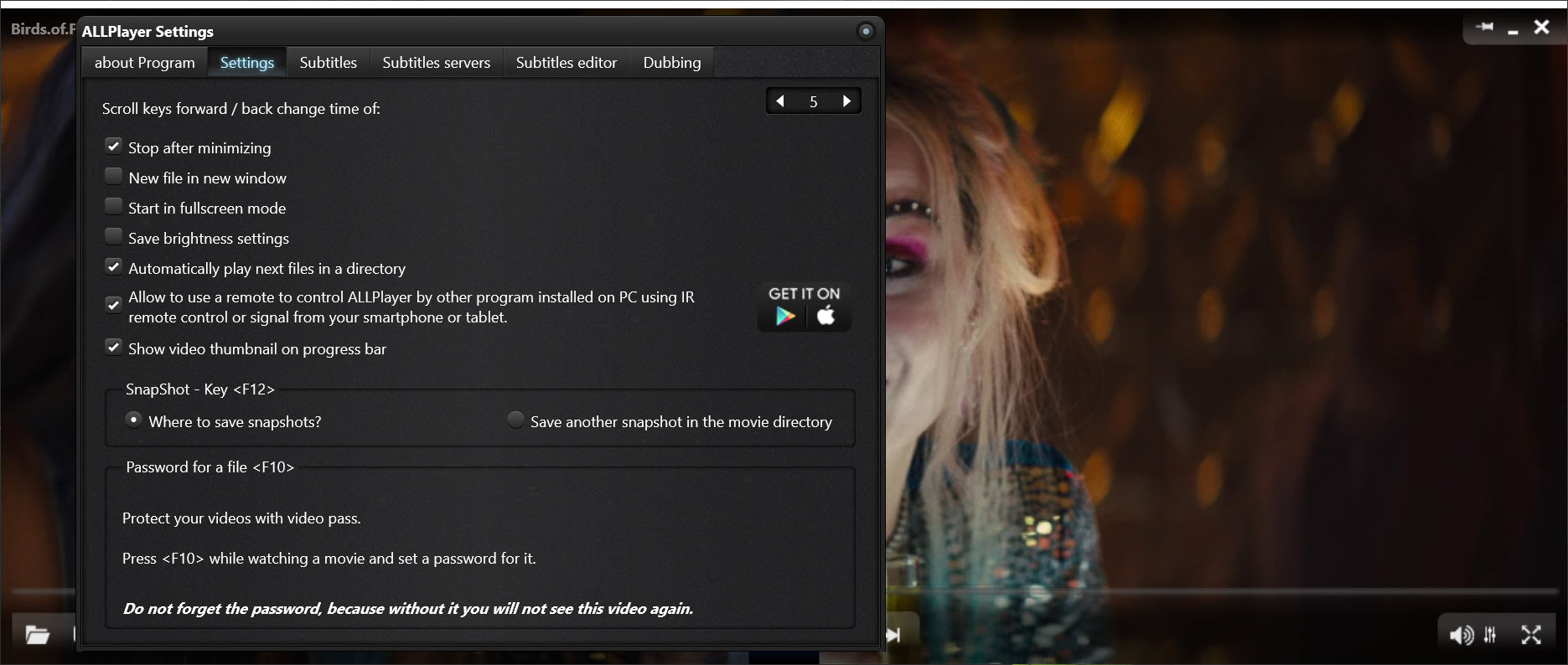
Matroska files with several audio tracks and chapters switch between them from the menu, and 3D video modes are supported alongside Dolby and surround output. Snapshots save a frame with one key, playback speed is adjustable, and every key on the keyboard can be reassigned.
The player also streams internet radio from a built-in list, adds parental controls that lock films behind a password, and pairs with a phone app that works as a remote control. For plain playback with the widest format support and the least around it, VLC Media Player remains the simpler choice, and it stays out of the way where this one keeps adding.
Where it sprawls
The ALLPlayer interface, styled after a tablet, hides functions behind gestures and menus that take a while to find, and the number of features means the settings run to many pages. The installer offers extra software and the LiveUpdate mechanism also promotes add-ons and skins, so each screen deserves reading. Some of the subtitle services it queries require an account for the best matches. Synthetic narration is good rather than natural, and the AI voice-over’s export limits, Matroska only and SRT only, catch people who expected to dub an MP4 with embedded subtitles.
None of this touches the core, which is that a foreign film with no subtitles becomes a subtitled film in two clicks.
Conclusion
ALLPlayer suits anyone who watches films in languages they do not speak, from learners who want subtitles paced to their reading to families who would rather hear a narration than read one. The automatic subtitle download, the intelligent pacing and the voice-over options together do something no other mainstream player does as completely.
It carries more than it needs and asks for attention during installation, and its interface takes patience. Decline the extras, set the preferred subtitle language once, and the two-click path from a silent foreign film to a subtitled one is the reason to keep it.
Pros & Cons
- Finds and downloads matching subtitles automatically in two seconds
- Intelligent subtitles extend display time to a comfortable reading pace
- Synchronisation and frame rate recalculation without pausing playback
- Speech synthesiser reads subtitles aloud as a narration
- AI voice-over generates a full narration track in more than twenty languages
- Built-in codecs, LiveUpdate for missing ones, and hardware-accelerated 4K
- Installer and LiveUpdate offer extra software and add-ons
- Tablet-style interface hides functions behind gestures and deep menus
- AI voice-over export is Matroska only, from SRT subtitles only
- Synthetic narration voices are good but recognisably artificial
Frequently asked questions
Yes. When a film starts without subtitles it searches the subtitle services, and a download button appears on the picture when a match is found.
A mode that measures each subtitle line and extends its display time to a comfortable reading pace, regardless of the timing in the file.
Yes. A speech synthesiser narrates each line over the soundtrack, and the AI voice-over generates a full narration track that can be exported with the film.
The export writes Matroska files from SRT subtitles only. Convert the subtitles to SRT first, and expect an MKV result rather than an MP4.


