

Zoom Player MAX
About Zoom Player MAX
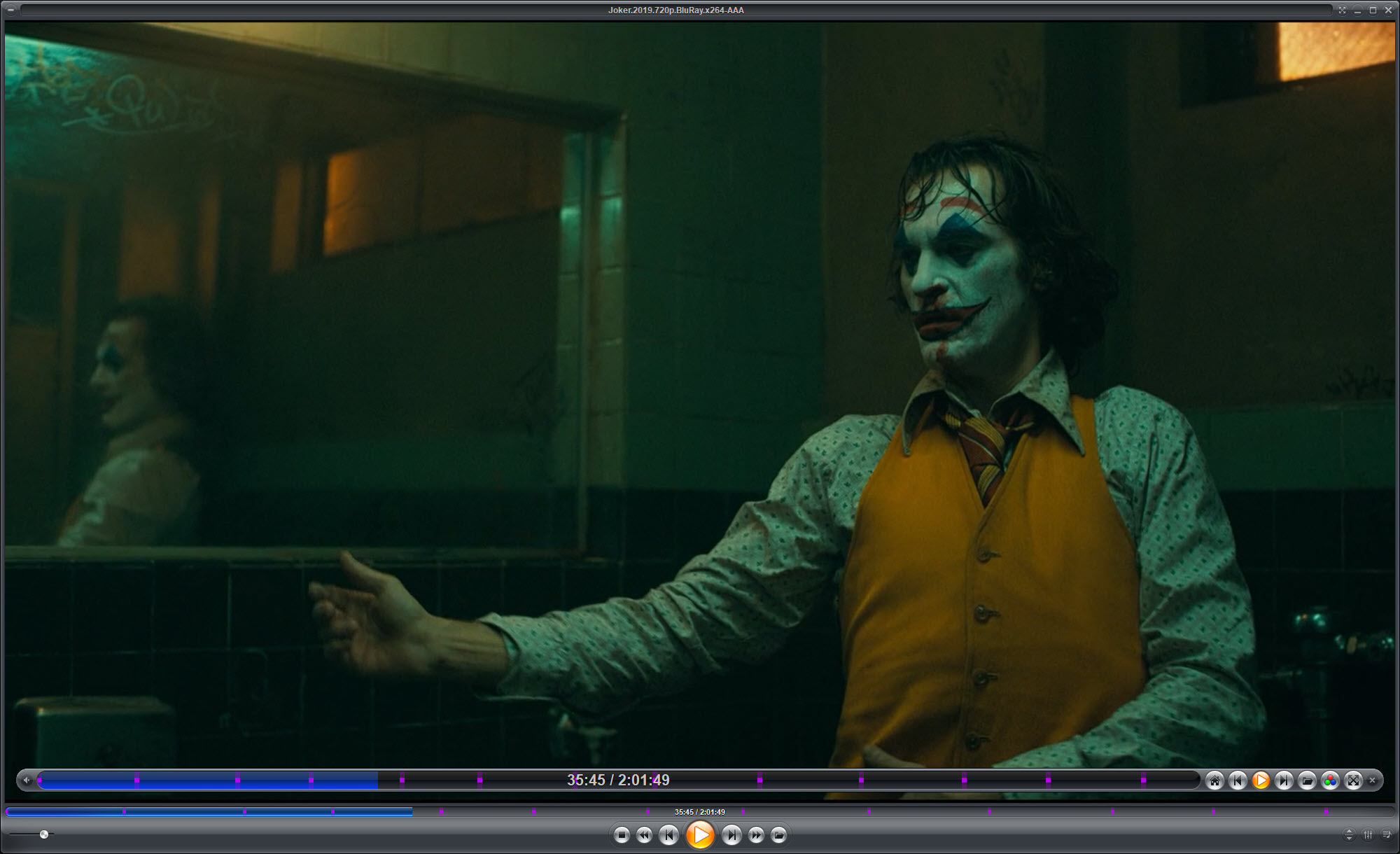
Media players divide roughly into two kinds. Ones designed for a mouse and a desk, and ones designed for a remote control and a sofa. Zoom Player MAX is unusual in being both, switching between a conventional windowed player and a fullscreen navigation interface built for a television across the room.
That dual identity explains most of what is distinctive about it. The windowed mode behaves like any player. The fullscreen mode replaces everything with large text and navigation designed to be driven by four arrow keys and a select button, which is what a remote control actually provides.
Anyone who has tried to operate a normal media player from six feet away will recognise why that matters.
It chooses decoders rather than bundling them
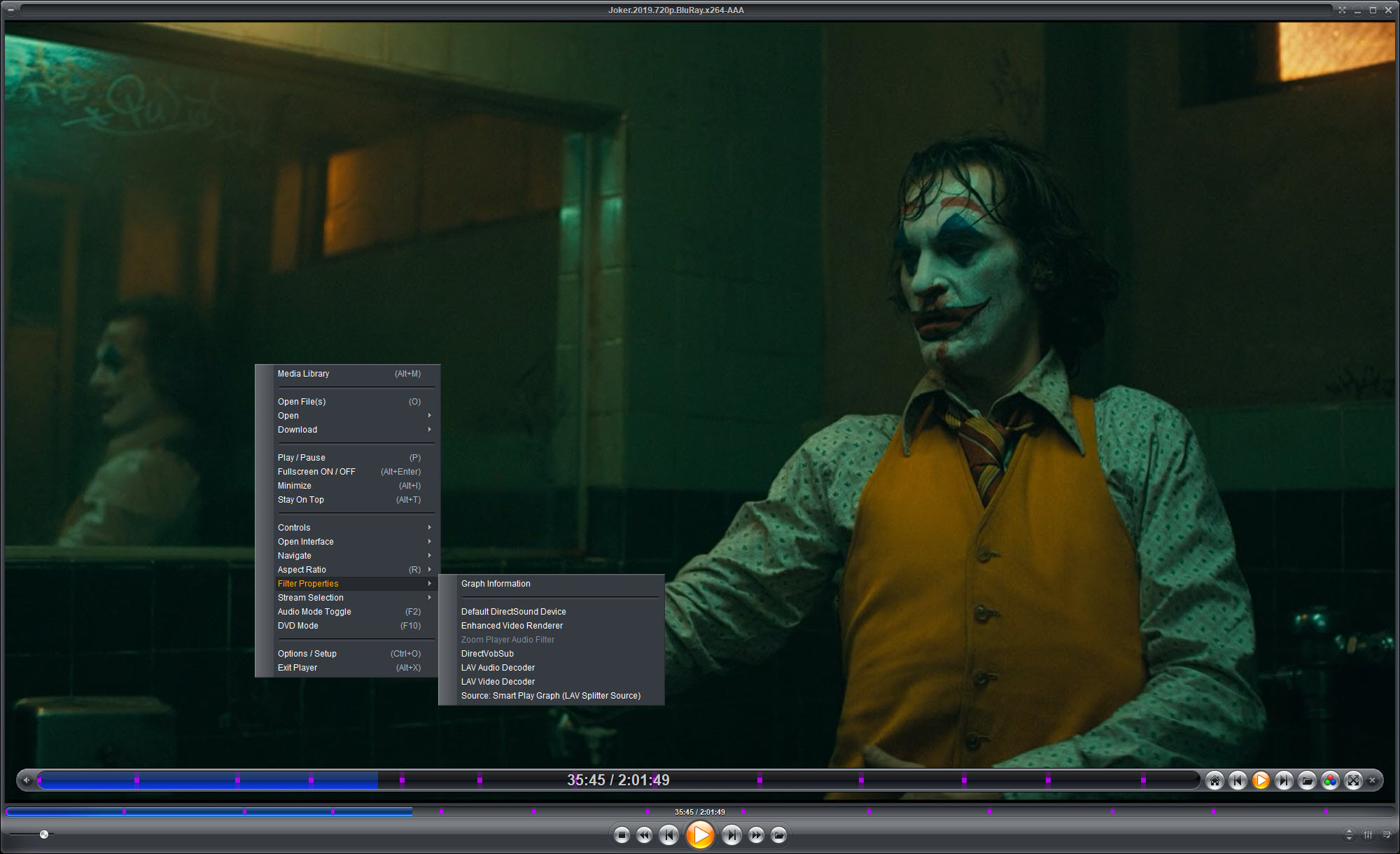
Zoom Player MAX takes an approach most players abandoned. Rather than shipping one set of decoders and using them for everything, it selects which installed decoder handles which format, and lets you override that per file type.
The advantage is control. A file that plays badly under one decoder can be assigned to another without touching anything else, and somebody who has a preferred decoder for a particular format gets to use it.
The consequence is dependency. Playback quality depends on what is installed on the machine rather than on the player alone, so a system with nothing suitable available produces a player that opens files and refuses to show them. A codec pack that supplies a complete set of decoders is the usual companion, and installing one first removes most first-day problems.
Configurable to an unusual degree
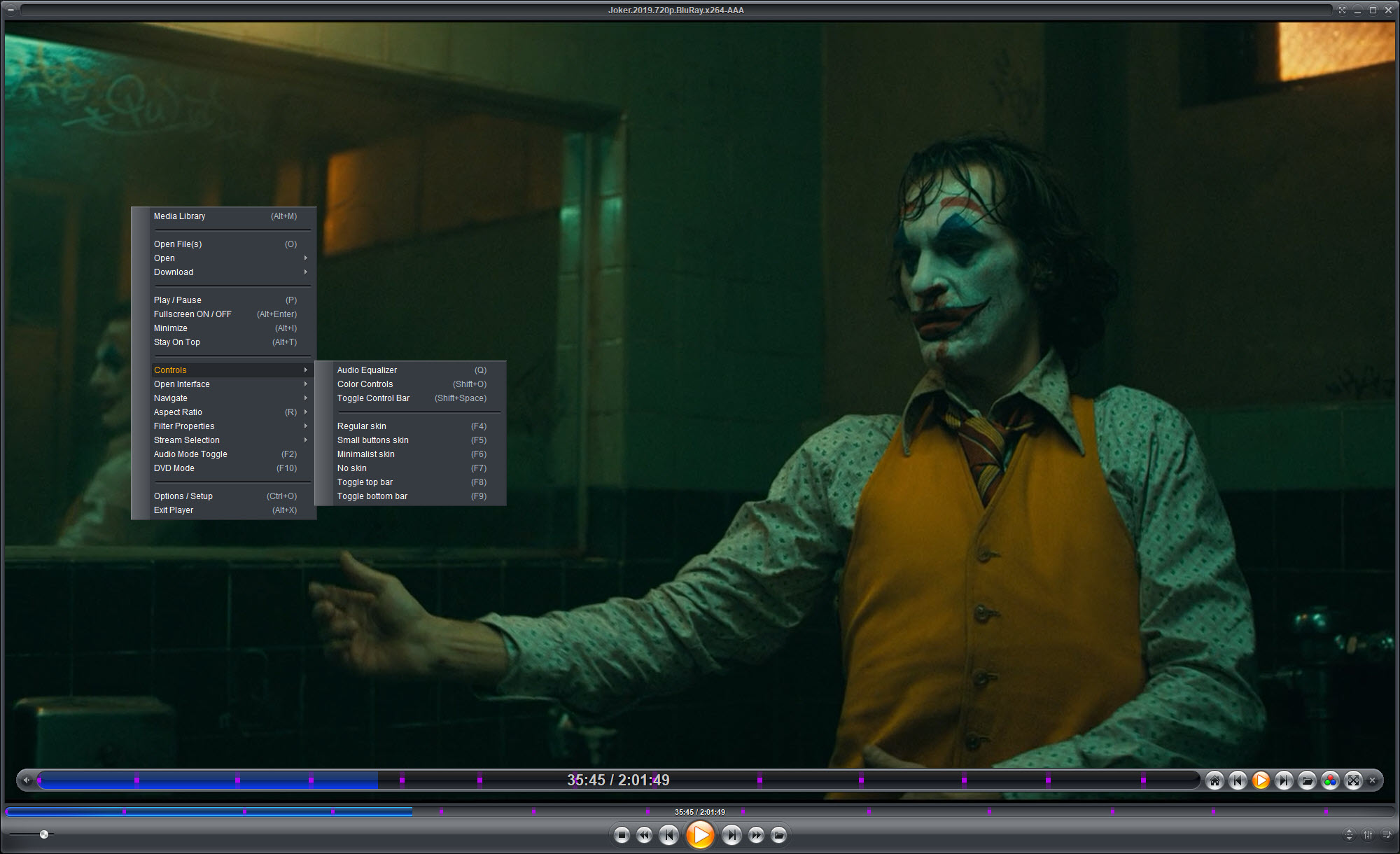
Zoom Player MAX settings run deep. Skins change the appearance completely, the keyboard is fully remappable, mouse actions can be reassigned including gestures, and remote controls are configurable down to individual buttons.
Beyond appearance sit hundreds of behavioural settings governing what happens on a double click, what the player does when a file ends, how it handles a second instance, and dozens of similar decisions most players make for you.
That is the appeal and it is also the barrier. The settings are organised functionally rather than by how often anybody needs them, so finding the one you want means learning the structure. For a player with comparable capability and a friendlier arrangement, PotPlayer covers similar ground with less initial investment.
The playback controls people actually use
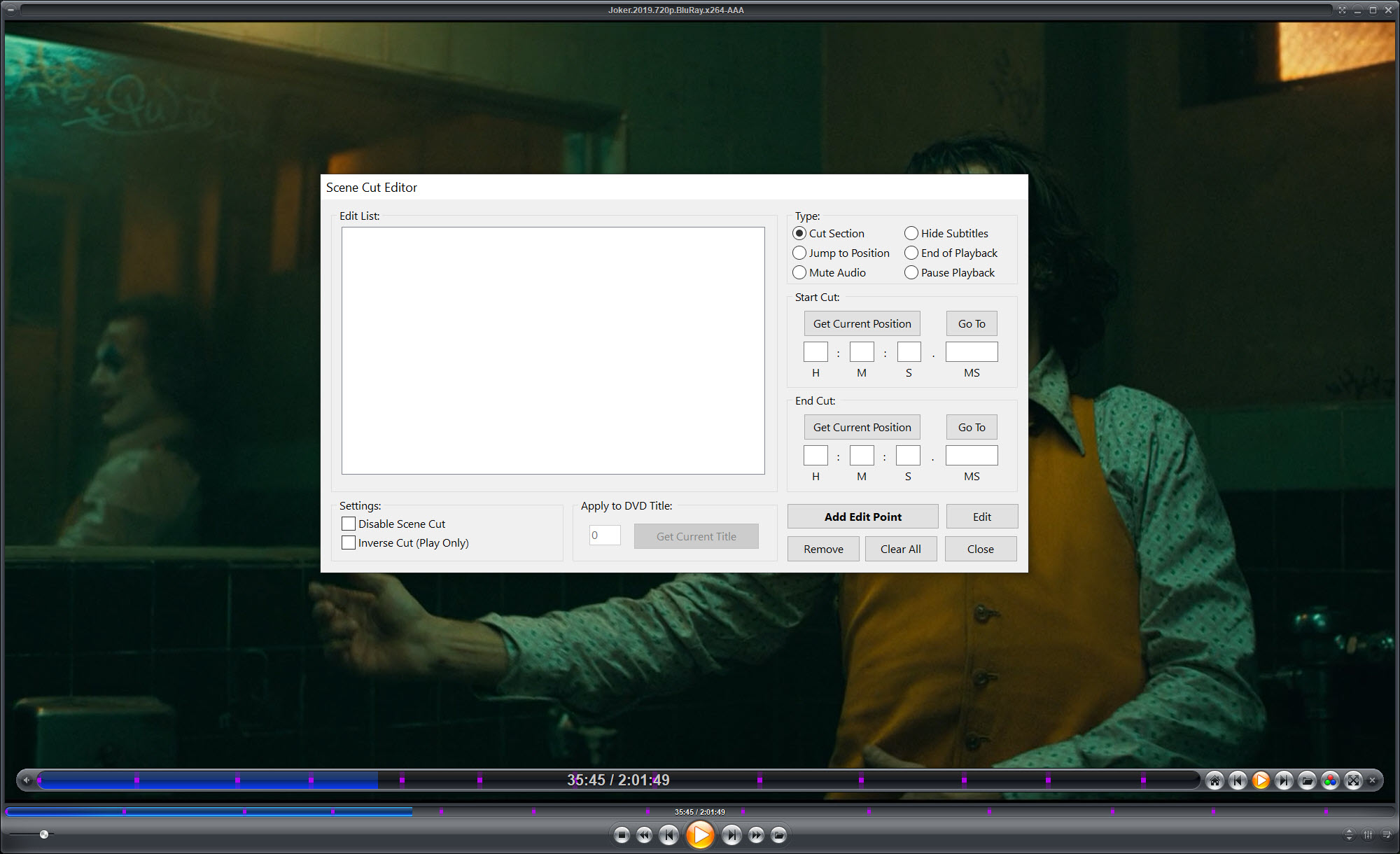
Underneath the Zoom Player MAX configuration sit the features used daily. Bookmarks within a file, so a long recording can be marked and returned to. A to B repeat for looping a section, which is how anybody learning something from video actually works.
Aspect ratio and zoom presets handle badly encoded material, colour controls correct for a display that is wrong rather than adjusting the display itself, and screen capture grabs frames without another program.
Subtitle handling is thorough, covering positioning, delay, appearance, and a subtitle file whose timing is simply wrong needs fixing at the source instead. An editor that shifts and resynchronises subtitle timing does that in a couple of minutes.
Timers round it off. The player can shut the machine down after playback finishes, which is the feature that turns falling asleep to something into a non-event.
What the paid edition adds
The Zoom Player MAX line between editions is drawn around media types rather than convenience. The upper edition handles optical disc playback including the high definition format, television tuner input with recording, and the extras built around those.
For playback of ordinary files from a disk, the lower edition covers it, and understanding which side of the line your use case falls on is the first thing to establish. Somebody playing downloaded files does not need the upper edition. Somebody using the machine as a television does.
That comparison naturally leads elsewhere. VLC Media Player plays essentially everything with no configuration and no editions, and it is what most people should use for ordinary viewing.
Who it is for
The honest Zoom Player MAX audience is narrow and specific. Somebody building a machine to sit under a television, driven by a remote, playing files from a network share, who wants the interface to behave exactly as they specify rather than as somebody else decided.
For that person the configurability is the product and the fullscreen mode is why they chose it over the alternatives. For somebody who wants to double-click a file and watch it, every one of those strengths is overhead they will never use.
Conclusion
Zoom Player MAX is built for a specific arrangement that has become less common and has not disappeared. A machine under a television, a remote control, files on a network share, and somebody who wants every behaviour to match their preference rather than accepting defaults. For that person there is very little competition, because the mainstream players stopped treating the living room as a priority.
Everybody else should be honest about what they need. Decoder selection, hundreds of settings and a configurable remote layout are advantages only if you intend to use them, and a player that opens a file and plays it correctly with no configuration whatsoever is the better tool for ordinary viewing. Establish which of those two people you are before spending an evening in the settings.
Pros & Cons
- Fullscreen navigation mode properly designed for a remote control and a television
- Decoder selection per format, so a problem file can be reassigned without side effects
- Skins, keyboard, mouse, remote controls are all remappable
- Bookmarks within files and A to B repeat for reviewing sections
- Subtitle positioning, delay and appearance all adjustable during playback
- Shutdown timers for falling asleep during playback
- Colour and aspect adjustments correct bad material without changing display settings
- Playback quality depends on decoders installed elsewhere on the machine
- The settings are extensive and organised for completeness rather than discoverability
- The interface has aged and looks it beside newer players
- Optical disc and tuner support belong to the upper edition
- Most of what people actually do is covered by players that ask nothing of them
Frequently asked questions
Replaces the ordinary interface with large navigation designed for a remote control, so the player can be operated from across a room with a handful of buttons rather than requiring a mouse and readable-at-arms-length text.
Because it selects among installed decoders rather than bundling its own, which gives you control over which one handles each format. The trade is that a machine without suitable decoders present gets poor playback or none.
Optical disc playback including the high definition format, television tuner input with recording, and the features built around those. Playing ordinary files from a disk does not require it.
The remote-driven fullscreen interface and the depth of configuration. Everything else is available elsewhere with less effort, so those two are the reasons to choose it.
The basics are not, and the configuration is. Settings are organised by function rather than by frequency of use, so finding a specific option means learning how the structure is arranged first.


