

Viber
About Viber
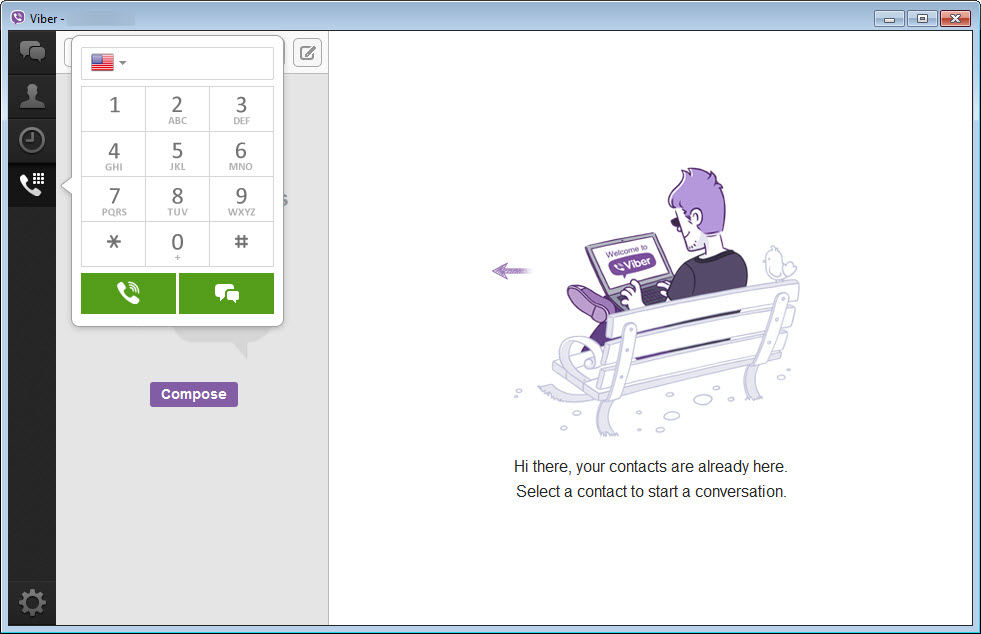
Viber on the desktop is the difference between messaging as a phone interruption and messaging as part of your working day. The application brings your existing account onto the computer, complete message history flowing both ways, and adds the things a real keyboard and a big screen do better.
Typing at full speed, video calls on a proper display, screen sharing, and dragging files straight into a conversation all come with the territory.
One structural fact shapes everything else, so it goes first. The desktop client is a companion, not a standalone. Your account lives on your phone number, activation happens by scanning a QR code with the phone app, and a desktop-only existence isn’t on the menu.
For the tens of millions who already run it on their phones, especially across Eastern Europe where the service is a household default, that’s no obstacle at all. For someone hoping to sign up fresh from a computer, it’s the dealbreaker to know about upfront.
Calls that follow you between devices
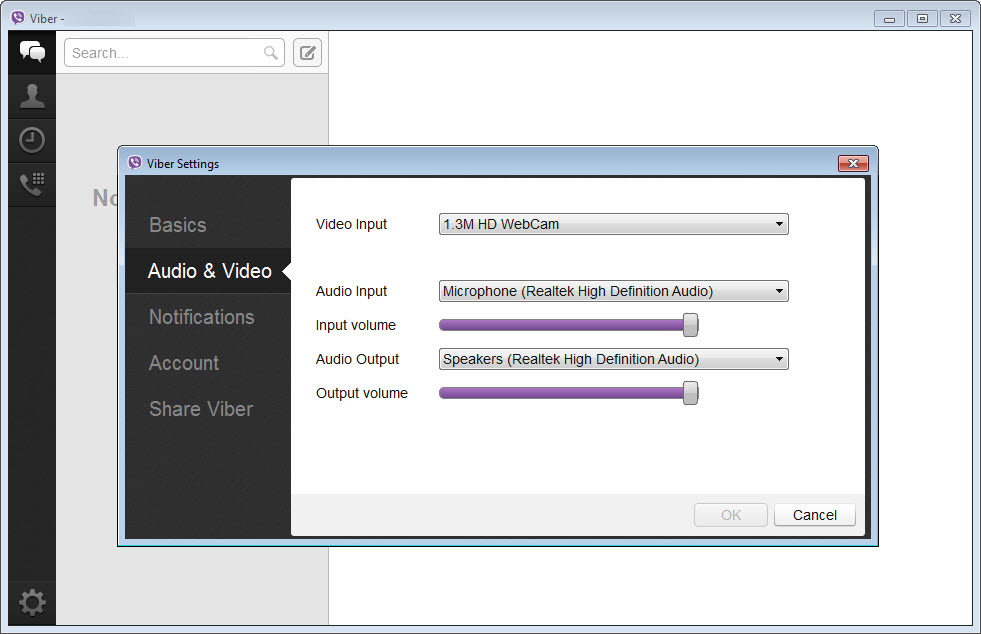
Voice and video calls between users are free and, on the desktop, noticeably more comfortable. Video lands on a screen you don’t have to hold, group calls fit more faces legibly, and screen sharing turns a call into a walkthrough, the family tech-support session or the quick work demo handled without a separate meeting app.
The transfer trick is the everyday standout. A call started on the phone moves to the desktop mid-conversation with one click, and back again when you need to leave, no hangup, no redial. Walk in the door talking, sit down, and continue on the big screen.
Few rivals handle this handoff as smoothly, and once it becomes habit, its absence elsewhere feels broken.
Encrypted by default, hidden when asked
Every personal chat and call is protected by end-to-end encryption switched on by default, not an opt-in “secret mode” buried in menus. The keys live on your devices, and each conversation can be verified with the contact for the cautious. Disappearing messages put a timer on sensitive threads, and hidden chats take specific conversations off the main list entirely, retrievable only with a PIN, a thoughtful answer to the shared-computer household.
Fair framing of the limits is owed here. Group dynamics differ from one-to-one guarantees, and no messenger’s encryption helps against someone reading over your shoulder or a phone left unlocked.
For a purist audience that wants encryption as the entire product rather than a feature, the reference point remains Signal Desktop. Within the mainstream messengers, though, this default posture is stronger than most.
Communities, channels, and the sticker economy
Group chats scale from the family thread to communities with effectively unbounded membership, complete with admin roles, pinned messages, and polls. Channels broadcast one-to-many for creators and businesses. Reactions, quoted replies, mentions, and @-notifications all behave the way modern messaging etiquette expects, and the sticker culture is a defining trait, an enormous catalog that certain regions treat as a second alphabet.
My Notes deserves a mention as the sleeper feature, a private chat with yourself that syncs across devices, which quietly becomes the fastest phone-to-PC pipeline you own. Link on the phone, open on the desktop, done.
And Viber Out extends calling beyond the app to ordinary phone numbers as a paid add-on, useful for the one relative who refuses all apps on principle.
The honest annoyances
Advertising is the loudest complaint, and it’s legitimate. Sponsored entries appear in the chat list and after calls, business messages arrive uninvited unless you dig into settings to limit them, and the overall commercial temperature runs warmer than in Telegram Desktop or WhatsApp. Nothing interrupts an open conversation, but the periphery is monetized and you’ll notice.
Sync has its edges too. History flows between devices from activation onward, while conversations predating the desktop install may arrive incomplete, so don’t treat a fresh desktop as an archive of your messaging past. The client is also a typical modern web-wrapped app in appetite, comfortable on current machines, noticeable on aging ones. And your social graph decides everything in this category.
Where the service dominates, it’s indispensable, and where your contacts live on WhatsApp, no feature list moves them.
Conclusion
Viber on the desktop earns its place for one clear audience, people whose social circle already lives on the service and who spend their days at a keyboard. For them, the effortless sync, the mid-call device handoff, and proper screen-sharing turn the phone app into a full workstation citizen, with encryption defaults that beat most mainstream rivals.
If your contacts are elsewhere, the network effect decides and no review can overrule it. But where this app is the local lingua franca, from Bucharest to Manila, the desktop client is simply the comfortable way to live in it.
Pros & Cons
- Complete phone-desktop sync with mid-call transfer between devices
- End-to-end encryption on by default for personal chats and calls
- Screen sharing and comfortable group video on a real display
- Hidden chats behind a PIN and disappearing messages for sensitive threads
- My Notes doubles as an instant file and link pipeline between devices
- Massive communities, channels, and a deep sticker catalog
- Cannot be used without an active phone installation
- Ads in the chat list and after calls
- Message history before desktop activation may not fully sync
- Heavier on resources than its job seems to justify
Frequently asked questions
No. The account is created and anchored on a phone, and the desktop activates by scanning a QR code with the phone app. The desktop is a synchronized companion, not an independent client.
Yes, end-to-end encryption is on by default for personal chats and calls, with per-contact verification available. Neither the service nor anyone intercepting traffic can read properly delivered messages.
Yes, an active call transfers between devices with one click in either direction, without disconnecting, which is one of the client's most distinctive conveniences.
Synchronization covers activity from the moment the desktop is linked. Conversations that predate it may transfer incompletely, so the phone remains the authoritative archive.
Yes, desktop video calls include screen sharing, which covers remote help and quick demonstrations without a separate meeting application.


