

Emu Loader
About Emu Loader
Emu Loader is the Windows frontend that organizes large MAME and console emulator collections into a single browsable library with proper ROM auditing, screenshot management, and per-emulator configuration profiles. The application started as a pure MAME frontend and grew over the years into a multi-system manager that handles arcade and console catalogs side by side. Where most retro frontends focus on presentation, Emu Loader focuses on data integrity, accurate ROM verification against current DAT files, and giving users actual control over how each emulator launches each game.
What sets the application apart from the broader frontend ecosystem is its auditing depth. MAME ROM sets are notoriously complex, with merged, split, and non-merged formats, parent/clone relationships, and BIOS dependencies that turn a working collection into a broken one the moment the wrong file goes missing.
Emu Loader treats this complexity as a first-class concern. It reads the DAT files distributed alongside each MAME release, checks every ROM in your collection against those expectations, flags missing files, identifies mismatched CRCs, and tells you exactly what your collection is and is not.
The MAME-centric heritage and DAT file auditing
This is the core feature and the reason the application exists. MAME distributes a DAT file with each release that describes every supported game, the ROMs each game needs, the file sizes, the CRC32 and SHA1 hashes, and the parent/clone relationships. Emu Loader imports this DAT and uses it as the ground truth for what your collection should look like.
The audit process walks every file in your configured ROM directories and compares against the DAT. Each game ends up classified as fully working, partially working (some ROMs present, others missing), or non-functional (critical files absent). The result is a colored game list where you can see at a glance which titles will actually launch and which will fail with a missing ROM error. This kind of clarity is not something MAME provides directly through its own interface.
The audit also handles BIOS files. Many arcade games require specific BIOS ROMs that themselves need auditing. Neo Geo, CPS-1, CPS-2, and other systems have shared BIOS files that the entire family of games depends on. The application identifies missing BIOS files separately and flags any games affected by their absence.
For lightweight users who want to skip the audit complexity and just play a curated arcade selection, a simpler alternative like ExtraMAME trades depth for ease of use.
Merged, split, and non-merged ROM sets explained
This is the part that confuses every new MAME user, and it is also the part Emu Loader handles well. MAME ROM collections come in three storage formats. Merged sets pack all variants of a game (the parent ROM and all clones) into a single zip file, saving disk space. Split sets store the parent in one zip and each clone in its own zip that references the parent. Non-merged sets duplicate the parent ROMs into every clone zip, using more disk space but making each file fully self-contained.
Newer MAME builds expect specific formats and break when you mix them. Emu Loader detects which format your collection uses, audits accordingly, and can convert between formats when needed. The conversion is a per-game or batch operation that repacks zips into the format you choose. This matters because moving from one MAME version to another often requires re-validating your collection against new DAT expectations.
The application also handles CHD files, which store the large CD or disc images that some arcade games use (specifically post-2000 hardware like NAOMI, Atomiswave, and certain laserdisc games). CHDs sit alongside ROMs in separate directories and require their own audit pass.
Mishandling CHDs is one of the more common reasons modern MAME games refuse to launch.
Snapshot management and the four image categories
Arcade collections accumulate a surprising amount of metadata art. Emu Loader organizes this into four standard categories. Snapshots are in-game screenshots, usually one per game. Cabinets are photos of the original arcade cabinet. Marquees are the lit signs on top of those cabinets. Title screens are the title or attract-mode display of each game.
Each category lives in its own directory and gets displayed in dedicated panels in the interface. As you scroll through the game list, the corresponding images load automatically, building a visual catalog that feels more like a museum than a launcher. Some collectors specifically value this over playing the games, treating the application as an arcade history database with the ability to actually run the games as a bonus.
Sourcing the image collections is a separate exercise. The application does not include any artwork by default. Community-maintained image packs cover the most popular games comprehensively, but obscure titles often have no available art. For users who want an even more visual launcher experience with full theme support, HyperSpin takes the presentation angle further, while Emu Loader stays focused on the data and management side.
Multi-emulator support and the profile system
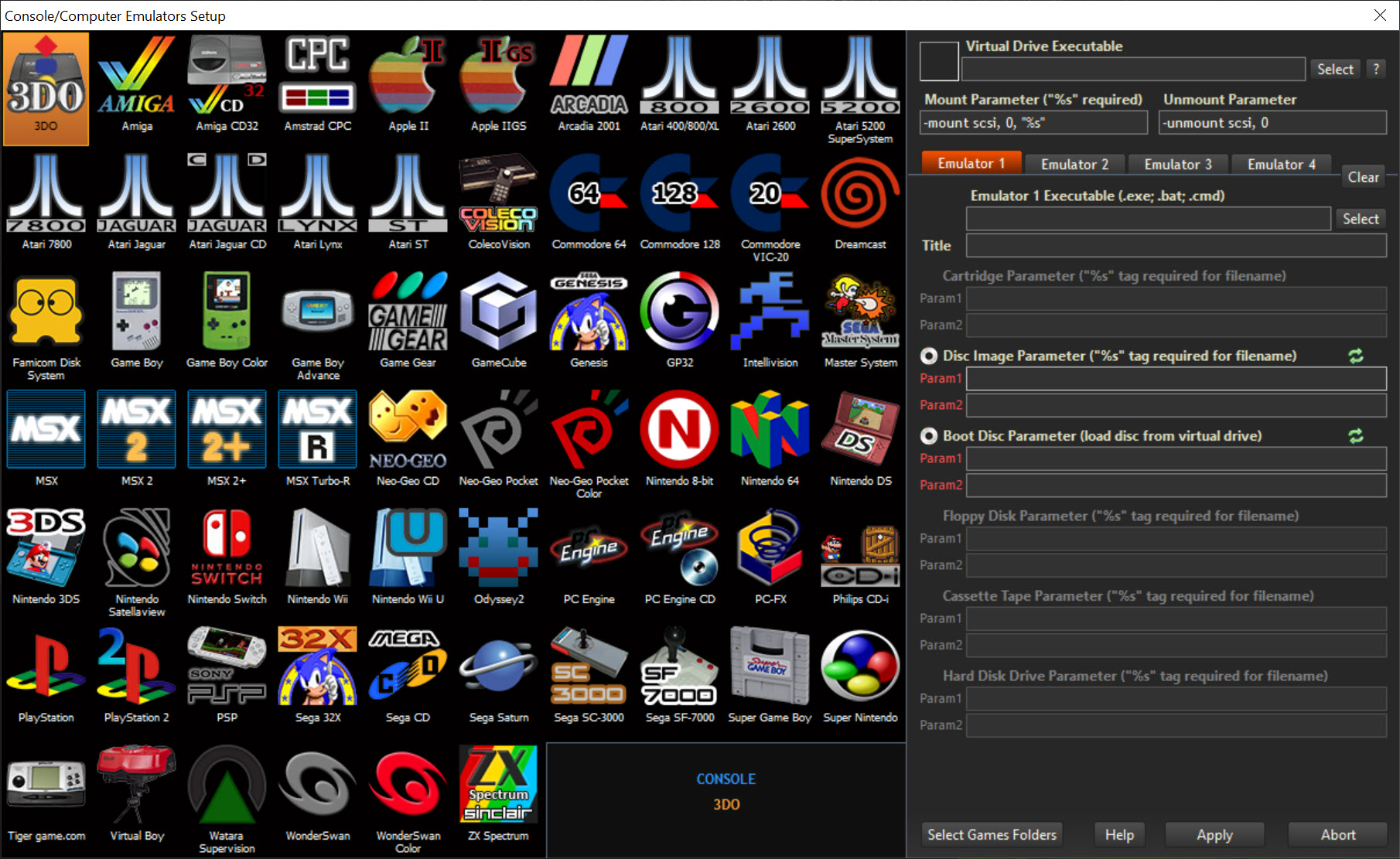
Beyond MAME, the application manages console emulator collections through configurable profiles. Each profile points to an emulator executable, defines the command-line arguments that emulator expects, and points to the ROM directory for that system. You can have profiles for NES, SNES, Genesis, N64, PSX, Saturn, and many others, switching between them through a system selector at the top of the interface.
Setting up a new profile requires knowing how the target emulator handles command-line ROM loading. For Snes9x, Project64, DeSmuME, and most other established emulators, the basic command is straightforward and the application includes preset profiles you can adapt. For more obscure or unusual emulators, you may need to consult the emulator’s documentation and create the profile manually.
The profile system handles per-system metadata separately. NES screenshots live in a different directory from arcade snapshots, ROM auditing uses different DAT files where available, and the category filters are specific to each system.
This separation keeps large multi-system collections manageable instead of merging everything into one undifferentiated pile.
Category filters and the browsing experience
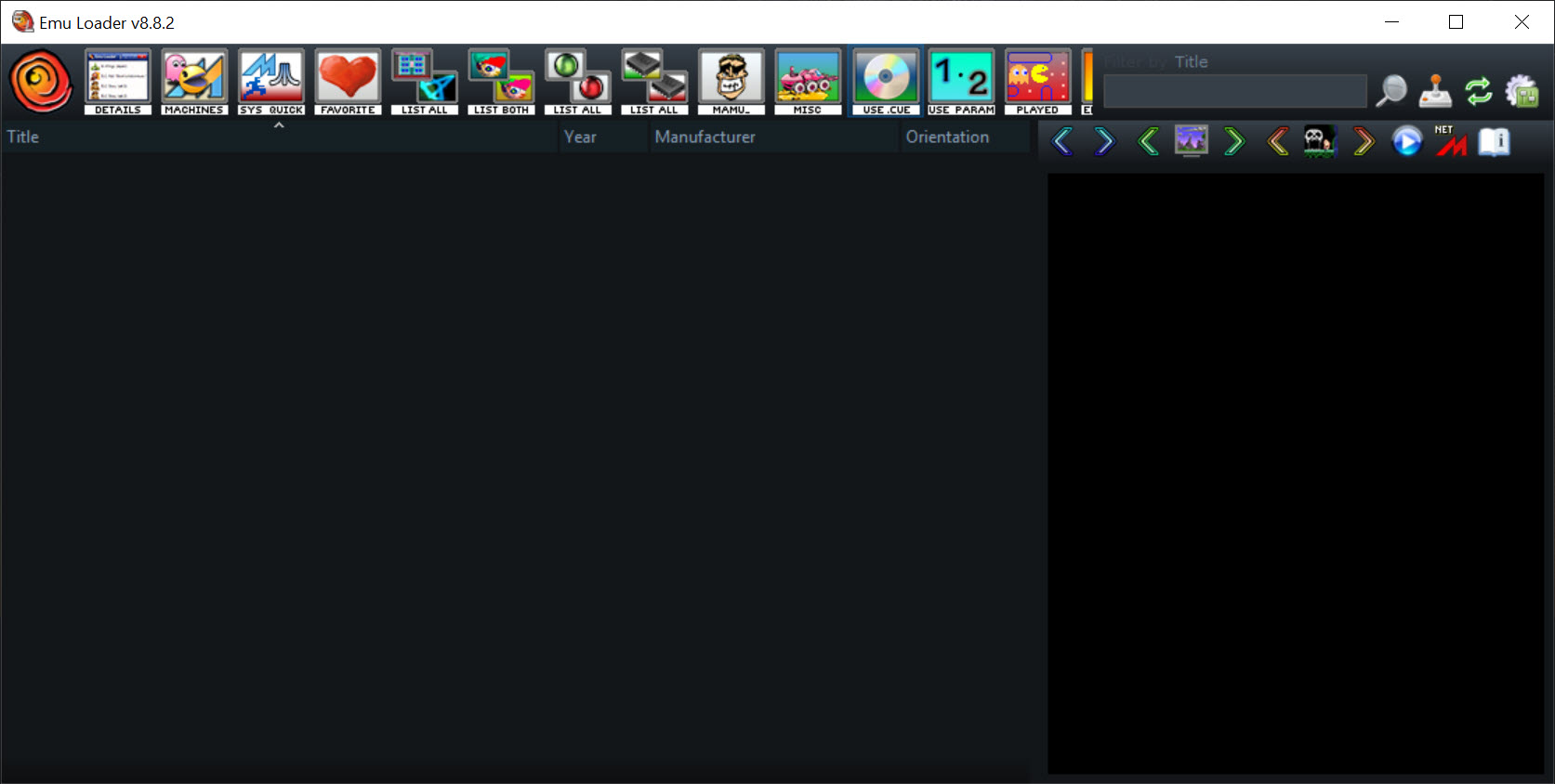
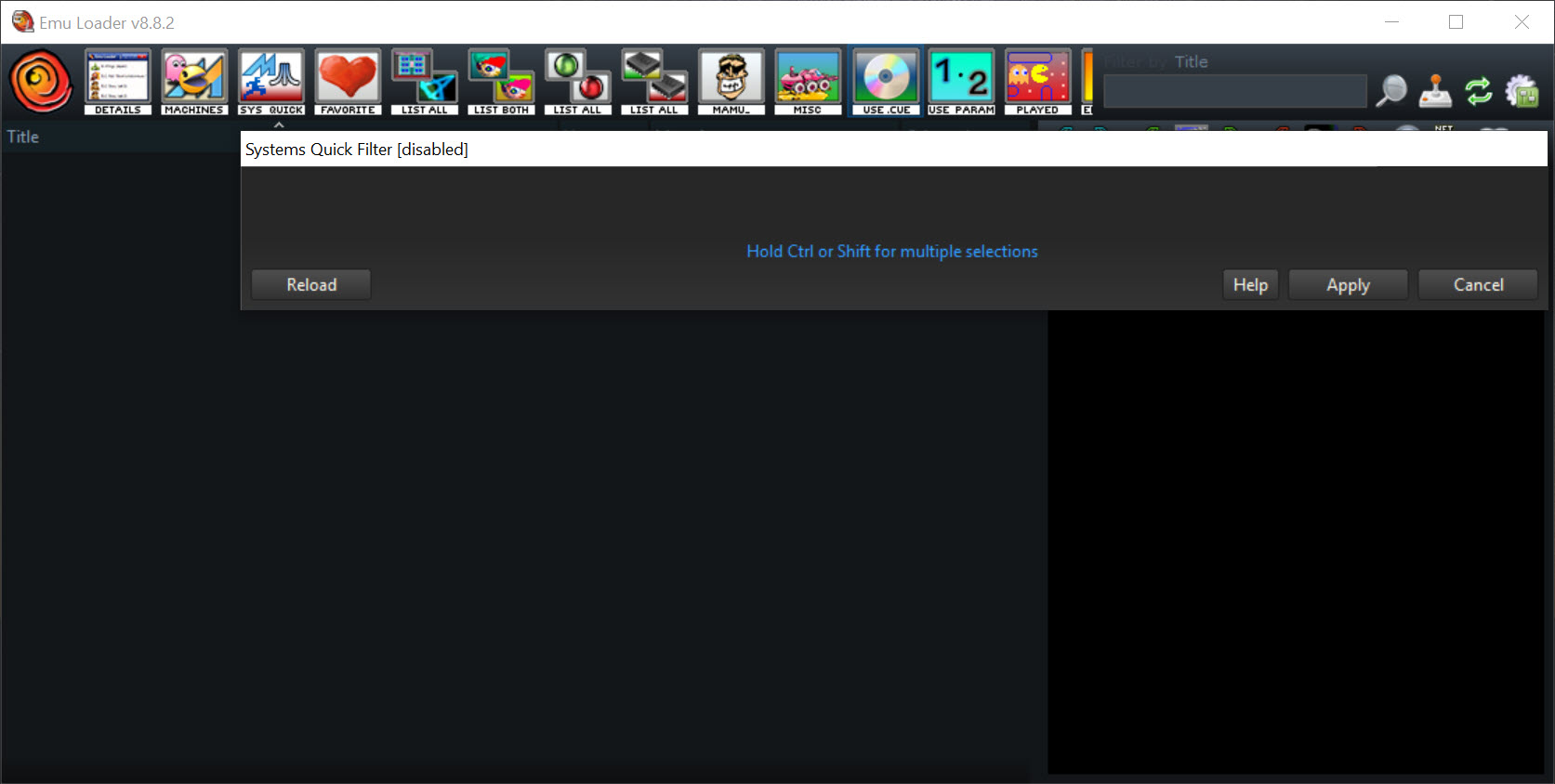
The MAME catalog includes over forty thousand games. Without filtering, this is unmanageable. Emu Loader uses category files (the most common is catver.ini, distributed by the community) to tag each game with its genre, decade, and parent/clone status. The filter panel lets you narrow the visible list to specific categories, years, or working states.
Common filtering workflows include showing only working games (hiding everything the audit flagged as broken), showing only specific genres (just shoot-em-ups, just fighters, just driving games), and showing only parent ROMs (hiding all the regional clones and bootlegs that clutter the list). These filters combine, so you can quickly drill down from forty thousand entries to a working list of fighting games released in a specific era.
Search adds another layer. The search bar accepts substring matching against game titles, and you can narrow the search to the current filter or expand it across the entire catalog. For users coordinating multi-system collections alongside arcade games, a system selector at the top toggles between catalogs without losing your category filter preferences within each system.
MAME command-line settings without the command line
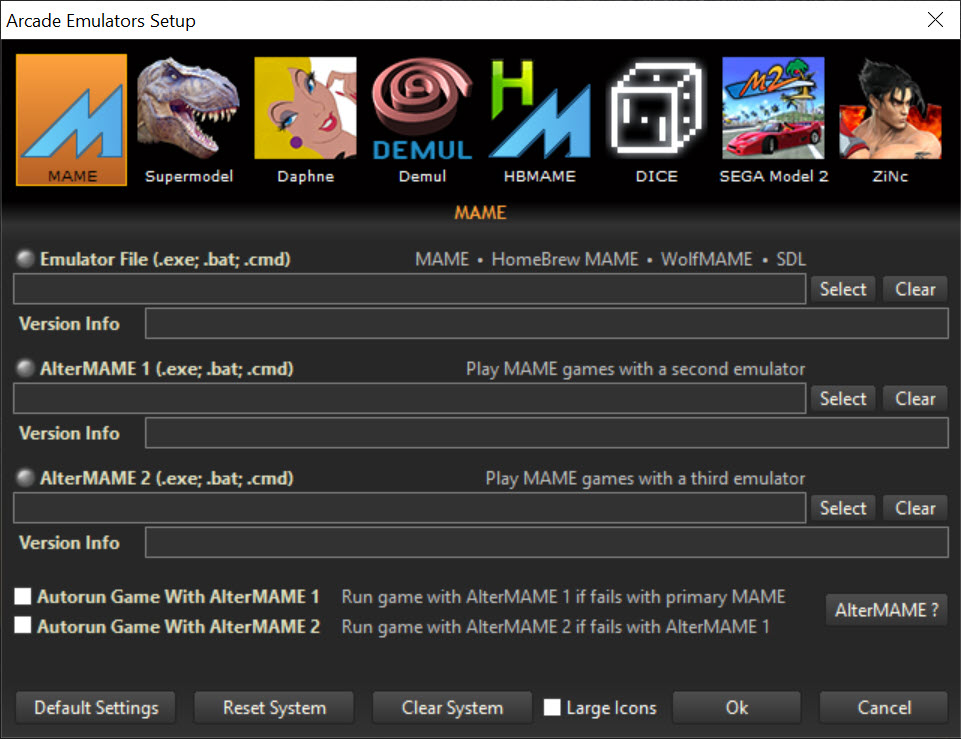
This is the feature serious MAME users care about most. MAME itself is configured primarily through command-line arguments and INI files. Most users never want to learn those arguments. Emu Loader exposes the major MAME settings through dialog boxes, building the command line behind the scenes when launching each game.
Per-game overrides are also supported. You can configure global settings (default video mode, sound sample rate, default input mapping) that apply to all games, then override them for specific titles where the global settings do not work well.
The application stores these per-game overrides separately and applies them automatically on launch. This kind of granular configuration is why advanced MAME users often prefer Emu Loader over the official MAME UI.
Real limitations
The interface is dense and dated. Dozens of features are packed into menus and panels with terminology that assumes you already know MAME’s vocabulary. New users opening the application for the first time face a learning curve, and the documentation, while thorough, is not aimed at beginners.
The application is Windows-only and shows its age in places. The visual design is functional rather than polished, the dialog windows do not scale gracefully on high-DPI displays, and the interface paradigm is closer to a database manager than a modern game launcher. Users coming from heavily styled frontends with theme support and animated transitions will find this jarring.
Maintenance of the various data files is also a recurring task. DAT files change with each MAME release, category files need updating as new games are added, and image collections grow over time. The application does not auto-sync any of this. Power users build workflows around manually updating these data sources, which is fine for enthusiasts but adds friction casual users do not expect.
Conclusion
Emu Loader is the right choice for serious MAME collectors and multi-system retro enthusiasts who treat their collections as data rather than just a list of games to play. The auditing depth, the ROM format conversion, the comprehensive metadata management, and the per-game configuration overrides combine into a tool that respects the complexity of arcade emulation instead of hiding it. For users maintaining accurate ROM sets across MAME releases, this is one of the few applications that actually does the job properly.
The application is not aimed at users who want a visually polished launcher or a turnkey experience. The interface is functional rather than designed, the learning curve is real, and the maintenance of data files falls on the user. What the application delivers in exchange is control and accuracy that flashier frontends do not match.
It is a tool for collectors who care about whether their collections are correct, and a frontend for users who treat arcade and retro emulation as a hobby with depth.
Pros & Cons
- Deepest ROM auditing in the consumer frontend space, with full DAT file integration
- Handles merged, split, and non-merged MAME ROM sets and converts between them
- Snapshot, cabinet, marquee, and title screen management for arcade collections
- Multi-emulator profile system extends beyond MAME to console emulators with custom command lines
- Per-game MAME settings exposed through dialogs without requiring command-line knowledge
- Category and filter system makes the massive MAME catalog actually browsable
- Steep learning curve with terminology that assumes existing MAME knowledge
- Interface design is dated and does not scale well on high-DPI displays
- Manual maintenance of DAT files, category files, and image collections required
- Visual presentation is functional rather than polished, lacking modern theme support
- Setting up profiles for new emulators requires understanding of command-line arguments
- Not the right tool for users who just want to double-click and play
Frequently asked questions
It provides ROM auditing against DAT files, a visual game list with category filters, snapshot and metadata management, per-game configuration overrides without command-line use, and integration with console emulators alongside MAME.
Configure the path to the current MAME DAT file in the audit settings, point the application at your ROM directories, and run a full audit. The result is a classified list showing which games are working, partial, or missing critical files.
Yes. The application can convert ROM sets between the three storage formats, either per-game or as a batch operation. This is essential when moving collections between MAME versions that expect different formats.
Both. The profile system lets you configure any console emulator that supports command-line ROM loading. Most established emulators have profile templates or can be configured manually within a few minutes.
Community-maintained image packs cover the most popular MAME games and are downloaded separately from the application. Emu Loader does not bundle any artwork, but the directory structure and naming convention follow widely-used standards.
The audit compares CRC32 and SHA1 hashes against the DAT file expectations. If your ROM file has the right name but the wrong contents (a hacked version, a different revision, or a corrupted download), the audit flags it. Replacing the file with the version matching the expected hashes resolves it.
Yes, as long as you update the DAT file when MAME updates. The application does not depend on a specific MAME version, but the audit accuracy depends entirely on having the matching DAT file for your installed MAME release.
Yes. CHD files sit alongside ROMs in their own configured directory and get audited as part of the standard pass. Games requiring CHDs are flagged as broken if the CHD is missing or has the wrong hash.


