

GameRanger
 (1 votes, average: 5.00 out of 5)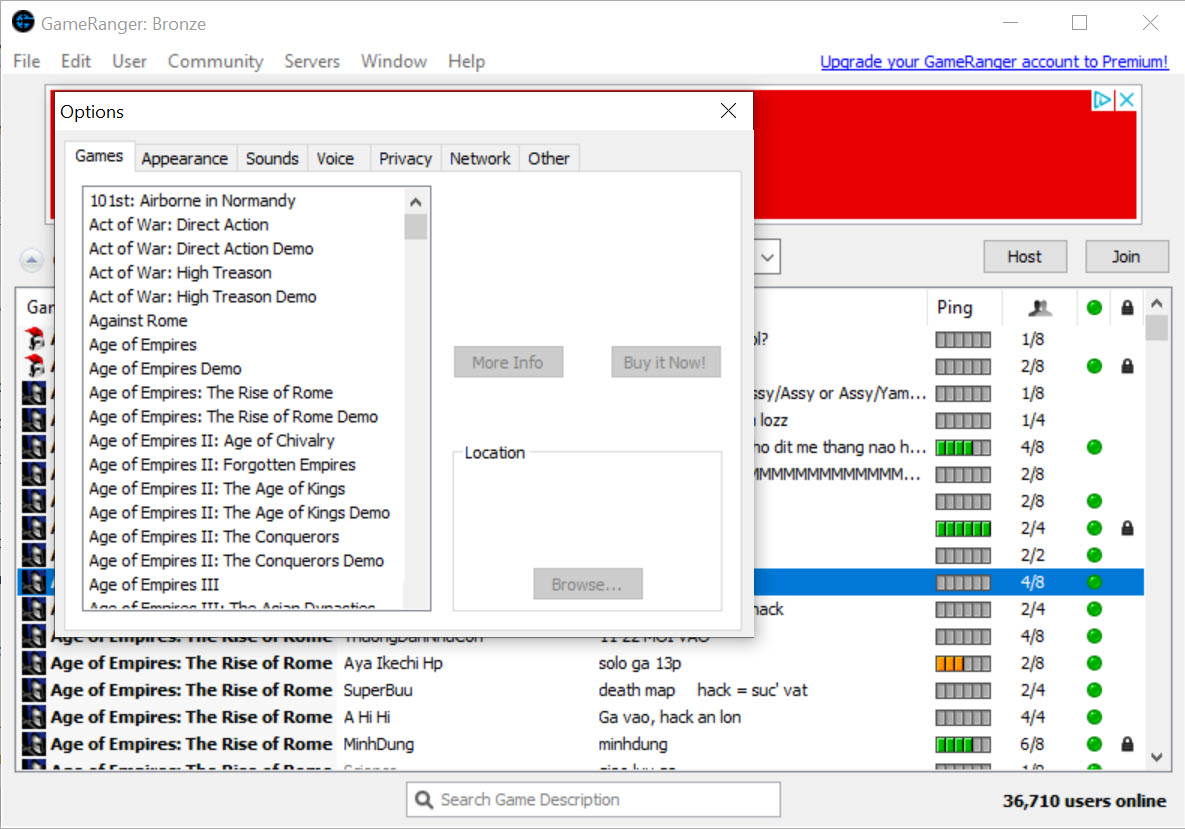
About GameRanger
Most multiplayer games made before the rise of universal lobbies and centralized matchmaking platforms used some combination of LAN broadcast, direct IP connection, and game-specific master servers to find opponents.
When those master servers shut down, which has happened to many games over the years, the multiplayer mode often becomes effectively unreachable. The game still works, the network code still runs, but the discovery layer that connected players to each other is gone.
GameRanger is the service that filled that gap for a specific set of older multiplayer games. It is not a generic VPN, not a game launcher, not a community platform in the broad sense.
It is a matchmaking lobby system that specifically understands how a curated catalog of older PC games handle networking, and it provides the discovery and connection layer those games can no longer find on their own.
The lobby model and what actually happens when you launch a game
The application behaves like a chat client with a game browser bolted on. You open it, you see your friend list, the recent lobby activity for games you have installed, and a sidebar with the broader game catalog. To play, you either create a lobby for a specific game or join one someone else created. Lobbies show the game, the host, the player count, any custom settings the host has chosen, and the connection quality measured by the service.
When the lobby fills and the host starts the match, GameRanger launches the underlying game on every participant’s machine and tunnels the game’s networking traffic through its own servers. The game itself believes it is participating in a local LAN session, the host appears as a LAN host, the clients appear as LAN clients, and the game’s original multiplayer code runs as if everyone were on the same physical network.
This is the technical trick that makes the whole thing work. A game written to use LAN broadcast does not know how to find players over the internet, but it does know how to talk to other instances of itself once it can see them. The service handles the seeing part, the game handles everything that happens after the match starts.
Why this is different from a generic VPN-LAN tool
The first thing experienced users notice is that GameRanger sits in the same space as Hamachi or Radmin VPN, which also create virtual LANs that let LAN-only games work over the internet. The functional outcome is similar, the implementation philosophy is different in ways that matter.
The VPN-based approach gives you a generic virtual network and treats every game equally. You set up the network, both players join it, you launch the game, you use its LAN browser to find each other. This works for almost any LAN-capable game but requires manual configuration, and the connection quality depends entirely on the VPN routing rather than being optimized for game traffic.
GameRanger integrates with specific games it has been built to understand. The application knows which executable each game uses, which ports it expects, what its lobby behavior looks like, how to handle the version checks, and how to set up the connection in a way that minimizes the kind of routing problems that show up with generic VPNs.
The trade-off, you can only play games the service has explicitly added support for. The catalog covers hundreds of titles but is finite, and the included list weights heavily toward older strategy, shooters, and simulation games rather than modern releases.
For modern multiplayer games that still have working matchmaking, the service offers nothing useful. For classic titles whose original networks are gone or unreliable, the focused approach often produces better results than the general-purpose VPN method.
The free tier and the Premium reality
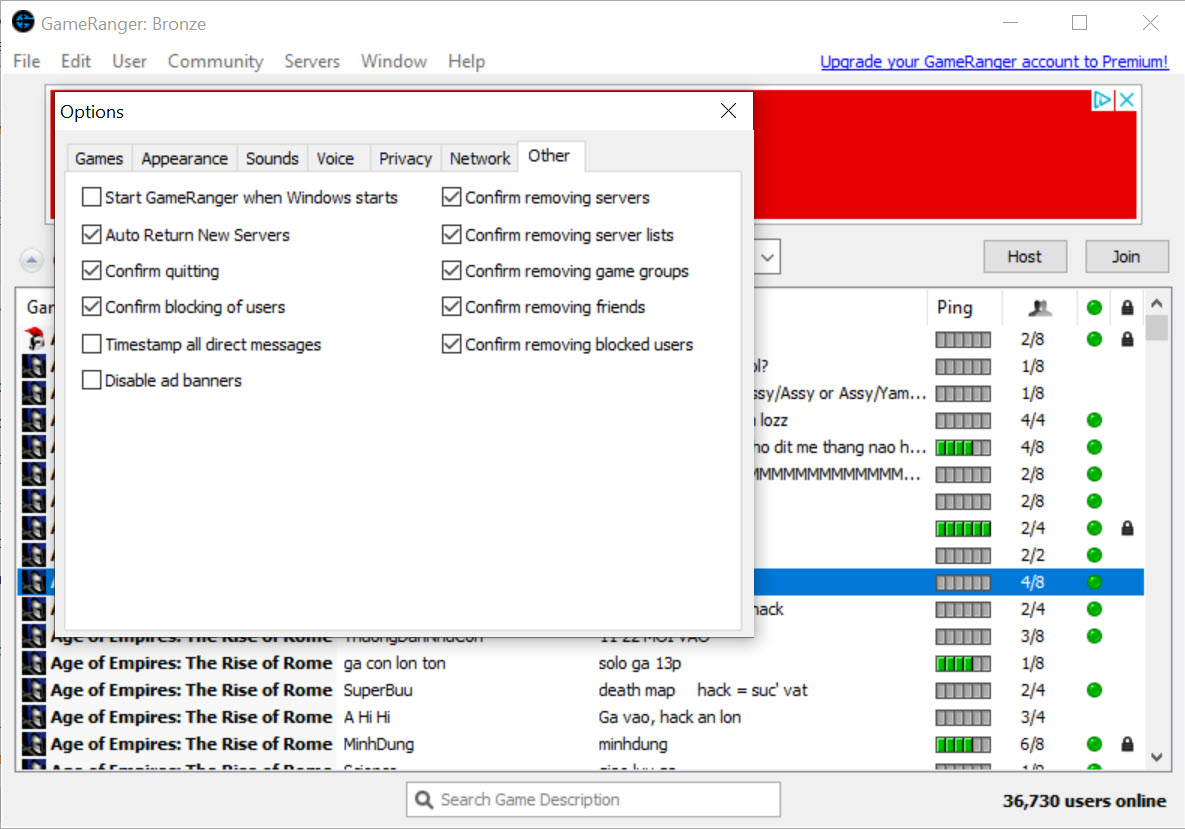
The application runs in two modes. The free tier covers the core functionality, browsing the game list, creating and joining lobbies, playing matches, basic chat, a limited friend list. Advertising appears in the application interface, which is the funding model for the free side.
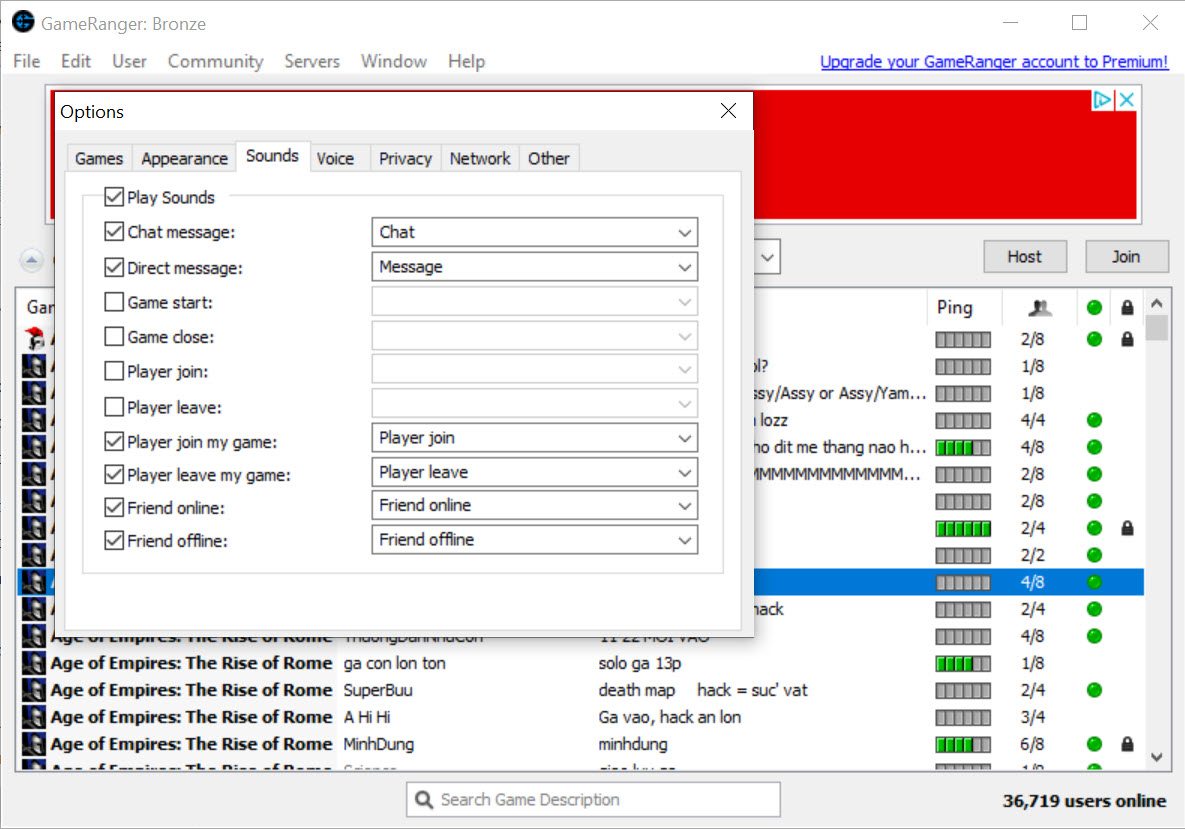
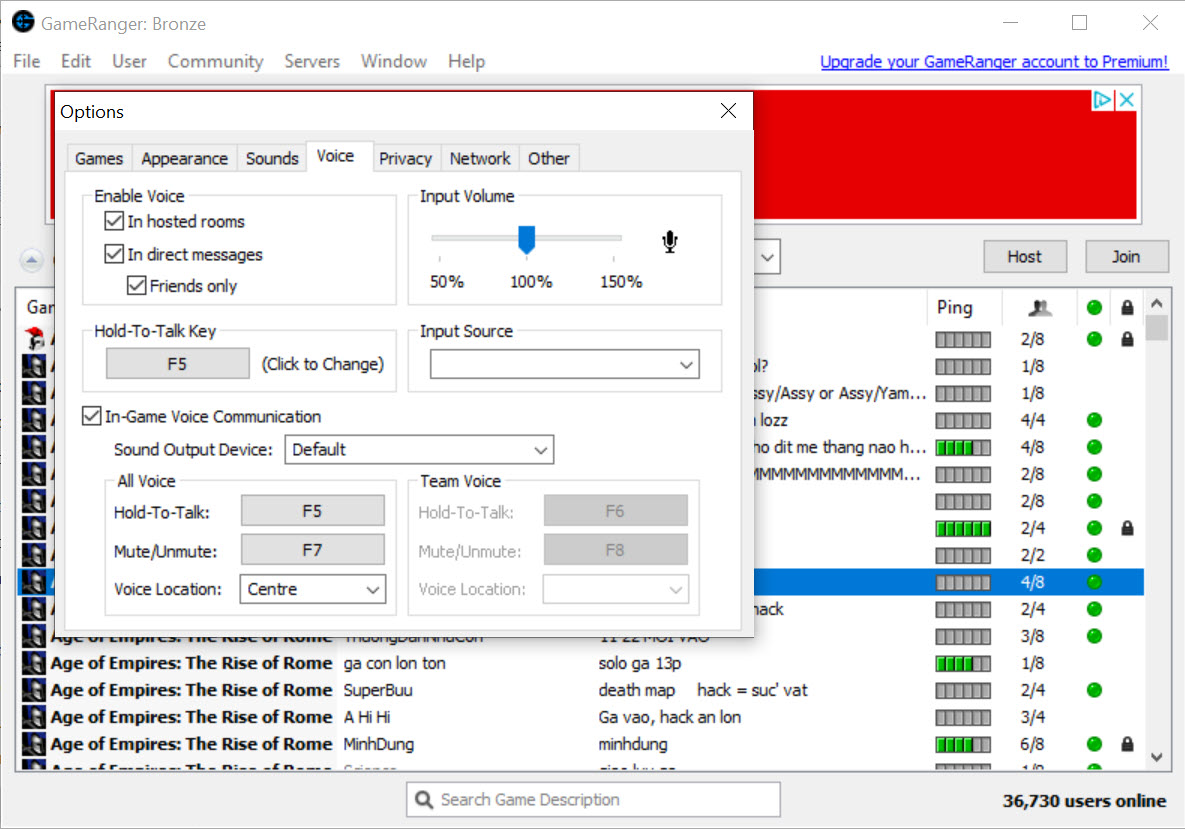
The Premium subscription removes the advertising and unlocks several features that change the experience meaningfully. Voice chat inside lobbies, useful for coordinating during cooperative games or just keeping the social atmosphere going during long matches. The friend list expands. Avatar uploads allow custom profile pictures rather than the defaults.
The ability to host certain types of lobbies that the free tier restricts. For users who play with the service regularly, the upgrade tends to pay back quickly in quality-of-life improvements. For occasional users, the free tier handles the basics fine.
For voice chat that runs independently of the application, Mumble offers low-latency voice with much finer control over channel structure and quality, useful when the in-lobby voice has limitations or when you want voice that persists across game sessions. Discord handles the persistent community side that the application itself does not really try to compete on.
The game catalog and what the curated approach feels like
Browsing the supported game list is the part of the experience that defines the service. Classic real-time strategy titles dominate, all the standard names from the genre’s peak years are present. First-person shooters from the same era are well represented. Turn-based strategy, civilization-building, classic racing, flight simulation, sports games, all show up in the catalog with varying levels of community activity.
What is missing is just as defining. Anything reliant on modern anti-cheat infrastructure, anything tied to a publisher’s account system, anything that uses encrypted communication the service cannot proxy, anything released after a certain point in the multiplayer landscape’s evolution toward closed ecosystems.
The catalog is essentially a museum of multiplayer games that the service has done the work to support, and the work involves reverse-engineering the game’s networking, building a lobby integration, and maintaining it as Windows and the games themselves evolve.
For users who have specific older games they want to play with friends, checking whether the title is in the catalog is the first step, the application is useful or not depending entirely on the answer.
For users without a specific game in mind, browsing the catalog reveals what is actually active, lobby activity per game varies wildly, some titles see daily play, others have empty lobby lists most of the time.
Connection quality, NAT, and the parts that sometimes break
Tunneling game traffic through a relay service introduces latency that direct LAN play does not have. For real-time strategy and turn-based games, the added delay is rarely noticeable. For twitch-reflex shooters, the difference between a good route and a bad one can be the difference between a playable match and a frustrating one. The application shows lobby ping estimates before you join, which is the right place to filter lobbies that would route poorly for your location.
NAT issues are the other common source of problems. Most modern home routers handle the connection method without manual configuration, but some firewall setups or carrier-grade NAT scenarios produce hosting failures, you can join other people’s lobbies but cannot host successfully.
The application provides diagnostic information when a connection fails, the resolution often involves either router configuration or accepting the client role rather than the host role.
For users on more restricted networks, Garena covers a different but overlapping space with its own approach to gaming connectivity, useful as a comparison point for titles supported by both. The two services do not generally interoperate, players have to pick a side per game.
The community side, friend lists, and what stays after the match
Beyond match hosting, the application maintains the social layer that older games rarely included themselves. Per-game leaderboards, ELO ratings, profile pages with statistics, friend lists, chat that persists between sessions, achievement-like recognition for specific play counts and ranks.
None of this is groundbreaking, but for games that originally had none of these features, having them as an external layer keeps the multiplayer experience feeling current rather than abandoned.
The community size correlates with game popularity within the catalog. The most active games show hundreds of players online at peak times, the long tail can drop to single-digit lobby counts.
The application surfaces both equally, which is useful for finding niche games that still have a dedicated player base but means the discovery experience for new users involves some browsing to figure out what is actually alive.
Where it sits next to a game library manager
For users who want a unified view of their game collection across multiple platforms rather than focused multiplayer matchmaking, Playnite handles the library side without dealing with matchmaking. The two roles do not overlap, GameRanger is the matchmaking layer for specific games and not a library tool.
Many users run both, the library manager organizes the collection, the matchmaking service handles the online play for titles that need it.
Conclusion
GameRanger is the right tool for a specific situation, you have older PC games whose original multiplayer infrastructure is gone or unreliable, and you want to play them online with friends or with the residual community that still gathers around them. For that situation, the integrated matchmaking approach works better than generic VPN solutions, the catalog covers most of the classic games that need this kind of service, and the social layer keeps things feeling alive rather than abandoned.
It is not the right tool for modern multiplayer games with working matchmaking, for any title outside its supported catalog, or for users who want a general-purpose game library or community platform.
The focused identity is the value, the service does one thing and does it for a specific group of games, and that focus is what allows it to handle game-specific networking quirks that a general tool cannot address.
For the games it supports, it is often the only practical way to find a match. For everything else, the answer is somewhere else entirely.
Pros & Cons
- Game-specific integration produces better results than generic VPN-LAN tools for supported titles
- Curated catalog covers hundreds of classic titles whose original multiplayer infrastructure is gone
- Lobby system handles version checking, host setup, and connection routing automatically
- Premium tier adds voice chat, expanded friend list, and removes advertising
- Per-game leaderboards and ELO rankings keep older games feeling competitive
- Connection quality estimates before joining help avoid badly routed lobbies
- The catalog is finite, games not on the supported list cannot be played through the service
- Free tier shows advertising in the interface
- Relay latency makes the service less useful for twitch-reflex games than for slower-paced titles
- Some routing situations produce host-only failures that require router configuration
- Community activity varies widely by game, niche titles may have empty lobbies most of the time
- Modern matchmaking expectations (quickplay, ranked queues, party systems) are not really part of the model
Frequently asked questions
The service hosts a lobby where players gather, launches the supported game on every participant's PC simultaneously, and tunnels the game's networking traffic through its servers so each instance appears to be on a local network. The game itself uses its original LAN networking code, the service makes that LAN appear to exist across the internet.
The service integrates with each supported game specifically, handling version checks, port configuration, and connection routing that a generic VPN leaves to the user. For games in the supported catalog the integrated approach is usually smoother and produces better connection quality. For games outside the catalog, a VPN-based approach remains the better fit.
No. The service supports only the games it has specifically added integrations for. The catalog covers hundreds of titles, weighted toward older strategy, shooters, and simulation games. Modern titles with their own working matchmaking, games using anti-cheat systems the service cannot proxy, and games tied to specific publisher accounts are not in the catalog.
Voice chat inside lobbies, an expanded friend list, custom avatar uploads, removal of advertising, and access to certain hosting features the free tier restricts. The core matchmaking and gameplay work in both tiers, the Premium upgrade is a quality-of-life subscription for regular users.
Most home routers work without configuration through the service's connection method, which uses outbound connections that ordinary NAT allows. Some firewall setups or carrier-grade NAT scenarios prevent hosting, in which case the diagnostic information in the application points to the specific failure mode. Joining other lobbies usually works even when hosting does not.
Yes, traffic routes through the service's relay rather than directly between players. For real-time strategy, turn-based, and most cooperative play the added latency is rarely noticeable. For competitive shooters where reaction time matters, the difference between a well-routed lobby and a poorly routed one is visible and worth checking the ping estimate before joining.
This varies dramatically. The most popular titles in the catalog show several hundred players at peak times, niche titles often have empty lobbies for hours. The application surfaces the active lobby count per game, which is the fastest way to check whether a game has a current community before you commit to setting up a match.


