

ExtraMAME

 (1 votes, average: 4.00 out of 5)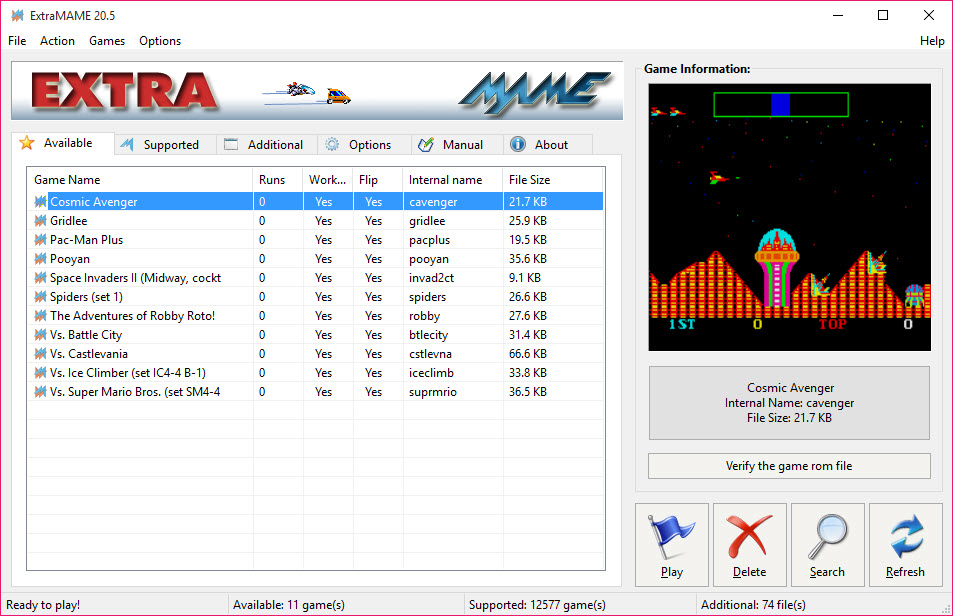
About ExtraMAME
ExtraMAME is a small graphical front-end for the MAME arcade emulation engine, built for people who want to play classic arcade games without first learning how an emulator is configured. The underlying engine is famously powerful and just as famously unfriendly, traditionally driven by command lines and configuration files that scare off anyone who only wanted ten minutes of a beloved old cabinet game. This tool puts a plain point-and-click interface on top of it, so the journey from “I have the game files” to “I am playing” takes a couple of clicks.
That is the entire pitch, and it is a good one. ExtraMAME does not try to reinvent arcade emulation, it wraps the engine that already does it best and removes the friction. You point it at your game files, it builds a list of what you have, and you double-click to play, in a window or fullscreen. No flags, no manual configuration, no folder rituals.
For the audience it targets, casual players revisiting arcade classics rather than emulation hobbyists, that simplicity is worth more than any advanced feature.
What a front-end actually does for you
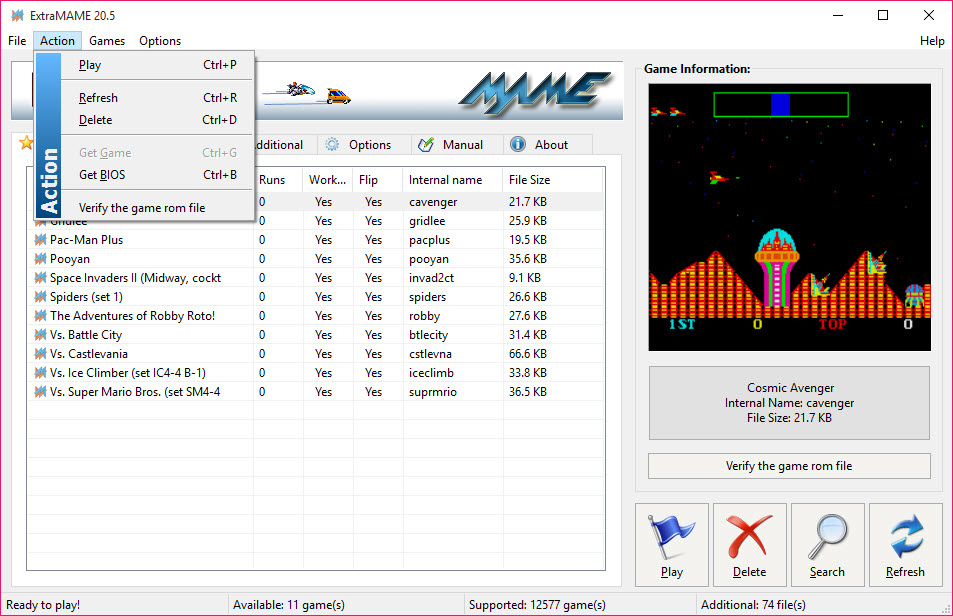
It helps to be clear about the division of labor. The MAME engine handles the actual emulation, recreating the hardware of thousands of arcade machines so the original game code runs as it did in the cabinet. A MAME frontend like this one handles everything around that, finding your games, listing them, launching them with sensible settings, and saving you from the engine’s raw interface.
Why does that matter? Because the engine alone assumes knowledge most people do not have and do not want. Game files must be named and placed correctly, launch options live in configuration text, and a mistake produces a cryptic error rather than a helpful hint. ExtraMAME absorbs all of that. It scans the folder you give it, recognizes the supported titles, and presents them as a simple list. The thousands of arcade games the engine supports become a menu instead of a command-line argument.
From game files to playing in two clicks
The workflow is about as short as it can get. Install, tell the application where your game files live, and let it scan. The recognized games appear in the list, you pick one, and it launches. Fullscreen for the proper arcade feel or windowed if you are sneaking a quick game between tasks. That is genuinely the whole process.
A few practical touches round it out. The list handles large collections without drama, so hoarders of arcade history are not punished for their archives. And because the heavy lifting happens in the proven engine underneath, compatibility is broad.
The classics people actually search for, the fighters, the shooters, the platformers and puzzle games of the arcade era, fall within the supported library. If a title ran in the cabinets of that period, odds are good it runs here.
Honest limits of the lightweight approach
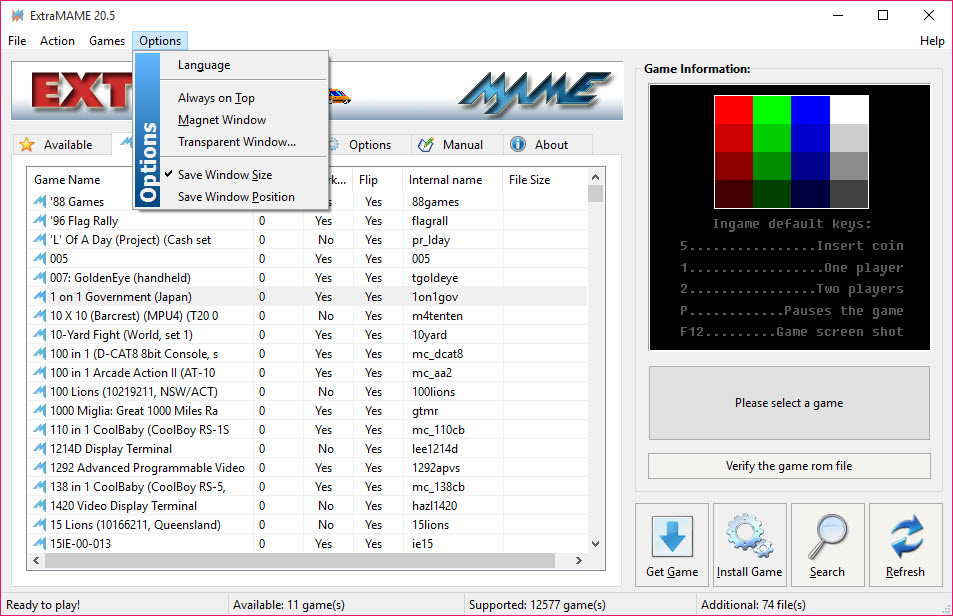
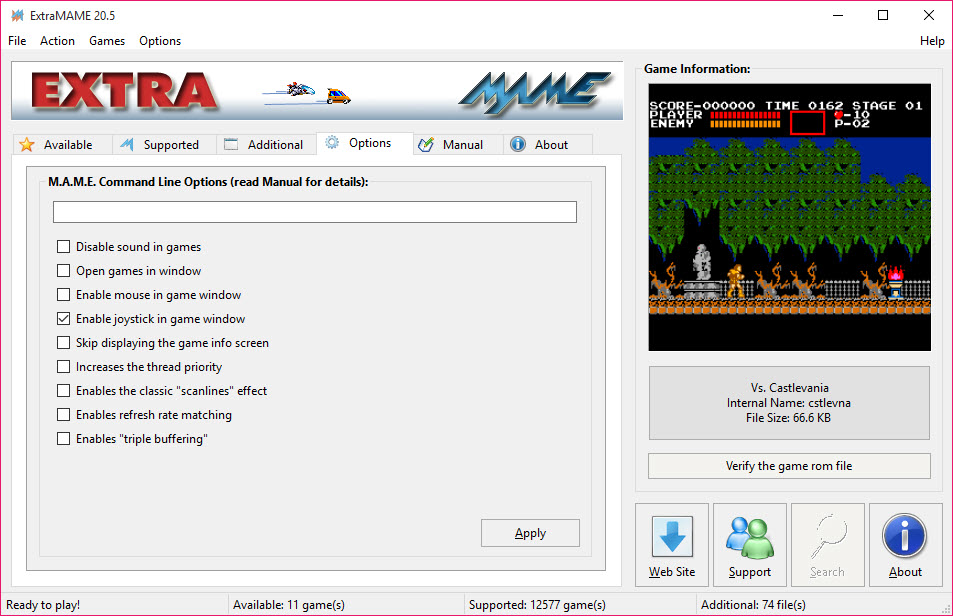
It would be unfair to compare this to the sprawling emulation suites and pretend it competes on features, because it does not try to. ExtraMAME keeps to the basics. You will not find elaborate shader effects, netplay, or deep per-game tuning exposed in its interface. The engine underneath can do more than the front-end surfaces, and power users will eventually feel that ceiling.
There is also the unavoidable truth about arcade emulation generally. You supply your own game files, and building a correct, working collection is its own subject that no front-end can fully solve for you. What this tool fixes is everything after that point.
If your interests run beyond arcade boards into classic home consoles, a multi-system emulator like Mednafen covers that wider territory, and accuracy purists gravitate to Higan for its faithful approach. For arcade titles specifically, though, simplicity like this is hard to argue with.
Who should reach for it
The ideal user is easy to describe. You remember a handful of arcade games fondly, you have the files for them, and you want to play tonight, not after an evening of reading emulation documentation. For that person, ExtraMAME is close to perfect, because it compresses the entire setup into a scan and a double-click.
The emulation enthusiast who tweaks video filters and chases frame-accurate behavior will outgrow it, and that is fine, the raw engine and heavier front-ends await them. There is also a pleasant side effect worth mentioning for the casual crowd. Because the interface hides nothing complicated, it is the kind of tool you can set up on a family computer so less technical players can browse the list and launch games themselves.
Arcade nostalgia, it turns out, is best shared when nobody has to ask how to start the game. Fans of specific console eras can pair it with something like Snes9x for their home-system favorites and cover both fronts.
Conclusion
ExtraMAME succeeds by knowing exactly what it is. The MAME engine has always been the gold standard for arcade emulation and a headache to operate, and this front-end removes the headache while leaving the standard intact. Scan, click, play. For the casual player chasing arcade nostalgia, that is the entire wish list.
Power users should look past it to fuller front-ends or the raw engine, since the simplicity here is bought by hiding the deep options. But that trade is the point. If you want classic arcade games running tonight with no studying required, this little wrapper delivers precisely that, and it is refreshing to see a tool resist the urge to be more complicated than its job demands.
Pros & Cons
- Puts a simple point-and-click interface on the powerful MAME engine
- Scans your game files and builds a playable list automatically
- Launching a game takes a double-click, in a window or fullscreen
- Broad compatibility with thousands of classic arcade titles via the engine underneath
- Approachable enough for non-technical players to use unassisted
- Exposes only basic options, hiding the engine's deeper capabilities
- No advanced extras like shaders, netplay, or per-game fine tuning
- You must supply and organize your own game files
- Enthusiasts will eventually outgrow it for heavier front-ends
Frequently asked questions
It is a lightweight graphical front-end for the MAME arcade emulation engine. The engine does the emulating, and this tool wraps it in a simple interface that finds your games and launches them without any command-line setup.
You point it at the folder containing your game files and let it scan. Recognized titles appear in its list, ready to launch with a double-click.
Yes. Games can run fullscreen for the authentic arcade feel or in a window if you prefer playing alongside other work on screen.
No. Like all arcade emulation tools, it plays game files you supply yourself. The tool handles recognizing, listing, and launching them.
Not really. It deliberately keeps options basic for simplicity. Users who want shaders, netplay, or deep per-game configuration will want the raw engine or a heavier front-end.


