

ScreenHunter
About ScreenHunter
ScreenHunter allows you to easily capture your screen and modify it so that you can capture only a portion of the screen, thanks to an easy-to-use and intuitive application.
Taking screenshots with a click is becoming more important, especially in the digital world, where we want to share our screen with others as soon as possible. Whether for work or leisure, you would like an app that enables you to create screenshots quickly and then share them in just a few seconds.
That’s what ScreenHunter can help you achieve. It’s a simple application that lets you capture your screen and modify what sort of screen capture you want. It also allows you to tweak the screen you capture, as you’ll be able to capture only a part of the screen or the entire screen. And with additional settings, this becomes even easier.
Capture Your Screen
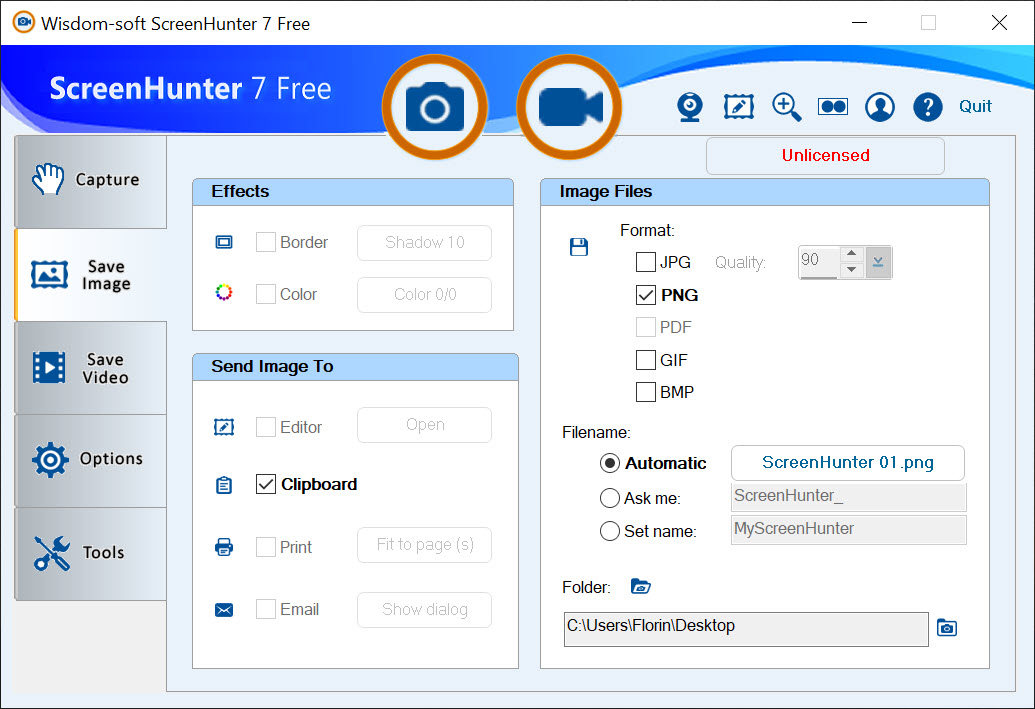
One of the most important things about this app is the support for various file types. You’ll be able to take a screenshot and save it in different formats – BMP, JPG, or even GIF. Depending on your preferences, you can also select solid or dithered colors.
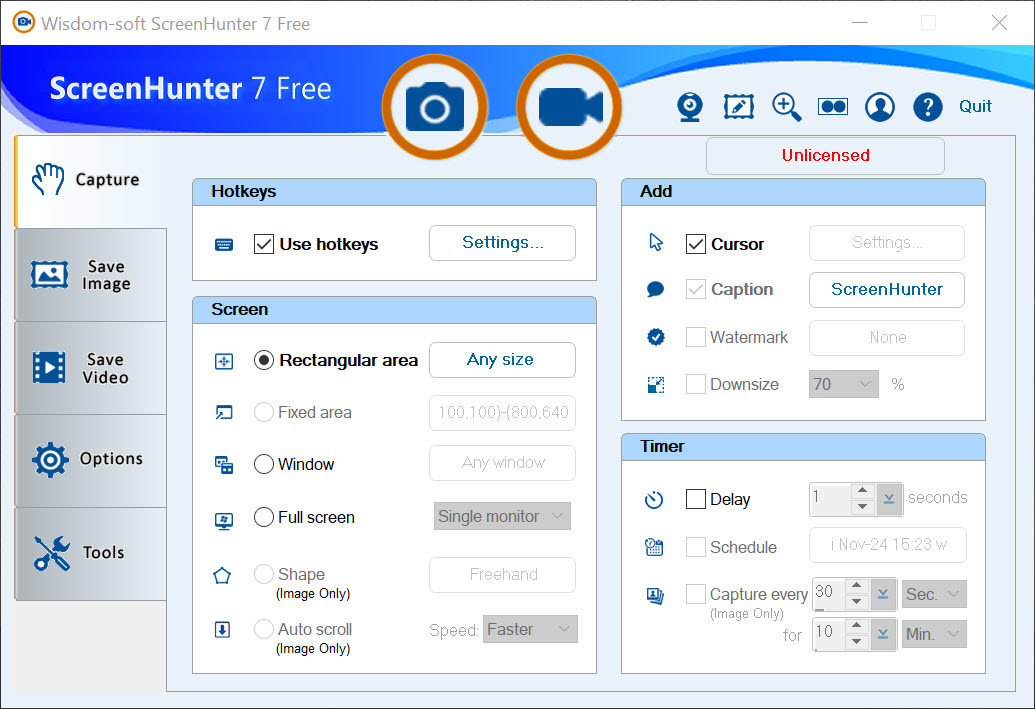
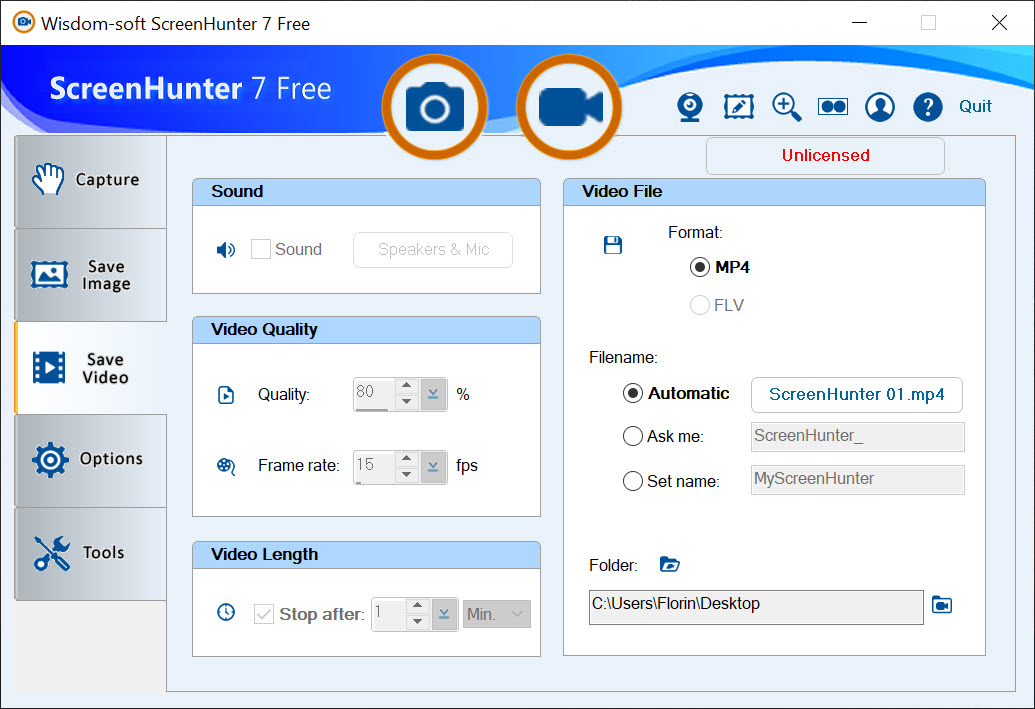
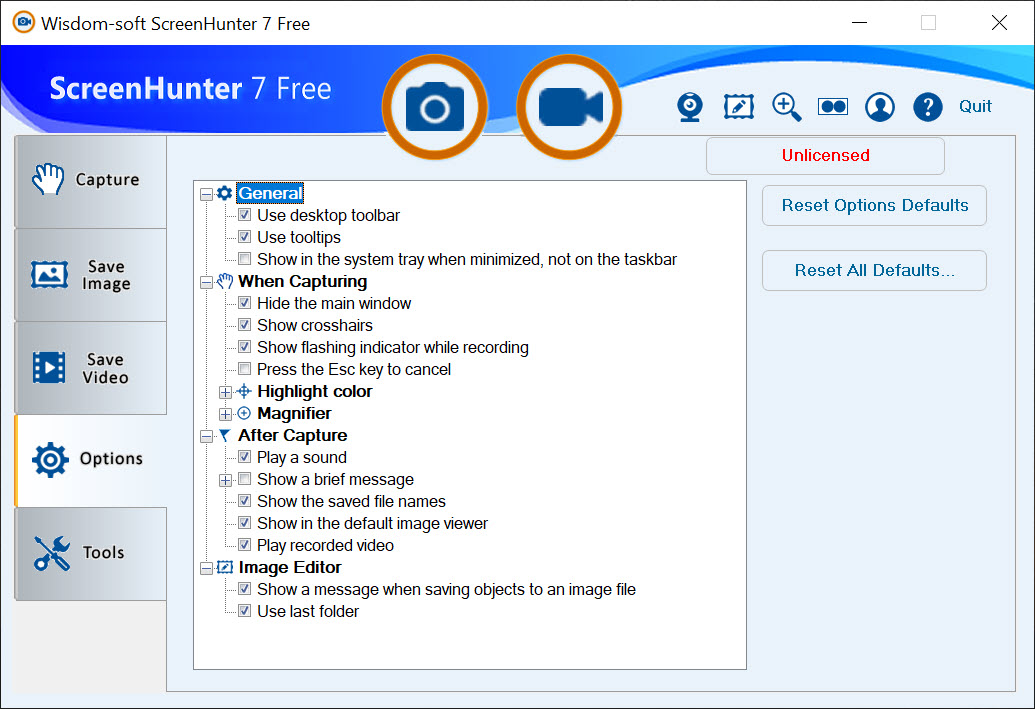
The installation is quick and painless, and you can get to work quickly. The user interface is also very simple to use. It has four tabs, where you have a couple of buttons for customization and taking screenshots.
It’s a simple interface that’s quite easy to use, even if you’re a beginner and don’t have much experience with it.
Tweak Your Captures
Once you’ve taken a screenshot, you can start to configure it. You can set the image’s transparency, send the capture to the clipboard, open it in Windows Explorer, and set an output destination.
You can also minimize it to the Windows tray while taking screenshots and return to it later, thanks to the configuration that allows you to do so.
Conclusion
ScreenHunter is a screenshot-taking app that allows you to take screenshots and configure them with ease.


