

AnyDesk
About AnyDesk
There’s a small category of software where the technical implementation makes a genuine, palpable difference in everyday use, and remote desktop tools are firmly in that category. The dirty secret of most remote control applications is that they feel laggy enough to be actively unpleasant once you start doing real work through them.
Mouse movements arrive a moment after they should, typed characters appear in clusters rather than smoothly, video and animations turn into slideshow approximations of what’s actually happening on the remote screen.
AnyDesk earned its reputation by genuinely solving this problem better than any of its competitors, with smooth performance that holds up even over modest connections where alternatives would crumble.
The software was built around a specific technical proposition: that a custom video codec optimized for remote desktop work would produce dramatically better real-world performance than the general-purpose approaches used by competitors. The result is the DeskRT codec, the secret sauce that has differentiated this software from day one and that continues to set the bar for remote desktop performance years later.
DeskRT and why performance feels different
The DeskRT codec is essentially the entire technical story of AnyDesk. Most remote desktop tools either capture and stream the screen as video (which works but consumes substantial bandwidth) or send commands and graphical primitives separately (which is bandwidth-efficient but doesn’t handle modern application interfaces gracefully).
DeskRT takes a different approach, analyzing what’s actually changing on screen and using that understanding to encode efficiently while preserving the responsiveness that makes remote work tolerable.
The practical effect is sessions that feel close to local on decent connections, and remain usable even on connections that would render alternatives essentially unusable. Latency is consistently lower, frame rates higher, and visual quality better than what TeamViewer or UltraViewer typically deliver in head-to-head comparisons on the same connections.
Users coming from those alternatives often describe their first sessions with this software as revelatory.
The performance advantage matters most for scenarios involving graphical work, video playback, or any activity where smooth visual feedback affects usability. For pure text-based work like terminal sessions or basic document editing, the differences between competing tools narrow substantially.
But for anything involving graphical applications, browser work, or media playback, DeskRT’s advantages remain visible across the entire experience.
The connection model and how it actually works
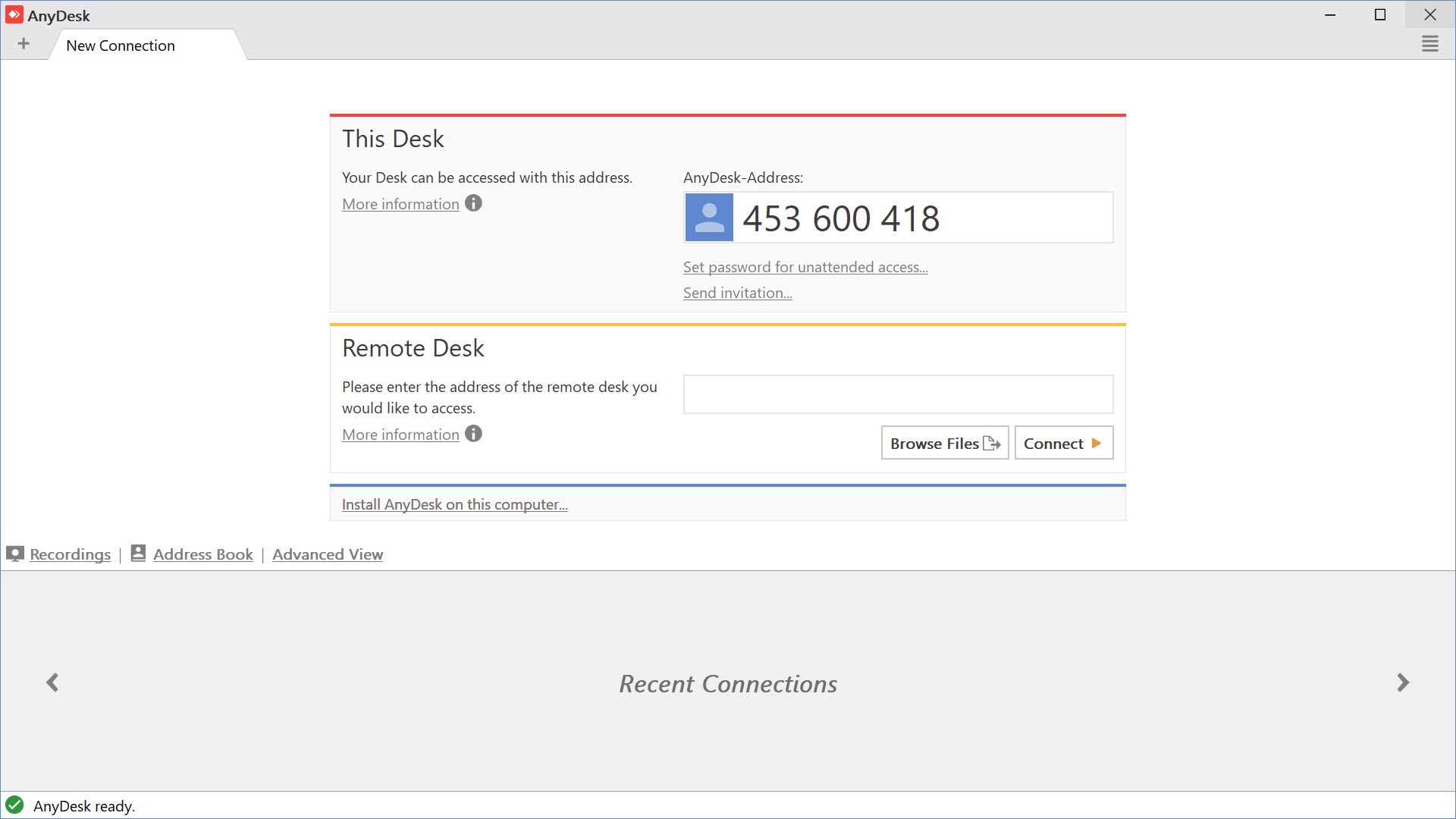
Like most modern remote desktop tools, AnyDesk uses an ID-and-password connection model that doesn’t require port forwarding or router configuration. Each installation generates a unique nine-digit AnyDesk ID, which serves as the address for incoming connections. To connect to a remote machine, you ask the person on the other end to share their ID, type it into your client, and the connection establishes within seconds.
The connection traverses NAT boundaries through the company’s relay infrastructure when direct connection isn’t possible, falling back to peer-to-peer when both ends have appropriate network conditions. For users who don’t know what NAT traversal means, this means connections just work without configuration, which is the entire point. The IDs are persistent, so once you’ve connected to a particular machine, you can save it as a contact and reconnect without needing to ask for the ID again.
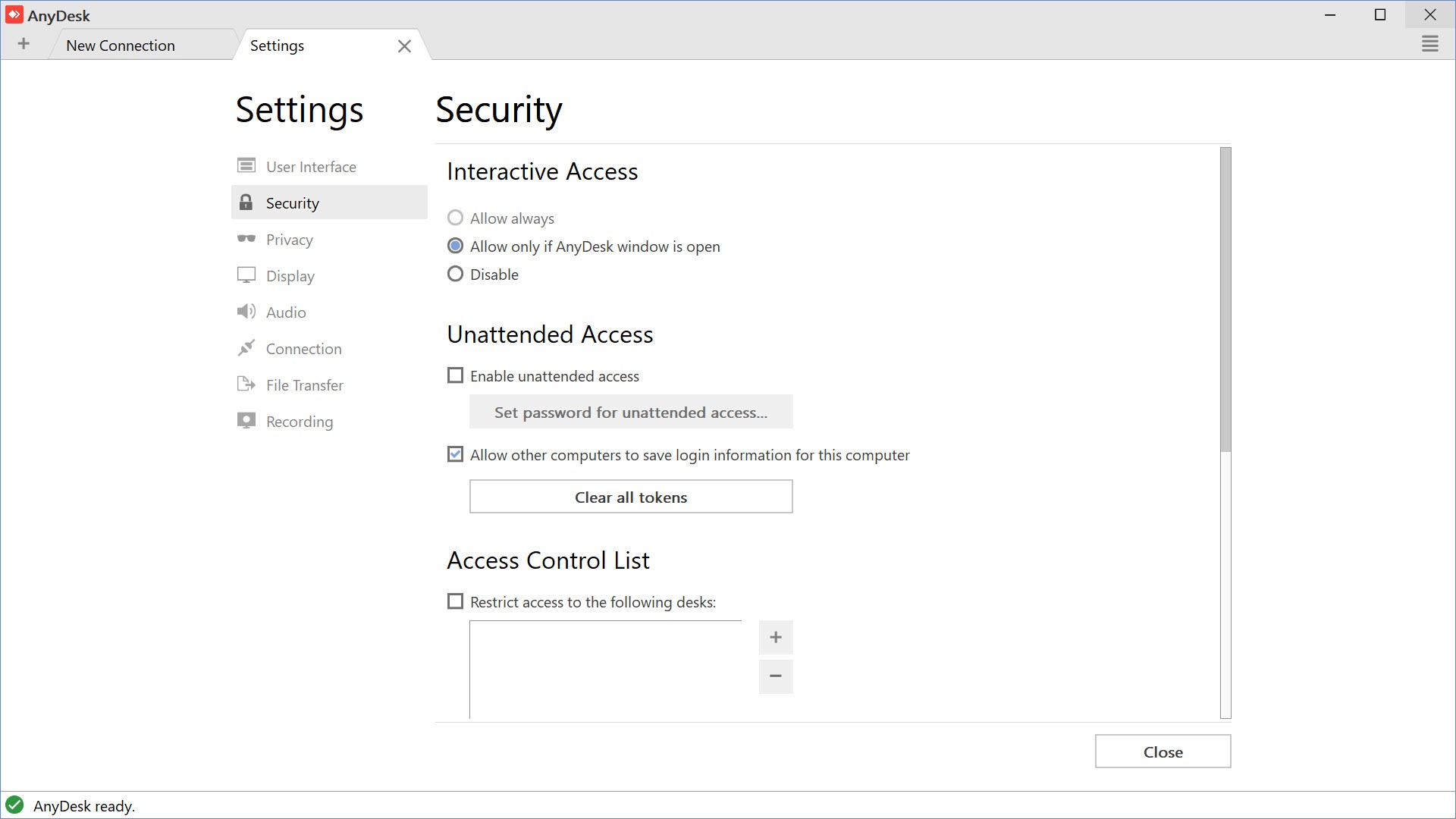
For situations where you control both ends of the connection, you can set up unattended access through pre-configured passwords, allowing connections without requiring someone to accept them on the receiving side.
This is appropriate for managing your own remote machines or for ongoing IT support relationships, but obviously requires trust in whoever holds the unattended access password.
File transfer and session features
Beyond basic remote viewing and control, the application includes practical features that come up constantly in real use. File transfer happens through drag-and-drop into the remote desktop view or through a dedicated transfer window, with reasonable speeds and no arbitrary file size limits. The transfer happens through the same connection as the screen sharing, so there’s no separate setup or external service involvement.
Built-in chat lets users on both ends exchange typed messages during a session without launching separate communication tools. Voice and video calling features are also available in the application, useful for technicians supporting users who can’t easily make a phone call simultaneously, though these features depend on the receiving user’s hardware supporting microphone and camera access.
Session recording captures the entire remote session as a video file, which matters substantially in professional contexts where documentation of what happened during a session is important. IT departments use this for compliance and training purposes, while technicians use it to document work performed on customer machines. The recordings save locally and can be reviewed or shared as needed afterward.
The security reputation, addressed honestly
The honest assessment of AnyDesk in 2026 has to address two distinct security concerns that affect public perception. The first is the January 2024 incident where the company disclosed that production systems had been compromised, requiring revocation and reissuance of code-signing certificates.
The company’s response was generally well-handled, with prompt disclosure, customer notification, and certificate rotation, but the incident damaged trust to some extent and affected how cautious users now view the software.
The second and more persistent concern is the role this software has played in tech support scams. Scammers who claim to be from Microsoft, your bank, or various other organizations frequently direct victims to install AnyDesk specifically because its smooth performance makes the resulting fraud easier to perpetrate. The “anydesk scams” search term reflects substantial real-world harm, with users searching for information after being targeted or after recognizing they were victims.
Neither issue indicates that the software itself is unsafe to use legitimately. The 2024 incident has been addressed and the underlying product continues to be developed responsibly. Tech support scams use whatever remote desktop tool offers the best experience, and AnyDesk’s victimization here reflects its quality rather than any inherent flaw.
The practical advice for users is straightforward: never install or use this software at the request of someone who called you unexpectedly claiming to need access to your computer, because legitimate tech support never works that way.
Address book and contact management
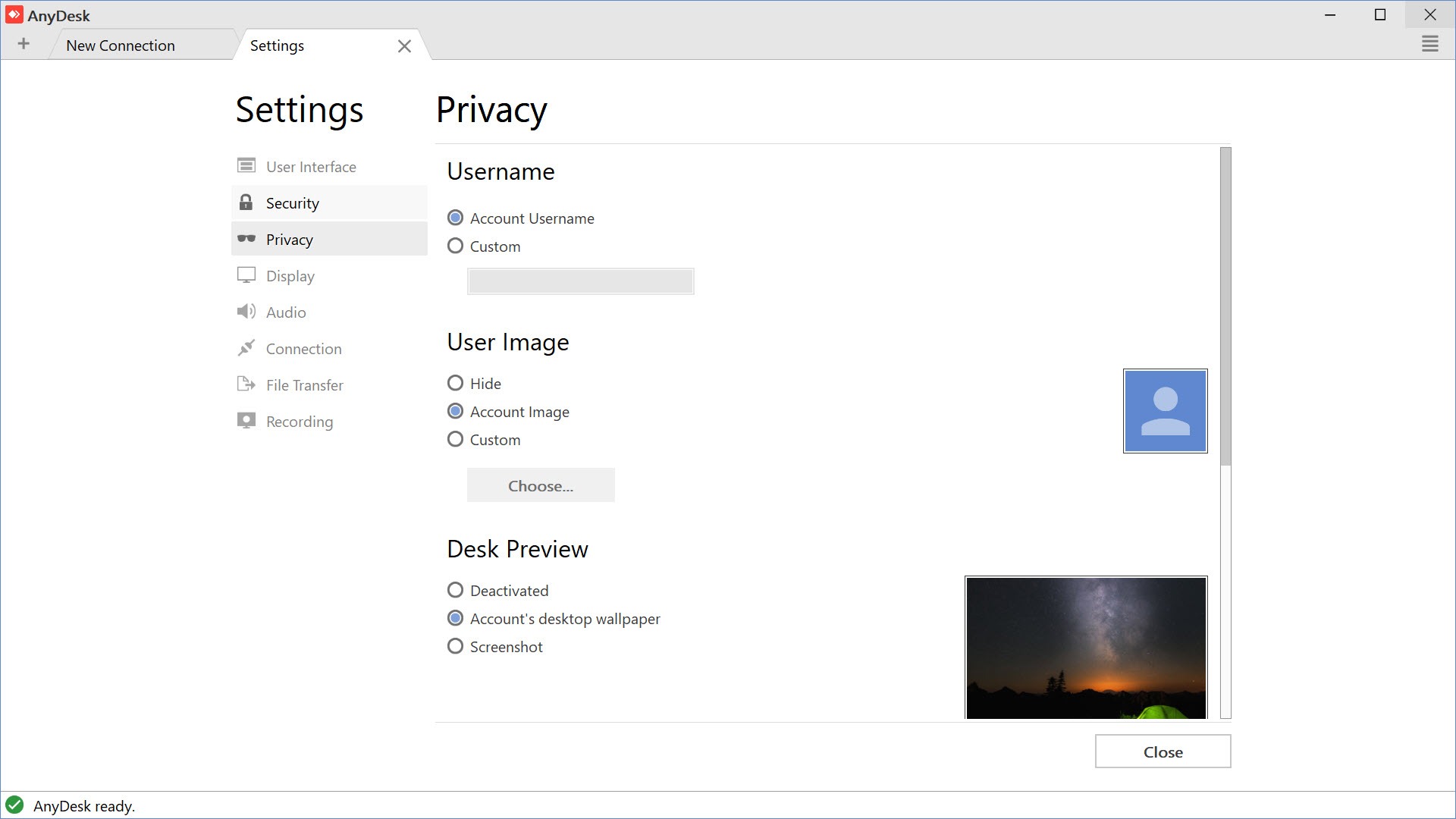
For users connecting to multiple remote machines regularly, the address book feature consolidates saved connections in one organized location. You can add contacts manually, organize them into groups, customize how each connection is configured, and launch sessions with a single click rather than typing IDs every time.
For technicians supporting multiple clients, the address book becomes infrastructure rather than convenience. Organizing customer machines, tracking notes about each connection, and quickly accessing the right machine when support requests come in all become substantially easier with proper address book usage.
The paid versions add team features that share address book entries across multiple users in an organization, which matters for IT departments with multiple technicians supporting common infrastructure.
Customization and white-labeling for businesses
The paid versions include extensive customization options that matter for businesses incorporating the software into their service offerings. Custom branding lets companies replace the AnyDesk logo and colors with their own, presenting the application as part of their service rather than as a third-party tool. Custom client builds allow distributing pre-configured installations to customers without requiring them to perform their own setup.
For managed service providers and IT companies offering remote support as part of their service portfolio, this customization transforms the software from a generic tool into part of the company’s branded experience.
Customers see the company’s identity rather than a third-party software vendor, which matters for the perception of professional service delivery.
Comparison with TeamViewer and UltraViewer
The remote desktop space has three primary players in the consumer/small business segment: TeamViewer, this software, and UltraViewer. TeamViewer has the longest track record and broadest feature set but increasingly aggressive commercial-use enforcement that has alienated many casual users. UltraViewer offers a friendlier licensing model with adequate functionality for basic scenarios, particularly popular in Asian markets.
AnyDesk sits in a position that’s hard to beat for users who prioritize raw performance. The DeskRT codec advantage genuinely matters in real use, and the licensing balance (free for personal use, reasonable commercial pricing) avoids both TeamViewer’s increasingly aggressive licensing and the limitations that come with completely free alternatives. For users picking one tool to use across various scenarios, this software is often the right choice unless specific factors push toward an alternative.
The honest comparison acknowledges that no single tool is best in every dimension. TeamViewer offers more depth for advanced collaboration scenarios.
UltraViewer offers simpler licensing for casual users. Open-source alternatives like RustDesk are emerging for users who want self-hosted options. AnyDesk wins on raw performance and offers a balanced overall package, but the specific best choice depends on what you actually need.
Considerations and limitations
The free version’s commercial-use detection has occasionally produced false positives, where personal users get accused of commercial use and have their sessions limited as a result. This happens less aggressively than with TeamViewer but can still affect users in ways they find frustrating. Users planning serious personal use should be aware that the free tier is intended for genuinely personal scenarios and may be inappropriate for activity that resembles commercial work even when it isn’t actually commercial.
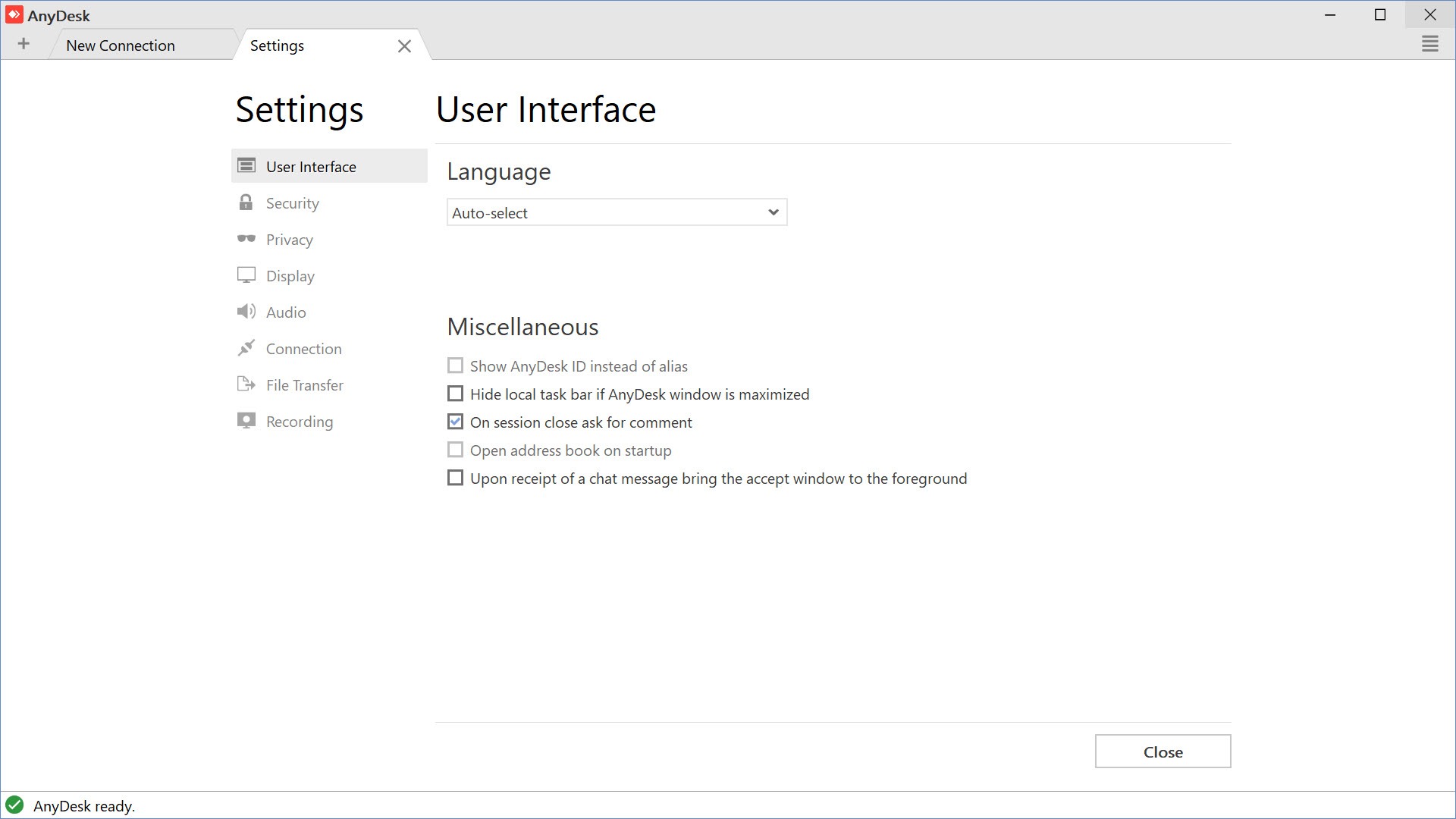
The interface, while functional, accumulated complexity over years of development and isn’t quite as polished as the company’s marketing materials suggest. New users sometimes find the various option dialogs and configuration screens harder to navigate than expected, with feature discovery requiring some exploration rather than being immediately obvious from the main interface.
Performance varies based on what the connection actually permits. The DeskRT codec is excellent at making the most of available bandwidth, but it can’t manufacture bandwidth that doesn’t exist.
On genuinely slow connections, even the best codec will produce sessions that feel constrained, just less constrained than alternatives would on the same connection.
Conclusion
AnyDesk has earned its position as one of the leading remote desktop tools by delivering on a specific technical promise: that better codec design produces meaningfully better real-world performance. Years of development have added features around that core capability, but the DeskRT advantage remains the heart of why users choose this software over alternatives.
For users who value smooth, responsive remote sessions and want a tool that just works without aggressive licensing friction, the software delivers exactly that.
It’s not perfect. The 2024 security incident affected reputation, the persistent association with tech support scams creates ongoing public perception challenges, and the licensing model requires careful attention for users in ambiguous personal/commercial situations.
But for the substantial audience that needs reliable remote desktop access, whether for supporting family members, managing personal infrastructure, or providing professional IT services, AnyDesk delivers performance and capability that consistently competes with or beats more established alternatives, with the kind of technical foundation that has kept it relevant across years of evolving competition.
Pros & Cons
- DeskRT codec produces genuinely superior performance compared to alternatives
- Smooth experience holds up even on modest connections where alternatives struggle
- Free for personal use without aggressive commercial-use detection
- ID-and-password connection model works without router or firewall configuration
- File transfer, chat, and session recording integrated into the standard workflow
- Address book consolidates saved connections for users with multiple remote machines
- Custom branding and white-labeling for business deployment
- Active development with regular feature additions and security improvements
- January 2024 security incident affected reputation despite proper handling
- Tech support scams frequently use the software, affecting public perception
- Free version commercial-use detection occasionally produces false positives
- Interface accumulated complexity over years of development
- Commercial licensing required for any business use, with costs varying by tier needed
Frequently asked questions
This software lets you remotely view and control another computer over the internet, primarily for technical support, remote work, and accessing your own machines from elsewhere. The remote viewer sees the other computer's screen and can take control of mouse and keyboard input, with file transfer, chat, and other supporting features built into the connection. It's particularly known for performance that holds up better than competing tools, especially on slower connections.
Both serve similar purposes, but the differences matter in practice. This software's DeskRT codec generally produces smoother performance on equivalent connections, while TeamViewer offers a broader feature set for advanced collaboration scenarios. The licensing approaches also differ significantly, with TeamViewer's aggressive commercial-use detection having pushed many users toward this alternative. For most users, this software offers a better balance of performance and friendly licensing, though TeamViewer remains the right choice for some specific scenarios.
DeskRT is the proprietary video codec the application uses for transmitting screen content. It's designed specifically for remote desktop work rather than being a general-purpose video codec, which lets it produce better visual quality and lower latency on equivalent bandwidth compared to alternatives using standard codecs. The practical effect is sessions that feel substantially more responsive than competing tools, particularly on connections where bandwidth is constrained.
Both computers need the application running. The remote person tells you their nine-digit ID (visible in their main window), you type it into the connection field on your client, and they accept the incoming connection request on their end. After acceptance, you see their screen and can control their machine. The whole process takes under a minute once both sides have the application installed, with no router configuration or technical setup required.
Yes, configuring unattended access lets you connect without requiring someone to accept on the receiving end. Set up an unattended password through the application's settings on the machine you want to access, then provide that password when connecting. The unattended access mode is appropriate for accessing your own machines or for ongoing IT relationships where appropriate trust exists, but the password should be treated like any other access credential and protected accordingly.


