

NAPS2
About NAPS2
NAPS2 is a document scanning application that takes the misery out of turning paper into usable digital files. Point it at your scanner, pull in a page or a whole stack, and it builds a multi-page document you can save as a searchable PDF or a set of images, with the pages reordered, rotated, and cleaned up exactly how you want. For anyone who has fought with the clunky software that ships with a scanner, this is the small, focused replacement that just gets the scanning done.
The headline trick is built-in OCR. NAPS2 does not just capture a flat picture of your page, it can run optical character recognition over the scan and embed the recognized text into the PDF. That turns a scanned contract or receipt from a dumb image into a document you can search, select, and copy from.
Combine that with multi-page handling and reusable profiles, and you have a genuine paperless-office tool rather than a bare capture utility.
It works through standard scanner drivers, so it talks to a huge range of hardware, and it keeps the interface clean enough that scanning a document is a couple of clicks rather than a chore.
Scanning pages into one document
The everyday core is straightforward. NAPS2 connects to your scanner through the standard driver interfaces, so whether your device uses one common driver type or another, it can usually drive it. Even a revived all-in-one works the moment its own package is installed, the way the HP Deskjet F4280 Printer Driver exposes that machine’s flatbed to any scanning application. You scan a page, it appears as a thumbnail, you scan the next, and they stack up into a single document in order.
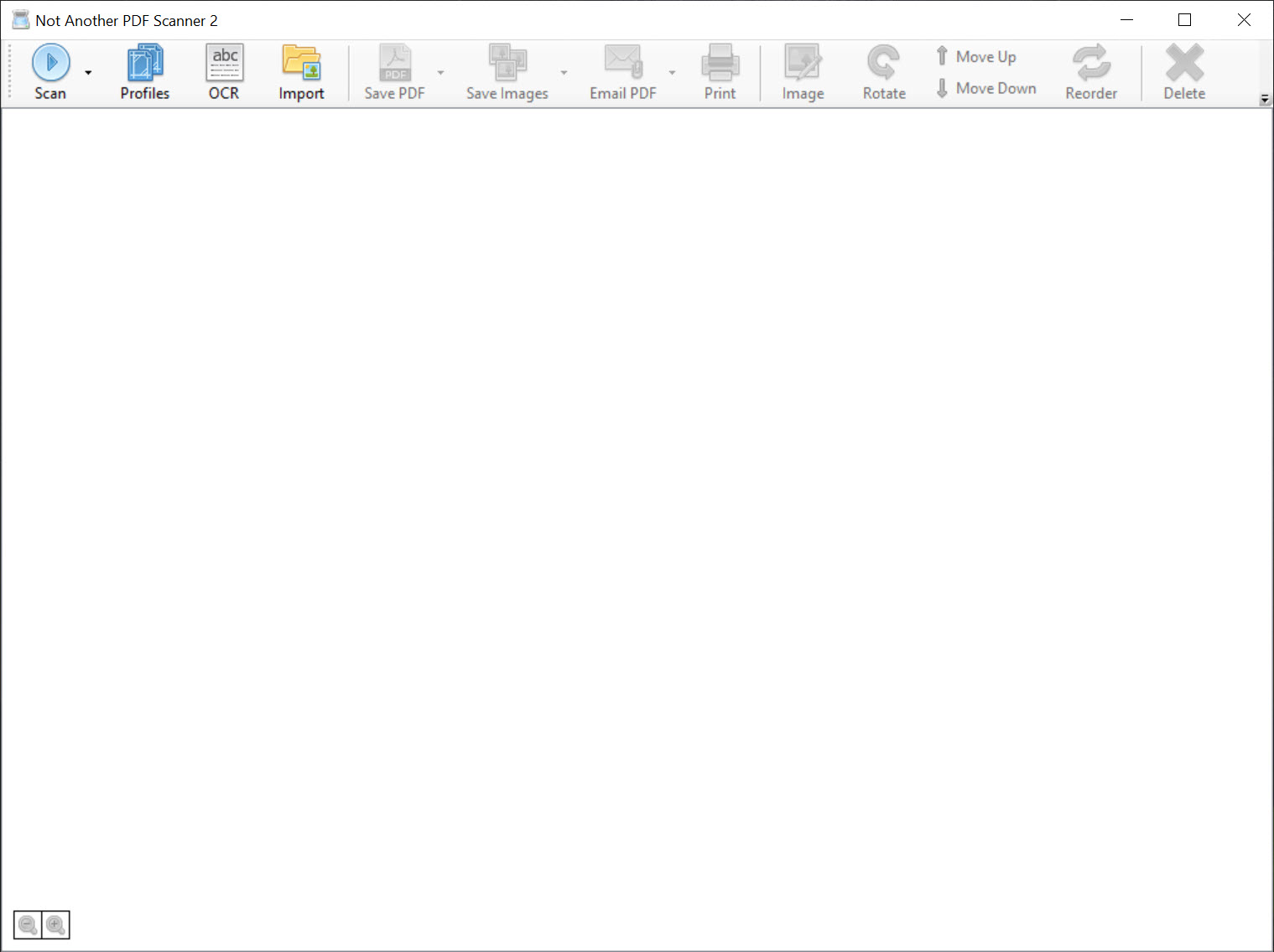
What makes this pleasant rather than tedious is the page handling. You can reorder pages by dragging, rotate ones that came in sideways, crop out the junk around the edges, and delete the misfires, all before you save. If a scanner with an automatic document feeder is in play, it pulls a whole stack in one pass.
The result is a tidy multi-page document instead of a folder full of loose, badly ordered images you have to assemble by hand later.
Why OCR changes everything
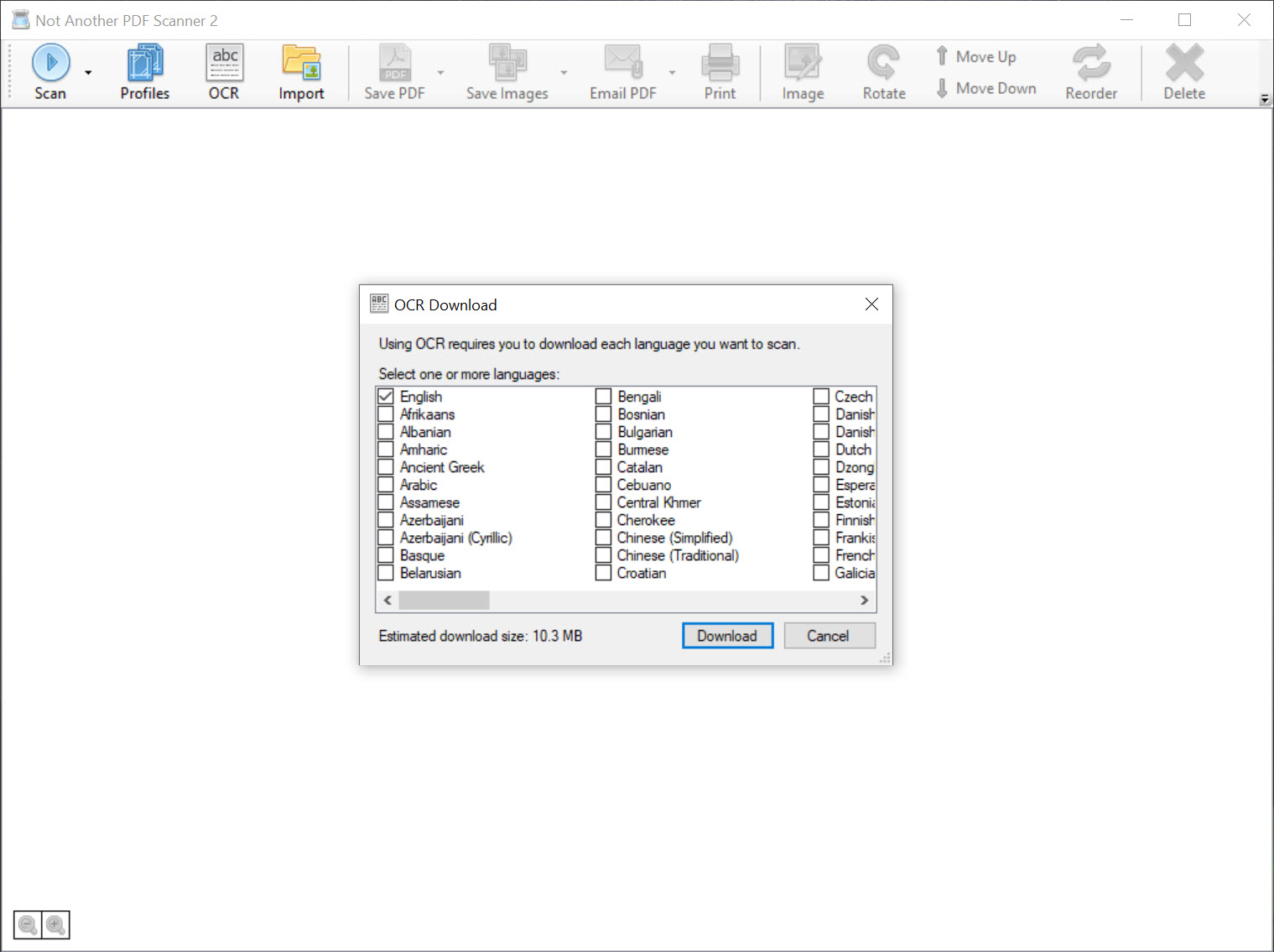
Here is the feature that earns the tool its keep. A plain scan is just a photograph of a page, your computer has no idea what words are on it. With OCR enabled, NAPS2 reads the text in the image and embeds it invisibly behind the picture in the PDF. The page still looks identical, but now you can search for a phrase, highlight a line, or copy a paragraph out.
Think about what that does for a drawer full of scanned receipts or records. Instead of squinting through images to find the one you need, you search the text and jump straight to it. Recognition covers many languages, so the feature is not limited to one.
The searchable PDF it produces is the same format that a dedicated tool like Foxit PDF Reader opens and searches natively, so the output drops straight into whatever document workflow you already use.
Profiles for repeatable scanning
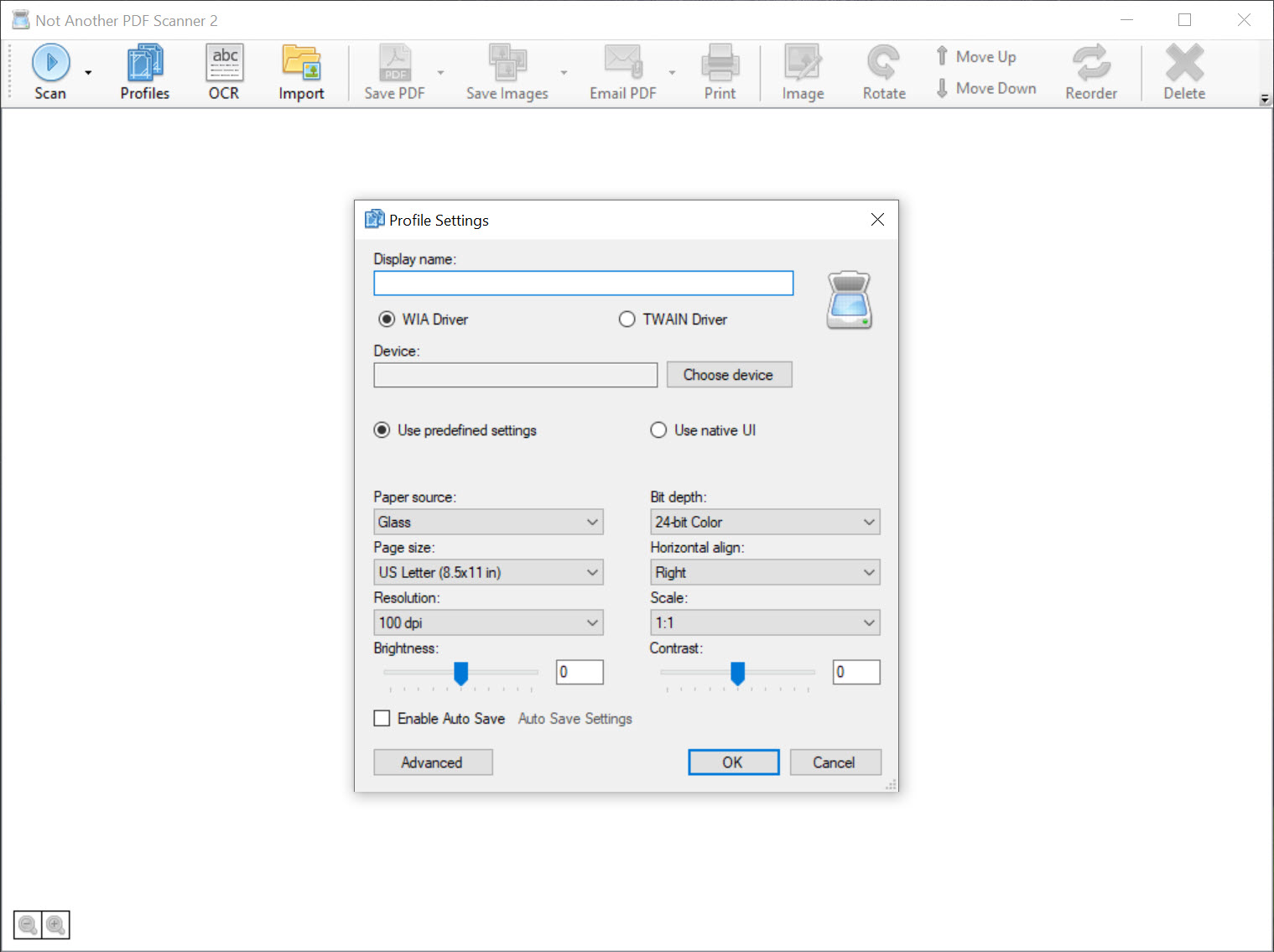
If you scan often, you scan the same kinds of things repeatedly, and NAPS2 handles that with profiles. A profile saves a bundle of settings, the scanner to use, the resolution, color or black and white, page size, whether to use the feeder, under a name you choose. Then scanning that type of document is a single click on the right profile.
This is a bigger time-saver than it first sounds. You might keep one profile for quick grayscale text documents at a modest resolution to keep files small, and another for high-resolution color when you are scanning a photo or something that needs detail. Switching between them takes a moment instead of re-configuring everything each time.
For a busy desk that processes different document types all day, that repeatability is the difference between a tool you tolerate and one you actually like.
Saving, sharing, and fitting your workflow
Once a document is assembled, NAPS2 gives you sensible output options. Save as a PDF, single or multi-page, or export the pages as image files when that suits better. You can email a scan directly or hand it off to other applications, so the scanned document goes where it needs to without extra detours.
This is where it slots neatly beside the rest of a document setup. If your aim is to turn other printable material into PDFs to sit alongside your scans, a virtual printer tool like doPDF covers that conversion side, while this handles the paper-to-digital half.
The point is that the searchable PDFs it produces are standard files, not some proprietary format that traps your documents. Whatever you do with PDFs afterward, this fits in front of it cleanly.
Conclusion
For anyone trying to go paperless or just tame a pile of documents, NAPS2 is one of the most practical scanning tools available. It captures clean multi-page documents, lets you tidy them before saving, and crucially adds OCR so your scans become searchable instead of staying as dead images. The profiles make repeated scanning fast, which is exactly what you want when the job is routine.
It is not a full PDF editor and it will not fix a badly lit, crooked original for you, so set expectations around what it is, a focused, capable scanner front-end. But within that lane it is hard to beat.
If your goal is to get paper into searchable digital files with minimum fuss, this application handles it cleanly and then gets out of your way.
Pros & Cons
- Built-in OCR produces searchable PDFs with selectable, copyable text
- Multi-page scanning with drag-to-reorder, rotate, crop, and delete before saving
- Works through standard scanner drivers, supporting a wide range of hardware
- Profiles save scan settings for one-click repeatable scanning of common document types
- Exports to PDF or images and can email or hand off scans directly
- OCR accuracy depends on scan quality, so poor originals still yield errors
- Focused on scanning, not a full document editor or PDF manipulation suite
- Interface is functional rather than visually polished
- High-resolution color scans with OCR can take noticeable time to process
Frequently asked questions
It assembles multi-page documents, lets you reorder and clean up pages before saving, and runs OCR to produce searchable PDFs, all in a small interface that is far quicker to use than most bundled scanner tools.
Yes. With OCR enabled, it recognizes the text in your scan and embeds it in the PDF, so you can search, select, and copy the text even though the page still looks like the original image.
Most likely. It connects through the standard scanner driver interfaces that the majority of scanners use, so it supports a wide range of hardware including devices with automatic document feeders.
Yes. Besides single and multi-page PDFs, you can export your pages as image files, and you can email a scan or send it to another application directly from the tool.
Profiles store a set of scan settings, such as resolution, color mode, and page size, under a name. That lets you scan a particular type of document with one click instead of reconfiguring the settings every time.


