

Notes Keeper
About Notes Keeper
Notes Keeper stores notes in a single file on your own disk. Nothing syncs, nothing needs an account and nothing leaves the machine unless you export it. Inside that file notes sit in folders, carry tags, hold formatted text and tables, pictures and attached files, and can be locked with a password one at a time.
The program runs from a folder without an installer, and if the database sits beside the executable, the whole notebook travels on a stick.
That puts it at the opposite end of the category from Evernote and the other cloud notebooks, and beside the old-school tree organisers people used before the cloud existed. Notes Keeper is plainer than those, with no linking between notes and no markdown, and it asks less of you.
Create a database, press Ctrl and N, type. The rest of this review is about how far that plainness reaches before it becomes a limit.
One database, with folders and tags
Everything begins with a database. The Note menu creates one, and every note you write afterwards lives inside it, so one file is the whole notebook and backing it up means copying that file. Several databases can exist, one for work and one for home, and switching is a matter of opening the other one.
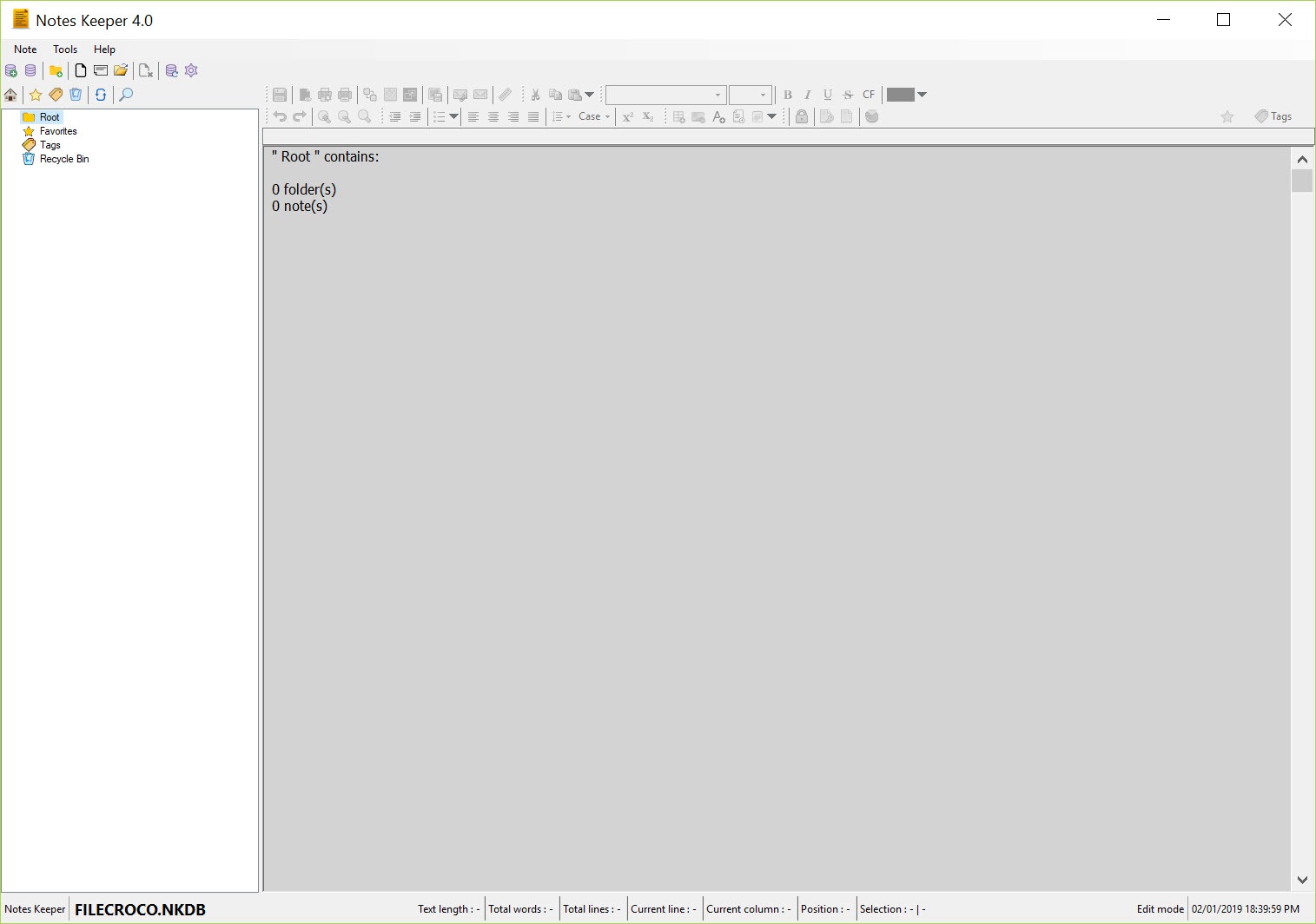
Notes are grouped in folders, shown as a tree in a left pane, and any note can carry several tags, so a note filed under a project can also be found under a topic. Search covers titles and contents. There is no linking from one note to another and no back-reference, which the wiki-style notebooks live on, so the structure here is the folder tree and the tags and nothing more.
For a few hundred notes that is enough. For a research archive it starts to feel like a filing cabinet with no cross-references.
Writing and formatting
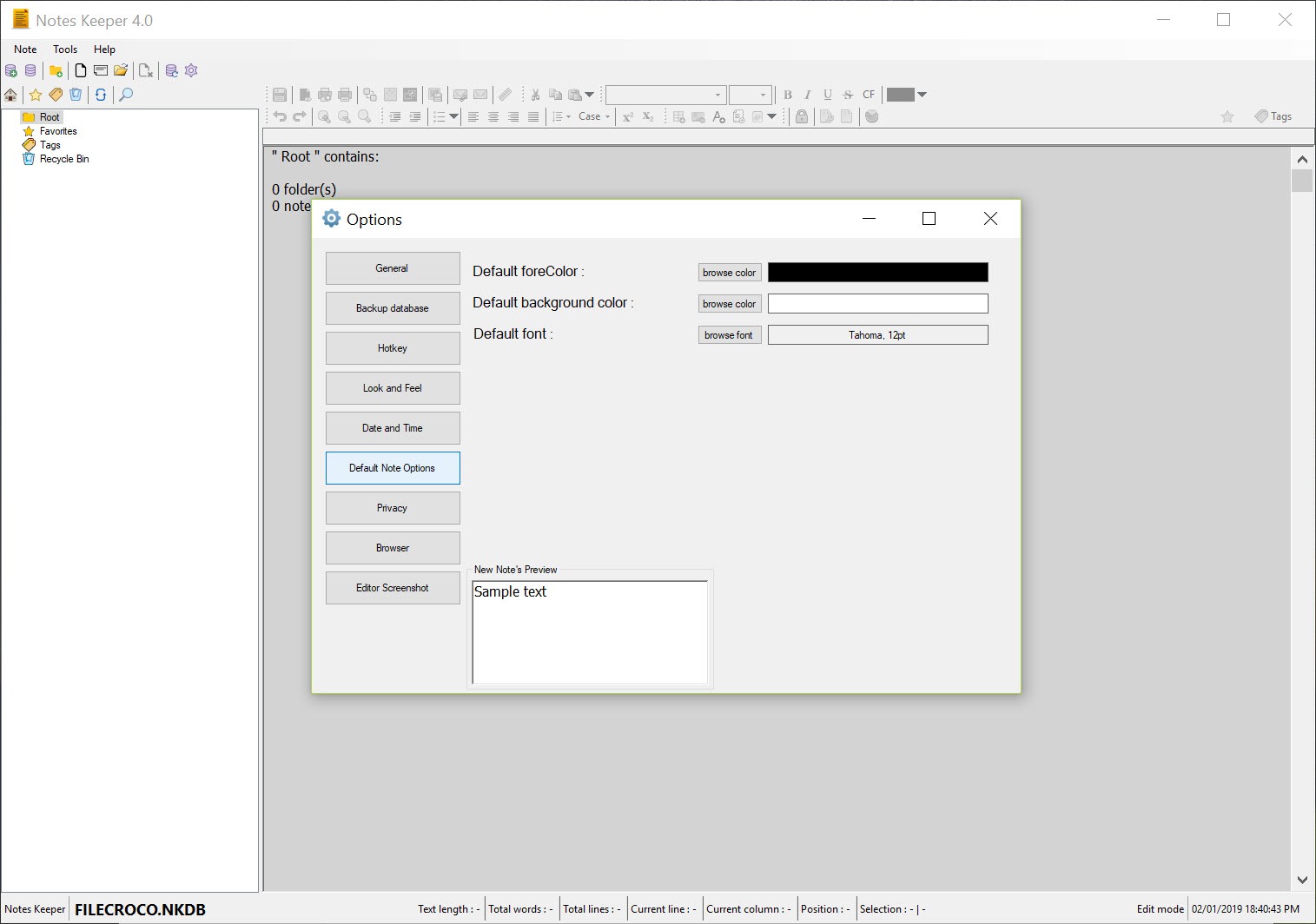
The Notes Keeper editor is rich text. Fonts, sizes and colours are on a toolbar with the usual emphasis buttons. Several bullet styles, line spacing and paragraph spacing before and after sit beside them, plus a case changer that turns a selection to upper, lower, title or sentence case.
Date and time insert in a range of formats with a click. Tables are supported but plain, a grid of cells with no merging or styling, and the program is honest in calling them very basic.
Images paste or insert inline and stay inside the database. Files attach to a note, up to fifty per note, and open from it, which is how a note about a contract keeps the contract beside it. Links to web pages open in the browser you choose.
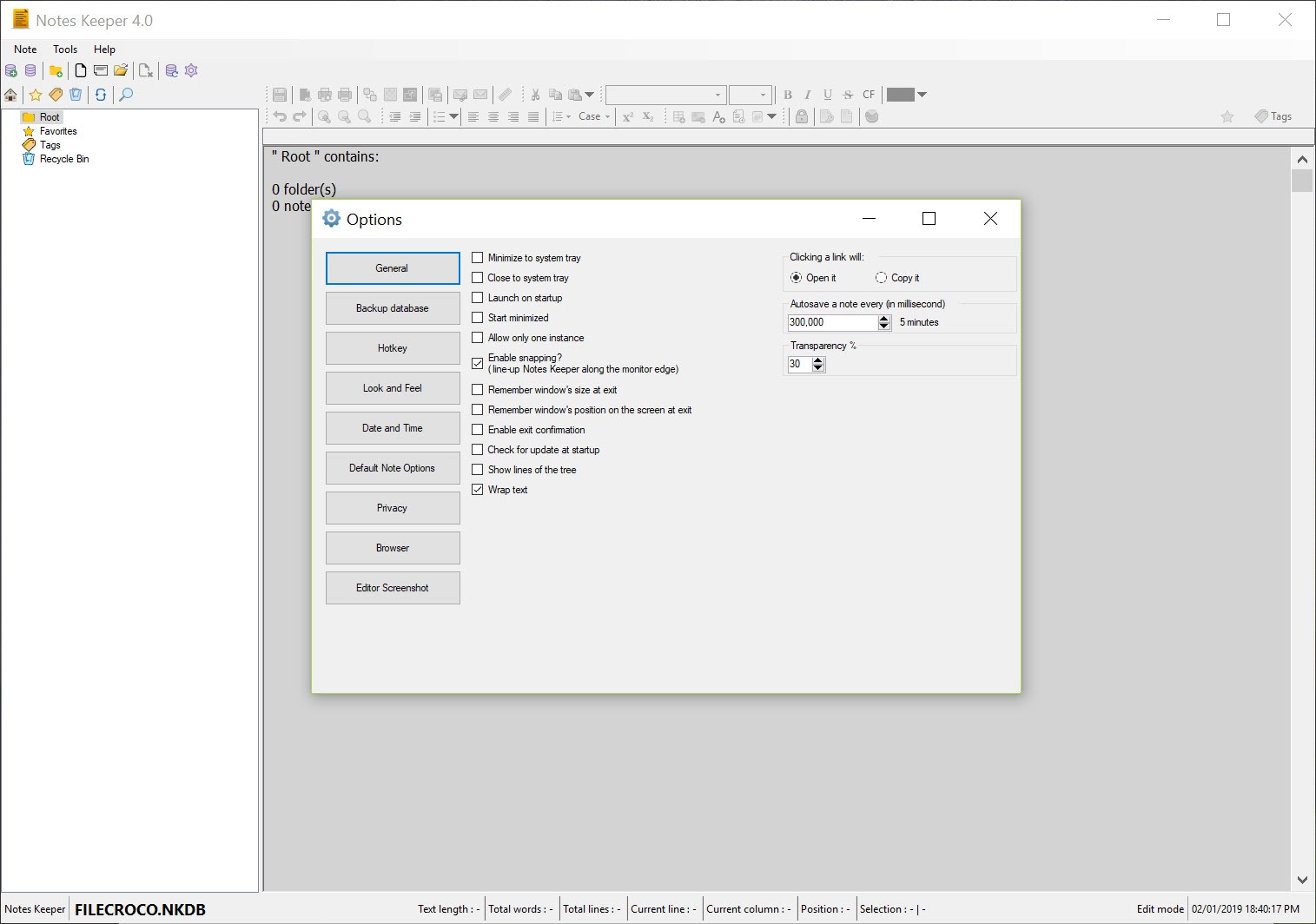
Everything autosaves at an interval you set from one to thirty minutes, and a startup note can be chosen to open first.
Locking and encrypting, with no way back
A Notes Keeper note can be locked against editing, so a reference note is not changed by a stray keystroke, and separately it can be encrypted with a password of its own. The encryption is per note rather than per database, which means a mostly open notebook can hold a few protected entries without a password on every launch. The program states plainly that a forgotten password is a lost note.
There is no recovery and no hint. Write it down, or keep the sensitive material in a password manager instead and note where.
Window habits and getting notes out
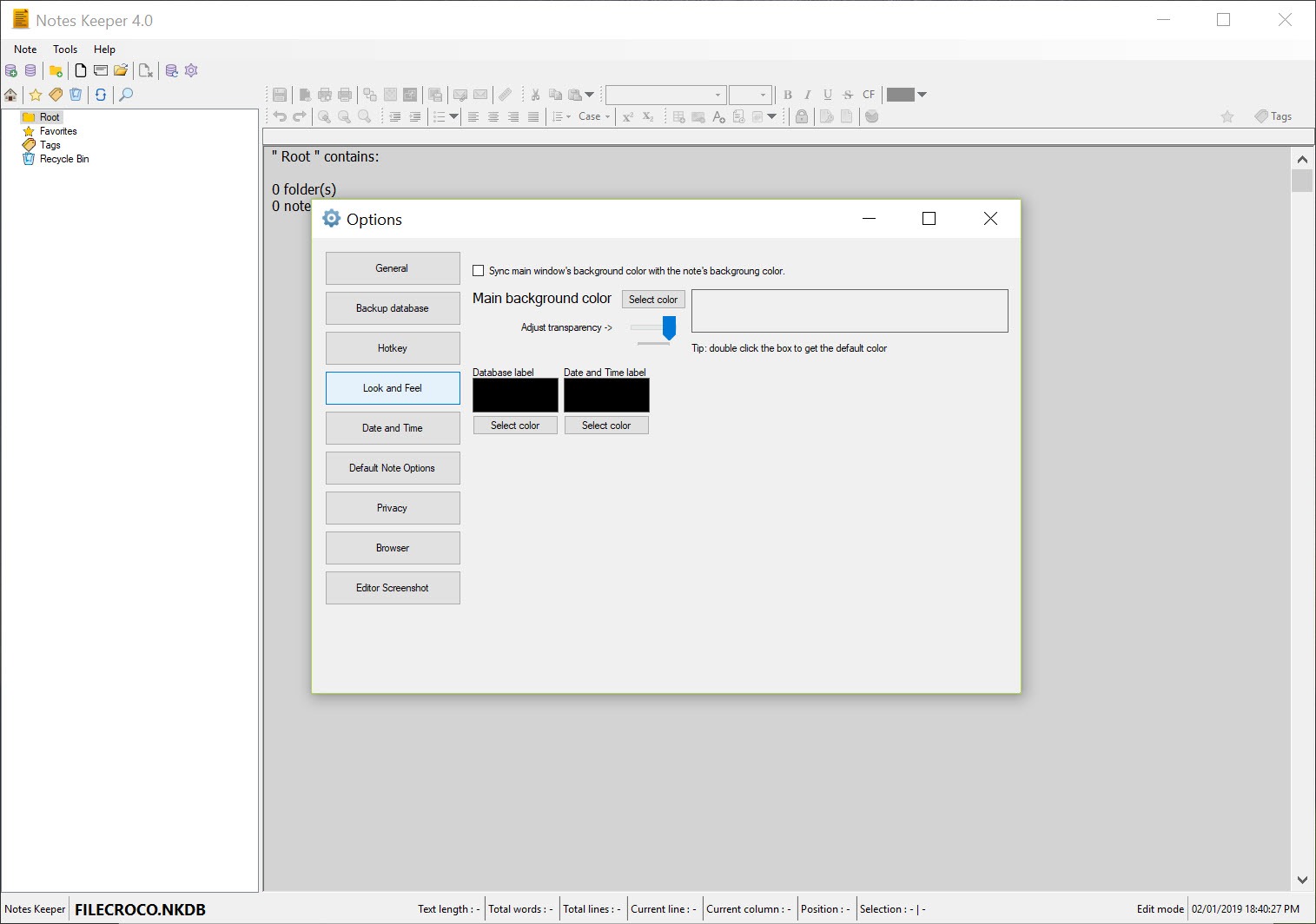
Notes Keeper can start with the system, open minimised or maximised, sit in the tray and remember its size and position. Always on top and a transparency slider make it a scratchpad that floats over a browser while you copy something out, which is a small feature nobody advertises and everybody uses. Full-screen mode hides everything but the text.
Notes export individually or in groups to plain text or RTF, print with a page setup and preview, or go out as email attachments. Text and RTF files import as notes. There is no HTML, no PDF and no whole-database export in a form another notebook reads, so moving on later means exporting note by note or living with RTF.
Conclusion
Notes Keeper is for the person who wants their notes in a file they own, formatted properly, with the odd picture and attachment, and who has no interest in sync, accounts or wiki links. Students, home users and anyone keeping a work journal on a stick will find it quick and quiet, and it will not let them down.
Researchers who cross-reference constantly, and anyone who might want to leave with their notes intact later, should weigh the missing links and the thin export before committing a few years of writing to it.
Pros & Cons
- One local database file with no account and no sync
- Folders and multiple tags per note, with search across contents
- Rich text with tables, inline images and up to fifty attached files per note
- Per-note encryption and edit locking
- Transparency and always-on-top for use as a floating scratchpad
- No links between notes
- Tables are basic with no merging or styling
- Export limited to text and RTF, note by note
- Forgotten note passwords cannot be recovered
Frequently asked questions
In the database file you created on first run, in the folder you chose. Copying that file is a full backup, and placing it beside the executable makes the notebook portable.
No. Encryption is per note and there is no recovery path. Keep the password somewhere safe or store sensitive notes in a password manager.
Only by exporting them as text or RTF, one or several at a time, and importing those files elsewhere. There is no whole-notebook export format.


