

Avast Antivirus


 (420 votes, average: 3.85 out of 5)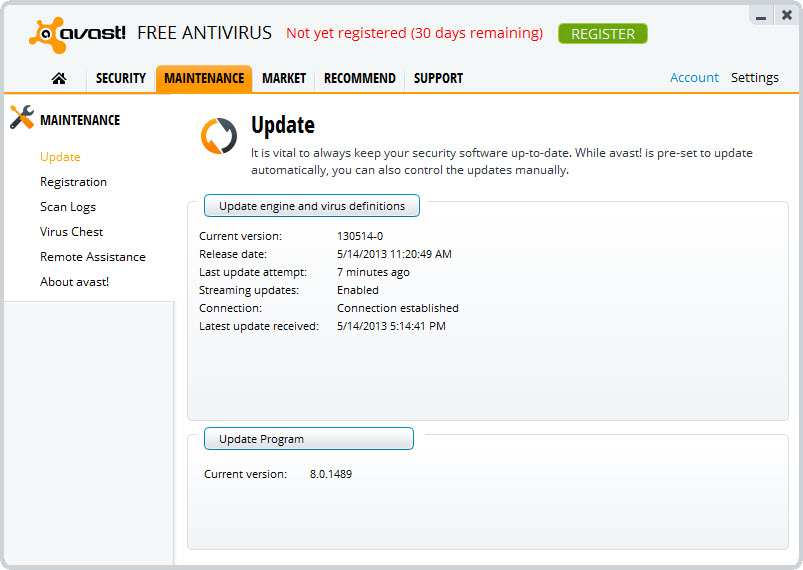
About Avast Antivirus
Avast Antivirus is a security application that wraps real-time malware protection, network analysis, browser-based phishing defense, and various supplementary tools into a single dashboard. The application has been a fixture on Windows desktops for years, and its current shape reflects a long evolution from a pure virus scanner into something closer to a general-purpose system hygiene utility. Whether that breadth is an asset or a distraction depends entirely on what a user actually needs from their security software.
The free version is what most people interact with, and it covers more ground than the free tiers of most direct alternatives. Real-time file scanning, web traffic analysis, behavior monitoring, Wi-Fi network inspection, and software update checking all sit in the same interface.
The paid tiers layer additional protections on top (firewall, ransomware shield extensions, webcam protection, data shredding) along with bundled VPN and tune-up utilities. The complexity is real, and learning what each component does is part of getting value from the software.
Smart Scan as the central workflow
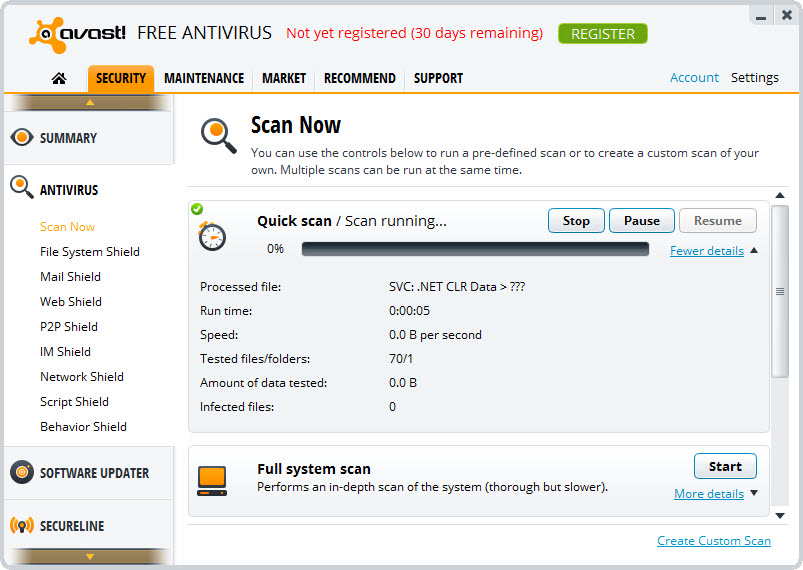
Most antivirus applications expect you to think in terms of separate scans (file system scan, boot-time scan, custom scan). Avast Antivirus centers its workflow around a single Smart Scan button that runs everything in sequence. The same scan checks for active malware on disk, examines browser extensions and add-ons for known-bad entries, looks for outdated software with security implications, audits Wi-Fi network security, and flags performance issues like startup bloat.
This approach has obvious appeal for users who don’t want to think about which type of scan to run. It also reflects a real shift in how threats actually arrive. Pure malware-on-disk is now a smaller share of real-world security incidents than browser-based attacks, social engineering through outdated software vulnerabilities, and unsecured network connections. Combining all of these into one scan matches the threat reality better than treating each as a separate concern.
The downside is that some users feel pressured into addressing items the scan flags that aren’t actually security issues. The performance recommendations, in particular, sometimes overlap with the upsell to the paid tune-up component, which produces complaints about the free tier feeling pushier than it needs to be.
Users who want pure antivirus functionality without the broader hygiene angle sometimes find this annoying. Users who appreciate the all-in-one approach find it useful.
Wi-Fi Inspector and network-level protection
This is one of the more distinctive features in the application’s free tier. Wi-Fi Inspector scans the local network for security issues at the router and device level: weak router passwords, unencrypted or weakly encrypted Wi-Fi connections, exposed network services, devices on the network with known vulnerabilities, and routers running outdated firmware with publicly known security flaws.
For home users in particular, network-level security is where the biggest practical exposures often live. A vulnerable router compromises every device on the network regardless of what antivirus protection each individual device runs.
An outdated smart device with an exposed administrative interface can become a foothold for attackers regardless of how well the desktops are protected. Avast Antivirus brings this layer of analysis into the same dashboard as file-level protection, which is uncommon in the category.
The recommendations the inspector produces are sometimes more theoretical than actionable for non-technical users. Reading that the router needs a firmware update is useful only if the user knows how to update router firmware.
The application offers some guidance but ultimately the actual fix happens outside its scope. For users who don’t otherwise think about network security, surfacing these issues at all is the valuable part. For users already running network monitoring tools or who maintain their own network gear, the inspector adds less.
Behavior Shield, Ransomware Shield, and the runtime layers
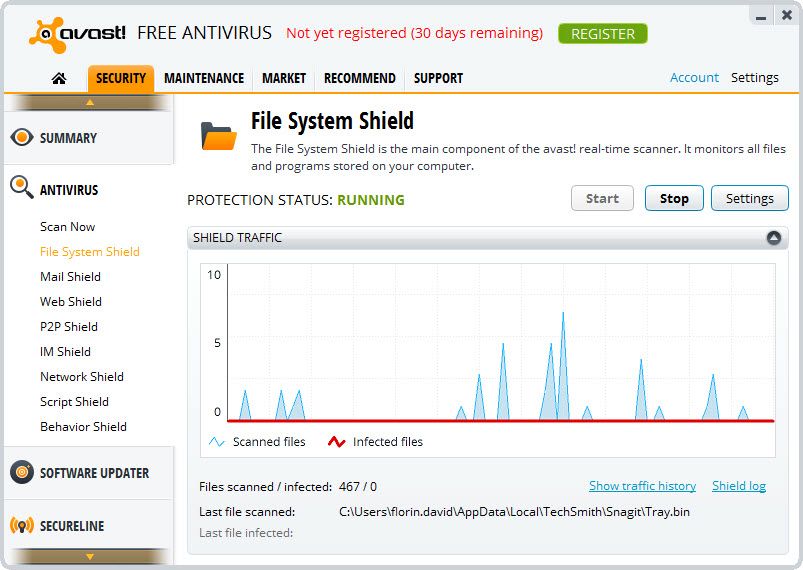
The real-time protection runs as several specialized shields with different responsibilities. The File Shield handles signature and heuristic detection on disk activity. The Web Shield analyzes HTTP and HTTPS traffic for malicious content before the browser renders it. The Mail Shield inspects email traffic for known-bad attachments and embedded threats. The Behavior Shield watches running processes for suspicious activity patterns that don’t match known signatures.
The Ransomware Shield is worth singling out because ransomware behaves differently from traditional malware and needs different defenses. The shield monitors specified folders (typically user documents, pictures, and similar locations) for unauthorized modification attempts. Programs trying to modify or encrypt files in protected folders without approval get blocked and flagged for user review. This catches ransomware patterns before damage spreads even when the specific malware variant isn’t yet in signature databases.
For users specifically focused on cleanup of an already-infected system rather than prevention, portable tools like Dr.Web CureIt! or the Emsisoft Emergency Kit work alongside an installed antivirus without conflict. Running a second-opinion scanner from a portable tool occasionally catches what the primary engine misses, which is a worthwhile habit even for users satisfied with their main protection.
CyberCapture and the unknown-file question
When the application encounters an executable it doesn’t recognize from its signature databases, several things can happen depending on the configuration. The conservative behavior is CyberCapture, which uploads the file to a sandboxed analysis environment, runs it in isolation, and returns a verdict before the local copy executes. The trade-off is honest: a file from your system gets sent to a remote service, which is a privacy consideration users should be aware of.
For users who handle a lot of untrusted downloads (system administrators, security researchers, anyone who works with executable content from varied sources), CyberCapture catches threats that pure signature-based detection wouldn’t catch in time. For users with conservative browsing habits who rarely run anything outside known applications, the feature provides modest additional protection over what the local engine already catches.
The sandbox feature is the manual counterpart, letting users explicitly run a suspect program in an isolated environment without involving the cloud service at all. This is the more privacy-friendly option for users who want to investigate a specific file themselves rather than uploading it.
Performance, gaming mode, and resource usage
Background protection runs continuously, which means continuous memory consumption and intermittent CPU activity tied to file system events. The actual resource footprint is similar to other major antivirus products in the same category. Where users notice impact most is during active scans, especially the first deep scan after installation when the application is building its initial database of known-good files.
Gaming Mode (sometimes called Do Not Disturb mode) automatically detects fullscreen applications and suspends notifications, deferred scans, and update prompts while they run. This matters more than it sounds, because the default scheduled scan timing often collides with the worst possible moments. Reconfiguring the schedule to run during overnight hours or known idle periods eliminates most perceived performance complaints.
The application includes a built-in passive mode that lets it coexist with another primary antivirus, scanning on-demand without active real-time protection. This is unusual in the category (most antivirus products refuse to run alongside another) and useful for users who want a second-opinion scanner without giving up their primary protection.
Conclusion
Avast Antivirus is the right choice for users who want a broad security and system hygiene application rather than a narrow antivirus scanner. The target audience covers home users who appreciate having network security, software update tracking, and behavior monitoring in the same interface, users who do not want to manage multiple separate security tools, and anyone who values the Wi-Fi Inspector specifically for home network analysis.
It’s the wrong choice for users who want minimal, focused antivirus without the broader hygiene angle, for users bothered by the recurring upgrade prompts in the free tier, or for anyone whose threat model doesn’t justify the additional layers beyond what Windows already provides.
The decision between this and paid-only alternatives like Bitdefender, Kaspersky Antivirus, or ESET NOD32 Antivirus usually comes down to interface preference and how much value the free-tier breadth provides for the specific user’s habits.
Features & benefits
Pros & Cons
- Free tier covers real-time protection, web shield, behavior monitoring, and network inspection without major lockouts
- Wi-Fi Inspector adds network-level security analysis uncommon in the antivirus category
- Smart Scan workflow consolidates multiple scan types into a single action
- Ransomware Shield protects user document folders against unauthorized encryption attempts
- Passive mode allows coexistence with another primary antivirus for second-opinion scanning
- Gaming mode automatically suspends interruptions during fullscreen activity
- Free version periodically prompts for upgrades to paid tiers and bundled products
- Smart Scan results sometimes overlap performance recommendations with upsells to tune-up utilities
- Privacy practices around aggregated browsing data have drawn public scrutiny
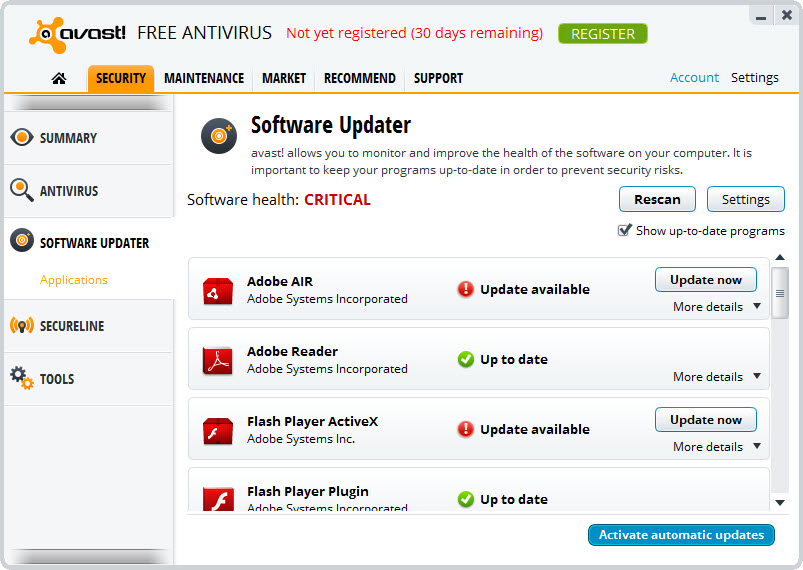
- Some recommendations from Wi-Fi Inspector and Software Updater require technical knowledge to act on
- Initial scan after installation can be resource-intensive while building the known-file database
- Shares its detection engine with another major brand in the same ecosystem
Frequently asked questions
The application covers malware (viruses, trojans, worms, ransomware, spyware), phishing websites, malicious downloads, suspicious email attachments, and behavioral threats like unauthorized file encryption. It also analyzes network-level security through Wi-Fi Inspector.
The system tray icon includes a Shields control submenu that lets you disable real-time protection for a chosen duration (10 minutes, 1 hour, until next restart, or permanently). The application reminds you when shields are disabled and re-enables them automatically when the chosen duration ends.
Standard removal works through the Windows Programs and Features control panel. For cases where the standard uninstall fails or leaves traces, the dedicated Avast Clear utility removes all components and registry entries that the normal uninstaller might miss.
Smart Scan runs multiple checks in sequence: malware detection on disk, browser extension auditing, software update analysis, Wi-Fi network security inspection, and performance recommendation. It consolidates several scan types into a single workflow.
When Avast Antivirus is installed and active, Windows automatically disables Defender's real-time protection to prevent engine conflicts. The application also includes a passive mode that lets it coexist with another active antivirus for on-demand scanning only.
The inspector scans the local network for router security issues, weak Wi-Fi encryption, exposed services on connected devices, and routers running outdated firmware with known vulnerabilities. The results help identify exposures that file-level antivirus protection cannot address.
The free tier does not. Bundled VPN access is part of certain paid tiers, with the standalone product distributed separately. The integrated VPN handles the basic use case of encrypting traffic on untrusted networks but is more limited than dedicated VPN applications.


